
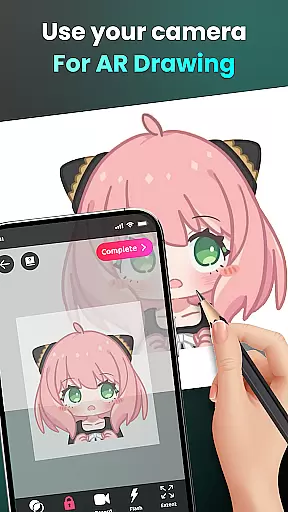
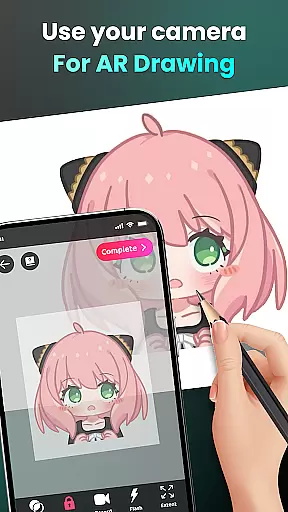
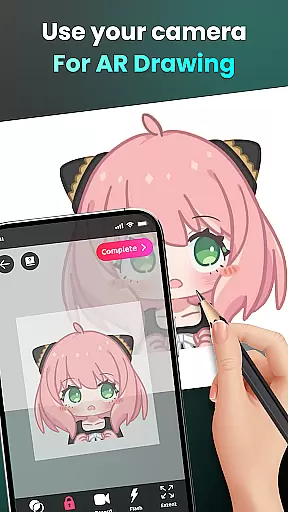
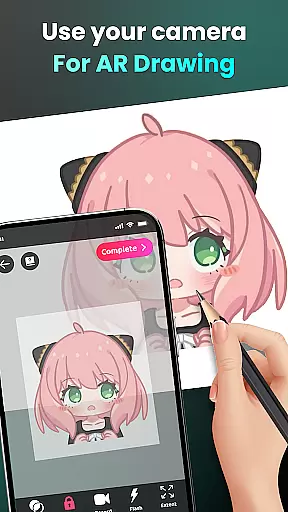
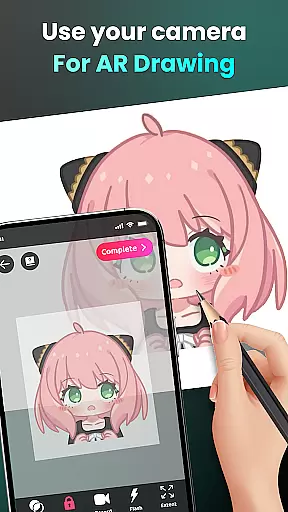
AR Drawing - Sketchar App represents a breakthrough in augmented reality art, allowing users to transform their surroundings into a creative canvas. This innovative Art & Design application leverages advanced AR technology to enable drawing through the camera, making it possible to sketch anything from sample photos to entire scenes simply by looking through your device's screen.
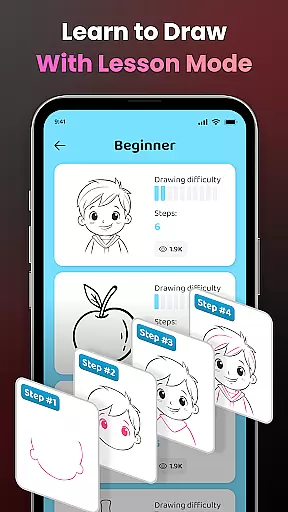
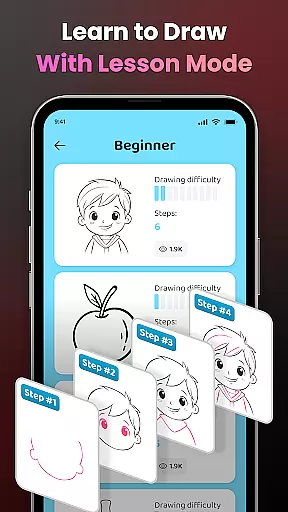
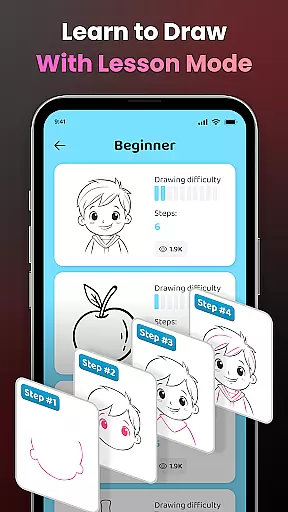
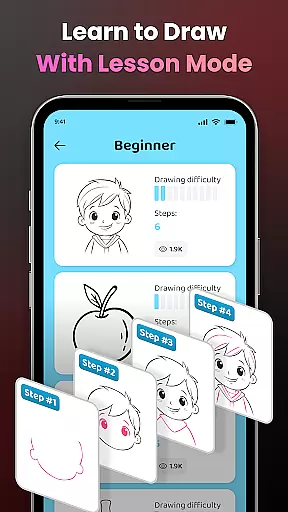
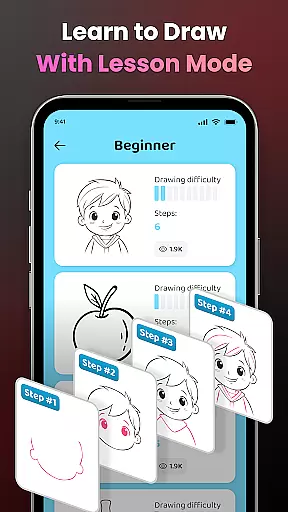
The app provides an exceptional learning platform for aspiring artists, converting complex images into traceable outlines and offering diverse lessons across three difficulty levels. With personalized content, skill tracking, and features like adjustable opacity and flash control, AR Drawing ensures an unmatched creative experience. Whether you're a beginner or a professional artist, this tool opens up unlimited possibilities for creating unique artwork that blends reality with imagination.
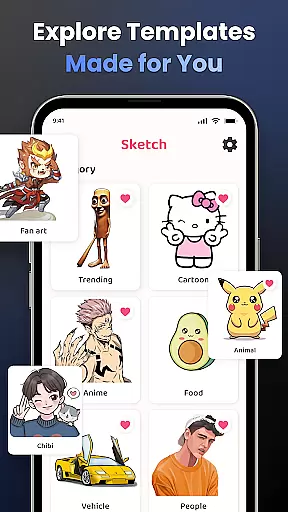
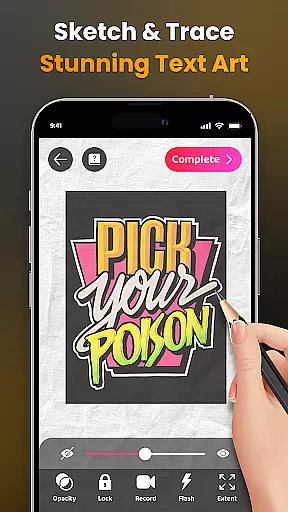
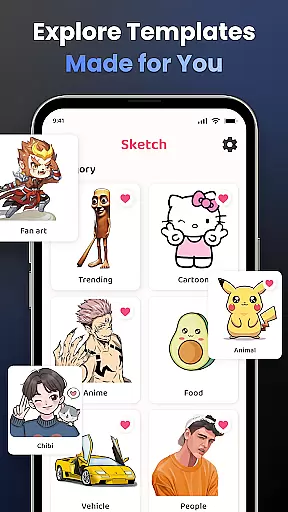
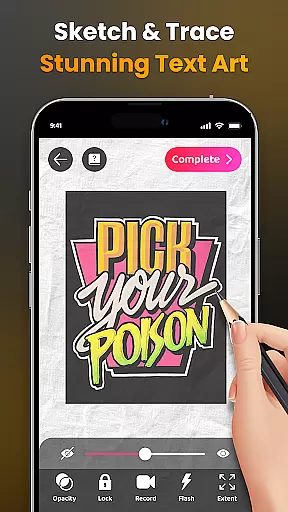
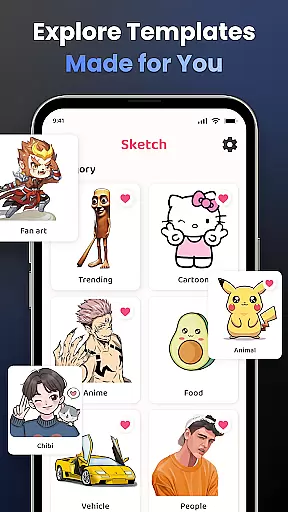
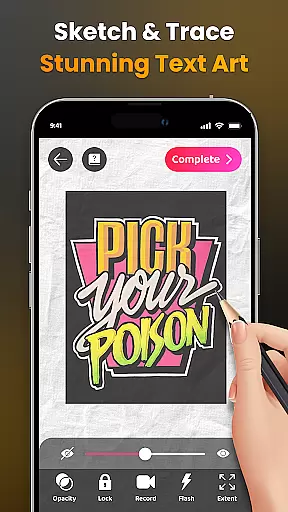
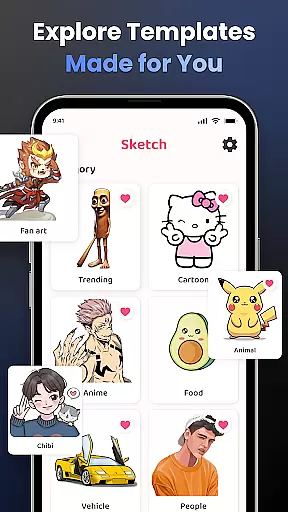
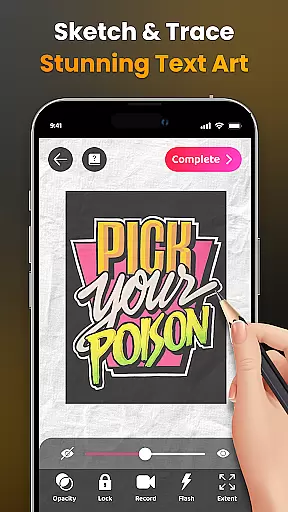
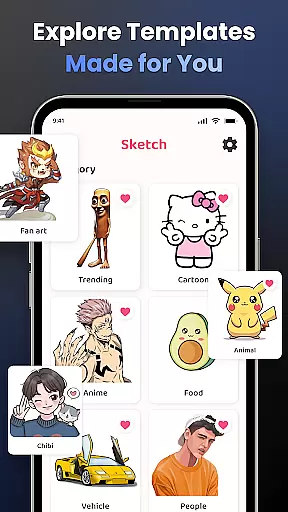
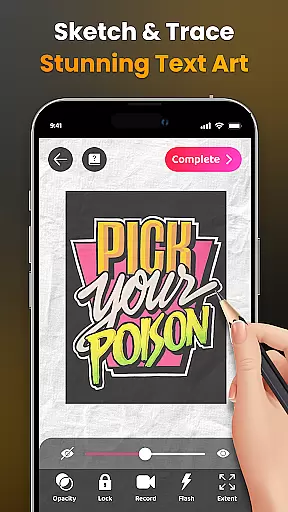
AR Drawing stands out with its comprehensive feature set tailored for both casual and serious artists. The app's signature functionality allows users to draw directly through their phone's camera, supporting everything from simple sketches to detailed drawings of popular characters like Pikachu or Hello Kitty. Its vast library includes categories such as Anime, Cartoon, Animals, and more, providing endless inspiration sources.
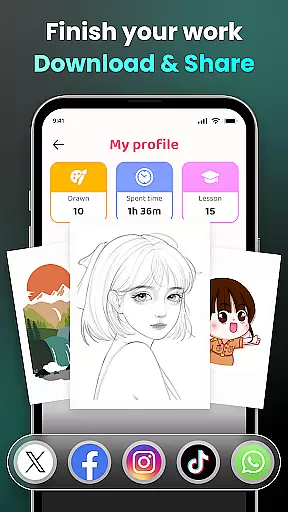
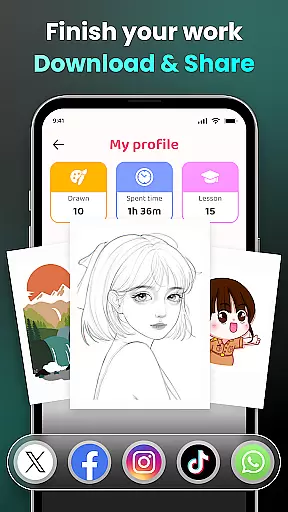
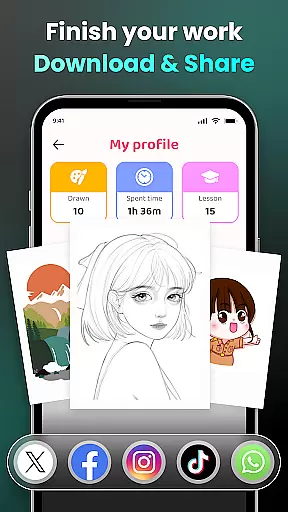
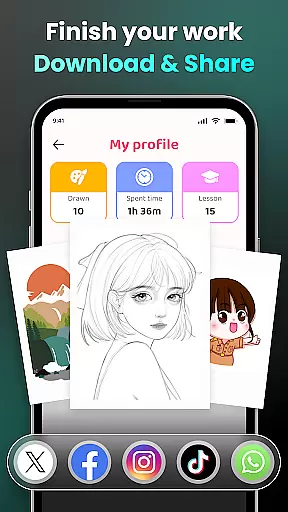
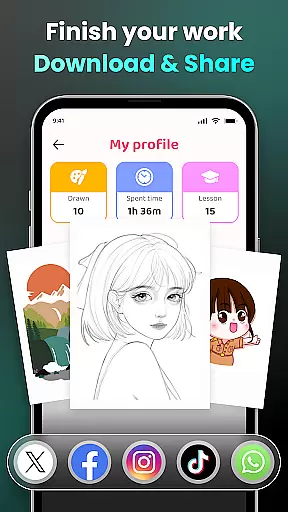
Learning is made easy with step-by-step tutorials and simplified tracing options that help users improve their skills progressively. Advanced features include video recording of the drawing process, zoom controls, and customizable opacity settings. Additionally, the app offers a personalized user profile that tracks progress over time, while the active community enables sharing finished works and exchanging ideas with fellow artists worldwide.
In the realm of digital art, having access to comprehensive creative tools is paramount. AR Drawing - Sketchar App positions itself as an indispensable ally to artists by offering a vast array of features designed to enhance the creative process. The app includes everything from basic drawing tools to advanced augmented reality functionalities that allow users to draw through their camera, transforming any environment into a potential canvas.
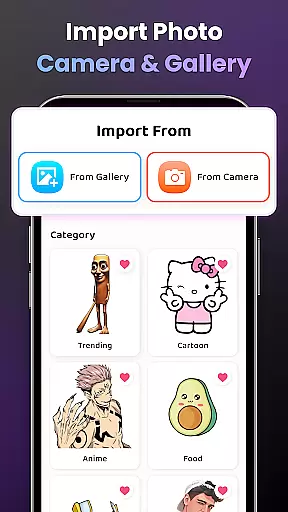
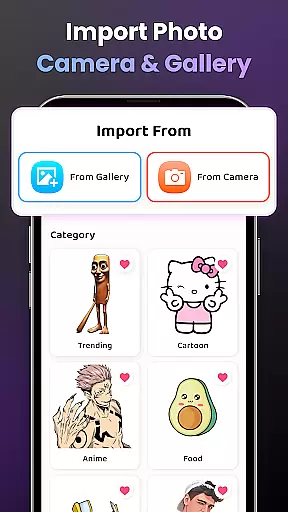
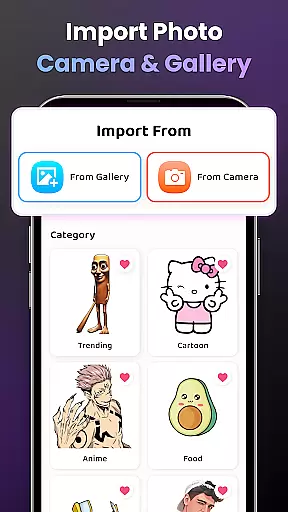
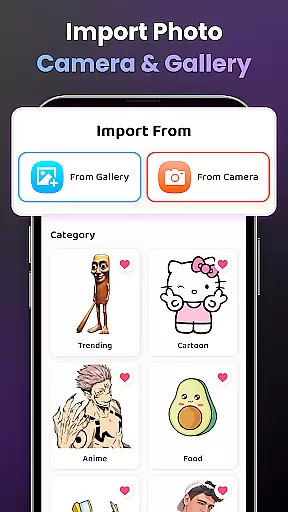
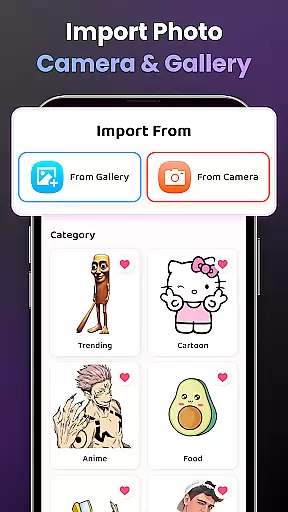
One of the standout offerings of AR Drawing is its ability to cater to artists at all levels. Beginners can take advantage of simplified outlines for tracing, which serves as an excellent practice ground for honing their skills. Meanwhile, more experienced users have at their disposal an extensive library of samples and the option to import personal photos, thus providing unlimited creativity and personalization in their artwork.
The true value of AR Drawing - Sketchar App lies in its dedication to the artist's growth and sharing capabilities. Users can track their improvement over time, access personalized content, and share their masterpieces with a community of like-minded individuals. This ecosystem not only fosters skill development but also helps in building a supportive network that encourages artistic exploration and expression.
Flexibility in art creation is embodied by the ability to manipulate the canvas and format to suit the artist's vision. AR Drawing - Sketchar App excels in this area by providing users with adjustable opacity settings, video recording of the drawing process, zoom functionality, and flash control. These features ensure that artists can customize their workspace to achieve the best display and comfort during their creative sessions.
Moreover, the app supports a wide range of popular art categories including Anime, Cartoon, Animal, and many others, allowing artists to explore different styles and subjects without limitations. Whether it's fanart or original creations, users are free to express themselves on a dynamic canvas that adapts to their needs.
AR Drawing also recognizes the importance of mobility in today's creative workflows. Artists can effortlessly download videos of their drawing processes, making it easy to showcase their work across various platforms. This seamless integration between creation and sharing empowers artists to present their work in diverse formats, reaching wider audiences and inviting more engagement with their art.
User-friendly interface
Innovative AR features
Vast image library
Progress tracking system
Active artist community
Premium content costs
Device compatibility issues
Occasional bugs
Limited offline features
Steep learning curve

AI generated images & photos, turn your words into drawing, painting & pictures.
 4.30
4.30
Create stylish invitation cards using templates for weddings, birthdays & RSVP.
4.20
Android 14 style widgets and wallpapers app.
4.5
Photo stitcher for automatically screenshot stitching into a long screenshot
4.70
Everything you need to create hand drawn animation, anywhere you go!
4.40
Turning simple sketches into captivating tales filled with life and motion
3.90
Create Logos, Tattoos, AI Art & more with our AI Photo Generator & Design Editor
4.20
Draw, make movies & animate cartoons easily with our 2D animation maker app
4.40
AI-powered photo & video creation—fast, fun, and effortless with Quick Actions
4.60
Logo Generator powered by AI: Create stunning logos effortlessly!
4.70
Novices can also easily complete diamond painting masters
4.70
Painting, drawing, & sketching
4.50
Share the joy of painting with ibis Paint! Drawing anime and manga art.
4.50
AI Tattoo Generator: Create Tattoo Designs & Get Ideas! Ink & Stencil Maker
4.50
Unleash Your Creativity with Draw Cartoon - AR Drawing App
4.10
AR Anime Drawing: How to draw anime with AR drawing & sketching apps!
4.00
Design unique, funny and adorable cat stickers that reflect your own style!
3.80
Your homescreen as an elegant glass with customized blur, lighting, and visuals.
3.70
Experience next-gen icons with a modern liquid glass look.
3.60


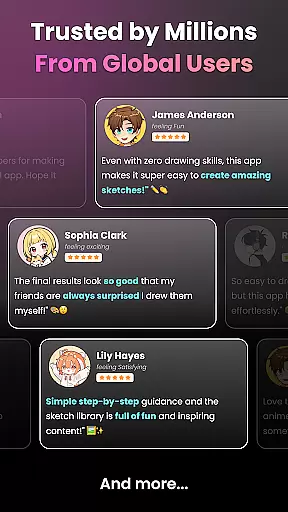
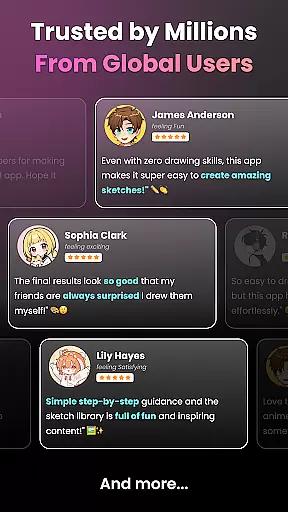
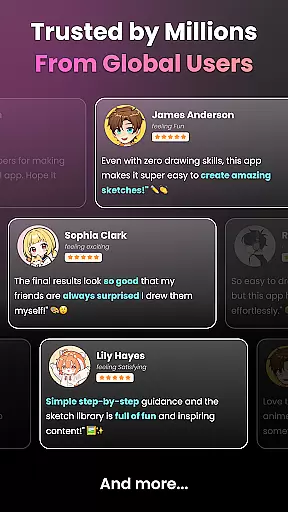
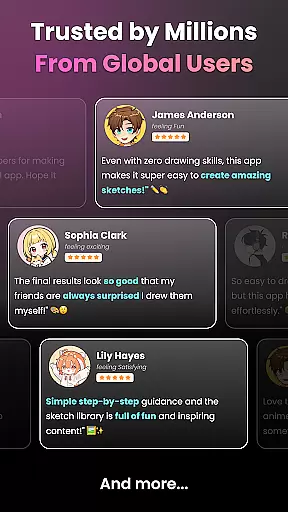
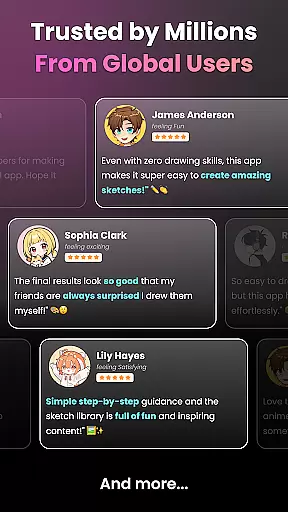
User Reviews