
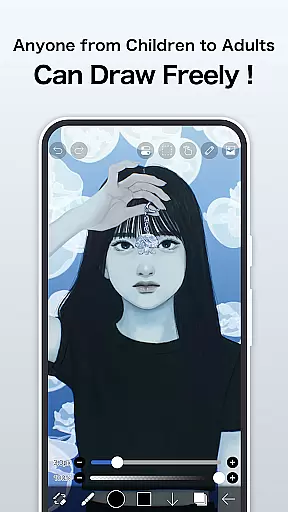
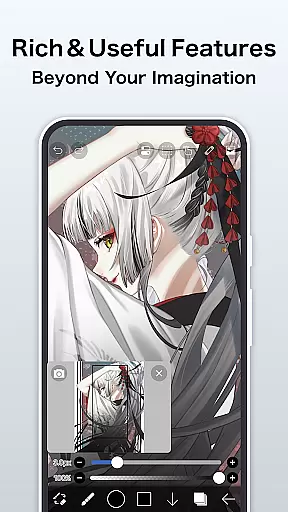
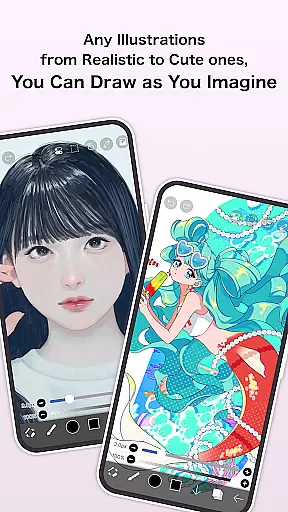
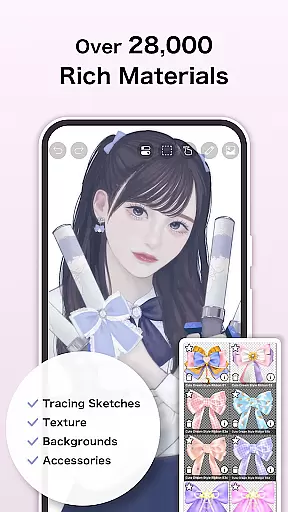
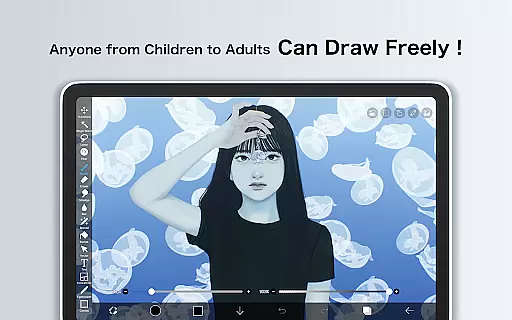
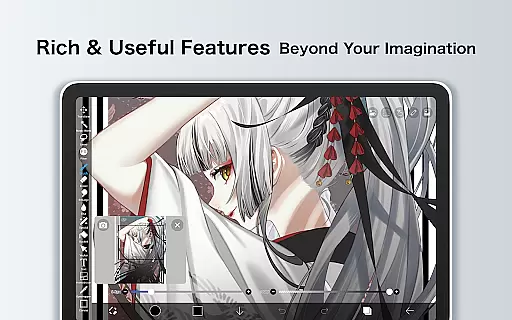
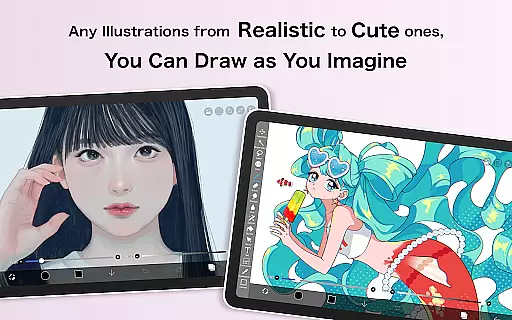
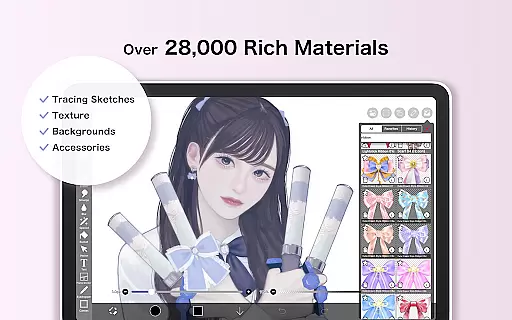
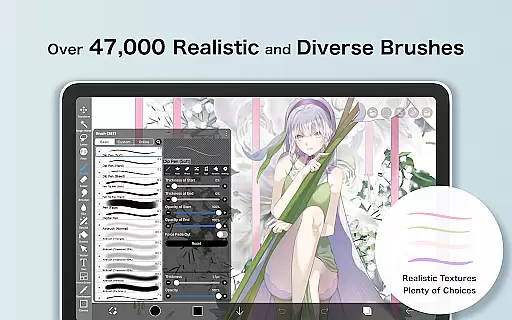
ibis Paint is a premier digital art studio designed for both amateur and professional artists. This app offers an extensive suite of creative tools including over 47000 brushes, 27000 materials, and 2100 fonts, enabling users to produce highly detailed artwork directly on their mobile devices. The app supports advanced features such as stroke stabilization, various rulers, and blending modes, making it suitable for creating complex illustrations and manga.
In addition to its robust drawing capabilities, ibis Paint allows users to record and share their creative processes with a community of artists. With functions like screentones, filters, and a versatile text tool, the app caters to a wide range of artistic styles and techniques. Whether you're sketching, painting, or designing manga, ibis Paint provides all the necessary tools in one comprehensive package.
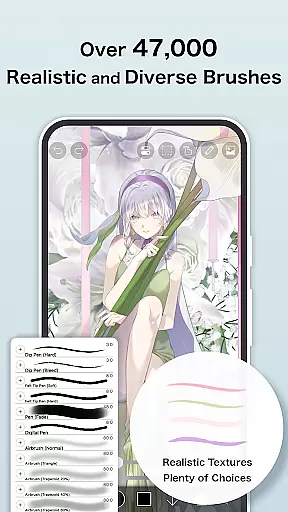
One of the standout features of ibis Paint is its vast selection of customizable brushes, which include options like dip pens, airbrushes, and oil brushes. Each brush can be fine-tuned to suit individual preferences, providing unparalleled control over every stroke. Additionally, the app's layer functionality is exceptionally powerful, allowing unlimited layers and offering parameters such as opacity adjustment, alpha blending, and more.
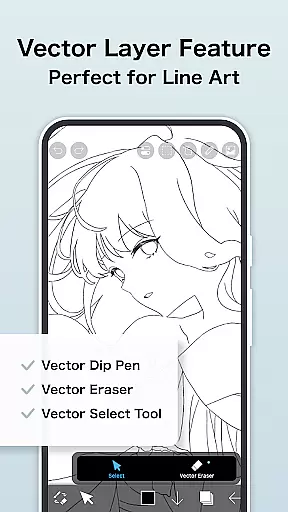
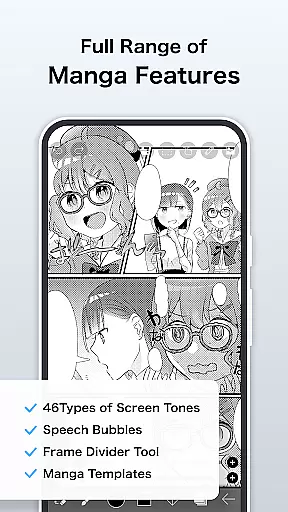
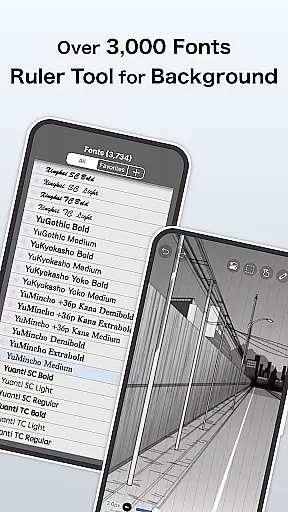
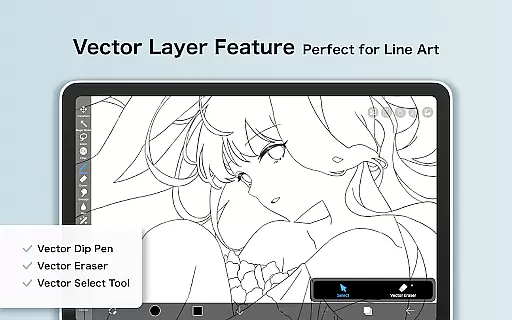
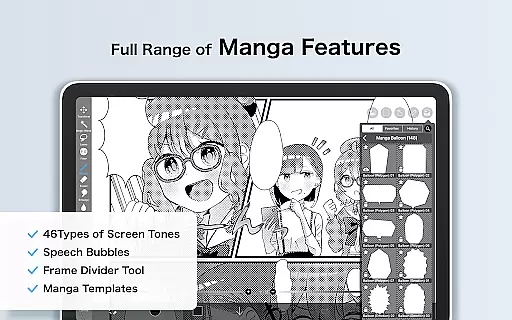
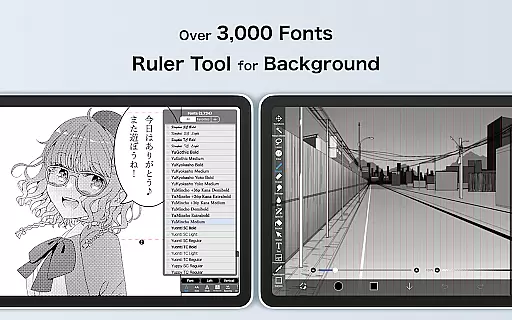
For manga creators, ibis Paint includes specialized tools like an advanced text tool with vertical and horizontal writing options, multiple font selections, and screentone effects. Users can also take advantage of the Prime Membership, which unlocks exclusive features such as vector tools, cloud storage, and AI-based functionalities. These premium features ensure that artists have access to cutting-edge technology to enhance their creative workflow.
ibis Paint offers an extensive suite of creative tools that cater to both amateur and professional artists. With over 47,000 brushes, users can explore a variety of styles ranging from dip pens to oil brushes, ensuring every artistic vision can be realized.
The app provides advanced layer features with unlimited layers and individual layer parameters such as opacity and blending modes. This flexibility allows for complex compositions and detailed editing, empowering users to create sophisticated artwork directly on their mobile devices.
In addition to the vast brush selection, ibis Paint includes manga-specific tools like an advanced text tool with vertical and horizontal writing options, font selection, and multiple text functions. These features are crucial for creating professional-quality manga and graphic novels.
For those seeking even more functionality, Prime Membership unlocks exclusive features including vector tools, AI disturbance, and various filters and adjustment layers. This membership model ensures that ibis Paint remains a comprehensive and evolving platform for digital art creation.
One of ibis Paint's standout features is its canvas and format flexibility, which allows artists to customize their workspace according to specific project requirements. Users can choose from a range of canvas sizes and resolutions, making it suitable for everything from quick sketches to high-resolution illustrations.
The app supports importing images and original brush patterns, enabling artists to incorporate personal elements into their work seamlessly. This feature enhances creative possibilities by allowing unique textures and designs to be integrated into digital paintings.
Furthermore, ibis Paint offers prime canvas papers and customizable screentones, giving users the ability to mimic traditional media or create distinctive digital effects. The inclusion of these specialized materials demonstrates the app's commitment to providing versatile creative options.
With support for various file formats and export options, artists can easily share their work across different platforms or continue editing in other software. This interoperability ensures that ibis Paint fits smoothly into any digital artist's workflow while maintaining professional standards.
User-friendly interface
Extensive brush library
Advanced layer options
Community sharing platform
Premium features available
Prime Membership required
Initial cost for full version
Complex for beginners
Limited free trial period
Ads in free version

Learn how to draw with step-by-step tutorials, fun lessons & multiplayer drawing
 4.70
4.70
Remove Background, Magic Eraser, Photo Enhancer, Story Templates, Collage Maker
4.30
Convert image to JPG PNG HEIC PDF, support almost all kinds of image formats
4.70
Photo editor for art, avatars, filters & fun transformations.
4.60
Minecraft & Roblox Clothes
4.70
Get creative and make art with your Sesame Friends!
4.00
Get an overview over all your embroidery threads, projects and more.
4.60
Inky runs Inkscape on Android devices and Chromebooks
2.90
Draw, fidget, and spin glow art! Relax and express your creativity with a finger
4.60
Create stunning art with AI.
4.80
Digital, Abstract, Classic - all types of color wheels in one app!
4.60
Draw beautiful mandala's very easily
4.60
Draw Trace image sketch by, AR art projector app, Easy to trace any image.
4.50
Paint with oils and sketch with natural tools on a realistic virtual canvas.
3.80
Design unique, funny and adorable cat stickers that reflect your own style!
3.80
Powerful home decoration & house design that allows you to design dream home.
3.80
Resize photos and print photos in exact size with our powerful photo printer!
3.80
Meet the magic aı 3d photo generator and smart AI video generator app.
3.20
Android 14 style widgets and wallpapers app.
4.5


User Reviews