
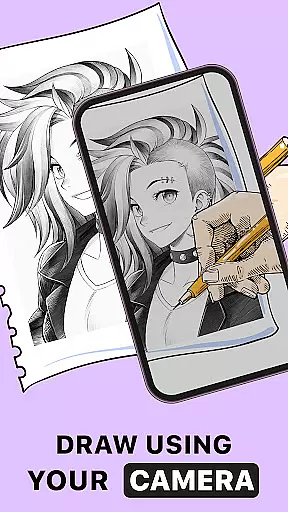
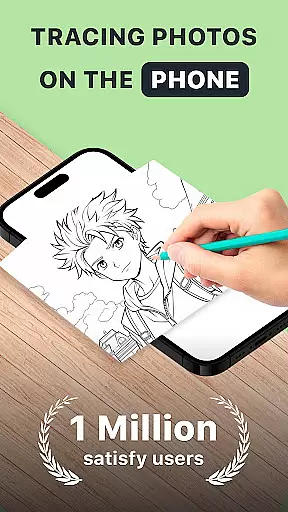
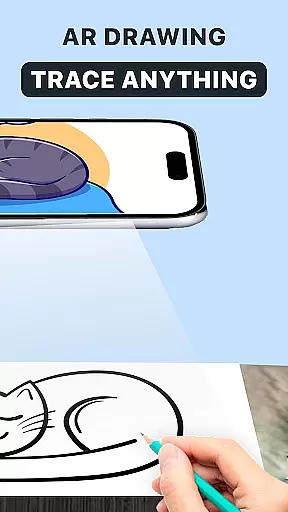
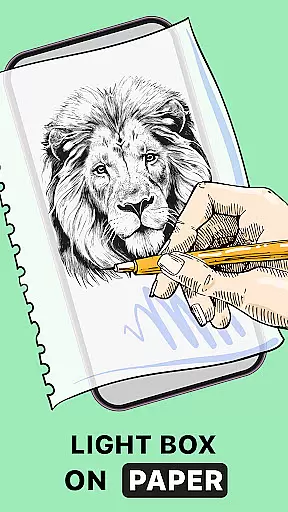
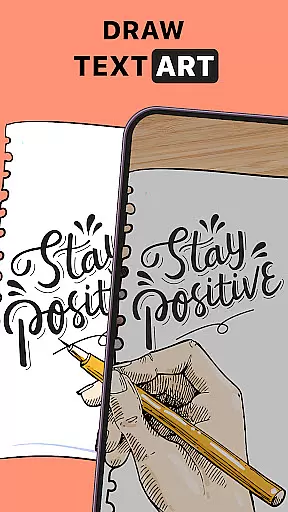
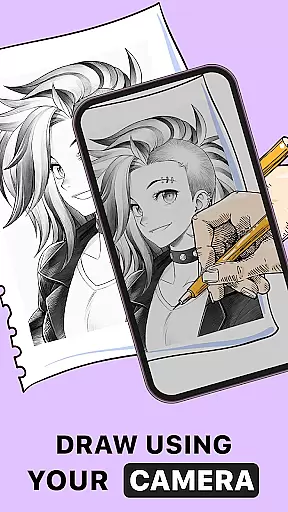
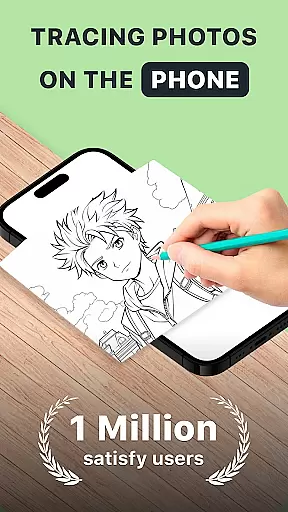
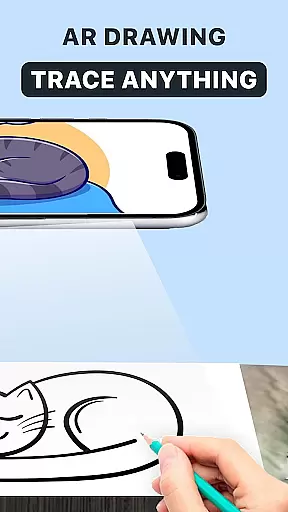
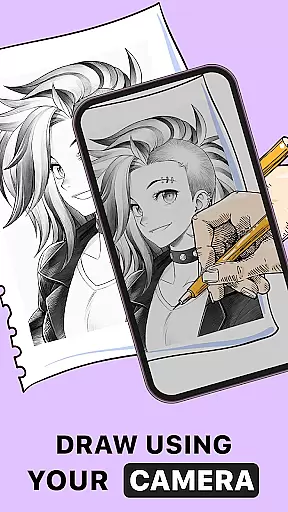
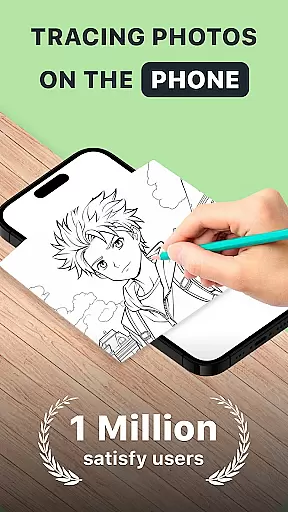
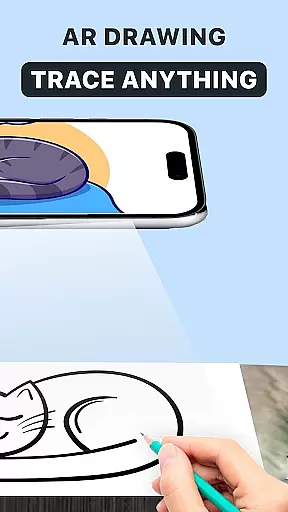
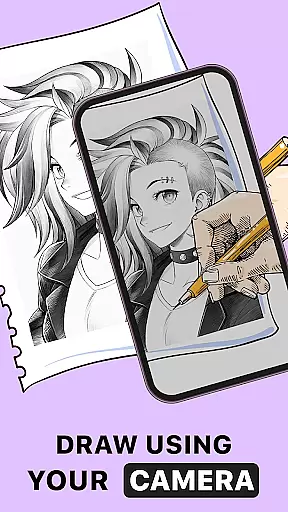
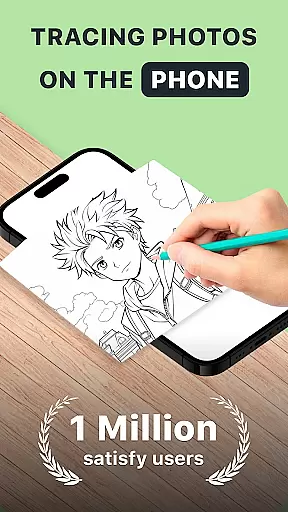
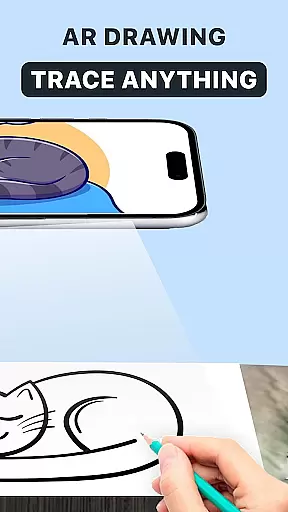
AR Drawing: Trace Anything is an innovative art application designed for creative enthusiasts who enjoy drawing and coloring. This app offers a unique augmented reality experience that allows users to trace and create artwork from any picture using their mobile device.
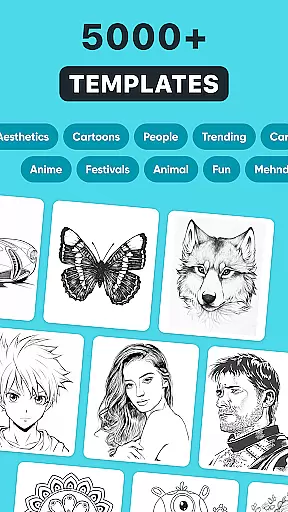
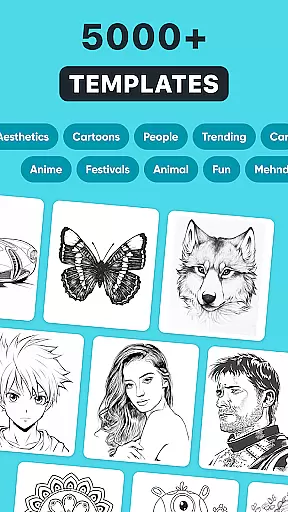
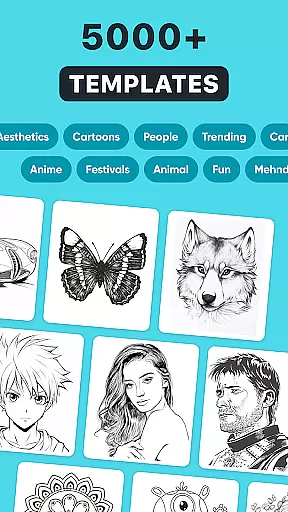
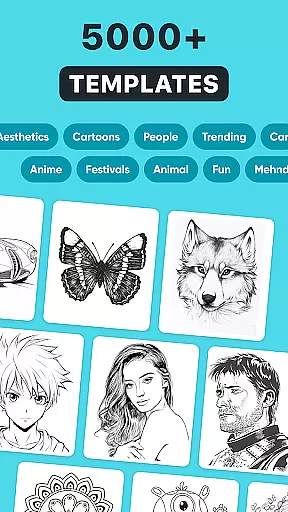
The application's core functionality lies in its powerful AR tracing feature, which transforms ordinary images into traceable outlines. Users can select pictures from their gallery or choose from the app's extensive library, making it an ideal tool for both beginners and professional artists looking to enhance their skills.
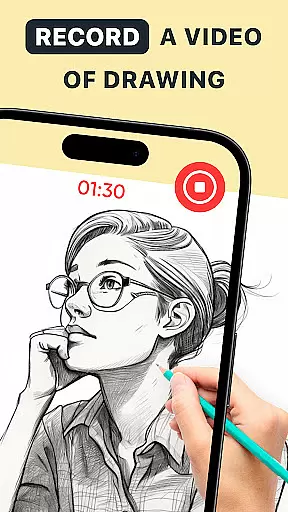
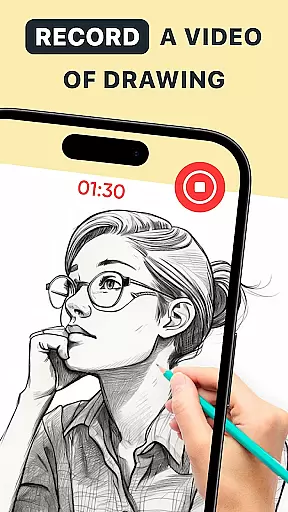
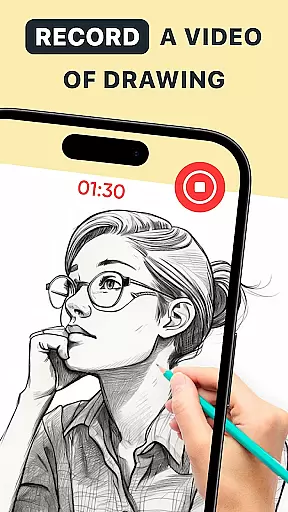
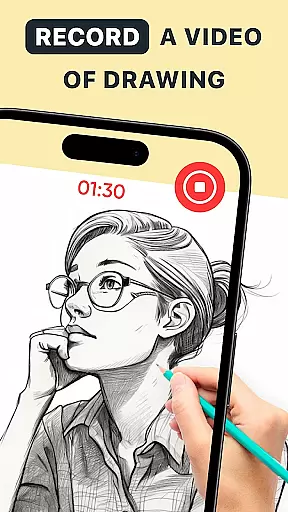
Whether you're working on personal art projects or creating educational content, AR Drawing provides versatile tools for various artistic needs. The app's ability to capture time-lapse videos of your creative process adds extra value for those wanting to share their techniques or document their artistic journey.
AR Drawing stands out with its comprehensive set of artistic features designed to enhance creativity. The application's most notable capability is its augmented reality tracing system, which accurately converts images into traceable sketches while maintaining proper proportions and details.
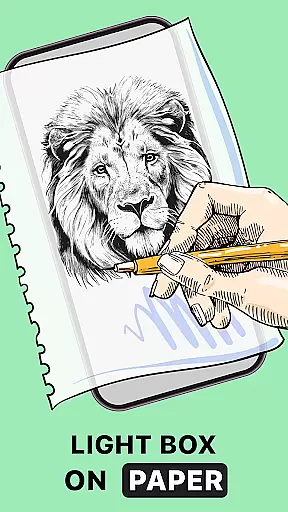
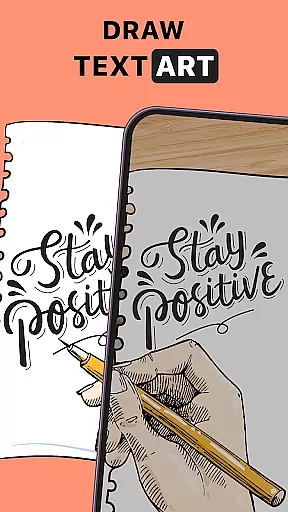
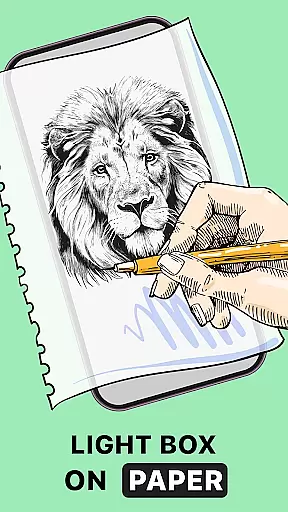
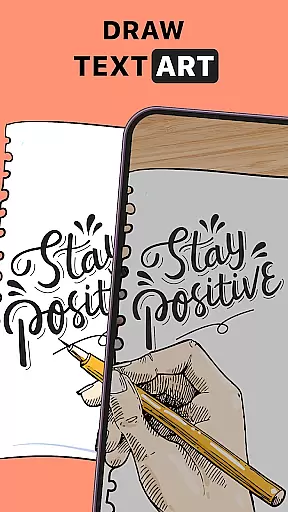
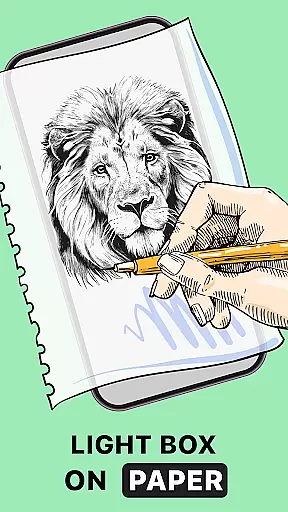
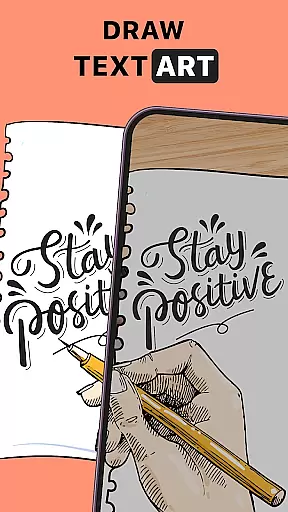
The app includes advanced tools such as AR Draw Sketch, which enables users to create artwork anywhere without traditional drawing supplies. Its versatility extends to various art forms, including anime creation and complex design work. The built-in personalization options allow artists to add transparent effects and customize line styles, ensuring each piece remains unique.
What makes this application particularly valuable is its educational aspect - users can record their drawing process and create behind-the-scenes content. This feature proves especially useful for art instructors and content creators who want to demonstrate techniques or share their creative methods with others.
In the realm of digital art, having access to comprehensive creative tools is essential for artists looking to express their visions fully. AR Drawing: Trace Anything offers an extensive suite of features that cater to both budding and experienced artists. The app includes functionalities such as AR drawing, trace drawing, and a sketchbook mode, which collectively provide a versatile platform for artistic expression.
One of the standout aspects of this application is its ability to transform any picture into a traceable outline, allowing users to create detailed artwork with ease. This feature not only simplifies the process of drawing but also enhances the user's skills by providing guided hand movements. Whether you're tracing from your gallery or using the rich library within the app, the capabilities are designed to refine your art drawing abilities and elevate your creations.
Furthermore, the app supports various artistic endeavors, from creating anime drawings to complex designs. With built-in AR drawing paint and sketch options, artists can add transparent and line effects to images, ensuring each piece is unique. This level of personalization empowers users to customize their artwork precisely how they envision it, making every creation a true representation of their artistic intent.
Flexibility in canvas and format options is crucial for artists who wish to explore different mediums and styles without limitations. AR Drawing: Trace Anything excels in providing users with the adaptability needed to experiment and innovate. The app allows artists to work on any image and convert it into a masterpiece, offering unparalleled freedom in terms of canvas size and format customization.
With the ability to capture time-lapse videos of the drawing process, users can document their artistic journey and share it with others. This feature not only serves as a teaching tool but also enables creators to showcase their work dynamically. Whether producing an AR drawing anime or demonstrating techniques through AR drawing BTS (Behind The Scenes), the app equips artists with the means to communicate their methods effectively.
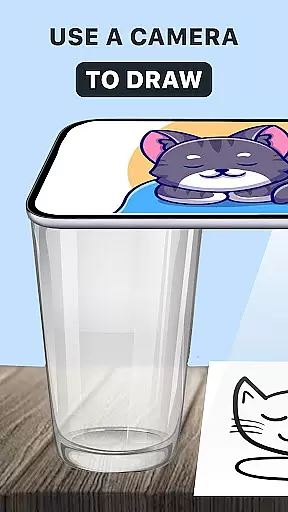
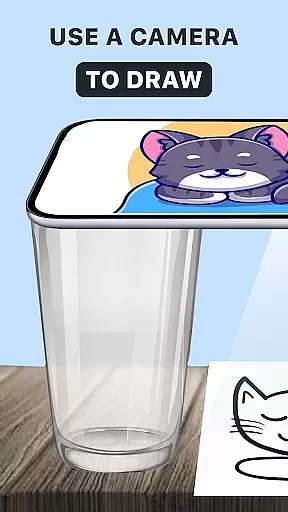
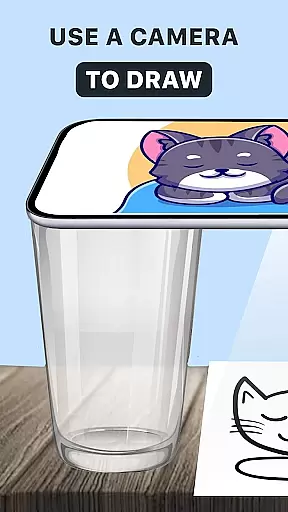
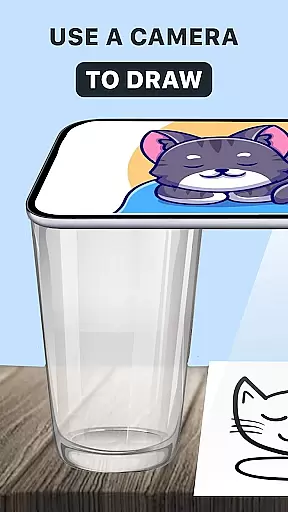
Additionally, the convenience of using just a smartphone and a sheet of paper makes this app accessible anytime, anywhere. Users aren't constrained by traditional art supplies; instead, they have the power to trace anything, anywhere, quickly and conveniently. This portability ensures that inspiration isn't lost, whether at home, traveling, or even in a park, reinforcing the idea that great art should never be confined by physical boundaries.
User-friendly interface
Extensive image library
Advanced AR tracing
Time-lapse recording
Versatile art styles
Requires steady hand
Consumes storage space
Limited free features
Device compatibility
Learning curve present

Discover Cartoon Dream : Unleash Your Creativity with CuttingEdge AI
 4.50
4.50
Stylish letters, Stylish Keyboard, Symbols, Emojis, Cool nickname
4.40
Paint with oils and sketch with natural tools on a realistic virtual canvas.
3.80
Make your phone cooler and have a fantastic experience
4.80
Draw anime easily with AR guidance, sketch templates & trace tools!
3.10
Get an overview over all your embroidery threads, projects and more.
4.60
Your homescreen as an elegant glass with customized blur, lighting, and visuals.
3.70
Beauty Camera - Selfie Camera is the ultimate beauty camera and selfie app
4.30
All-in-One art, logo & collage maker. Design photos and edit video backgrounds
4.80
Photo stitcher for automatically screenshot stitching into a long screenshot
4.70
Convert image to JPG PNG HEIC PDF, support almost all kinds of image formats
4.70
Kling AI is an image and video generation and editing studio powered by AI.
4.50
Draw, make movies & animate cartoons easily with our 2D animation maker app
4.40
Easy 3D drawing design maker & creator. Model designing, Sculpting. Create&paint
4.00
Resize photos and print photos in exact size with our powerful photo printer!
3.80
AI Art Generator transforms your words into AI generated art & paintings.
3.70
Create cute cat emojis & PFPs! Fun, custom avatars for cat lovers.
3.70
Apply cartoon, caricature, and portrait effects to make your photos stand out!
3.60
Download now for a stylish and functional timepiece
4.0


User Reviews