
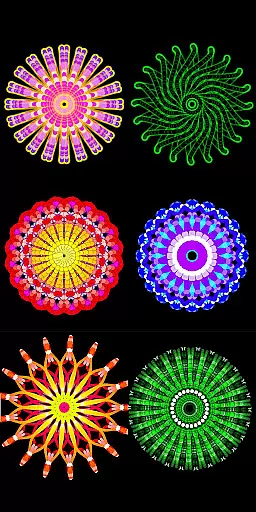
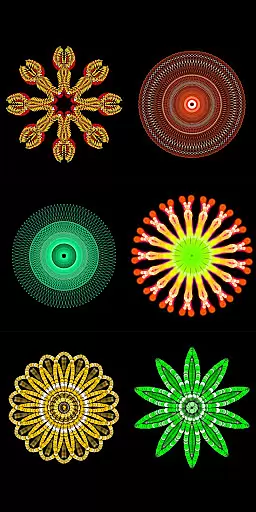
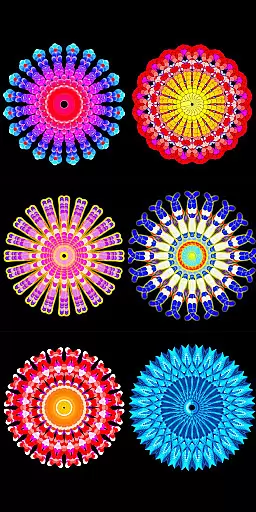
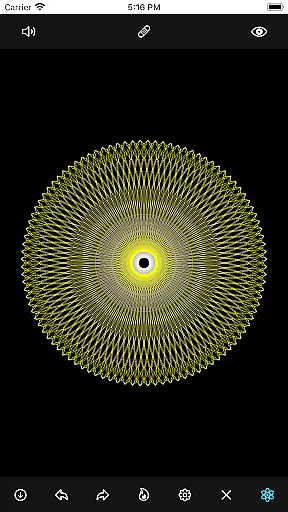
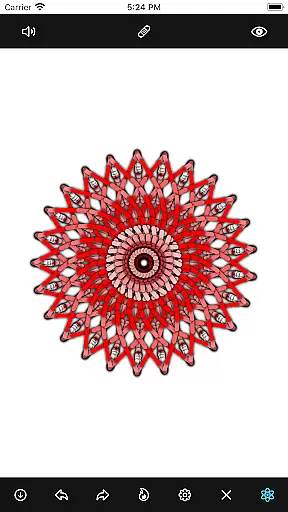
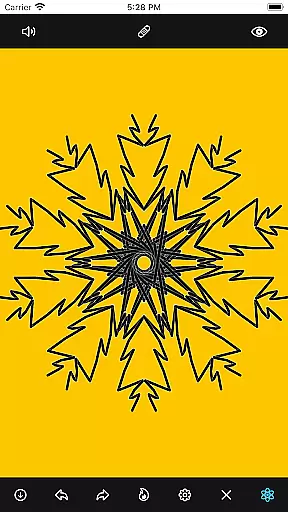
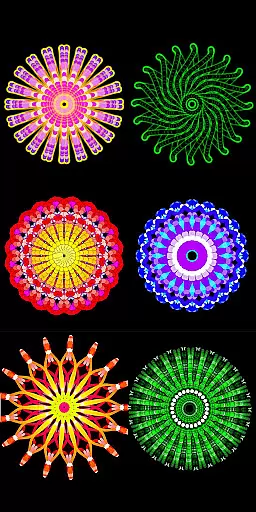
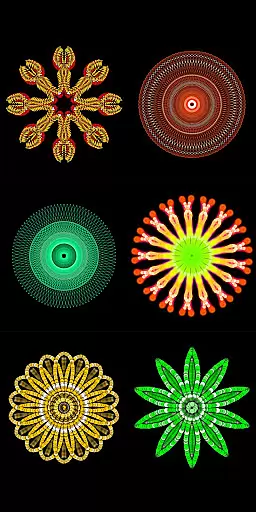
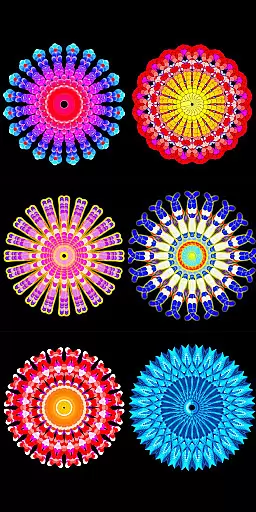
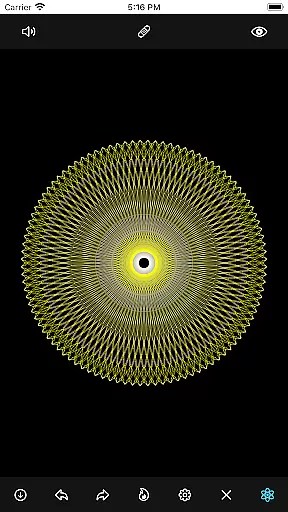
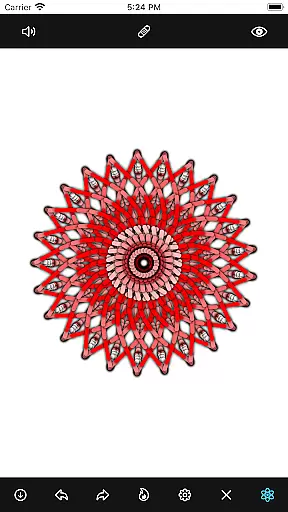
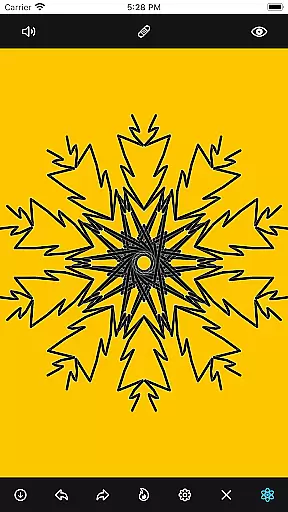
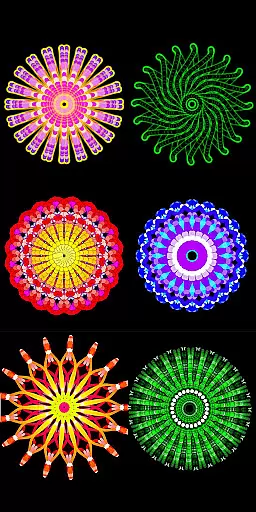
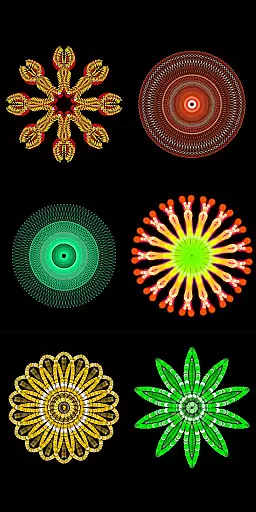
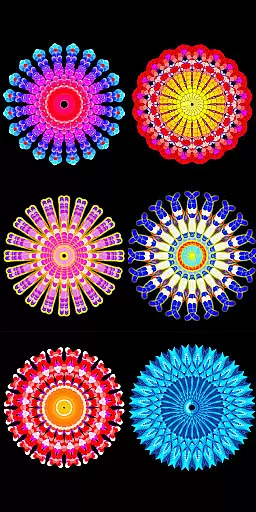
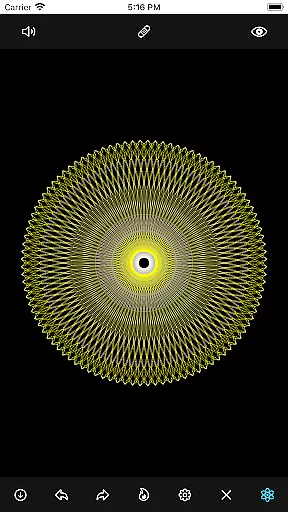
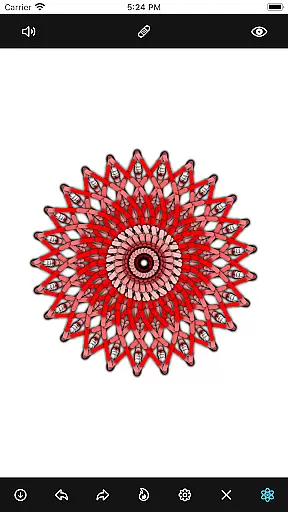
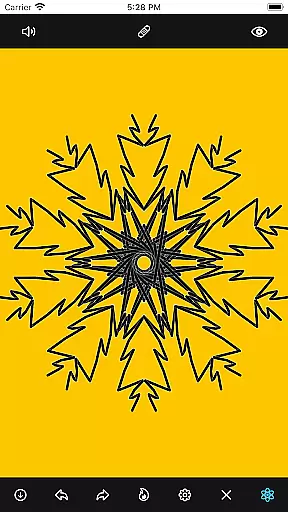
Mandala Maker 360 is a creative tool designed for both beginners and experienced artists to create stunning mandala drawings with ease. The app offers an intuitive interface that allows users to generate intricate designs in just a few steps.
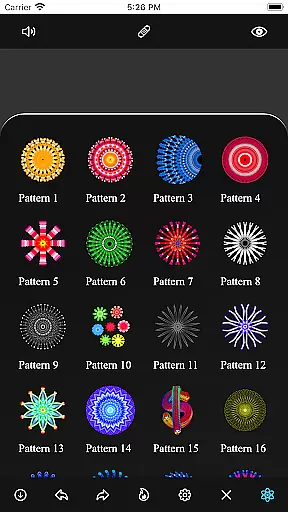
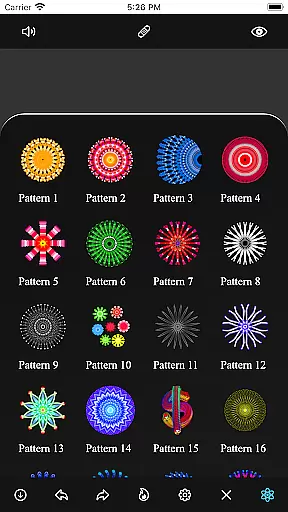
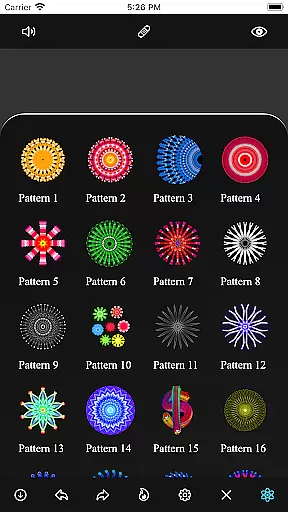
With extensive customization options, users can modify canvas symmetry, background color, brush settings, and even apply shadows. The inclusion of predefined patterns and over 50 images provides additional creative freedom, making it a versatile choice for anyone interested in digital art.
Whether you're looking to create professional artwork or simply enjoy a relaxing creative session, Mandala Maker 360 delivers the tools you need to bring your artistic vision to life.
Mandala Maker 360 stands out with its comprehensive set of features tailored for mandala creation. The app provides advanced canvas customization options, allowing users to adjust symmetry, background color, and center positioning with precision.
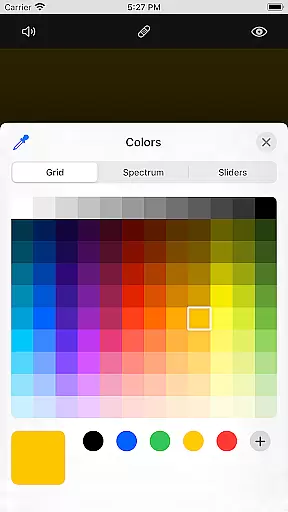
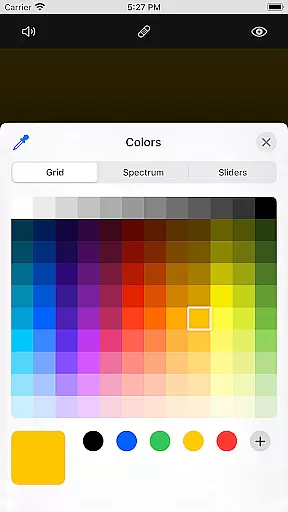
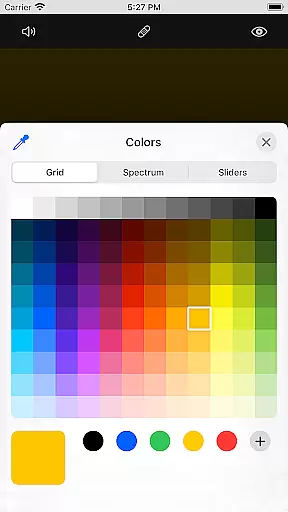
Brush customization is another highlight, offering multiple styles, color types, random color selection, and adjustable sizes. For those who prefer guided creativity, the app includes predefined patterns and over 50 images that can be resized and modified to suit individual preferences.
Unique shadow properties enable users to add depth and dimension to their creations through customizable shadow effects. These robust features make Mandala Maker 360 an exceptional tool for creating professional-quality mandala art on mobile devices.
In the realm of digital art, having a comprehensive set of creative tools is essential for artists to fully express their visions. Mandala Maker 360 rises to the occasion by offering an extensive suite of features that cater to every step of the mandala creation process.
Users can customize their canvas with options to change symmetry, background color, and apply mirroring effects. The app also provides advanced brush settings, allowing creators to experiment with various styles, sizes, and colors, including a random color selection feature for unexpected artistic outcomes.
Beyond traditional drawing, the app includes over 50 images that can be incorporated into mandala designs, each adjustable in size and dimension. This flexibility ensures that artists are only limited by their imagination.
The inclusion of shadow properties and predefined patterns adds another layer of depth to the artwork, enabling users to enhance their creations with intricate details and complex designs that would be difficult to achieve manually.
Flexibility in canvas and format options is crucial for digital artists who need to adapt their work to various requirements and platforms. Mandala Maker 360 excels in this area by providing a highly adaptable workspace that can be tailored to individual project needs.
The application allows users to modify the canvas center and apply touch-based centering, which is particularly useful when creating radial designs like mandalas. This level of control ensures precision and balance in every piece.
Artists can choose from multiple symmetry options, giving them the freedom to explore different types of mandala structures without being constrained by the limitations of physical media.
Furthermore, the ability to export work in formats suitable for both digital sharing and print makes Mandala Maker 360 a versatile choice for creatives looking to share their art across diverse channels while maintaining high-quality standards.
User-friendly interface
Extensive customization
Variety of brushes
Predefined patterns
Shadow effects
Limited free features
Occasional bugs
Ads present
In-app purchases
Learning curve

Create sweet, cool and unique couple avatars easily, in just a few steps!
 3.40
3.40
Art of Combination Wear OS Watch faces
4.1
Draw on screen: FP sDraw is a simple and lightweight drawing app
4.70
Create stunning art with AI.
4.80
Design unique, funny and adorable cat stickers that reflect your own style!
3.80
Painting, drawing, & sketching
4.50
Turn your drawings into flipbook-style animations with simple creative tools
4.60
Just trace a projected picture on paper and color! Draw & Paint with AR drawing
4.40
Sketch and paint on your device with the feel and freedom of drawing on paper
4.00
Convert image to JPG PNG HEIC PDF, support almost all kinds of image formats
4.70
Share the joy of painting with ibis Paint! Drawing anime and manga art.
4.50
AI Tattoo Generator: Create Tattoo Designs & Get Ideas! Ink & Stencil Maker
4.50
Remove Background, Magic Eraser, Photo Enhancer, Story Templates, Collage Maker
4.30
Nano Banana AI Image Generator, Anime Filter, AI Portrait, AI Photo Generator
4.30
800+ Drawing, Painting Lessons App to Practice, Sketch & Paint Art.
4.30
Paint with oils and sketch with natural tools on a realistic virtual canvas.
3.80
Resize photos and print photos in exact size with our powerful photo printer!
3.80
Download now for a stylish and functional timepiece
4.4
A luxurious gold watch face for an elegant and refined look.
4.1


User Reviews