
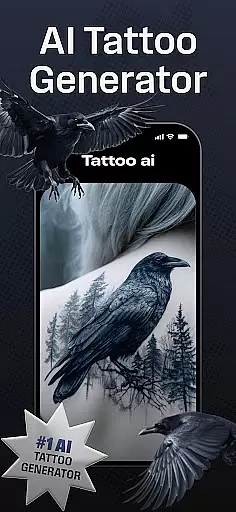
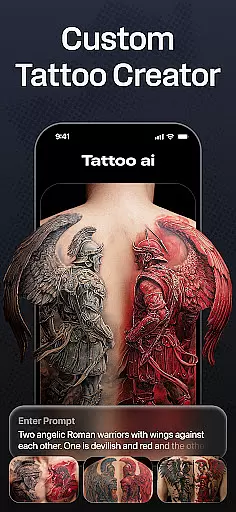
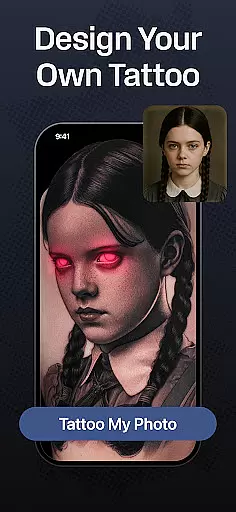
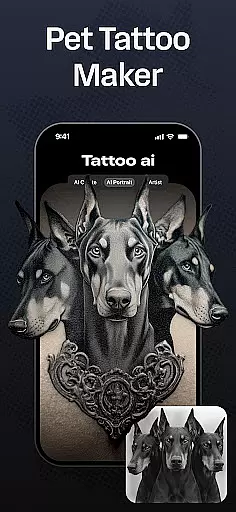
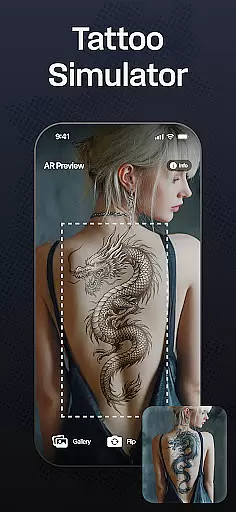
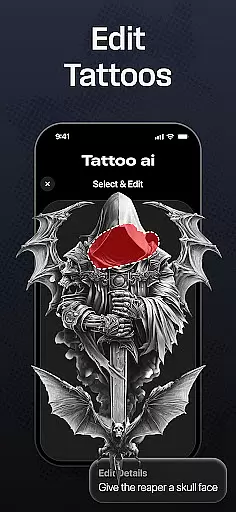
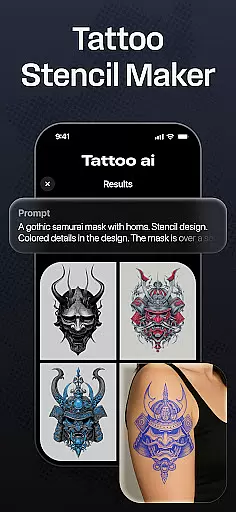
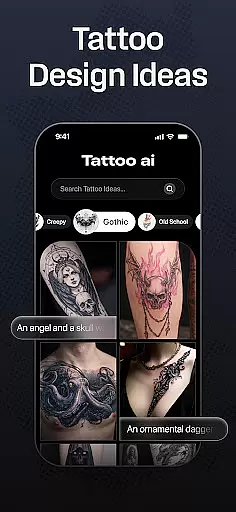
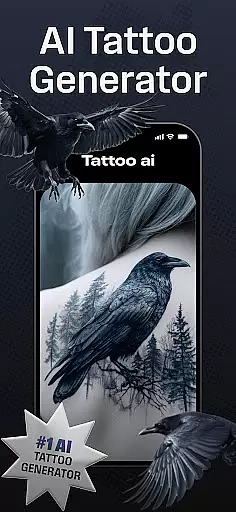
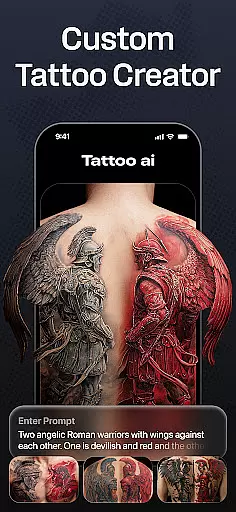
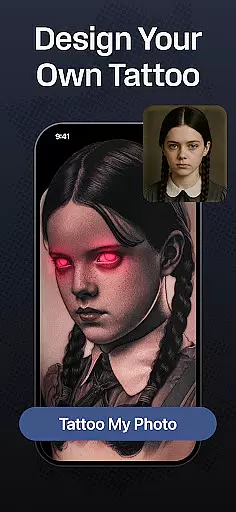
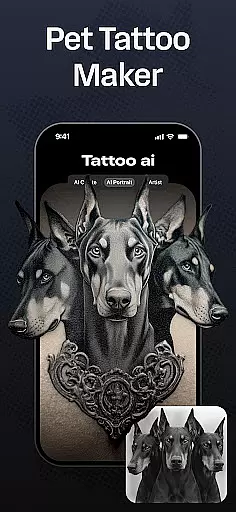
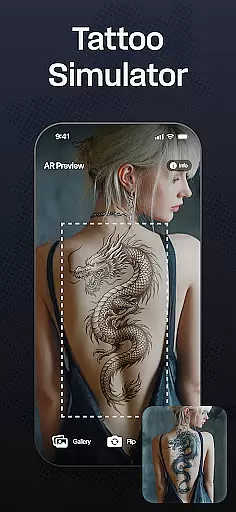
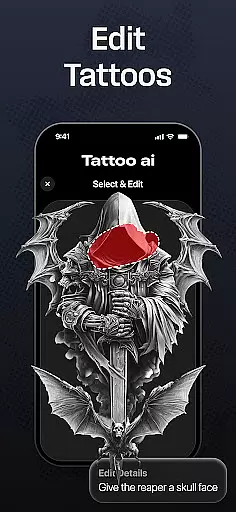
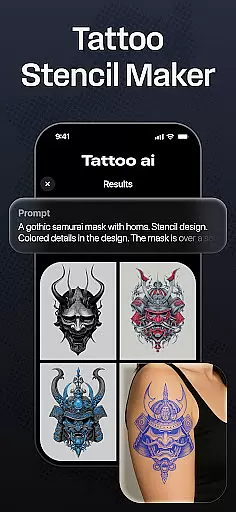
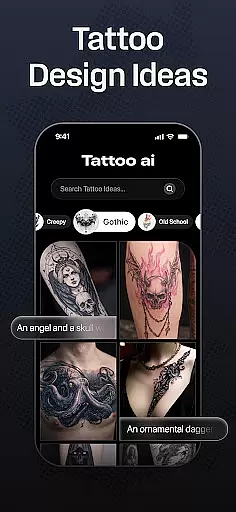
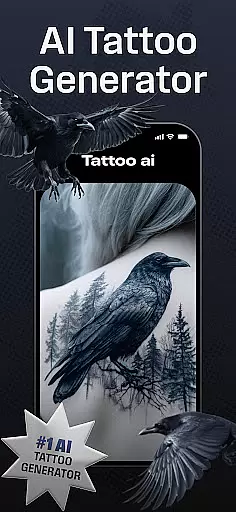
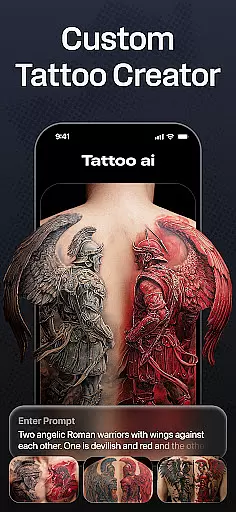
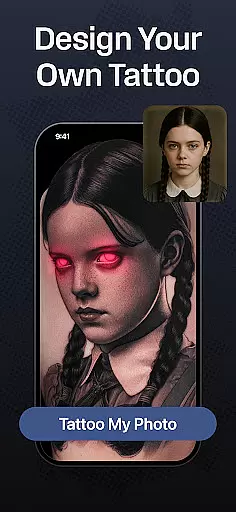
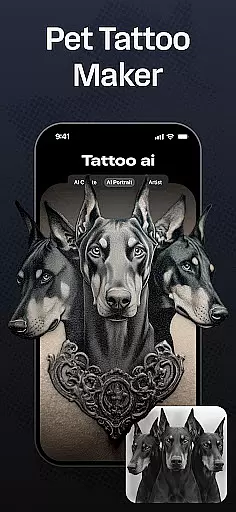
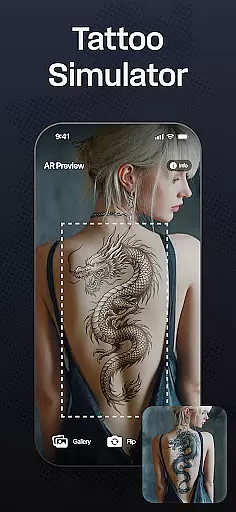
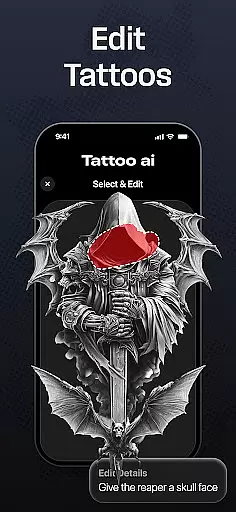
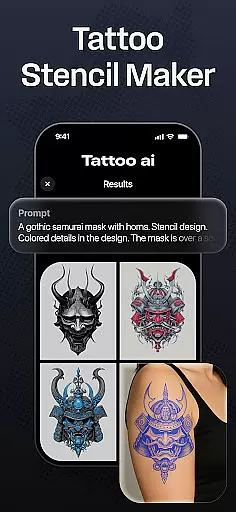
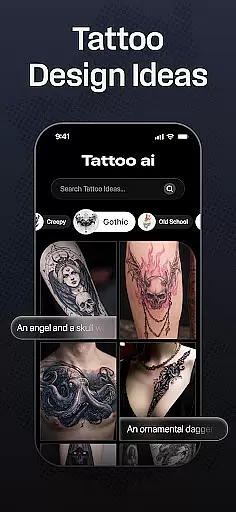
Tattoo AI is a revolutionary app designed for tattoo enthusiasts, first-timers, and professional artists alike. This app leverages advanced AI technology to generate unique, personalized tattoo designs tailored to your preferences. Whether you're looking for black & white classics, intricate Japanese art, or bold gaming-inspired designs, Tattoo AI covers it all.
One of the standout features is the ability to visualize tattoos on different body parts before making any permanent decisions. The app also supports text-based tattoos with customizable fonts, allowing users to transform meaningful quotes into beautiful designs. With high-quality tattoo stencils and easy sharing options, Tattoo AI bridges the gap between digital design and real-world application.
This app is particularly useful for those who want to save time during the brainstorming process while ensuring their tattoo is truly one-of-a-kind. By offering endless inspiration and creative freedom, Tattoo AI empowers users to explore diverse styles and confidently finalize their perfect design.
Tattoo AI stands out with its cutting-edge AI tattoo generator, which serves as the core of the app's functionality. Users can input their ideas or themes, and the AI will create custom tattoo designs that align with their vision. This eliminates the need for manual sketching and speeds up the ideation process significantly.
The app provides diverse style options ranging from timeless black & white designs to vibrant Japanese and tribal art. Additionally, Tattoo AI includes a feature for text-based tattoos, enabling users to convert meaningful phrases into visually appealing designs. Its full-body customization tool allows users to preview how a tattoo would look on various body parts, ensuring better decision-making.
Other notable features include high-quality tattoo stencils for artists and seamless saving/sharing capabilities. These tools not only enhance user experience but also make Tattoo AI an essential platform for both hobbyists and professionals in the tattoo industry.
In the realm of digital tattoo design, having access to comprehensive creative tools is essential. Tattoo AI offers an extensive suite of features that cater to both tattoo enthusiasts and professional artists. The app's AI tattoo generator stands out as a prime tool, allowing users to input their ideas and receive tailor-made designs in return.
Beyond the AI-driven generation, Tattoo AI supports diverse style options ranging from classic black and white to intricate Japanese art. This ensures that no matter your aesthetic preference, you'll find the right tools to bring your vision to life. The inclusion of customizable text-based tattoos further expands the creative possibilities, making it simple to integrate meaningful words or phrases into your design.
For those focused on precision and detail, the app provides high-quality tattoo stencils. These stencils are invaluable for artists who need to translate digital concepts into physical artworks. With full-body customization features, users can visualize how a tattoo will appear on different parts of the body, aiding in better decision-making.
The completeness of these creative tools not only enhances user experience but also significantly reduces the time spent on brainstorming and sketching. By offering a one-stop solution for all tattoo design needs, Tattoo AI empowers users to explore endless artistic possibilities with confidence.
Flexibility in canvas and format options is crucial for creating tattoos that fit various body parts and personal preferences. Tattoo AI excels in this area by providing users with the ability to design tattoos for any part of the body effortlessly. Whether you're considering a small ankle tattoo or a large back piece, the app accommodates all sizes and placements.
The app's interface allows for easy adjustments to the canvas size and shape, ensuring that each design fits perfectly where intended. Users can experiment with different dimensions and proportions, which is particularly useful when visualizing how a tattoo will look on curved or irregular surfaces. This flexibility extends to the variety of styles available, from minimalist designs to elaborate sleeves.
Tattoo AI also supports multiple file formats, enabling seamless integration with other design software or direct printing for stencil use. This versatility ensures that whether you're a hobbyist or a professional artist, your workflow remains uninterrupted and efficient. The app's focus on format compatibility means that users can save, share, and even print their designs without worrying about quality loss.
Ultimately, the canvas and format flexibility offered by Tattoo AI enhances the overall user experience. It allows for greater experimentation and precision, empowering users to create tattoos that are not only visually appealing but also perfectly suited to their desired placement and style.
User-friendly interface
Customizable designs
Variety of styles
AI-powered generator
Body visualization tool
Limited free features
Requires internet
Premium subscription
Occasional bugs
Learning curve

Stylish letters, Stylish Keyboard, Symbols, Emojis, Cool nickname
 4.40
4.40
Design your dream room with AI. Get decor ideas & plan home interiors
3.90
Sketch, plan, take notes and illustrate on an infinite canvas.
4.20
Text to Image, Image to Video & AI Chat
4.20
Design unique, funny and adorable cat stickers that reflect your own style!
3.80
Painting, drawing, & sketching
4.50
OneUI 8.5 icons ✨ Smooth, modern & based on the latest Play Store design ??
4.10
Just trace a projected picture on paper and color! Draw & Paint with AR drawing
4.40
Multiplayer Drawing game, Coloring, Painting・Sketch, Handwriting・Paint, draw
4.30
Draw on screen: FP sDraw is a simple and lightweight drawing app
4.70
Share the joy of painting with ibis Paint! Drawing anime and manga art.
4.50
Everything you need to create hand drawn animation, anywhere you go!
4.40
Draw, make movies & animate cartoons easily with our 2D animation maker app
4.40
Remove Background, Magic Eraser, Photo Enhancer, Story Templates, Collage Maker
4.30
Nano Banana AI Image Generator, Anime Filter, AI Portrait, AI Photo Generator
4.30
800+ Drawing, Painting Lessons App to Practice, Sketch & Paint Art.
4.30
Custom Character Creator & PFP Maker!
4.20
Create stunning video, photo & magic from text with FlixAI GPT video generator.
3.10
Transform photos into amazing monochrome dither art with professional algorithms
4.4


User Reviews