
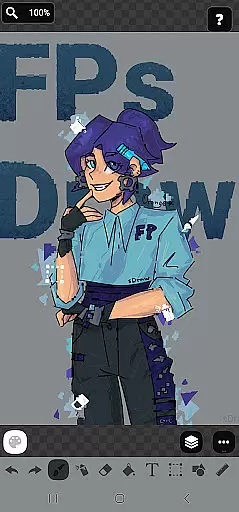
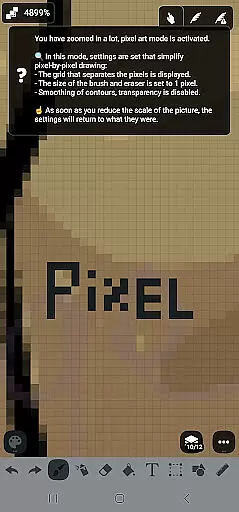
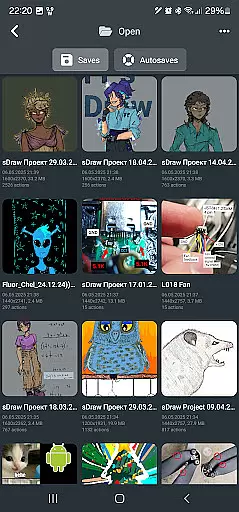
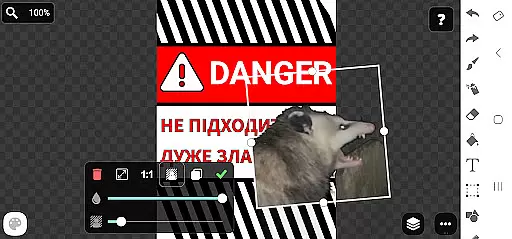
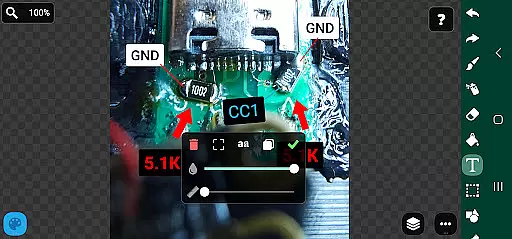
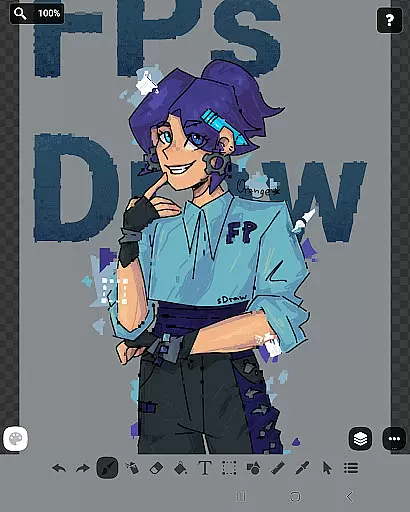
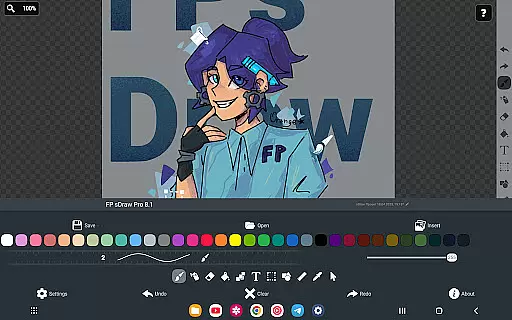
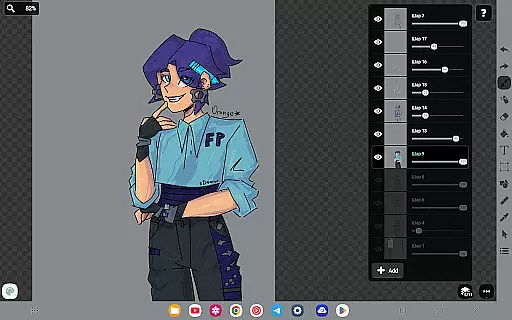
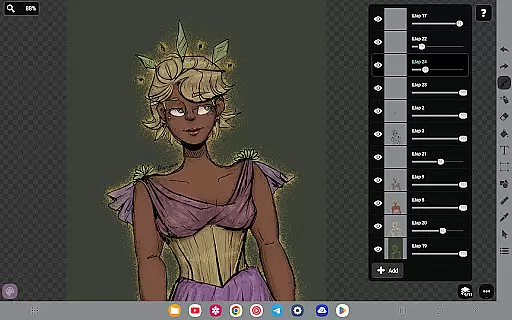
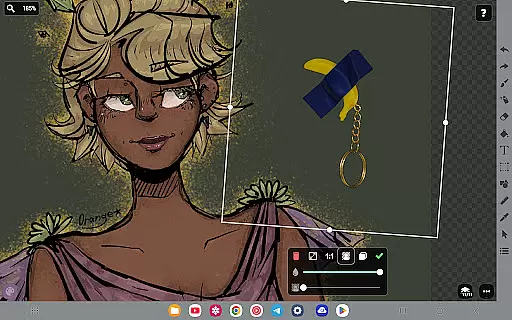
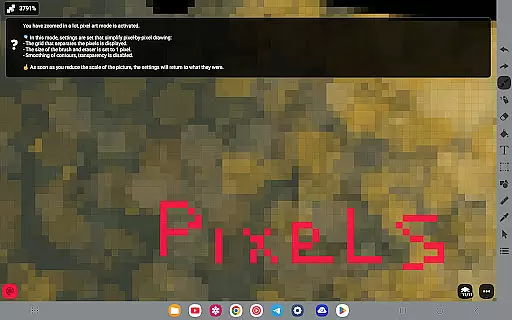
FP sDraw Pro is a streamlined drawing application tailored for users who need a simple yet powerful tool for creative tasks. This app allows you to create memes, sketch diagrams, and experiment with various drawing styles without any distractions. With its lightweight design, it installs quickly, doesn't run in the background, and works seamlessly even on older devices.
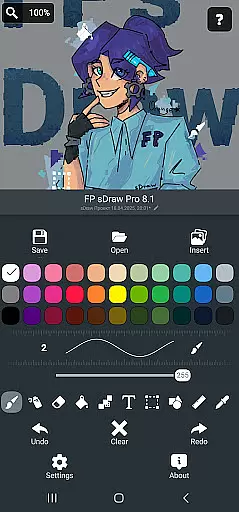
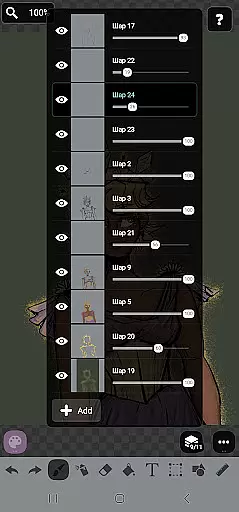
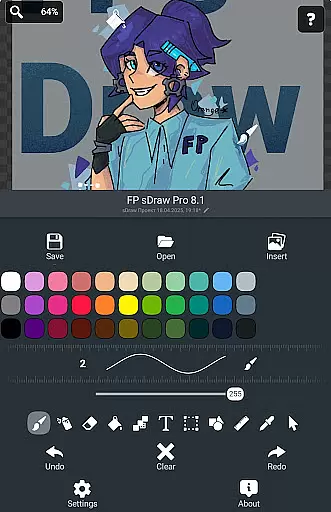
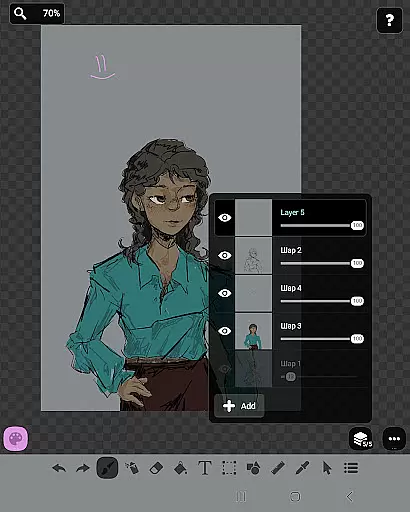
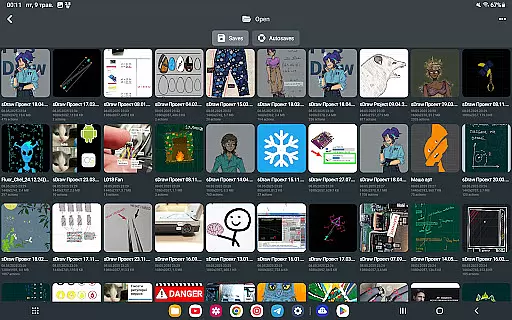
The app provides essential drawing tools such as layers, brush and eraser, airbrush, text insertion, shapes, and more. It also supports stylus input like sPen and Active Pen, making it versatile for different drawing needs. FP sDraw Pro ensures your sketches are safe with automatic backups and offers customization options for UI elements.
Perfect for quick edits or detailed artwork, FP sDraw Pro combines functionality with simplicity, ensuring that nothing comes between you and your creativity. Its minimalistic approach and lack of ads make it an ideal choice for both casual doodlers and serious artists alike.
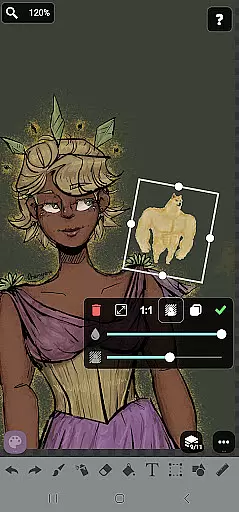
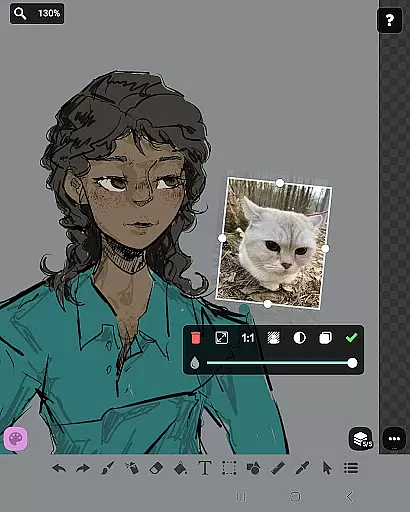
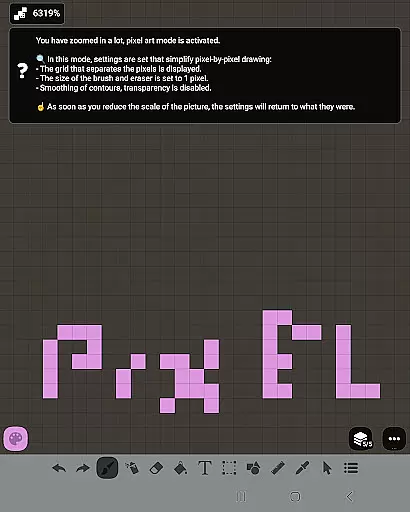
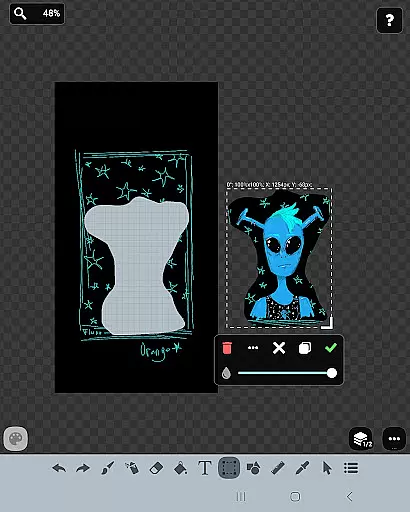
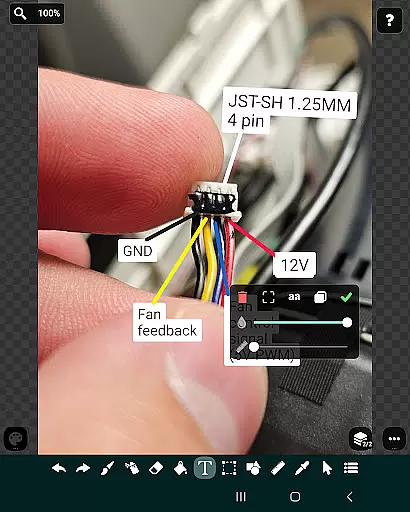
FP sDraw Pro stands out with its array of features designed to enhance the drawing experience. The app includes layer support, allowing users to organize complex sketches efficiently. You can insert images from your gallery and utilize tools like brush, eraser, airbrush, fill, text, selection, shapes, ruler, eyedropper, mosaic, and precision brush.
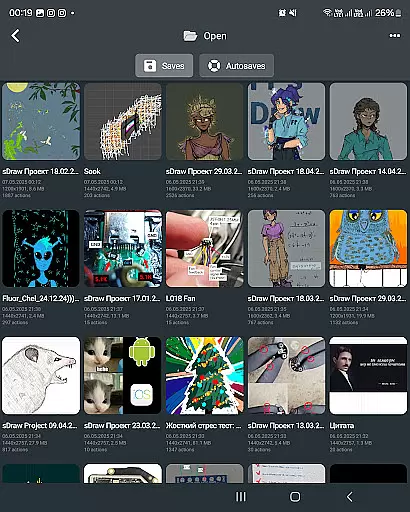
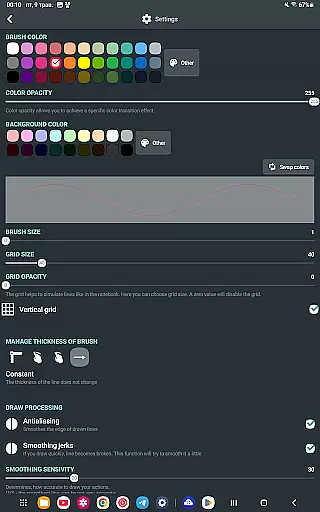
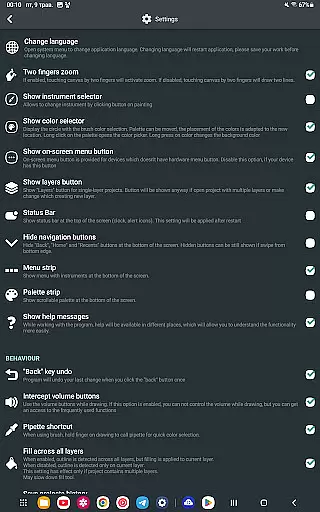
Customization is at the heart of FP sDraw Pro. Users can personalize button shapes and benefit from helpful tips that appear only when necessary. The app supports automatic backups to safeguard your work and enables quick actions via volume buttons. Additionally, it offers stylus support for devices like sPen and Active Pen, providing a natural drawing feel.
While the free version is fully functional, the Pro version adds extra perks such as removing the 'sDraw' label from saved images and eliminating promotional messages. These features ensure that FP sDraw Pro remains a flexible and user-friendly option for all your digital art needs.
In the realm of digital art, having a comprehensive set of creative tools is paramount. FP sDraw Pro offers an extensive array of features that cater to both amateur doodlers and professional artists alike. The application includes layers for organizing complex sketches, a brush and eraser for traditional drawing techniques, and an airbrush for smooth shading effects.
Additionally, users can experiment with different styles through the fill tool, text insertion, and shape options. These are complemented by advanced features such as a ruler for precision lines, an eyedropper for color selection, and a mosaic effect for unique textures. Such diversity in tools ensures that no matter the project, FP sDraw Pro has what you need to bring your vision to life.
The availability of these tools within a lightweight app means that creativity is not hampered by device limitations or complicated interfaces. Users can sketch diagrams, create memes, or highlight images directly on their device without any hindrance, making FP sDraw Pro an indispensable companion for spontaneous artistic expression.
Flexibility in canvas size and format is crucial for accommodating various artistic projects. FP sDraw Pro understands this need and provides a customizable interface where even button shapes can be tailored to suit individual preferences. This level of personalization allows artists to create a workspace that feels intuitive and natural to their workflow.
Moreover, the app supports styluses like sPen and Active Pen, which enhances precision when working on detailed pieces. With capabilities extending from simple notes to intricate designs, FP sDraw Pro ensures that every stroke translates accurately from hand to screen. The inclusion of automatic backups further secures creative work against unexpected data loss.
FP sDraw Pro's commitment to compatibility across devicesu2014even very old phonesu2014ensures that users aren't limited by hardware constraints. Whether it's adjusting canvas dimensions or exporting in multiple formats, FP sDraw Pro empowers creators with the freedom to explore their ideas without technical boundaries impeding their progress.
Lightweight
No ads
Quick installation
Stylus support
Automatic backup
Limited advanced tools
Basic UI
Fewer filters
No cloud sync
Small community

Create trending AI photos & videos with powerful effects and 3D styles.
 3.20
3.20
Apply cartoon, caricature, and portrait effects to make your photos stand out!
3.60
Unleash your drawing and painting potential
4.50
Art of Combination Wear OS Watch faces
4.5
AI Art Generator transforms your words into AI generated art & paintings.
3.70
Image resizer to resize, crop, rotate, flip, change dpi photo or picture in bulk
4.60
Share the joy of painting with ibis Paint! Drawing anime and manga art.
4.50
Explore future self face age filter & remove background image for a unique look.
3.50
Unleash your inner artist! Sketchar: AR Drawing for Limitless Creativity
4.40
Create stunning art with AI.
4.80
Photo stitcher for automatically screenshot stitching into a long screenshot
4.70
Digital, Abstract, Classic - all types of color wheels in one app!
4.60
Trace, draw, and create art with AR - from memes to masterpieces!
4.30
Nano Banana AI Image Generator, Anime Filter, AI Portrait, AI Photo Generator
4.30
OneUI 8.5 icons ✨ Smooth, modern & based on the latest Play Store design ??
4.10
Get creative and make art with your Sesame Friends!
4.00
Powerful home decoration & house design that allows you to design dream home.
3.80
Meet the magic aı 3d photo generator and smart AI video generator app.
3.20
Art of Combination Wear OS Watch faces (for Wear OS 5+ devices)
3.00


User Reviews