
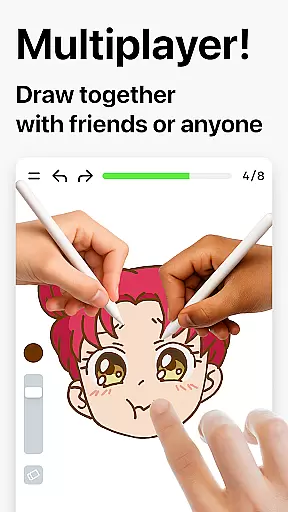

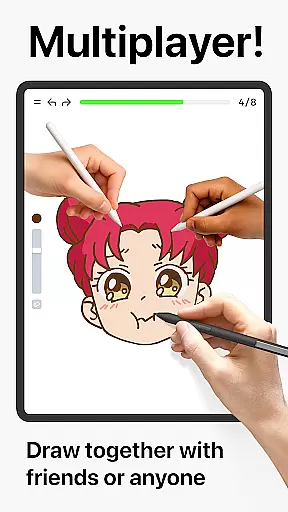
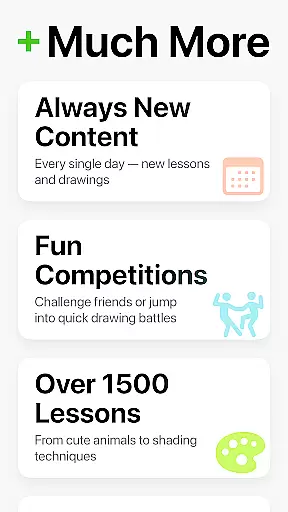
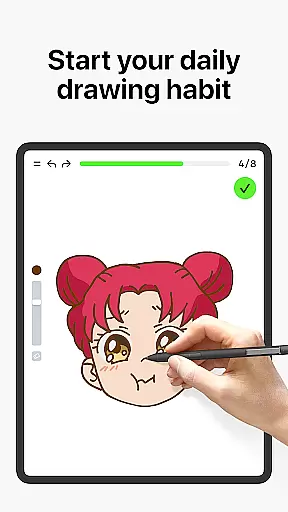
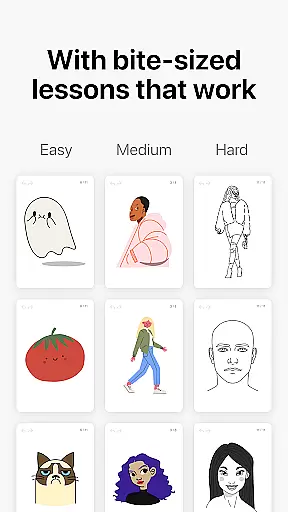
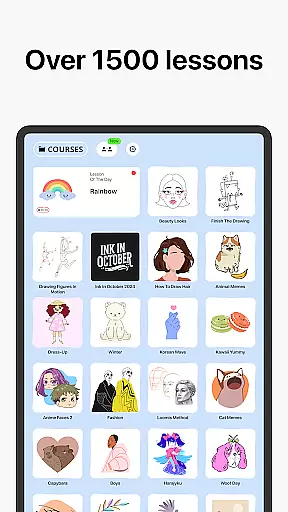

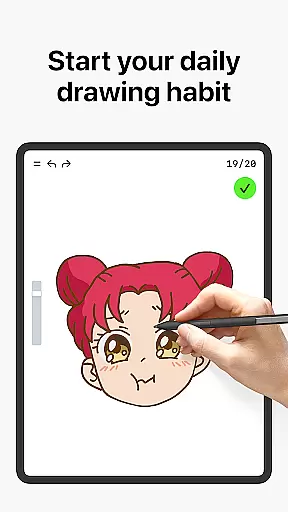
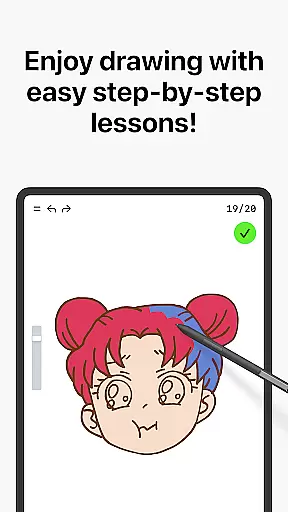
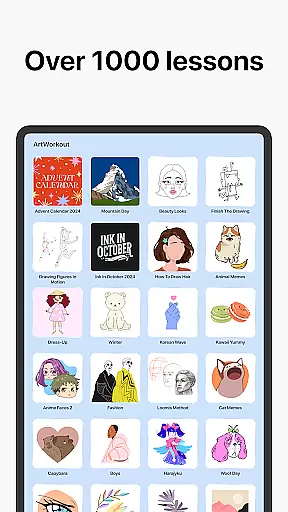

Learn how to draw is an innovative drawing and painting trainer app that combines art education with interactive gameplay. Designed for users of all ages, the app offers over 1000 step-by-step tutorials that cater to both beginners and experienced artists. The unique multiplayer mode allows users to draw and trace together in real time, creating a collaborative creative space where you can compare progress and engage in friendly challenges.
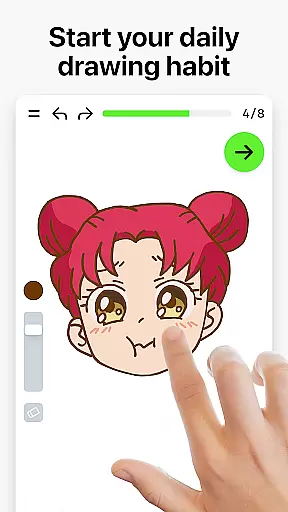
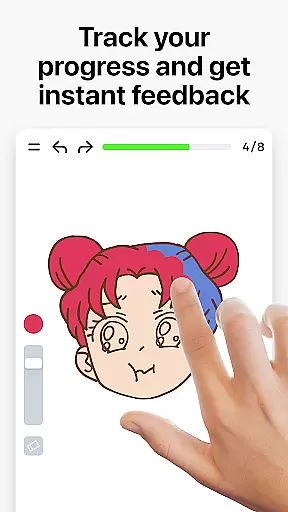
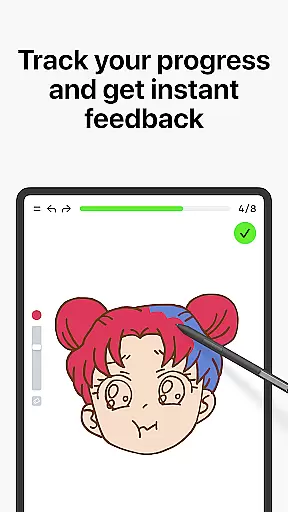
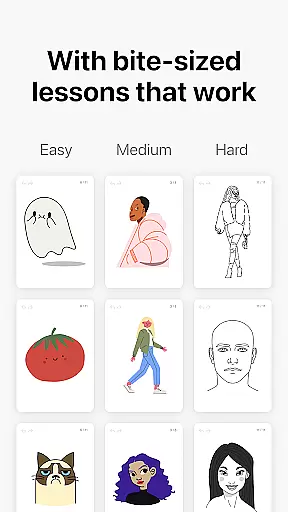
The app's dynamic tutorials are broken down into 10-30 simple steps, making it easy to follow along and master various techniques. With features like the scoring system and accuracy analysis, users receive clear feedback on their progress and areas for improvement. Whether you're learning basic sketching or perfecting advanced techniques, this app provides a comprehensive and enjoyable drawing experience.
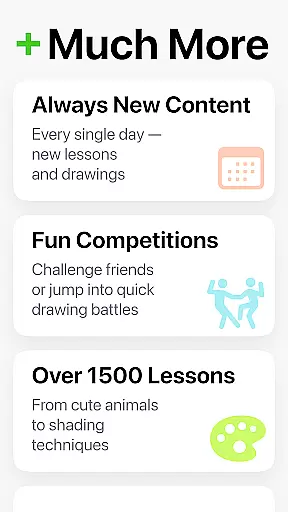
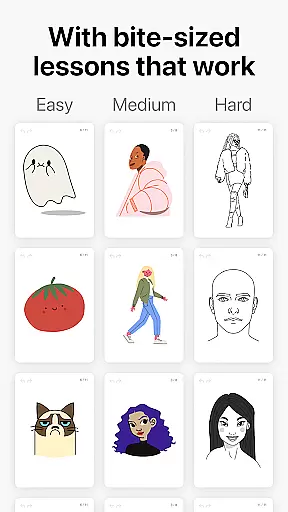
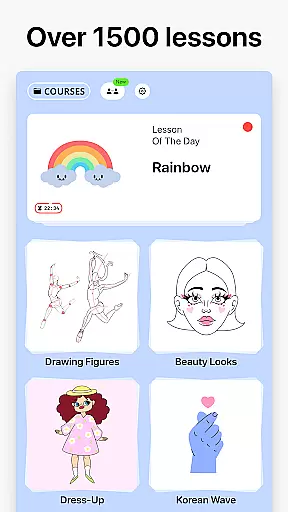
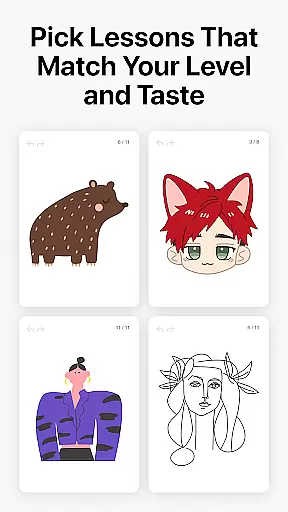
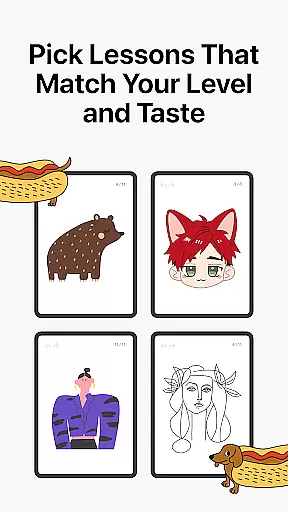
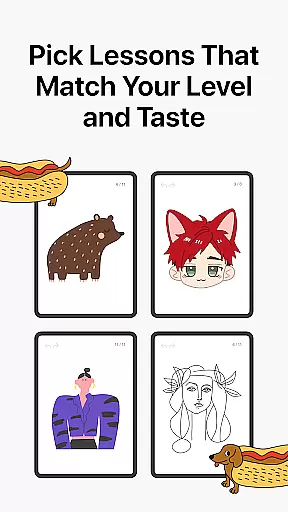
One of the standout features of Learn how to draw is its extensive library of dynamic tutorials. Each lesson is carefully designed to guide users through 10-30 simple steps, covering a wide range of drawing and painting techniques. This structured approach ensures that users can easily follow along and steadily improve their skills. Additionally, the app includes interactive courses in doodling, sketching, drawing, painting, and handwriting, offering themed lessons for almost any topic.
Another key feature is the multiplayer mode, which sets this app apart from traditional drawing applications. Users can draw together with friends or other artists worldwide, providing a unique opportunity for co-learning and creative collaboration. The app also evaluates the quality of each stroke, analyzing steadiness, cleanliness, and expressiveness, offering detailed feedback that helps refine technique. Combined with weekly new courses and time-limited holiday events, Learn how to draw keeps the content fresh and engaging.
In the realm of digital art, having access to comprehensive creative tools is paramount. Learn how to draw offers an extensive suite of features that cater to artists at all levels. With over 1000 step-by-step tutorials, users can explore a variety of techniques ranging from basic sketching to advanced painting.
The app's dynamic tutorials are broken down into manageable steps, ensuring that each user can follow along easily and develop their skills progressively. This structured approach not only teaches drawing but also instills confidence in one's artistic journey.
Moreover, the introduction of multiplayer mode allows for collaborative creativity, where users can engage with friends or other artists worldwide. This unique feature fosters a sense of community and friendly competition, making the learning process more engaging and enjoyable.
A versatile canvas is essential for unleashing creativity without constraints. Learn how to draw provides users with a flexible platform that supports various formats, enabling them to experiment freely with different styles and mediums. Whether itu2019s tracing photos or painting cultural themes, the app adapts to the artist's vision.
The app goes beyond static lessons by incorporating interactive courses in doodling, sketching, drawing, painting, and even handwriting. These diverse options ensure that every user finds something suited to their interests and skill level, promoting continuous learning and improvement.
Furthermore, ArtWorkout evaluates both the accuracy and quality of strokes, offering immediate feedback that helps refine technique. This analytical approach transforms practice sessions into meaningful learning experiences, empowering users to grow as artists while enjoying the process.
User-friendly interface
Comprehensive tutorials
Real-time multiplayer
Detailed progress tracking
Active community support
Limited advanced tools
Occasional bugs
In-app purchases
Internet required
Steep learning curve

Your Essential Color Theory Guide: Red, Yellow, Blue (RYB)
 4.5
4.5
Create color palette from Image, RGB & RYB Color wheel harmonies, Color Scheme
4.50
Make your phone cooler and have a fantastic experience
4.80
Unleash Your Creativity with Draw Cartoon - AR Drawing App
4.10
AR Anime Drawing: How to draw anime with AR drawing & sketching apps!
4.00
Get creative and make art with your Sesame Friends!
4.00
Resize photos and print photos in exact size with our powerful photo printer!
3.80
Android 14 style widgets and wallpapers app.
4.2
Retouch photos. Create or edit images. Endless capabilities.
2.70
Novices can also easily complete diamond painting masters
4.70
Your AI soulmate — meaningful chats, and unique emotional moments
4.70
Discover Cartoon Dream : Unleash Your Creativity with CuttingEdge AI
4.50
Draw anime & manga drawing, art with templates to create stunning picture!
4.50
Create stylish invitation cards using templates for weddings, birthdays & RSVP.
4.20
Text to Image, Image to Video & AI Chat
4.20
Create cute cat emojis & PFPs! Fun, custom avatars for cat lovers.
3.70
Experience next-gen icons with a modern liquid glass look.
3.60
Draw anime easily with AR guidance, sketch templates & trace tools!
3.10
Art of Combination Wear OS Watch faces (for Wear OS 5+ devices)
3.00


User Reviews