

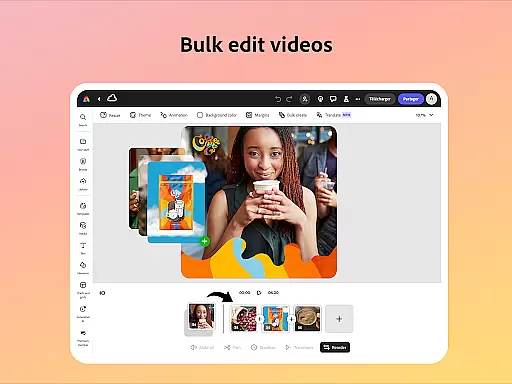
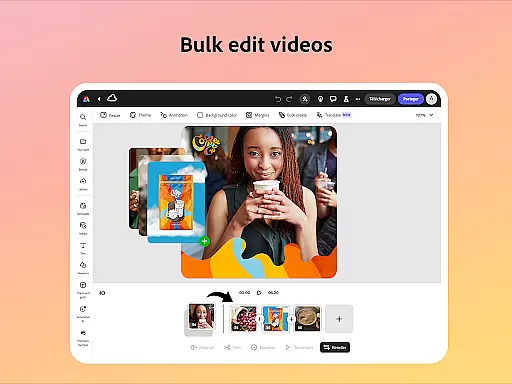
Adobe Express is a versatile design application that enables users to create professional-quality marketing materials while maintaining brand consistency. The app offers an intuitive interface suitable for both beginners and experienced designers, providing tools for video editing, photo enhancement, and PDF modifications.
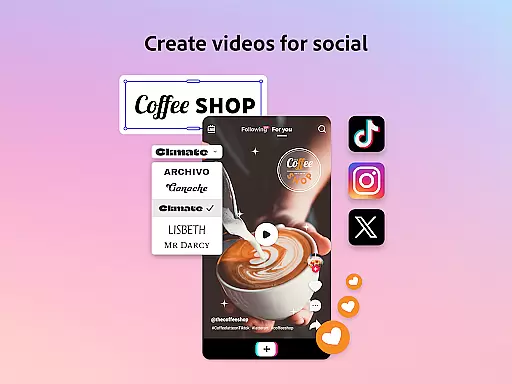
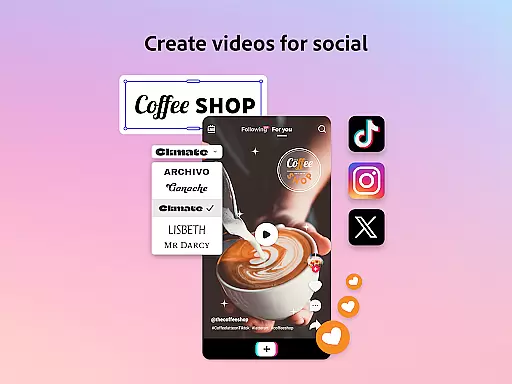
Key features include customizable templates, AI-powered photo editing, background removal, QR code generation, and brand kit management. These capabilities allow businesses to produce impactful content across various formats. Whether creating social media videos or designing branded assets, Adobe Express streamlines the creative process through its unified platform.
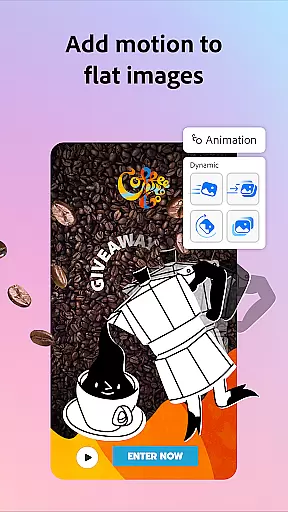
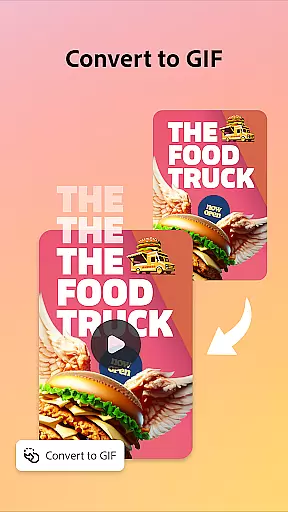
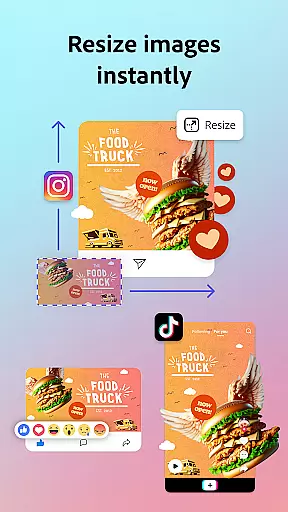
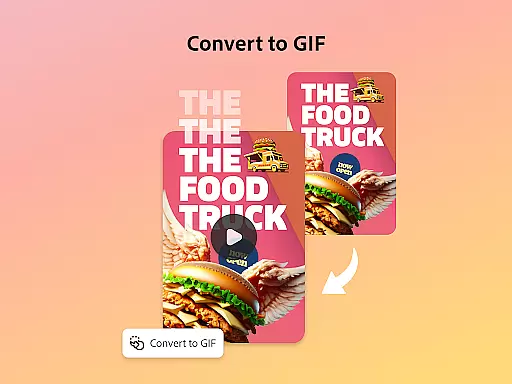
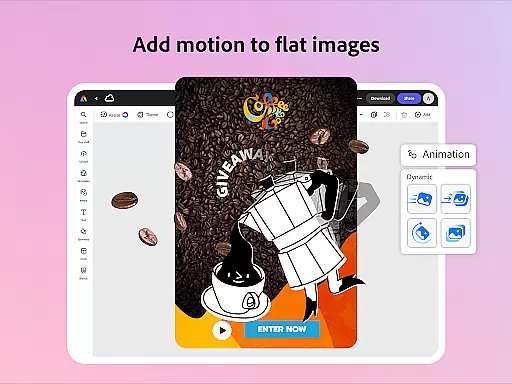
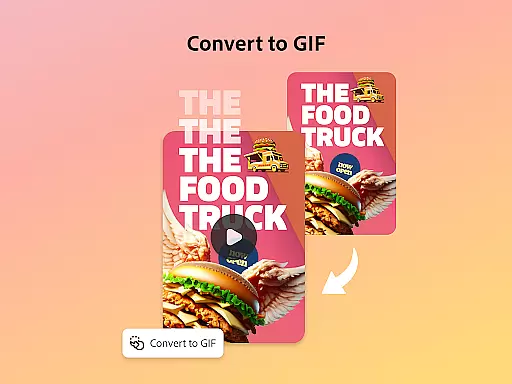
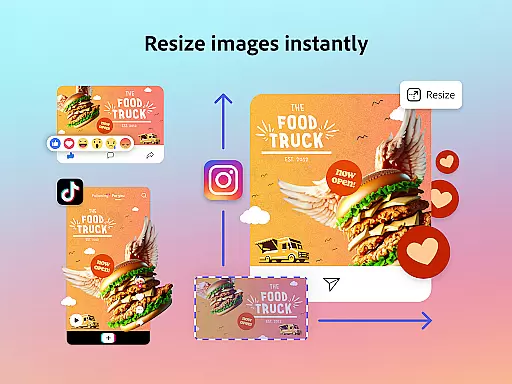
The application's value extends beyond basic design functions by incorporating Quick Action tools and cross-device compatibility. Users can perform essential tasks like resizing images, converting files to GIFs, and animating characters. With options for free and premium memberships, Adobe Express caters to different user needs, making professional design accessible to all.
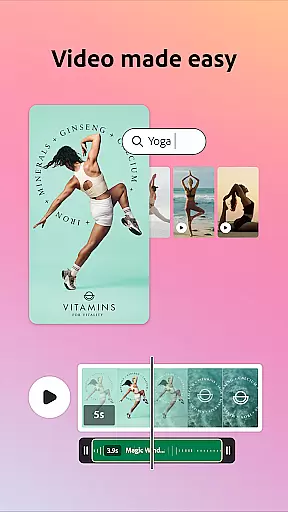
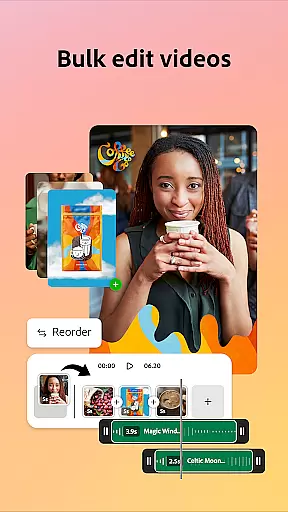
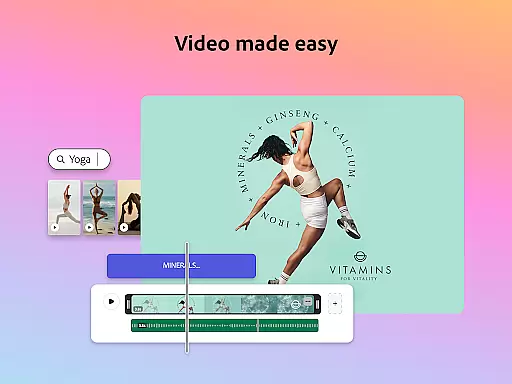
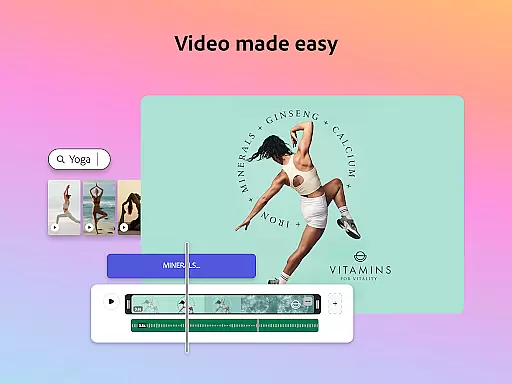
Adobe Express distinguishes itself through its comprehensive feature set tailored for modern content creators. The video editing functionality provides customizable templates and advanced tools like automatic captioning and noise reduction, enabling users to produce polished videos without requiring specialized skills.
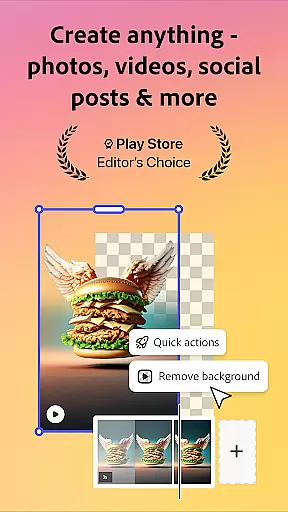
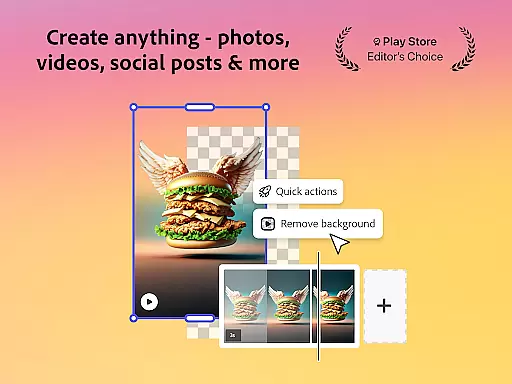
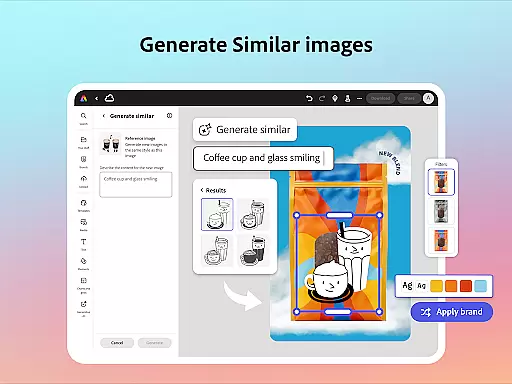
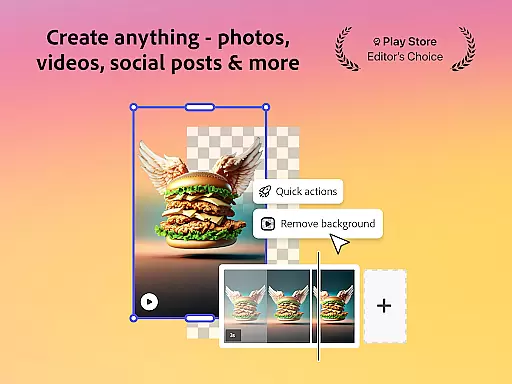
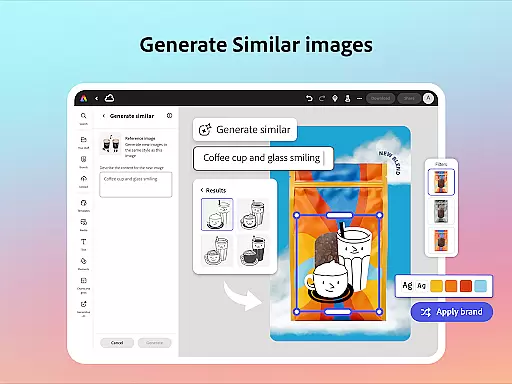
The application's photo editing capabilities leverage Adobe's industry-leading technology. Users can utilize AI to enhance images, remove unwanted objects, and generate unique photo art. The background removal tool simplifies complex editing tasks, while the QR code generator adds practical utility for business users.
Brand management features ensure consistent visual identity across all materials. The brand kit system stores essential elements like fonts and logos, allowing seamless integration into designs. Additionally, the PDF editing tools enable quick updates to existing documents, supporting efficient workflow management for teams and individual professionals.
Adobe Express stands out in the Art & Design category by offering a comprehensive suite of creative tools that cater to both beginners and seasoned creators. The app provides an extensive range of features including video editing, photo editing, and Quick Actions such as trimming, resizing, and converting files, all integrated into one platform.
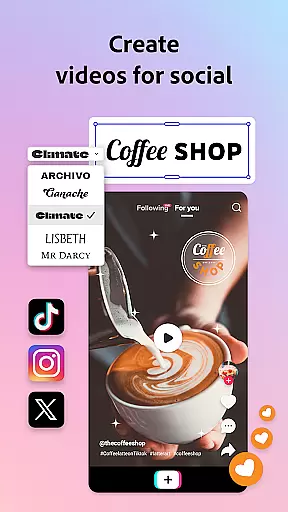
The availability of customizable templates, AI-powered filters, and Photoshop-level editing capabilities ensures that users have everything they need to produce high-quality marketing materials and business content. With functionalities like automatic captioning, reframing for social channels, and background noise removal, Adobe Express empowers users to create professional-grade videos effortlessly.
Moreover, the app's ability to generate stylish QR codes and maintain brand consistency through brand kits adds another layer of utility. Users can apply their brand elements across all designs with ease, ensuring a cohesive look and feel. This complete set of creative tools not only enhances productivity but also allows for unlimited creative expression within a single application.
Flexibility in canvas and format options is crucial for designers who need to adapt their work across various platforms and mediums. Adobe Express excels in this area by providing versatile canvas sizes and format compatibilities that meet diverse design requirements. Whether you're creating content for social media, print, or digital presentations, the app offers tailored solutions to fit every need.
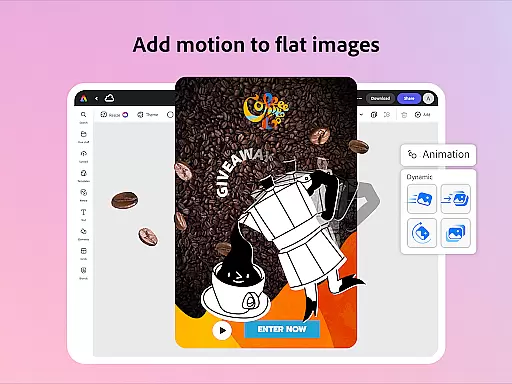
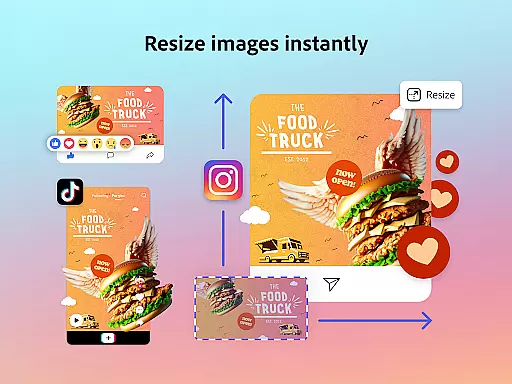
Users can take advantage of features like one-tap resizing and cropping, which allow for quick adjustments to fit different channels and formats. Additionally, the ability to convert images to GIFs, animate characters using voice commands, and import PDFs showcases the app's robust flexibility. These capabilities ensure that no matter what type of project you're working on, Adobe Express has the right tools to bring your vision to life.
Furthermore, maintaining aspect ratios while resizing and having access to a wide array of file conversion options means that users can seamlessly transition between different formats without losing quality. This level of flexibility not only saves time but also enhances the overall design process, making Adobe Express a top choice for creatives seeking adaptable solutions.
User-friendly interface
Comprehensive design tools
AI-powered enhancements
Cross-platform functionality
Brand consistency features
Premium features locked
Device support limited
Advanced tools require learning
Internet connection needed
File size restrictions

Create sweet, cool and unique couple avatars easily, in just a few steps!
 3.40
3.40
Design your dream room with AI. Get decor ideas & plan home interiors
3.90
Make your phone cooler and have a fantastic experience
4.80
Design unique, funny and adorable cat stickers that reflect your own style!
3.80
Mobile pixel art editor. Simple. Fast. Portable.
4.80
Resize photos and print photos in exact size with our powerful photo printer!
3.80
Bring One UI 8.5 Icons to life -elegant dark icons with a modern, premium touch.
4.30
Create Logos, Tattoos, AI Art & more with our AI Photo Generator & Design Editor
4.20
An intuitive, high-performance painting app that lets you focus on creating
4.40
Your AI soulmate — meaningful chats, and unique emotional moments
4.70
Minecraft & Roblox Clothes
4.70
Kling AI is an image and video generation and editing studio powered by AI.
4.50
Photo blender app to create overlay photos & double exposure.
4.40
Everything you need to create hand drawn animation, anywhere you go!
4.40
Draw, make movies & animate cartoons easily with our 2D animation maker app
4.40
Text to Image, Image to Video & AI Chat
4.20
AR Anime Drawing: How to draw anime with AR drawing & sketching apps!
4.00
Sketch, trace and master AR drawing with awesome anime art!
3.30
Android 14 style widgets and wallpapers app.
4.0


User Reviews