
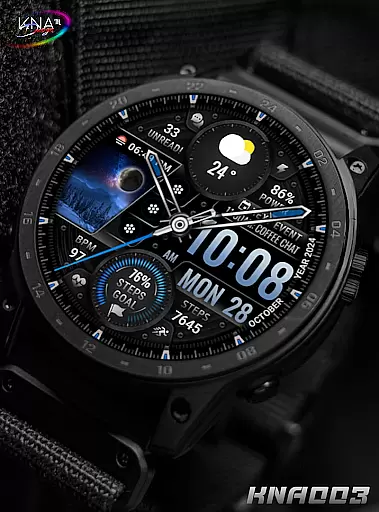
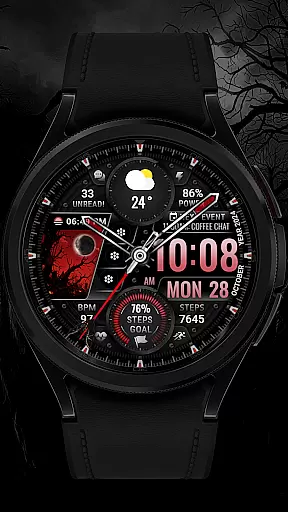
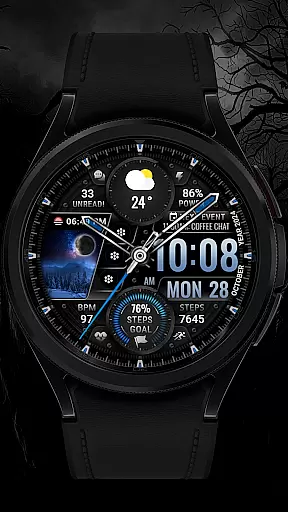
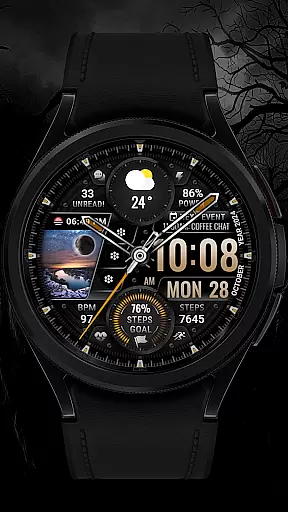
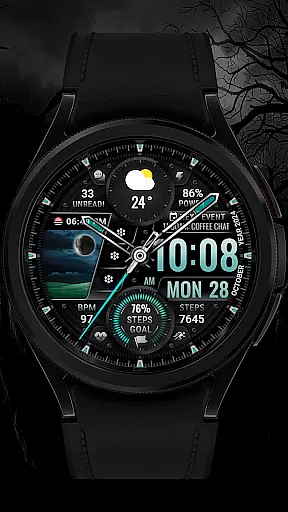
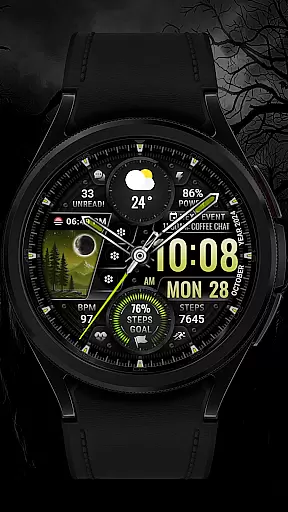
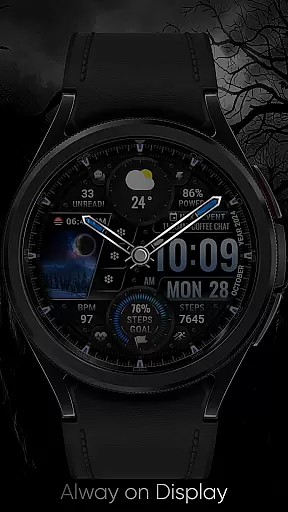
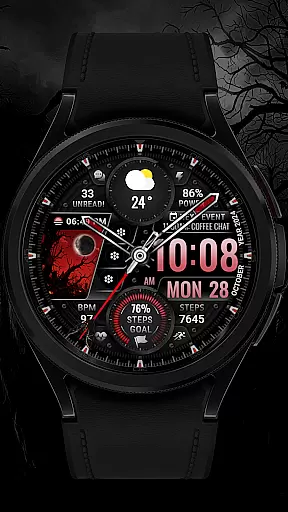
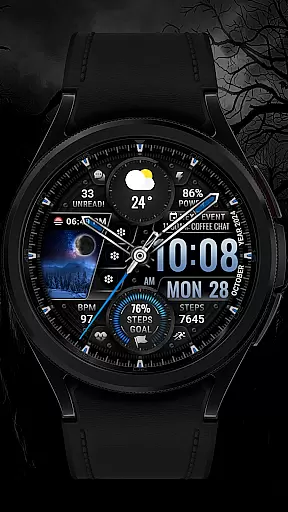
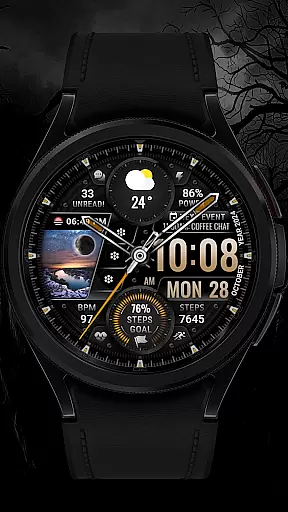
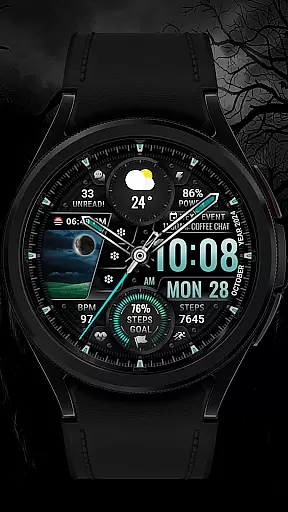
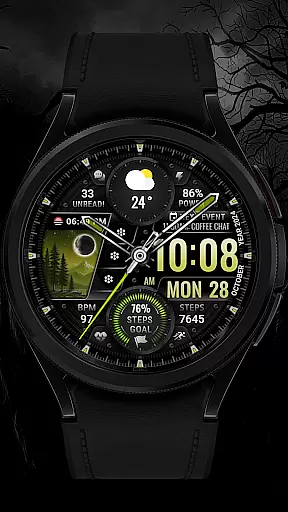
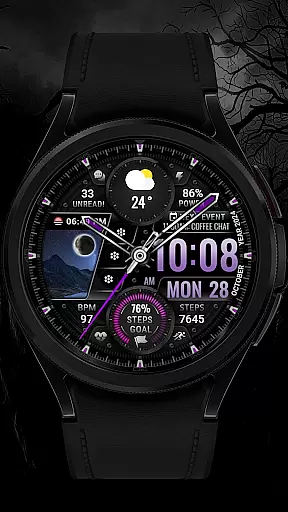
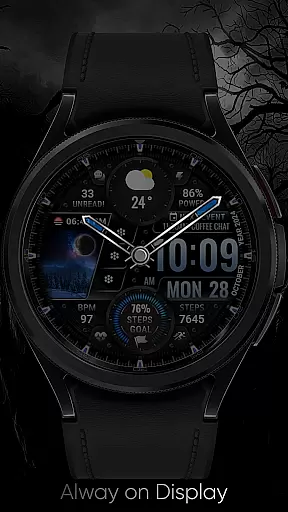
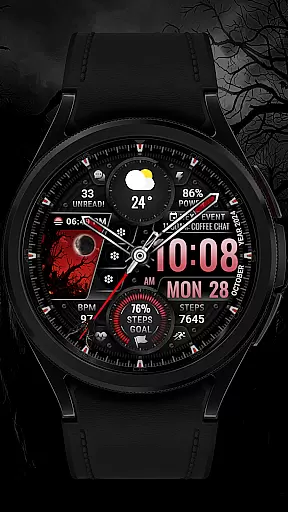
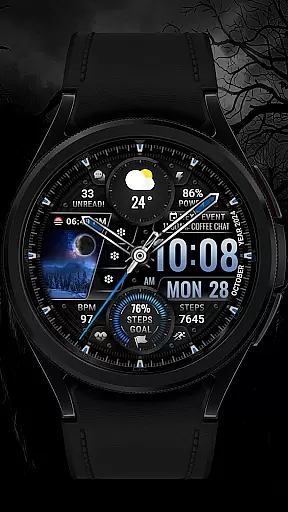
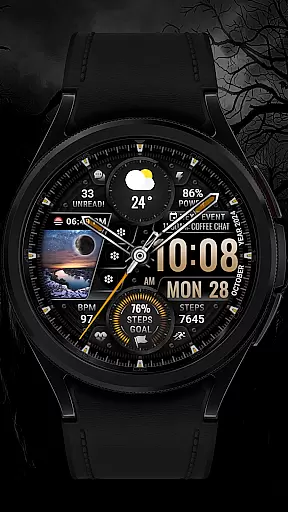
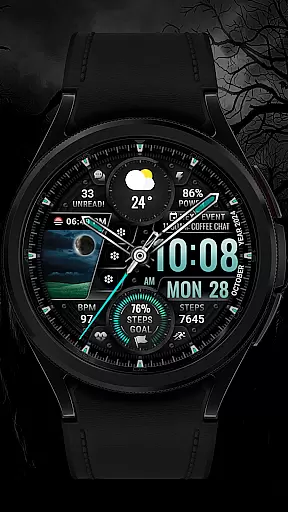
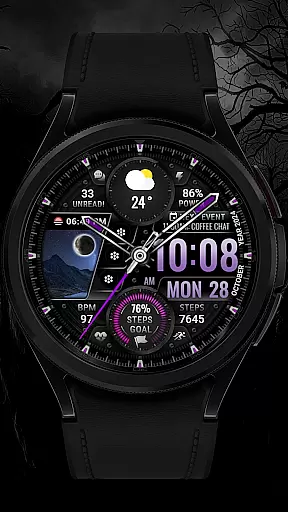
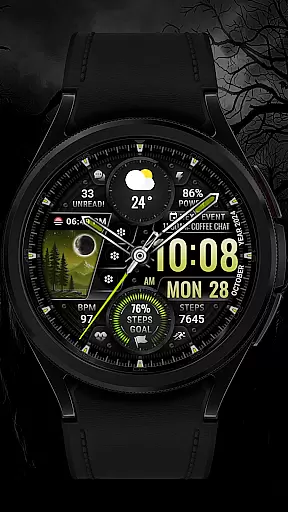
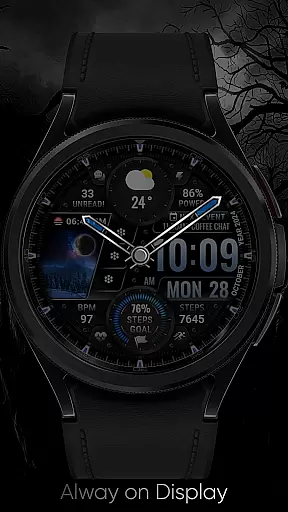
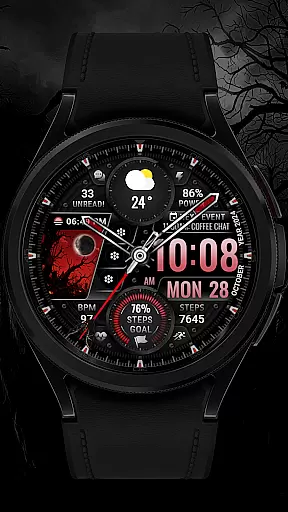
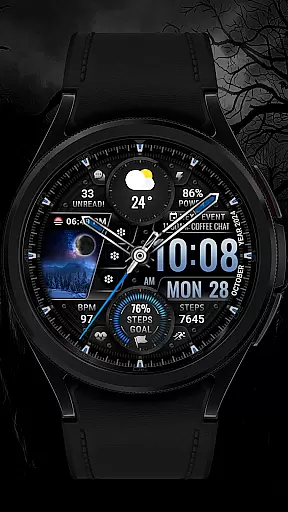
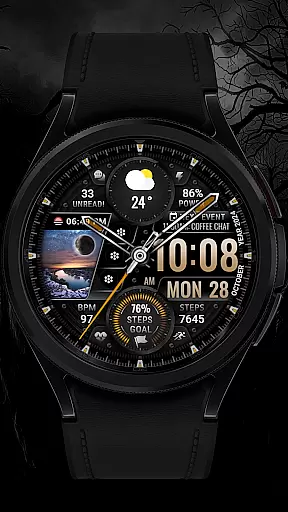
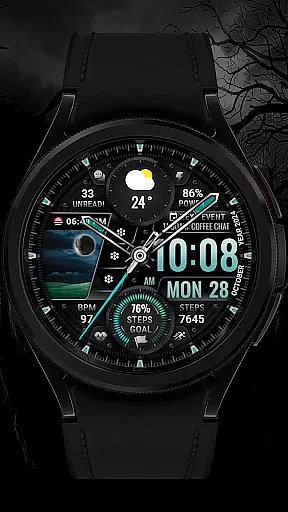
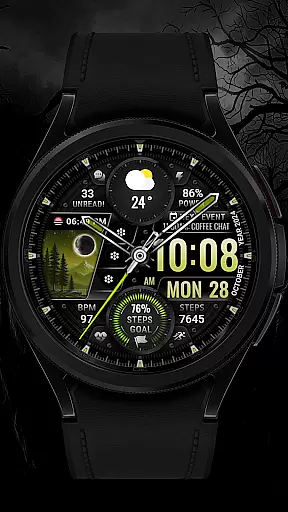
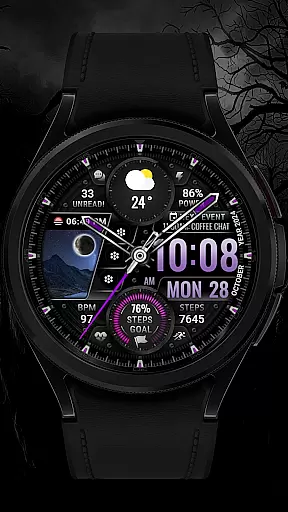
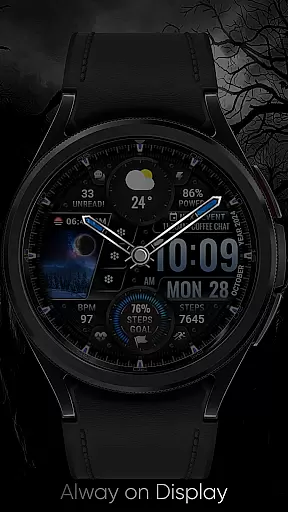
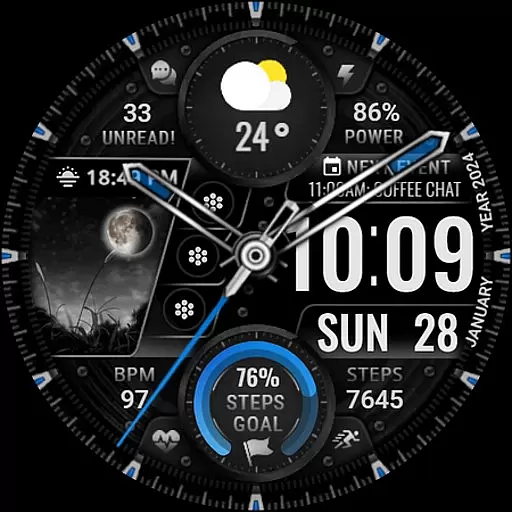
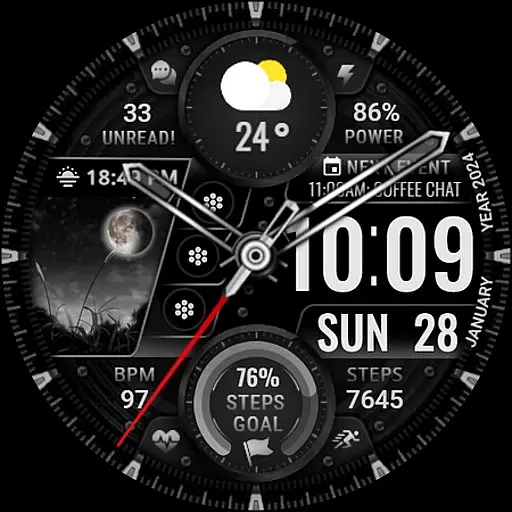
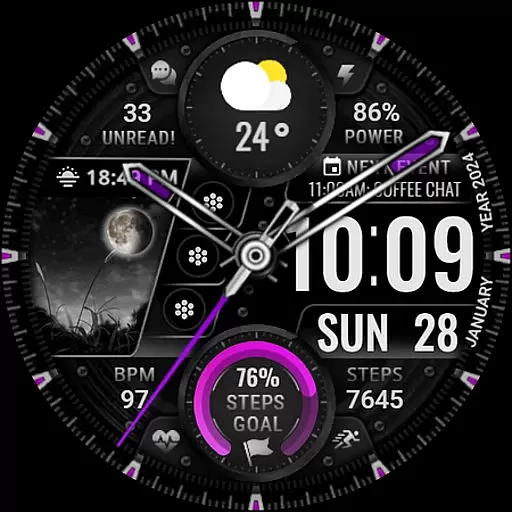
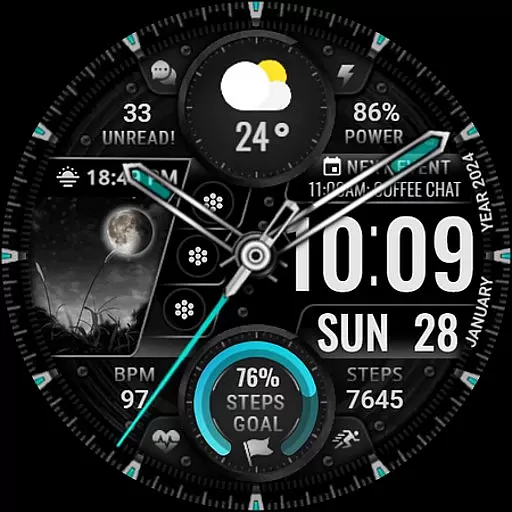
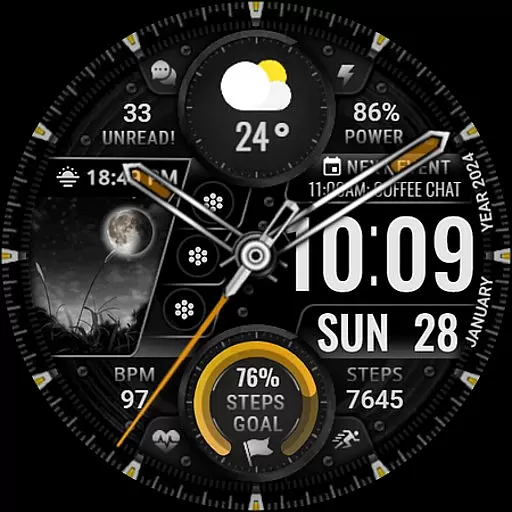
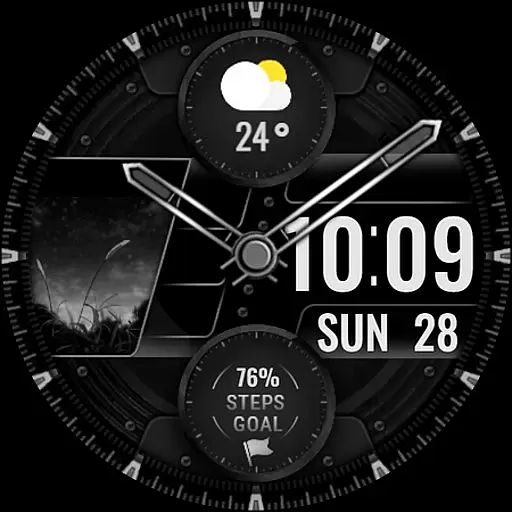
[KNA003] SHADOW is a feature-rich watch face designed specifically for Wear OS devices, offering users a customizable and visually appealing experience. This application allows you to personalize your smartwatch display with both analog and digital styles, providing essential information at a glance.
With support for multiple complications and app shortcuts, this watch face enables users to access important data such as date, day of the week, steps count, heart rate, battery level, and more. The ability to customize colors and add animations makes it a versatile choice for those looking to enhance their smartwatch's aesthetics while maintaining functionality.
Ideal for users with compatible Wear OS devices like Google Pixel watches and Galaxy Watch 4/5/6 series, this application ensures that your smartwatch not only looks stylish but also serves as a practical tool for daily use.
The [KNA003] SHADOW watch face stands out with its extensive customization options. Users can choose from various display styles including both analog and digital formats, each presenting the time alongside additional metrics like date, day of the week, and even moon phases.
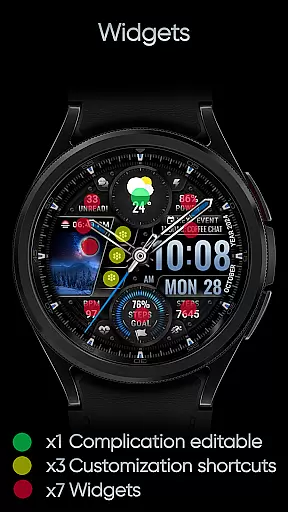
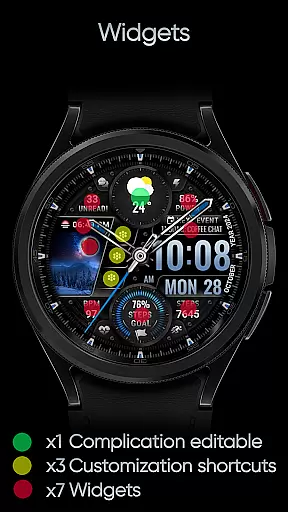
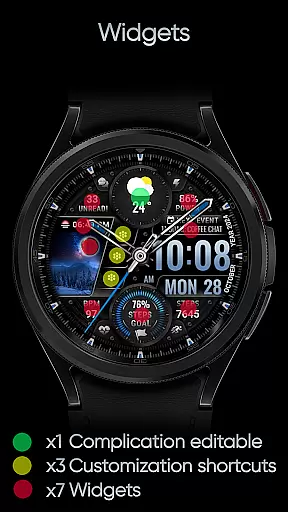
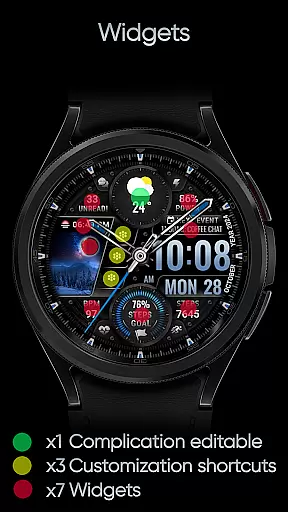
One of the key features is the inclusion of one editable complication and three app shortcuts, allowing users to tailor the information displayed on their watch face. Whether you need quick access to weather updates, world clocks, or health statistics like heart rate and step count, this application has got you covered.
Further enhancing personalization, users can select from five different color options for backgrounds, clock hands, and progress indicators. The subtle background animations add a touch of sophistication, making your smartwatch stand out while remaining functional.
In the realm of wearable technology, having a comprehensive suite of creative tools is essential for personalization. The [KNA003] SHADOW watch face offers an impressive array of features that cater to this need. With both analog and digital styles, users can choose their preferred display format while enjoying additional data such as date, day of the week, and month.
One of the standout aspects is its customizable complications. This allows users to tailor their watch face with any data they find relevant, including weather updates, world clocks, or even barometer readings. Such flexibility ensures that each user's experience is unique and aligned with their individual preferences.
Moreover, the inclusion of three editable app shortcuts and five color options for the background, clock hands, and steps progress adds another layer of personalization. Users can also view critical health metrics like step count, heart rate, battery level, moon phase, unread message counts, and upcoming events directly on their wrist.
The ability to customize these elements not only enhances aesthetic appeal but also improves functionality by providing quick access to frequently used apps and vital information at a glance.
Flexibility in canvas and format options is crucial for creating a personalized and functional smartwatch experience. The [KNA003] SHADOW excels in this area by offering extensive customization capabilities. By simply touching and holding the display, users can tap into the 'Customize Option' to modify various aspects of their watch face.
This watch face supports multiple formats, including analog and digital styles, ensuring compatibility with different user preferences. Additionally, it provides up to five color choices for backgrounds, clock hands, and step progress indicators, allowing users to match their watch face with their personal style or mood.
Furthermore, the [KNA003] SHADOW includes one editable complication and three app shortcuts, which means users have the freedom to decide what information is most important to them. Whether itu2019s tracking fitness goals, monitoring heart rate, or checking the next appointment, the flexibility offered by this watch face ensures that all necessary data is readily accessible.
Overall, the [KNA003] SHADOW stands out in the Art & Design category by providing robust canvas and format flexibility, empowering users to create a truly bespoke wearable experience.
Highly customizable
Visually appealing design
Supports multiple complications
Compatible with Wear OS
Easy to set up
Limited to Wear OS
Some features may not work on all devices
Requires manual setup
No automatic application
Specific compatibility requirements

Vidu is an AI video generator made for creators and aspiring makers.
 3.30
3.30
Download now for a stylish and functional timepiece
4.4
AI Assistant, powered by ChatGPT GPT-4 & GPT-4o. Your intelligent companion.
3.50
Remove Background, Magic Eraser, Photo Enhancer, Story Templates, Collage Maker
4.30
Create stunning art with AI.
4.80
Your homescreen as an elegant glass with customized blur, lighting, and visuals.
3.70
Photo stitcher for automatically screenshot stitching into a long screenshot
4.70
Retouch photos. Create or edit images. Endless capabilities.
2.70
Explore future self face age filter & remove background image for a unique look.
3.50
The ultimate tool for creating animations
4.60
Share the joy of painting with ibis Paint! Drawing anime and manga art.
4.50
Video AI: Revolutionize Your Content Creation with Advanced Video Generation
4.50
Photo blender app to create overlay photos & double exposure.
4.40
Design unique, funny and adorable cat stickers that reflect your own style!
3.80
Powerful home decoration & house design that allows you to design dream home.
3.80
Create cute cat emojis & PFPs! Fun, custom avatars for cat lovers.
3.70
Art of Combination Wear OS Watch faces (for Wear OS 5+ devices)
3.00
Art of Combination Wear OS Watch faces
4.4
Art of Combination Wear OS Watch faces
4.3


User Reviews