
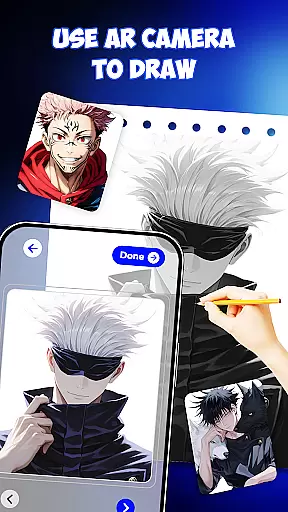
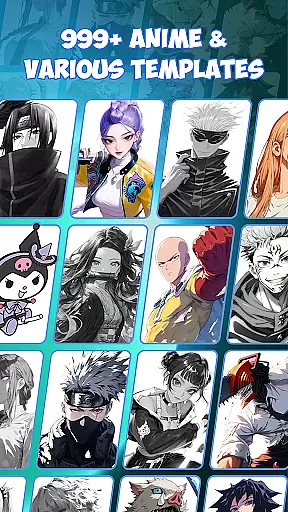
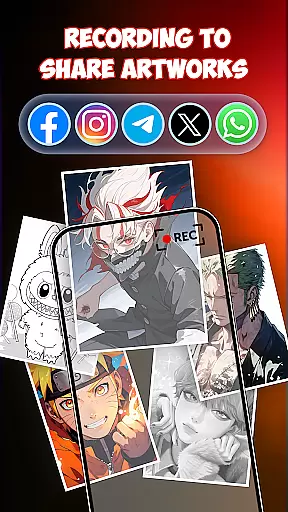
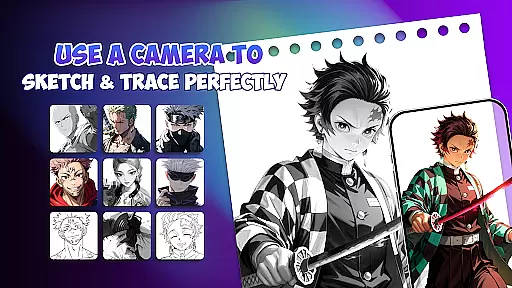
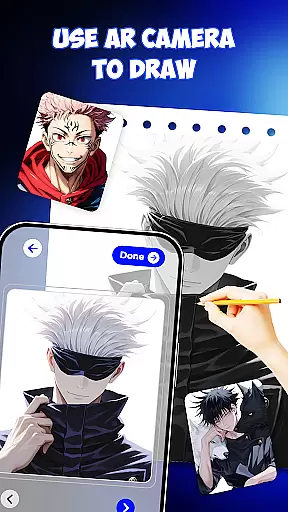
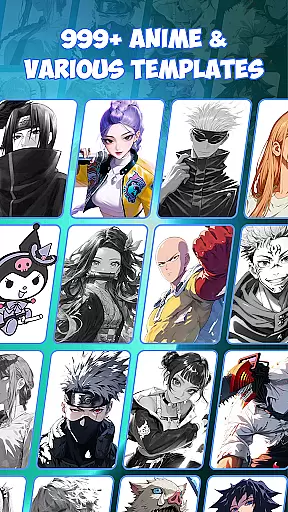
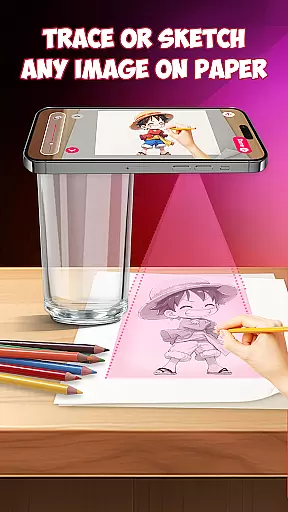
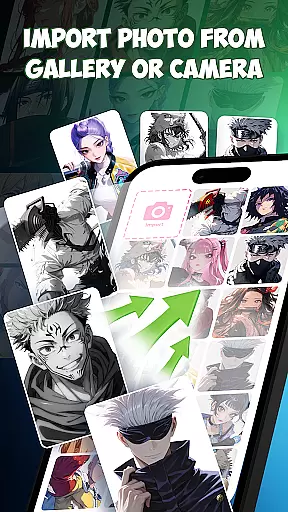
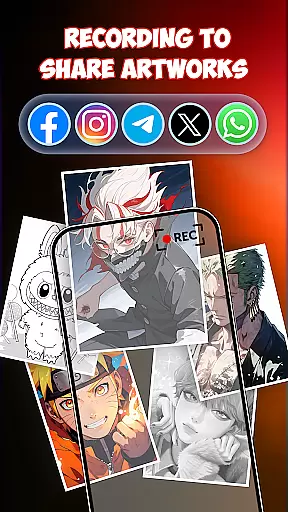
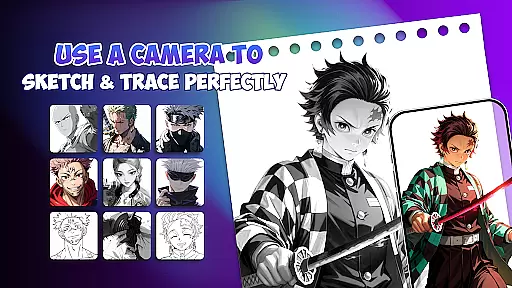
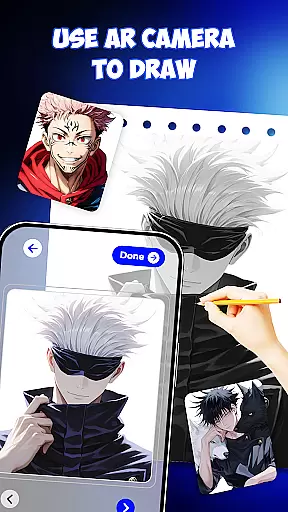
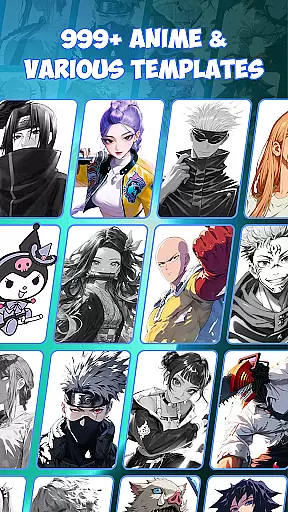
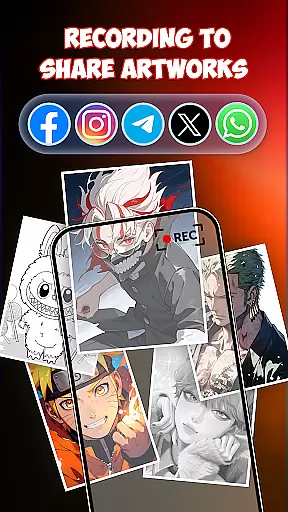
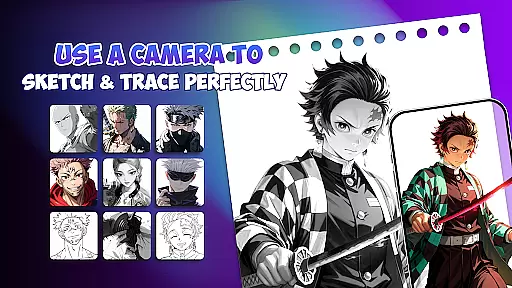
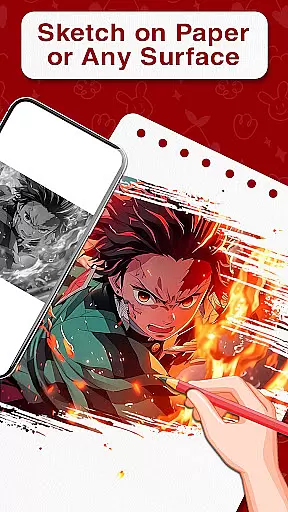
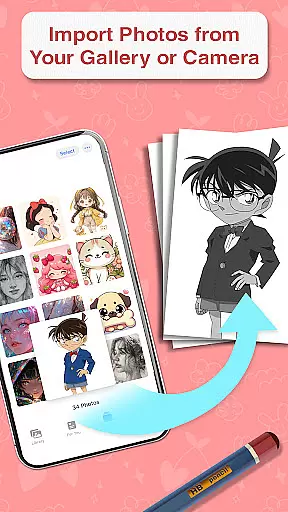
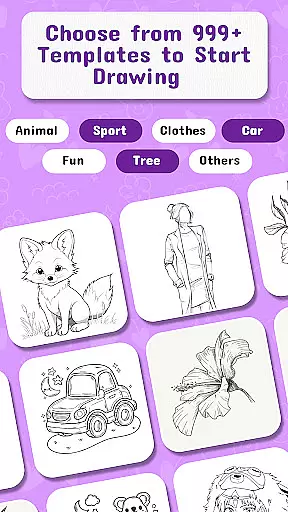
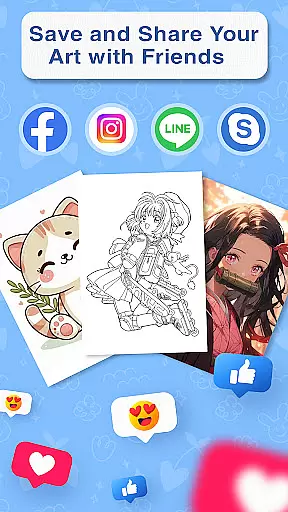
Draw Anime is an innovative AR-powered drawing application designed specifically for anime enthusiasts. This app allows users to learn and practice anime sketching with augmented reality guidance, making the drawing process more interactive and accurate. The app provides step-by-step lessons, 999+ templates, and combines traditional sketching with modern AR technology.
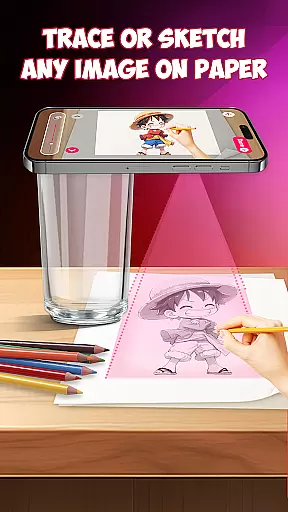
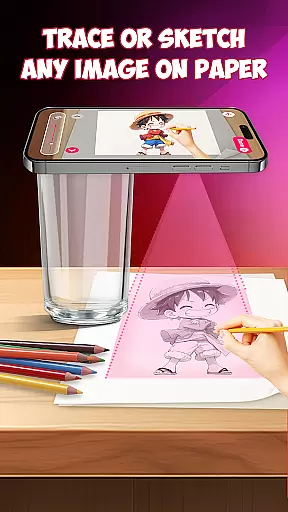
Key features include AR-guided drawing, AI-supported creativity tools, and a vast library of templates covering various anime characters and styles. Whether you're a beginner wanting to learn basic sketching or an experienced artist looking to refine your skills, Draw Anime offers a complete package for artistic growth. The app's unique AR functionality projects outlines directly onto paper, enabling precise tracing and skill development.
This app is particularly beneficial for art students, aspiring manga artists, and anyone interested in anime culture. By bridging traditional drawing techniques with cutting-edge AR technology, Draw Anime makes learning more engaging while helping users develop their artistic abilities in a structured, enjoyable way.
Draw Anime distinguishes itself through its comprehensive feature set tailored for anime artists. The app's core functionality revolves around its augmented reality drawing system, which projects virtual guidelines onto real paper. This innovative approach helps users maintain proper proportions and perspective while drawing.
The application includes advanced AI drawing support that suggests improvements and enhancements to user sketches. With over 999 templates available, users can practice different styles and characters. The app also functions as a drafting tool, providing precision instruments for detailed artwork. Its free drawing mode allows for creative experimentation while maintaining professional-grade quality.
Additional notable features include step-by-step tutorials, painting tools, and design capabilities. The combination of AR guidance with traditional drawing methods creates a unique learning experience that accelerates skill development. Users can seamlessly switch between tracing, sketching, and painting modes, making it a versatile tool for various artistic disciplines within the anime genre.
In the realm of digital artistry, having access to comprehensive creative tools is paramount. Draw Anime offers an extensive suite of features that cater to both budding and experienced artists. With functionalities ranging from AR guidance for precise tracing to AI-supported sketching, this app ensures that every artist has what they need to bring their visions to life.
The application provides over 999 templates, allowing users to explore a vast array of character designs and styles. This rich library not only inspires creativity but also serves as a learning resource where users can practice different techniques and refine their skills. Additionally, the inclusion of step-by-step lessons makes it easier for beginners to grasp complex concepts without feeling overwhelmed.
Moreover, Draw Anime stands out by integrating traditional sketching with augmented reality technology. Artists can place paper on their desk and follow virtual outlines projected through their phone screens, creating a seamless blend between digital convenience and tangible artwork. Such innovative approaches enhance user engagement while fostering an intuitive understanding of anime drawing principles.
Flexibility in canvas size and format options is crucial for artists who wish to express themselves without limitations. Draw Anime recognizes this need by offering versatile solutions that adapt to various artistic preferences. Whether you're working on small doodles or large-scale illustrations, the app's adaptive interface ensures your projects are displayed optimally across devices.
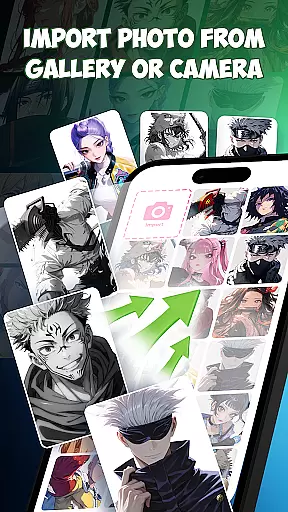
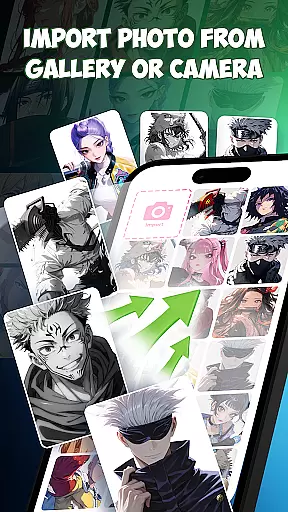
One notable feature is its ability to support multiple file formats, making it easy for users to export their work for sharing or further editing. This compatibility extends beyond just saving files; it encompasses importing assets too, enabling seamless integration into existing workflows. As a result, artists can focus more on creation rather than worrying about technical constraints.
Furthermore, the appu2019s design emphasizes precision and control, empowering users to customize their workspace according to individual needs. From adjusting brush sizes to tweaking color palettes, every aspect of the drawing process can be tailored to suit specific tasks. By prioritizing such flexibility, Draw Anime enhances productivity and encourages experimentation among its community of creators.
User-friendly interface
AR guidance system
Extensive template library
AI-powered suggestions
Cross-platform compatibility
Requires stable internet
Premium features locked
Steep learning curve
Device compatibility issues
Limited offline functionality

Art of Combination Wear OS Watch faces (for Wear OS 5+ devices)
 3.00
3.00
Art of Combination Wear OS Watch faces
4.2
Sketch, plan, take notes and illustrate on an infinite canvas.
4.20
Your Essential Color Theory Guide: Red, Yellow, Blue (RYB)
4.4
Art of Combination Wear OS Watch Faces
4.3
Nano Banana AI Image Generator, Anime Filter, AI Portrait, AI Photo Generator
4.30
Draw Trace image sketch by, AR art projector app, Easy to trace any image.
4.50
A luxurious gold watch face for an elegant and refined look.
4.4
2D animation studio for Android tablets - unlimited layers, infinite timeline
4.70
Create neon drawing with magic doodle and fun doodle art effects!
4.50
Unleash your drawing and painting potential
4.50
The perfect place to start sketching! Use Sketchbook to draw and paint sketches.
4.50
Painting, drawing, & sketching
4.50
Stylish letters, Stylish Keyboard, Symbols, Emojis, Cool nickname
4.40
Create stylish invitation cards using templates for weddings, birthdays & RSVP.
4.20
AR Anime Drawing: How to draw anime with AR drawing & sketching apps!
4.00
Apply cartoon, caricature, and portrait effects to make your photos stand out!
3.60
Sketch, trace and master AR drawing with awesome anime art!
3.30
Android 14 style widgets and wallpapers app.
4.2


User Reviews