
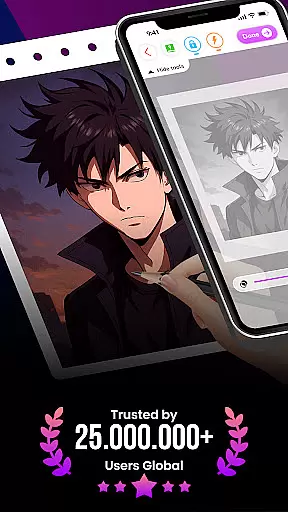
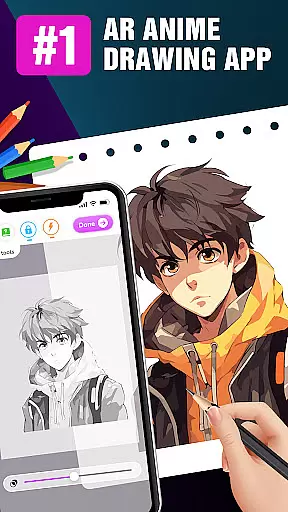
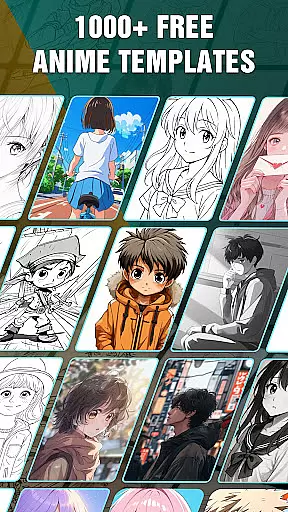
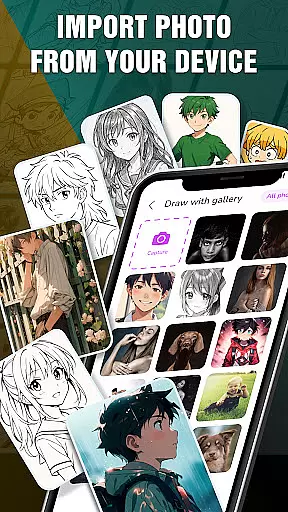
Draw Anime: AR Drawing Sketch is an innovative art application that combines traditional anime drawing with augmented reality technology. Designed for both beginners and experienced artists, the app offers step-by-step tutorials to guide users through the process of creating stunning anime artwork.
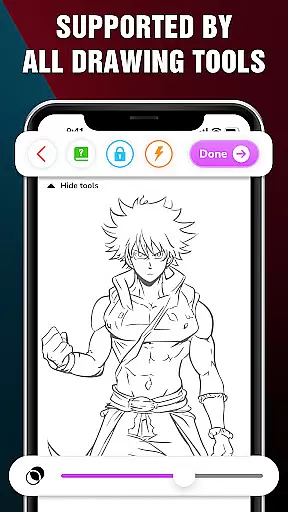
One of the standout features is its AR functionality, which allows users to incorporate real-world elements into their sketches using their device's camera. This creates a seamless blend of reality and imagination, making the drawing experience more engaging and interactive. The app also includes advanced drawing options like opacity adjustment, flashlight control, and sketch locking, providing users with complete creative control.
Whether you're a teenager looking to learn anime drawing or an artist wanting to enhance your skills, this app provides a fun and educational platform to express your creativity. By tracking your artistic progress and allowing you to save or share your favorite works, Draw Anime ensures a comprehensive and enjoyable drawing experience.
Draw Anime: AR Drawing Sketch stands out with its unique combination of traditional drawing techniques and cutting-edge augmented reality features. The app provides detailed step-by-step tutorials that break down complex anime drawings into manageable steps, making it accessible for artists of all skill levels.
The AR drawing feature lets users superimpose their sketches onto real-world environments captured by their device's camera. This not only enhances creativity but also makes the learning process more interactive. Users can experiment with various advanced tools such as adjusting opacity for layering effects, toggling the flashlight for better visibility, and locking sketches to prevent accidental changes.
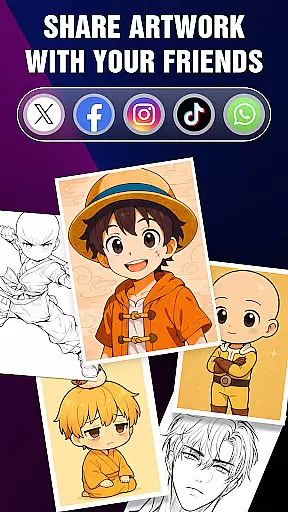
Additionally, the app includes a comprehensive artwork tracking system. This feature allows users to monitor their progress over time, save their favorite creations, and quickly access characters they wish to master. With options to share your artwork directly with friends or on social media, Draw Anime: AR Drawing Sketch creates a vibrant community of artists who can learn from and inspire each other.
In the realm of digital art, having a comprehensive set of creative tools is essential for artists to fully express their visions. The 'Draw Anime: AR Drawing Sketch' app rises to this occasion by offering an extensive suite of features tailored for anime art enthusiasts.
From step-by-step tutorials that break down complex drawing processes into manageable steps, to advanced options like adjusting opacity and utilizing a flashlight for those intricate sketches, the app ensures every artist has what they need to create stunning artwork.
Users can infuse real-world elements into their sketches using augmented reality, providing a seamless blend of imagination with the environment around them. This feature not only enhances creativity but also offers a unique way to engage with one's surroundings while practicing art.
The ability to save or share perfect AR drawings adds another layer of functionality, allowing users to track their artistic journey, gain insights into their progress, and even showcase their work to friends and fellow artists.
Flexibility in canvas and format options is crucial for artists who wish to explore different styles and dimensions in their artwork. The 'Draw Anime: AR Drawing Sketch' app embraces this need by providing versatile solutions that cater to various artistic preferences.
Artists can utilize the app's augmented reality features to draw sketches that incorporate elements from their real-world surroundings, effectively turning any space into a potential canvas with adjustable parameters to suit individual needs.
With functionalities such as locking and resetting drawings, users have complete control over their creations, enabling them to experiment freely without fear of losing previous work. This encourages exploration and learning through trial and error.
Furthermore, the app supports saving favorite characters and accessing them quickly, which streamlines the creative process by allowing artists to focus on their technique rather than setup, thus enhancing overall productivity and enjoyment in creating anime art.
User-friendly interface
Step-by-step guidance
Augmented reality features
Advanced drawing tools
Artwork tracking system
Limited free content
Requires good device specs
In-app purchases needed
Occasional bugs reported
Learning curve for AR

Learn how to draw with step-by-step tutorials, fun lessons & multiplayer drawing
 4.70
4.70
Floor Plan Creator lets you create, edit and share floor plans.
4.00
Design your dream room with AI. Get decor ideas & plan home interiors
3.90
Digital illustration drawing & painting pad app to paint Anime and Manga art
4.50
Create stunning art with AI.
4.80
Novices can also easily complete diamond painting masters
4.70
Minecraft & Roblox Clothes
4.70
Get creative and make art with your Sesame Friends!
4.00
Create and Design Custom Logos in Seconds with AI-Powered Tools!
4.40
Photo stitcher for automatically screenshot stitching into a long screenshot
4.70
Logo Generator powered by AI: Create stunning logos effortlessly!
4.70
Stylish letters, Stylish Keyboard, Symbols, Emojis, Cool nickname
4.40
Digital Drawing: Draw & Paint
4.10
Unleash the artist in you with our AR drawing and tracing tool for photo drawing
4.10
Turning simple sketches into captivating tales filled with life and motion
3.90
Your homescreen as an elegant glass with customized blur, lighting, and visuals.
3.70
Download now for a stylish and functional timepiece
4.2
Art of Combination Wear OS Watch Faces
4.4
Android 14 style widgets and wallpapers app.
4.0


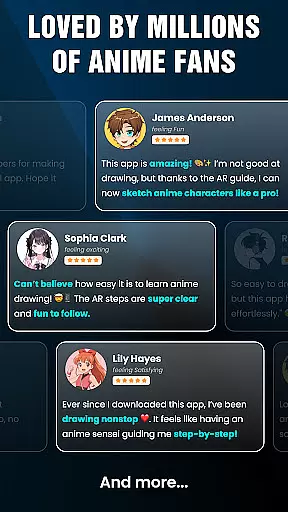
User Reviews