
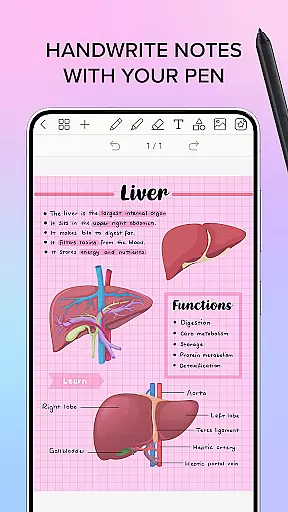
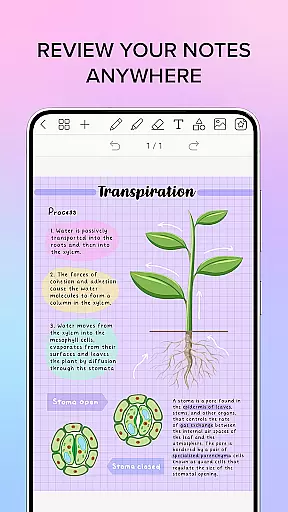
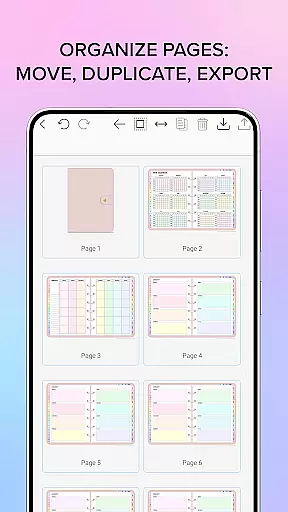
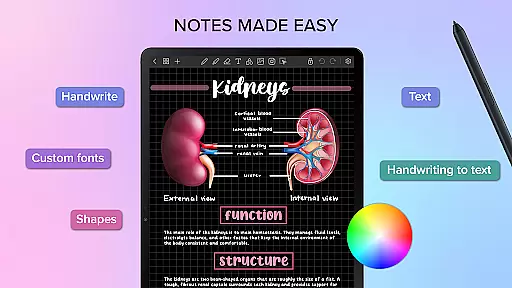
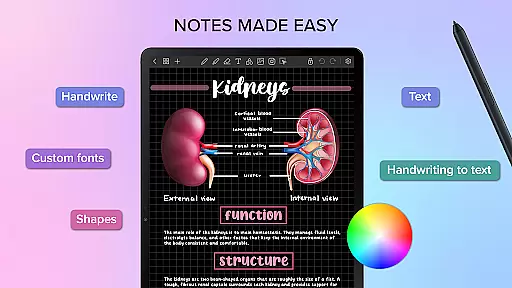
Penly is a comprehensive digital planner, journal, and note-taking application designed to enhance both creativity and productivity. The app offers an intuitive interface with smooth handwriting capabilities, text tools, image editing, and shape manipulation features.
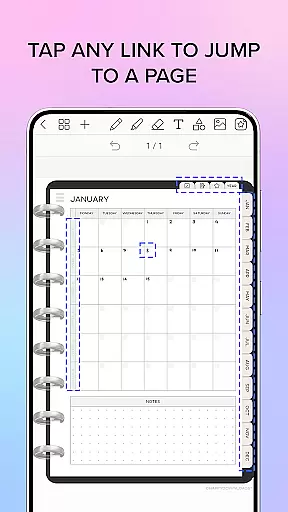
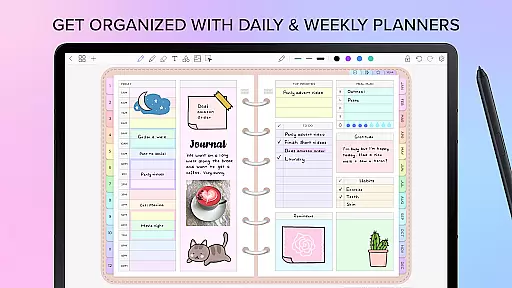
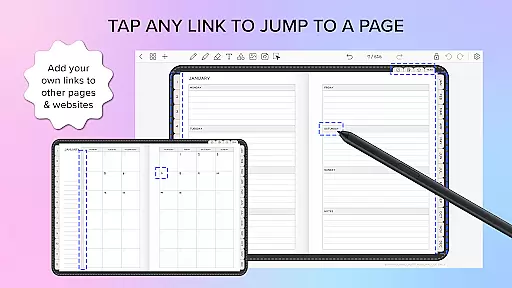
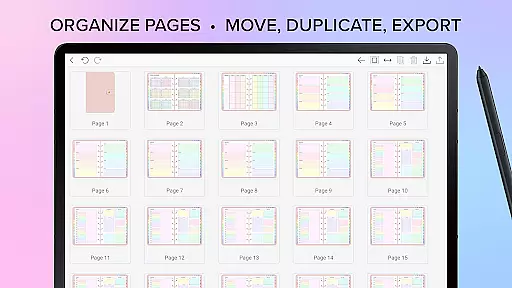
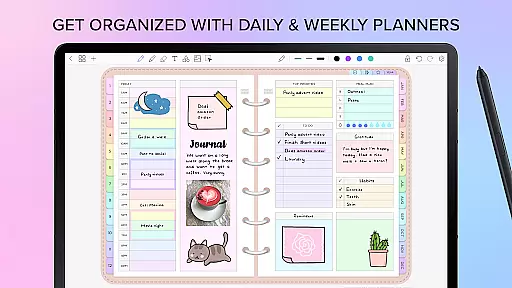
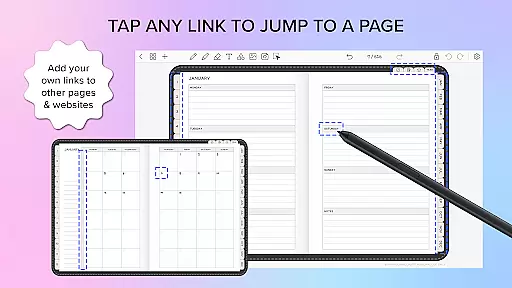
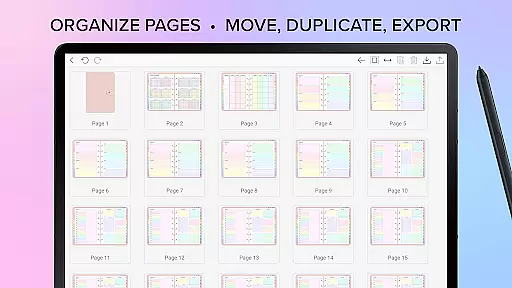
One of the standout functionalities of Penly is its inclusion of four digital planners with hyperlinked pages, allowing users to navigate effortlessly between monthly, weekly, and daily views. Users can import any PDF file, create custom hyperlinks, and organize stickers and images efficiently. With support for automatic handwriting conversion to text and options to highlight or underline, Penly ensures a seamless note-taking experience.
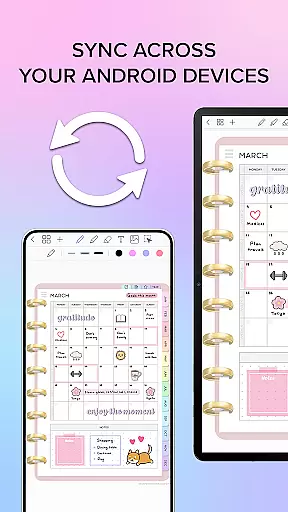
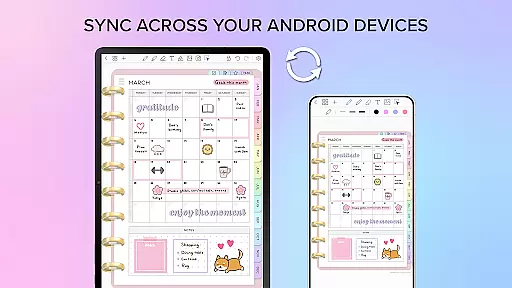
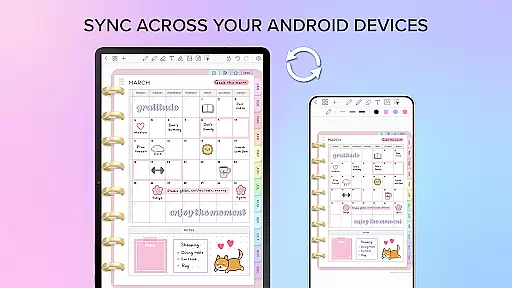
The app syncs across Android devices via Google Drive, ensuring that your documents are always up-to-date and accessible wherever you go. Whether for personal or professional use, Penly provides a robust platform for organizing notes and boosting productivity.
Penly boasts an array of powerful features tailored to meet diverse user needs. Its smooth handwriting recognition and smart eraser tool make note-taking feel as natural as using pen and paper. The ability to transform, group, and lock objects adds a layer of sophistication to document management.
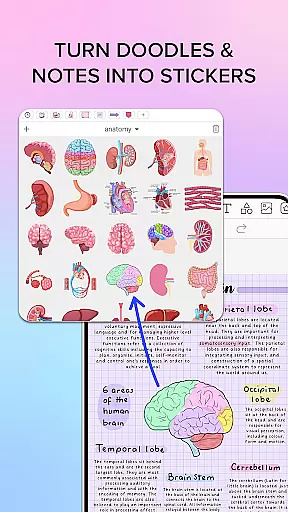
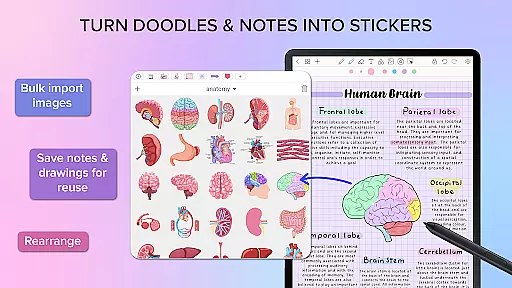
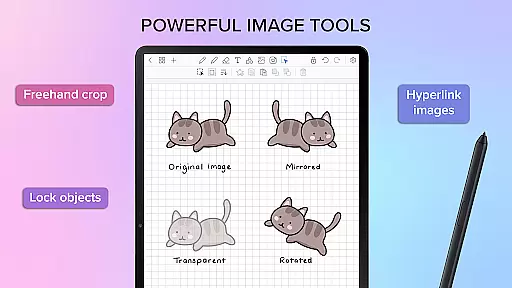
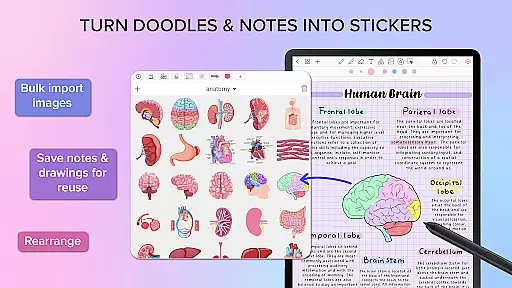
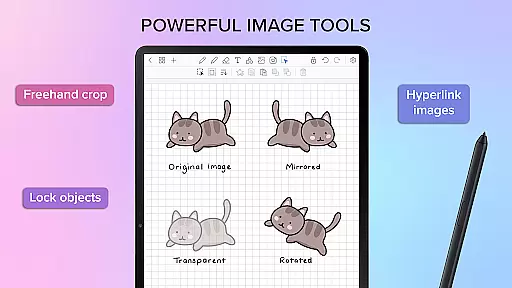
Users can take advantage of the app's capability to import custom fonts and create sticker collections, which can be organized and bulk-imported easily. The option to favorite collections ensures quick access to frequently used items. Additionally, Penly allows users to mirror, flip, crop, and adjust image opacity, providing extensive customization possibilities.
Another remarkable feature is the hyperlink creation tool, enabling users to turn any object into a clickable link that directs to specific pages or websites. This functionality enhances navigation within documents and streamlines workflow processes significantly.
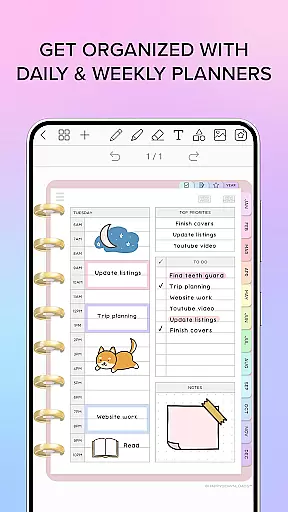
Penly excels in core task management by offering a comprehensive suite of tools designed to enhance productivity. The app provides users with digital planners, including hyperlinked monthly, weekly, and daily pages, which are undated and reusable, allowing for personalized planning.
In addition to its planning capabilities, Penly supports the creation of to-do lists and note templates, ensuring that users can manage their tasks efficiently. The ability to transform, group, and lock objects adds another layer of organization, enabling users to maintain a clutter-free workspace.
The app's automatic handwriting-to-text feature streamlines the note-taking process, while the highlight and underline functions allow for easy emphasis on key points. With undo and redo actions, users have the flexibility to amend their work without hassle, promoting a seamless task management experience.
Cross-device synchronization is a critical feature for users who operate across multiple platforms, and Penly addresses this need with reliable syncing capabilities. By linking Google Drive to the app, users can ensure their data is consistently updated across all their Android devices.
This synchronization process can be performed manually or set to occur automatically whenever the app is opened or closed. Such flexibility ensures that users' most current files are always at their fingertips, regardless of the device they choose to use.
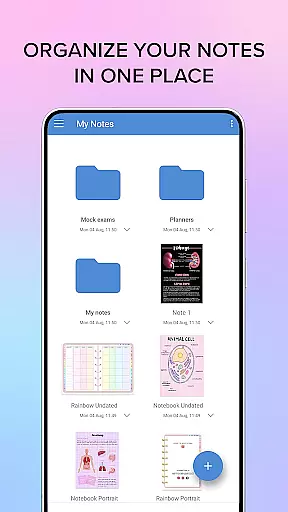
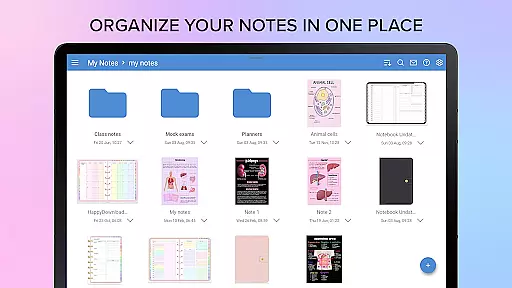
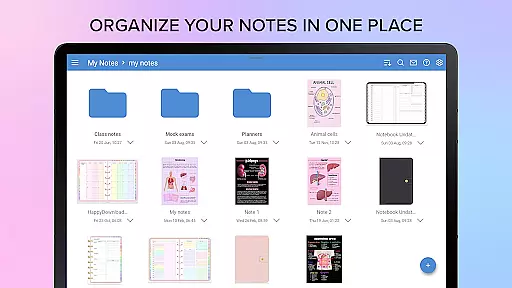
Moreover, Penly's document management system, complete with folders and sub-folders, allows users to organize their notes effectively. This organizational structure, combined with the app's syncing feature, means that documents will reopen precisely where users left off, providing a dependable and efficient cross-device experience.
User-friendly interface
Handwriting to text conversion
Customizable stickers
Hyperlink creation
Cross-device syncing
Limited language support
No iOS version
Premium cost
Learning curve
Occasional bugs

 4.20
4.20
Client for Nextcloud Deck
4.60
Experience real multitasking on your Android!
4.00
Planet Free VPN - The best Fast Unlimited and Secure VPN Without Logs
4.50
Absolutely the best CNC machinist speed and feed calculator around. fswizard.com
4.60
Customizable calendar widget for seamless event sync, planning & scheduling.
4.00
CalenGoo is a very flexible and feature-rich calendar app
4.40
Stay on top of your to-dos with Google Tasks, part of Google Workspace.
4.60
Okta MFA
4.70
Scientific calculator for Android - looks and operates like the real thing!
4.90
The long-awaited modern gallery app for your Nextcloud server
4.70
To do list widget with a notebook organizer, checklist, simple shopping list
4.60
Docker, Kubernetes management over Portainer Mobile
4.40
A Pixel Art watchface inspired by other iconic 90s designs for Wear OS devices!
4.40
This small app MUST BE INSTALLED after purchase, else license won't work
4.40
Font maker keyboard with your own handwriting
4.10
Intelligent AI Assistant
4.10
The ultimate file manager for rooted devices. The original and still the best.
4.00
Auto-shutoff Alarm with Sunrise, Sunset & Fixed Options.
3.50


User Reviews