
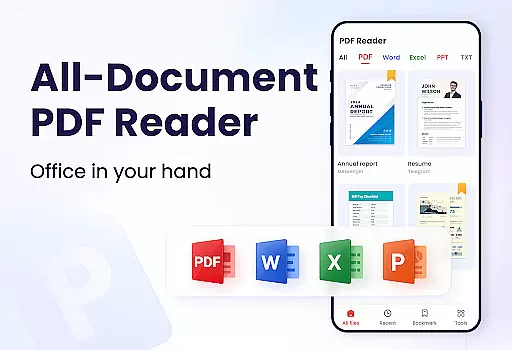
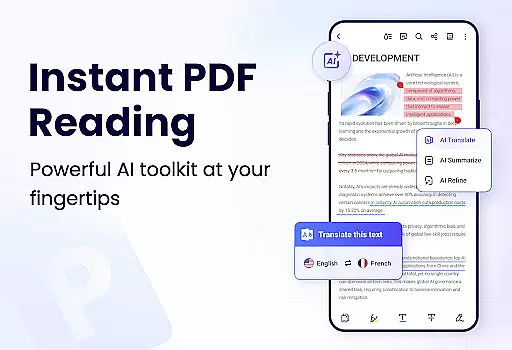
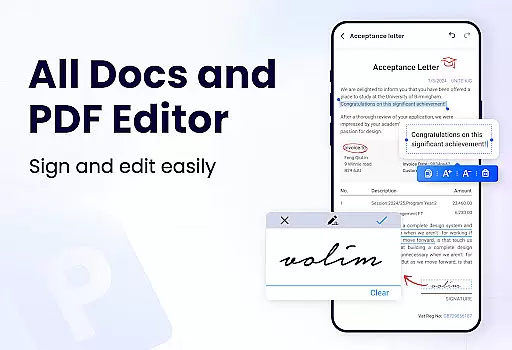
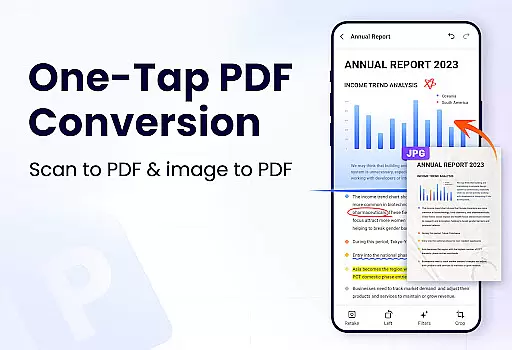
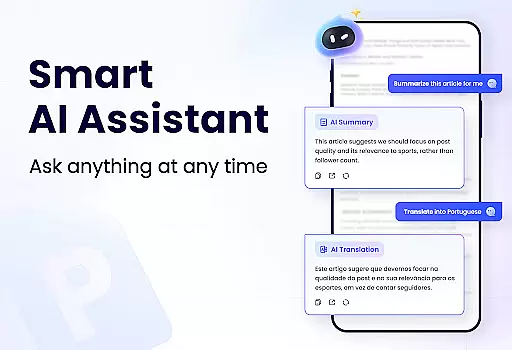
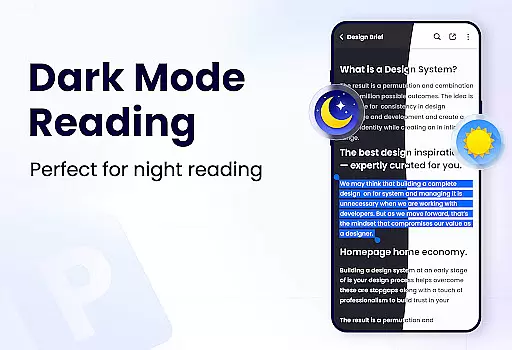
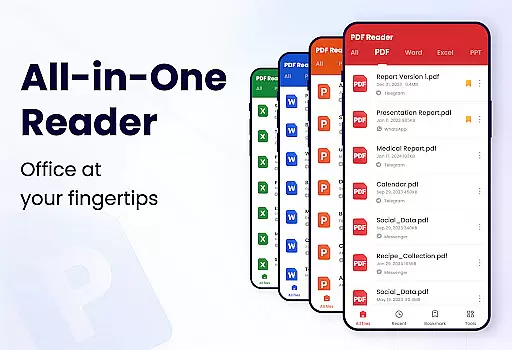
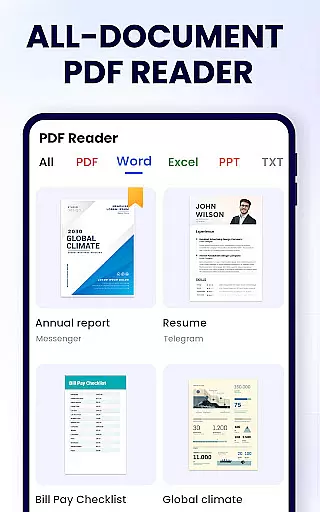
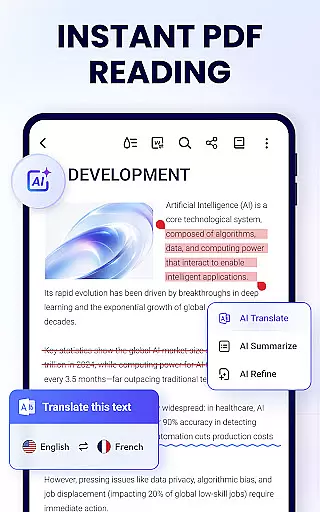
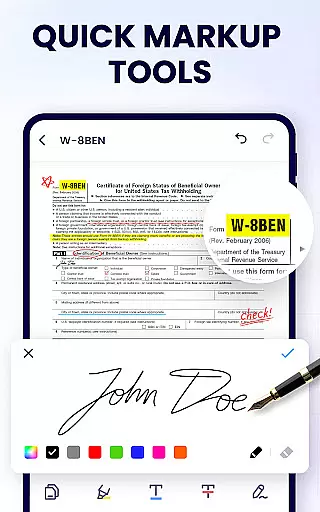
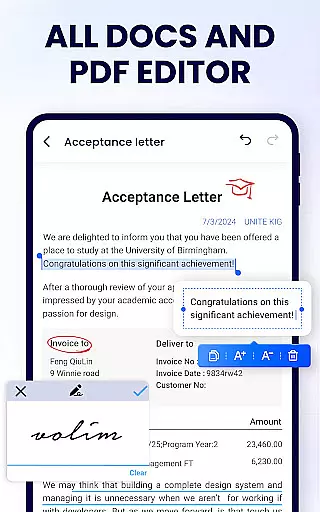
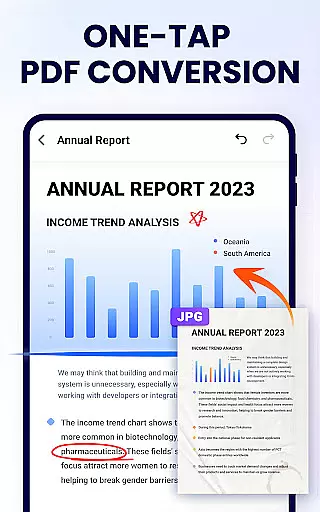
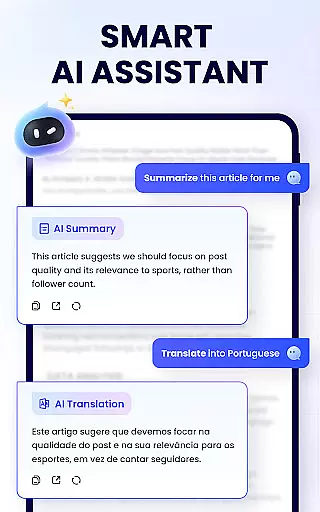
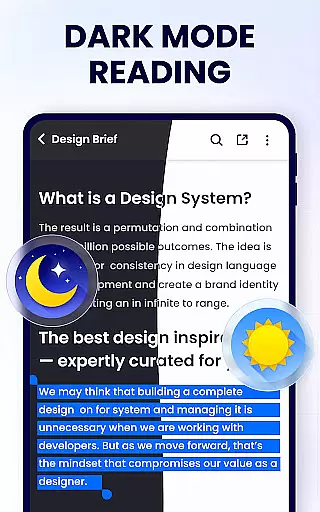
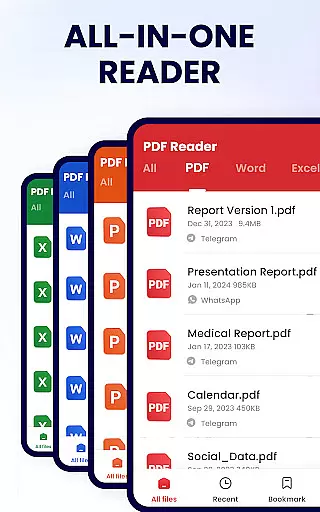
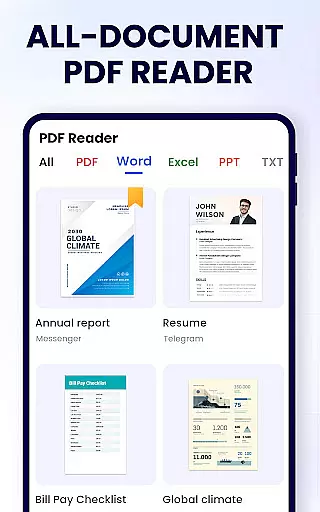
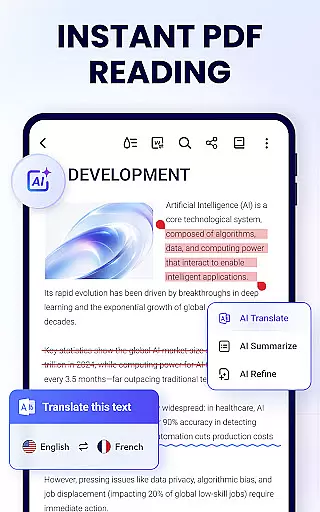
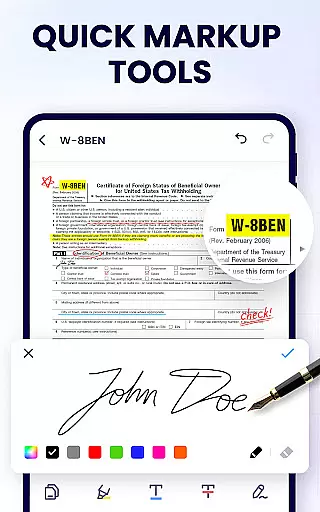
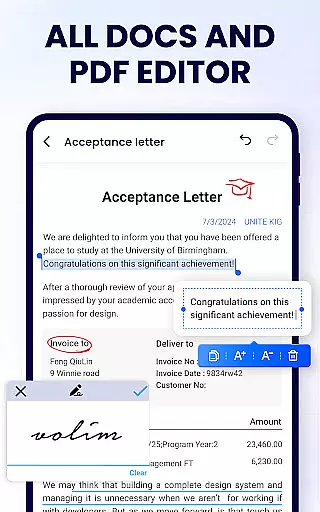
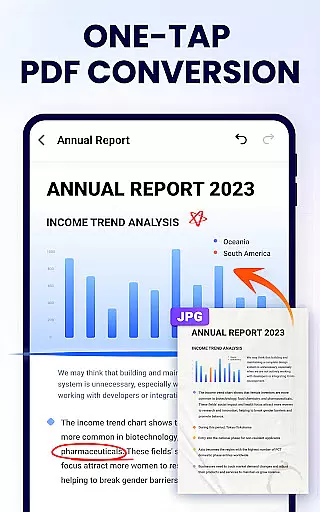
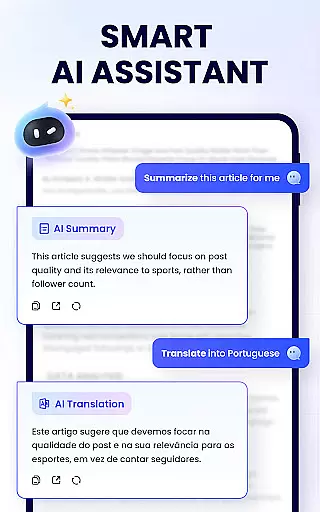
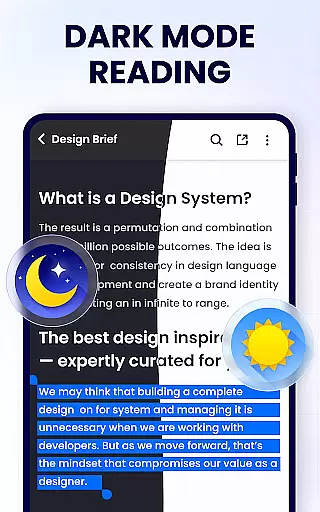
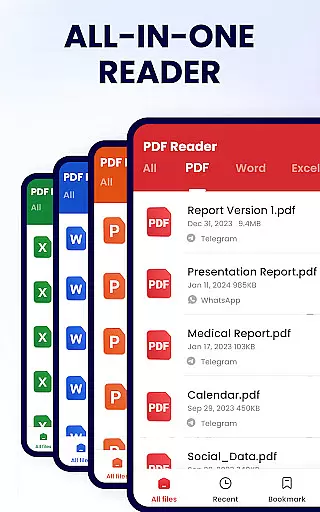
PDF Reader - PDF Viewer is a comprehensive productivity tool designed for Android users who need to manage, edit, and view PDF documents efficiently. This free app, A+ Read, offers an extensive range of features including reading, editing, merging, splitting, and securing PDF files with passwords. It stands out as not just a viewer but also a capable editor and manager, making it ideal for both work and study environments.
The app's auto-search function swiftly locates all PDF files on your device, providing quick access and a seamless reading experience. Its user-friendly interface supports various viewing modes, annotations, and even doodling. With additional capabilities like file sharing, bookmarking, and text copying, this app ensures that users can interact with their PDFs in multiple ways, enhancing productivity and document management.
PDF Reader - PDF Viewer boasts an array of features that cater to diverse user needs. The convenient PDF viewer automatically searches and displays all PDF files, allowing for fast access and easy navigation through a simple list view. Users can enjoy both page-by-page and continuous scrolling modes, switch between horizontal and vertical orientations, and utilize full-screen mode for an optimal reading experience.
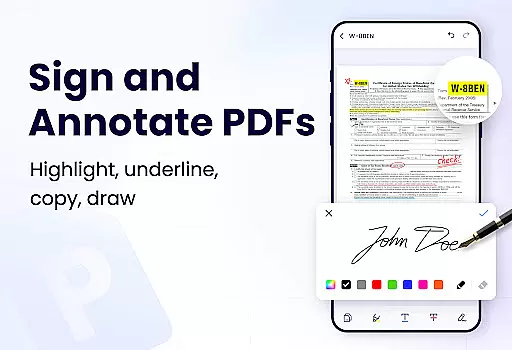
As a smart PDF reader, it provides advanced functionalities such as zooming in and out, direct page jumps, and different viewing modes. Moreover, its efficient PDF editor lets users annotate documents with highlights, underlines, and strikethroughs, as well as doodle freely. The full-featured PDF manager enables merging and splitting of files, setting passwords, renaming, and printing PDFs, ensuring comprehensive document control and management.
In the realm of productivity, managing tasks efficiently is paramount. The PDF Reader - PDF Viewer app excels in this area by offering a comprehensive suite of tools designed to streamline your document handling. This app allows you to not only view PDFs but also manage them with features such as merging, splitting, and protecting files with passwords.
Task management within this app extends beyond simple viewing. You can organize your workflow by setting bookmarks for easy navigation through lengthy documents, annotate directly on PDFs, and even search and copy text for further use. These capabilities ensure that you maintain control over your documents, making it simpler to handle work or study-related materials.
The benefits of using PDF Reader - PDF Viewer for task management are numerous. With its full-featured PDF manager, you can rearrange your digital workspace to suit your needs, whether that involves editing documents or preparing them for sharing via social media platforms. Its lightweight nature, at only 12MB, ensures that it runs smoothly without consuming excessive resources.
Ultimately, the value provided by this app's task management features lies in its ability to centralize your document-related activities. By integrating functionalities that would typically require multiple applications, it simplifies your digital toolkit, allowing you to focus more on content creation and less on the logistics of file management.
Cross-device synchronization is a critical feature for users who operate across multiple platforms. While the current description of PDF Reader - PDF Viewer does not explicitly mention cloud services or real-time syncing, we can infer potential reliability based on its robust feature set tailored for document management.
For an application like this, cross-device synchronization would mean the seamless transition of your reading and editing progress between devices. Imagine starting your document review on a smartphone during your commute and continuing on a tablet at home, without missing a beat. Although specific sync features aren't detailed, the appu2019s existing capabilities suggest a strong foundation for implementing reliable synchronization.
Users benefit from consistent access to their documents regardless of the device they're using. Even without explicit mention of synchronization, the app's emphasis on efficient document handling implies that future updates could enhance connectivity options. This positions the app as a forward-thinking solution for individuals seeking flexibility in their digital lives.
The potential introduction of advanced synchronization features would further solidify the app's standing as a versatile tool in the productivity category. As updates roll out, users can anticipate improvements that will make their cross-device experiences smoother and more integrated, enhancing both personal and professional document workflows.
User-friendly interface
Comprehensive editing tools
Secure file protection
Efficient file management
Lightweight application size
Limited format conversion
No cloud integration
Advanced features require permissions
Occasional ads in free version
Some features still in development

The long-awaited modern gallery app for your Nextcloud server
 4.70
4.70
Auto-shutoff Alarm with Sunrise, Sunset & Fixed Options.
3.50
Send files, sync SMS, notifications & clipboard across devices via local network
4.40
Find and delete junk files & block unwanted notifications & manage files
3.70
Activate Two Factor Authentication (2FA or Multi OTP), Password manager and more
4.10
Calendar 2023 widget for Android. Appointment scheduler, planner, and reminder
4.60
Docker, Kubernetes management over Portainer Mobile
4.40
This small app MUST BE INSTALLED after purchase, else license won't work
4.40
Ultimate Virtual AI Character for immersive Roleplay Chat. Perfect Companion
3.90
Scientific calculator for Android - looks and operates like the real thing!
4.90
Mind Map and brainstorm, note taking and idea collection
4.80
A beautiful digital clock with autostart and many other functions
4.70
Absolutely the best CNC machinist speed and feed calculator around. fswizard.com
4.60
The AI assistant that thinks with you - write, code, and solve complex tasks
4.60
Tally and goal counter for Wear OS & mobile
4.50
All in One PDF Reader: Manage, Read and Edit your Documents
4.20
Experience real multitasking on your Android!
4.00
ID.me Authenticator is a simple and free Two Factor Authentication solution
3.50
Code on-the-go with VScode for Android. Edit,debug and collaborate from mobile!!
3.10


User Reviews