
Nano Teleprompter is a versatile productivity tool designed to streamline the process of script management and delivery. This app offers an intuitive floating widget that works seamlessly with any camera app, making it ideal for video recording, live streaming, or public speaking scenarios. The real-time Google Drive sync ensures your scripts are always up-to-date across devices.
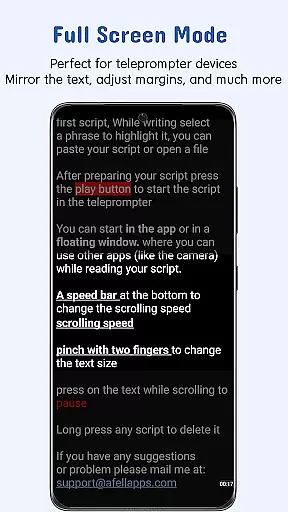
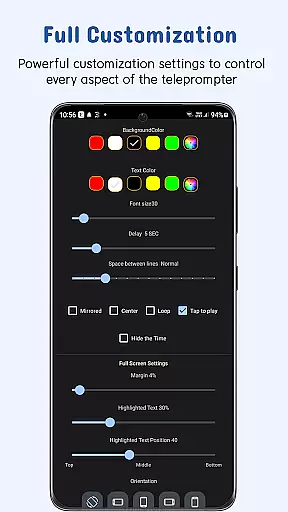
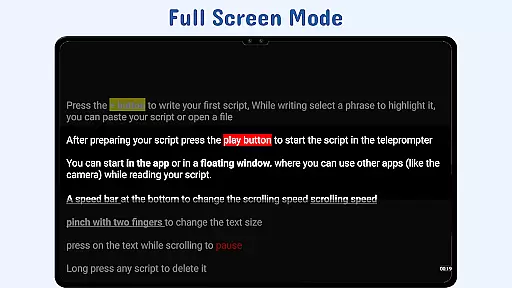
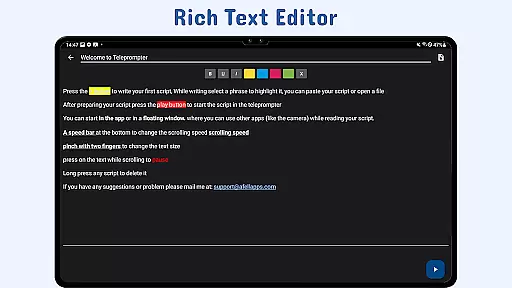
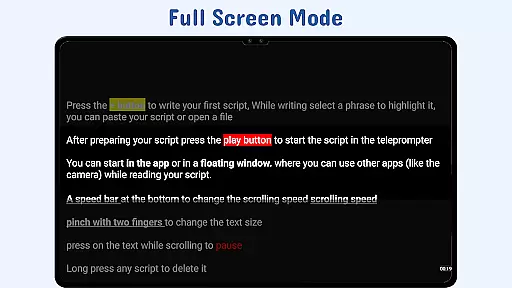
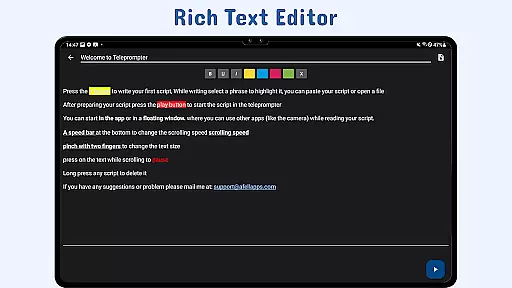
With customizable text options, gesture controls, and adjustable scroll delay, Nano Teleprompter provides users with complete control over their presentation experience. Whether you need to highlight key phrases or adjust scrolling speed, this app caters to both amateur content creators and professional speakers who require precision and flexibility in their workflow.
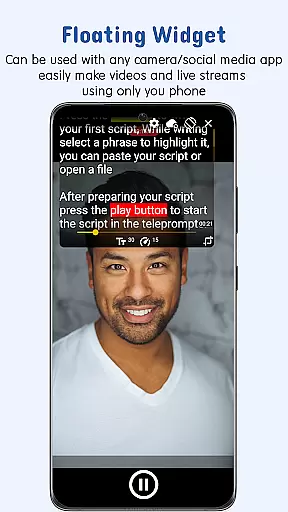
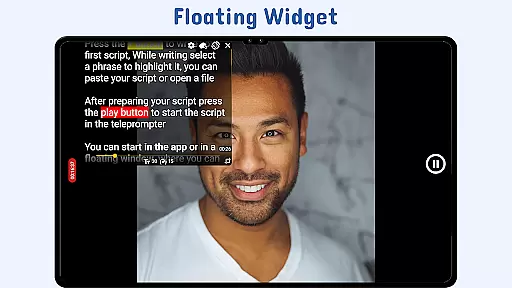
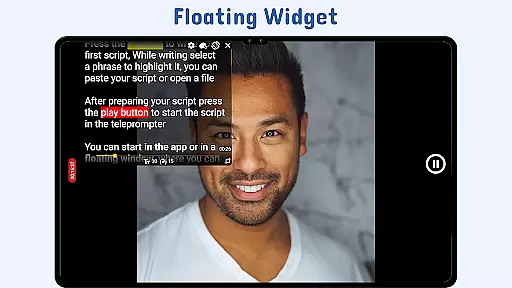
Nano Teleprompter stands out with its robust feature set tailored for productivity enthusiasts. The app's floating teleprompter widget can be freely resized and positioned on-screen, working perfectly in both landscape and portrait modes. This allows users to maintain eye contact with the camera while reading their scripts.
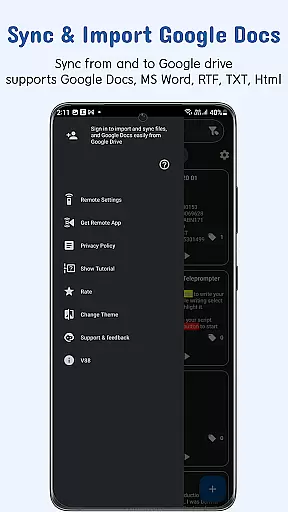
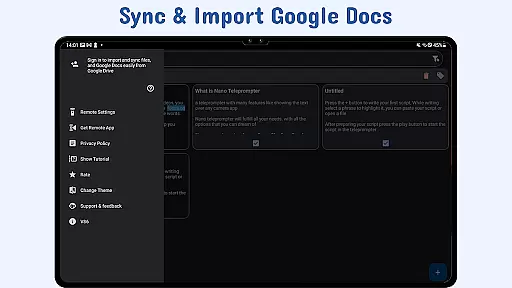
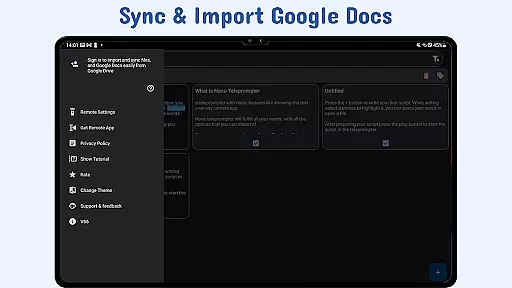
The real-time Google Drive integration enables effortless script management. Users can create, edit, and save documents directly in Google Drive, and the app will automatically sync updates. With additional features like customizable text formatting, gesture-based controls, remote support, and cross-device syncing, Nano Teleprompter ensures a seamless and professional teleprompting experience.
Task management is a cornerstone of productivity applications, and Nano Teleprompter excels in this area by offering users an intuitive way to handle their scripts efficiently. The app's seamless integration with Google Drive allows for real-time updates, ensuring that any changes made to your documents are immediately reflected within the app.
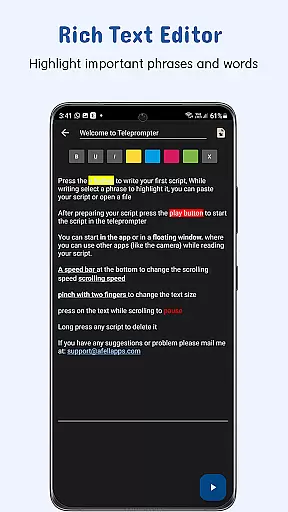
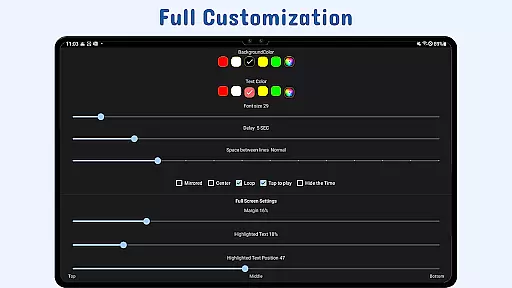
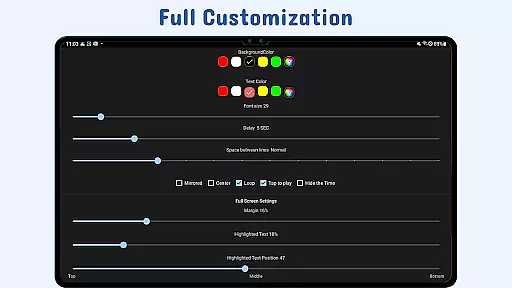
Nano Teleprompter provides customizable text options such as size, color, and background opacity which play a critical role in effective script reading. These features empower users to tailor their experience according to personal preferences or environmental conditions, thus enhancing readability and focus during presentations or recordings.
With adjustable scroll delay and gesture controls, the application ensures that users maintain complete control over their script's pacing. This level of customization not only improves user interaction but also enables a more natural delivery when using the teleprompter for speeches or video content creation.
Cross-device synchronization is essential for users who need access to their scripts across multiple devices, and Nano Teleprompter delivers this through its robust Google Drive integration. By automatically backing up scripts to the cloud, it guarantees that whether you're on your phone, tablet, or computer, your work remains up-to-date and accessible wherever you go.
The ability to open text files directly from a file explorer or share them from other apps further streamlines workflow efficiency. Users can quickly import documents without hassle, making it easy to transition between different tasks and projects while maintaining productivity.
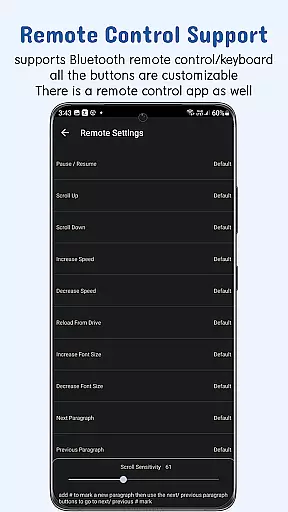
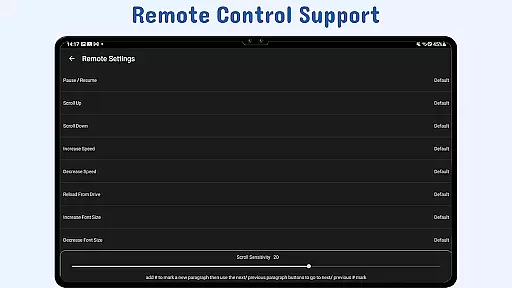
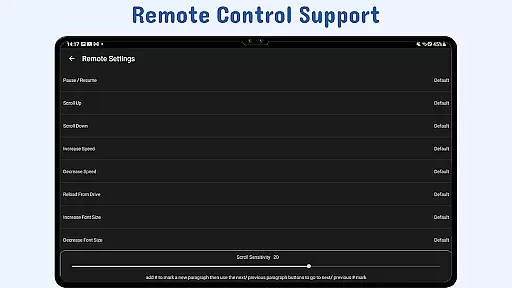
Moreover, remote control support adds another layer of convenience by allowing hands-free operation. With personalized button configurations for pause, resume, scrolling speed adjustment, and navigation functions, Nano Teleprompter offers reliable performance that adapts seamlessly to various professional scenarios requiring prompt access to information.
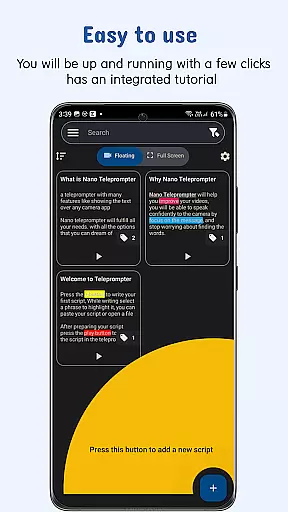
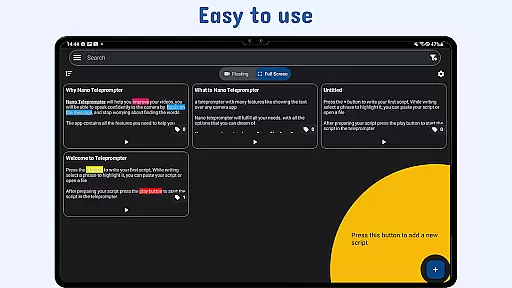
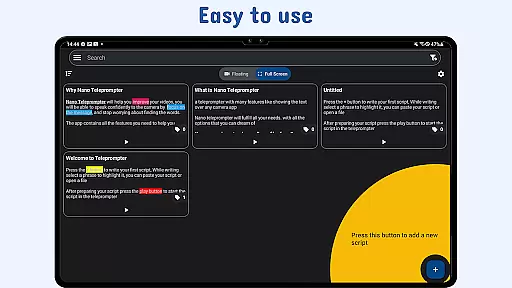
User-friendly interface
Real-time cloud sync
Flexible widget positioning
Customizable text options
Remote control compatibility
Limited offline functionality
Premium feature lock
Occasional sync delays
Device compatibility issues
Learning curve for new users

The long-awaited modern gallery app for your Nextcloud server
 4.70
4.70
Experience real multitasking on your Android!
4.00
Ads Free App! Editor, Hide File, Copy, Move, Delete and Rename.. all facility av
1.70
Easily read and manage all your PDF files
4.10
A lightweight JSON & XML files creator, editor and viewer (Premium Version)
4.40
A simple, portable logger for POTA, SOTA, Field Day, and more
4.5
Tally and goal counter for Wear OS & mobile
4.50
A Pixel Art watchface inspired by other iconic 90s designs for Wear OS devices!
4.40
Lightweight PDF, Word, Excel reader.
4.60
8 custom complications. Custom Time Fonts. Beautiful color schemes. A++ Design.
5.00
Great calculator for Android named one of USA TODAY's "25 Essential Apps".
4.90
Understand anything with a personalized AI research assistant
4.80
Secure, open-source, SPICE and SSH Remote Desktop for QEMU KVM virtual machines
4.00
Access your phone's notifications, calls, apps, photos & texts on your PC
3.90
Ultimate Virtual AI Character for immersive Roleplay Chat. Perfect Companion
3.90
Remotely view listen control and record cameras.
3.70
Experience and share your SolidWorks designs on your Android® phone and tablet.
2.50
AI Video AI Image Private LLM AI Browser Llama Gemma Ollama Connect LLM Studio
4.0
IP Camera Viewer - Android TV : RTSP Surveillance camera viewer for Android TV
4.4


User Reviews