
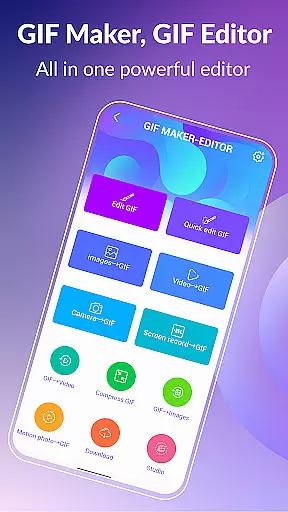
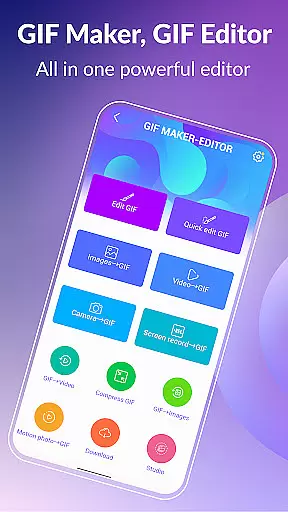
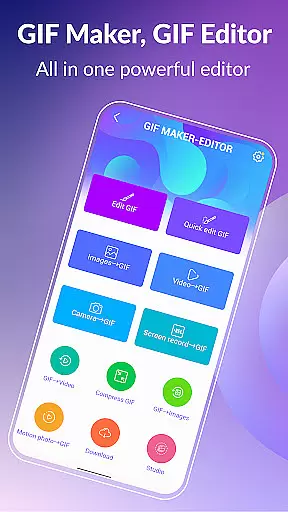

GIF Maker, GIF Editor Pro is a comprehensive photography app designed for creating and editing high-quality animated GIFs without watermarks. With support for up to 600 frames and HD resolution of 720x1280 pixels, this app offers an intuitive interface that allows users to transform images, videos, screen recordings, and existing GIFs into stunning animations.
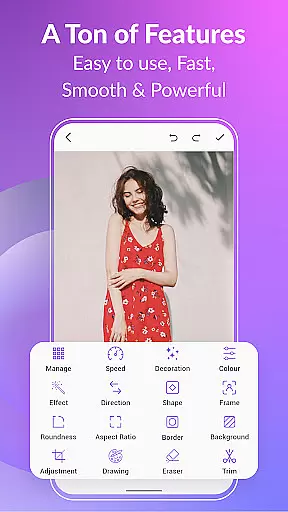
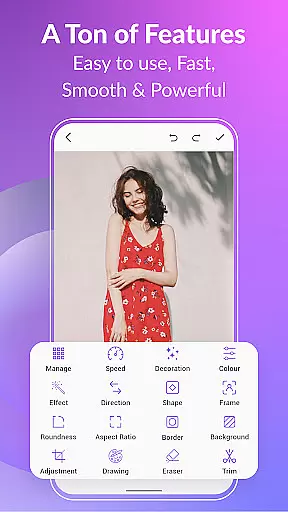
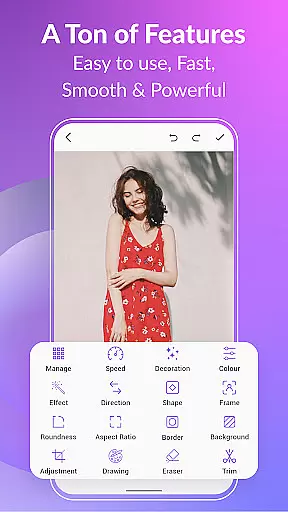
Supporting a wide range of formats including PNG, JPEG, MP4, MPEG, FLV, 3GP, and GIF, the app provides extensive customization options such as cropping, resizing, speed adjustment, adding emojis, filters, trimming, stickers, aspect ratio modification, and more. Whether you prefer a dark or light theme, GIF Maker & GIF Editor Pro caters to your creative needs with its versatile features.
GIF Maker, GIF Editor Pro stands out with its robust set of features tailored for both novice and advanced users. The app supports up to 22 languages, ensuring accessibility for a global audience. Key functionalities include transforming videos and images into GIFs, compressing GIFs for easier sharing, converting GIFs to videos, and applying various background options like transparent, blur, or solid colors.
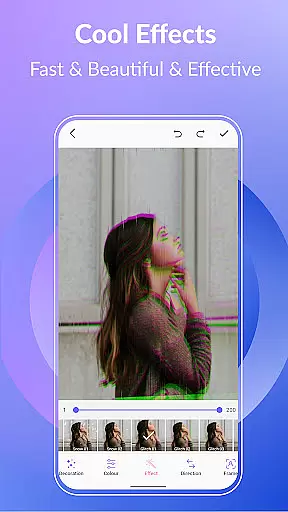
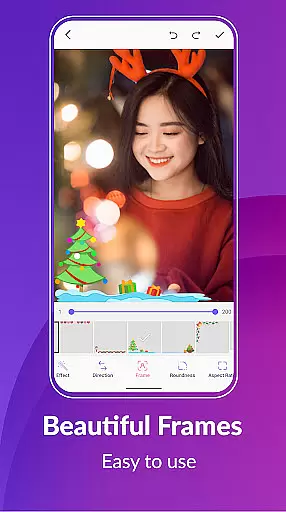
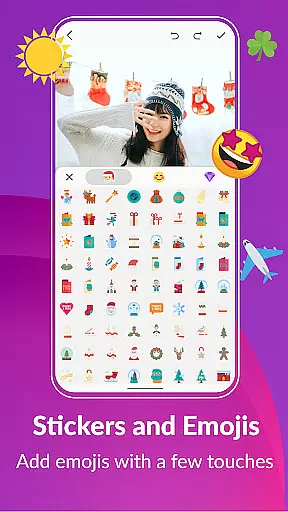
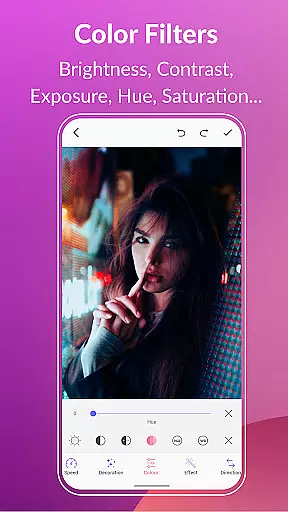
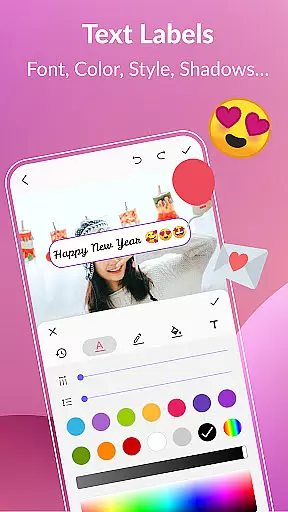
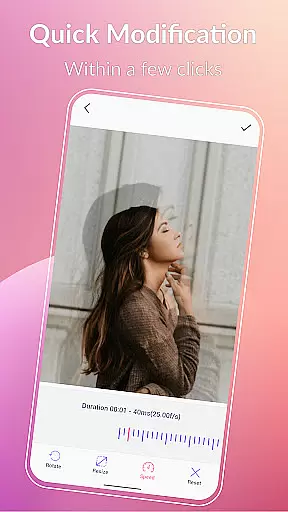
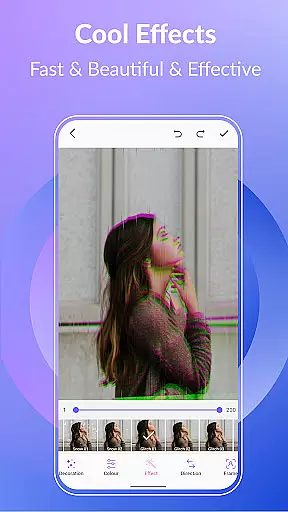
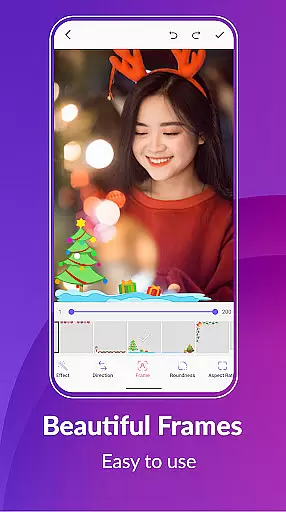
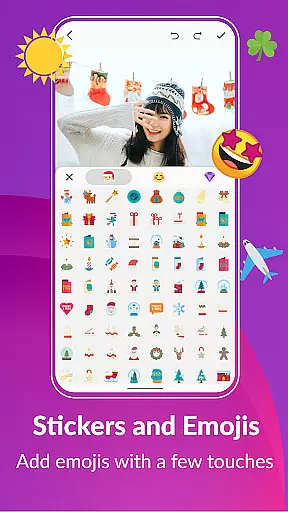
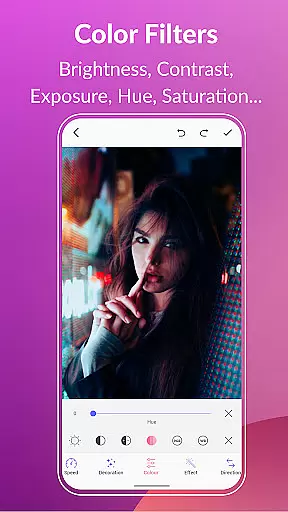
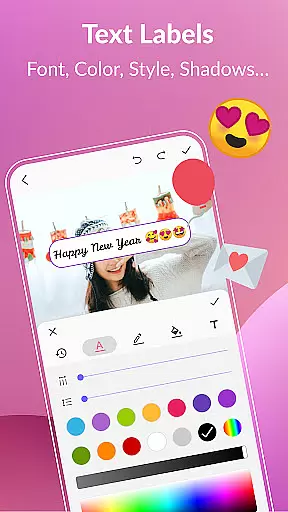
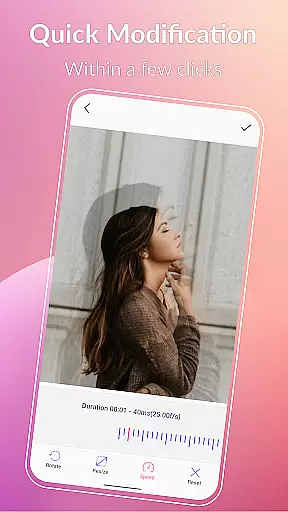
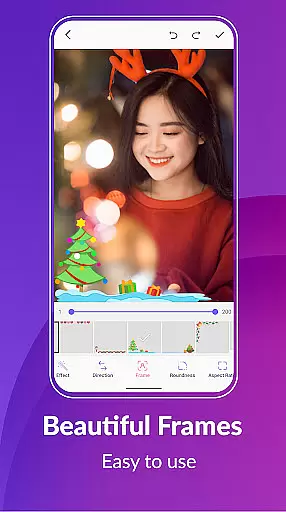
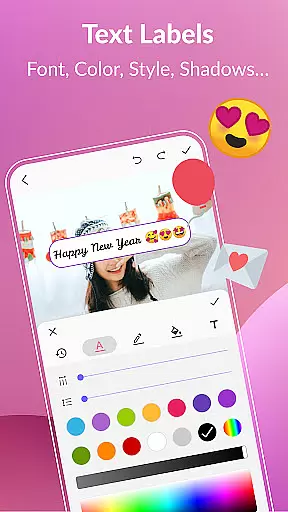
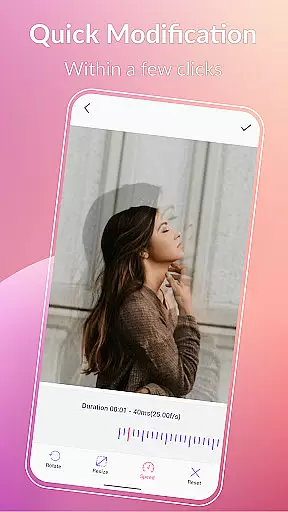
Additional features encompass quick editing tools for resizing and adjusting play speed, applying stylish effects and picture frames, using color filters to enhance visuals, adding text labels and memes, incorporating stickers and emojis, managing GIF collections, exporting frames from GIFs, and seamless sharing on platforms like WhatsApp, Facebook, and Twitter.
The app's ability to maintain high-quality output without watermarks makes it ideal for professional use, while its user-friendly interface ensures that even beginners can create captivating animations effortlessly.
Real-time capture and preview functionality is essential for any photography app, allowing users to see exactly what their final GIF will look like as they create it.
GIF Maker, GIF Editor Pro excels in this area by providing a seamless experience where users can transform videos, images, and even screen recordings into high-quality animated GIFs with live adjustments. The app supports popular formats such as PNG, JPEG, MP4, and more, ensuring that your creations are versatile and vibrant.
With features like crop, resize, speed adjustment, filters, and stickers available at the fingertips during the creation process, users can fine-tune every detail of their GIFs on-the-fly. This immediate feedback empowers creators to produce polished animations without guesswork or tedious back-and-forth editing.
The ability to instantly visualize changes not only enhances creativity but also saves time, making GIF Maker an indispensable tool for both casual creators and professionals who demand precision and efficiency in their workflow.
AI beauty and enhancement features have become increasingly important in photo editing applications, offering tools that improve image quality while maintaining a natural appearance.
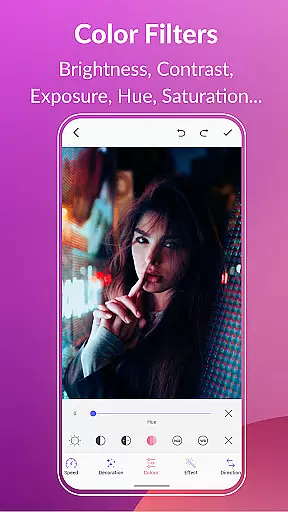
GIF Maker, GIF Editor Pro incorporates advanced AI algorithms to enhance GIFs with options like color filters, text labels, and picture frames. These enhancements allow users to adjust brightness, contrast, exposure, hue, saturation, and white balance, bringing their creations to life with vivid colors and striking effects.
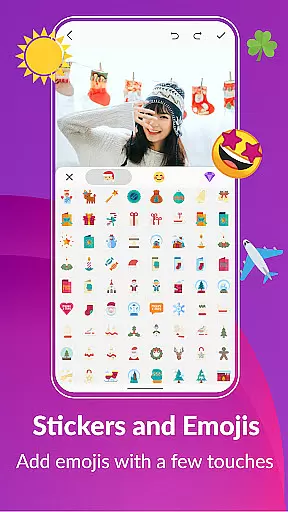
Moreover, the app provides various stylish stickers and emojis which can be added to GIFs effortlessly. By using intelligent processing techniques, these elements blend seamlessly into the animation, preserving its original aesthetic without appearing artificial or over-processed.
This focus on natural-looking enhancements ensures that every GIF produced remains authentic and engaging, appealing to viewers across different platforms from social media to professional presentations.
User-friendly interface
High-quality output
Extensive format support
Versatile editing tools
Multi-language support
Premium version required
Large file sizes
Limited free features
Occasional bugs
Ads in free version

Photo editor: face & body editor, beauty cam, filters and quality enhancer.
 4.00
4.00
Add Watermark - Sign your pictures with a text or logo. Effective, quick, easy!
4.50
Shooting photos and records video easily and efficient with professional Camera
4.30
Safe & smart flight with Go Fly drone controller for 40+ drone camera, zone map
4.50
Photo editor: AI filters, photo enhancer, pic collage maker, AI art generator.
4.80
Turn your phone into a professional camera - full DSLR manual photography
4.30
Future baby face generator: AI kids generator, kid face! What my baby look like?
4.40
RAW video capture with advanced controls
4.40
A light meter for true photographers.
4.20
Collage your moments in one tap: 1000+ layouts, filters, stickers, and texts.
4.90
AI Photo Editor with 100+ Filters, Effects! Remove BG, Retouch & Photo Enhancer.
4.80
See your baby AI baby face generator AI baby maker Face generator babymaker fun!
4.70
A collection of tools and reference tables for DPs, ACs, DITs and Operators.
4.70
Enhance, retouch & create your story - Share the moment with Photoshop Express.
4.60
Effortlessly organize, view and share your photos & videos with Gallery app!
4.40
Search, tag and rate your way to an organized image gallery
4.40
All-in-One Editor & AI Photo Enhancer, Beautify & Retouch, Collage, Cartoonify
4.20
An interval timer to automate photo taking process for timelapse
2.90
HD Photo gallery and photo manager to edit, hide private photos, videos & albums
4.5


User Reviews