
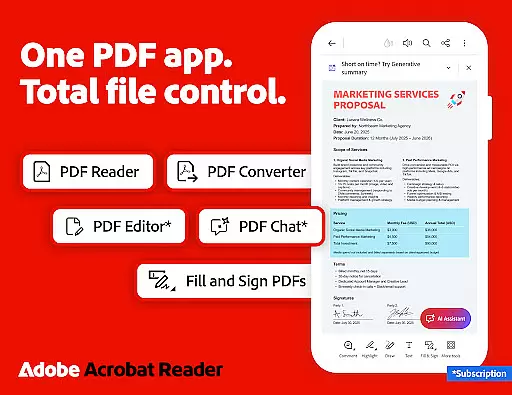
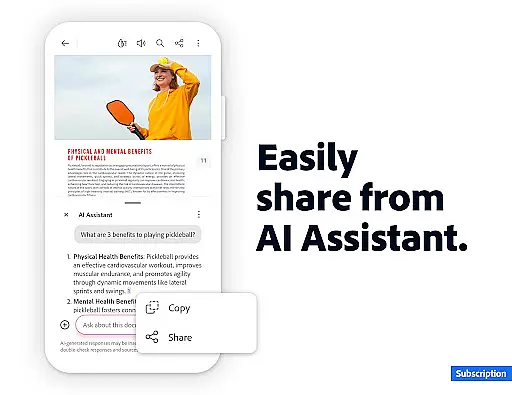
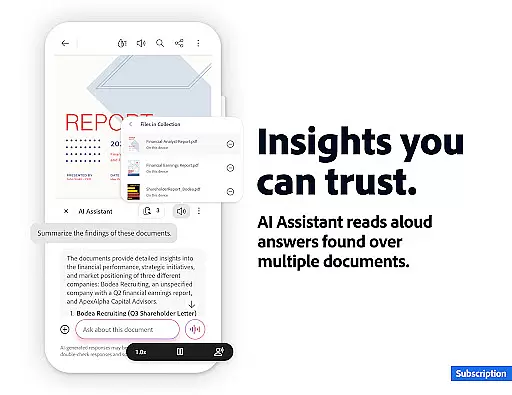
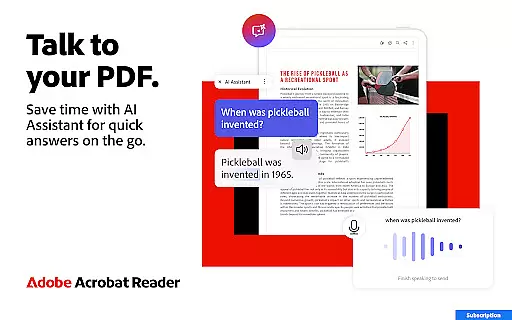
Adobe Acrobat Reader is a comprehensive PDF solution that combines document viewing, editing, and collaboration features. The app's standout feature is the new Adobe Acrobat AI Assistant, which allows users to work across multiple files using PDF Spaces, ask questions about document content through Figures Q&A, and generate instant summaries with Generative AI Summaries.
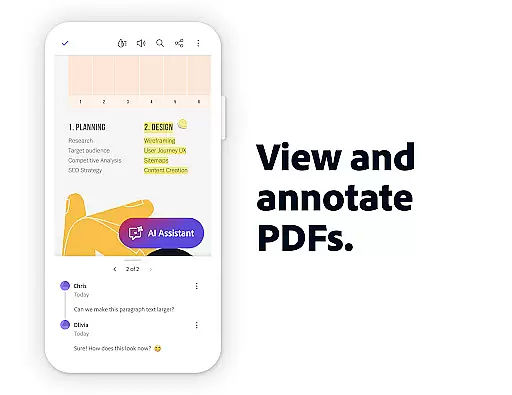
This productivity tool serves as an all-in-one PDF editor, signer, and viewer while offering cloud storage integration. Users can annotate documents, add comments, create and convert PDFs, and even have their PDFs read aloud. The application's ability to handle complex PDF tasks makes it particularly valuable for professionals who need to manage documents on-the-go.
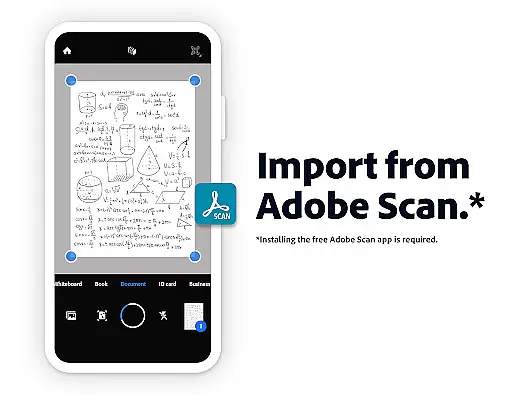
The app's functionality extends beyond basic PDF viewing by providing advanced features like OCR technology for scanned documents, file compression tools, and secure password protection. These capabilities make it an essential tool for anyone dealing with sensitive or complex documentation requirements.
Adobe Acrobat Reader distinguishes itself through its extensive feature set designed to enhance productivity. The app's AI-powered capabilities include voice-supported queries, cross-file collaboration through PDF Spaces, and intelligent document analysis. These features enable users to extract meaningful insights from their PDFs and streamline their document management process.
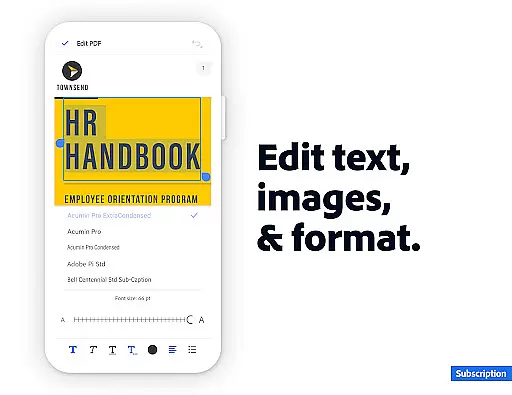
The application provides robust editing tools that allow users to modify text and images directly within PDFs. Its conversion capabilities support various file formats including Microsoft Office documents and images. Advanced security features like password protection and file compression ensure documents remain safe while optimizing storage space.
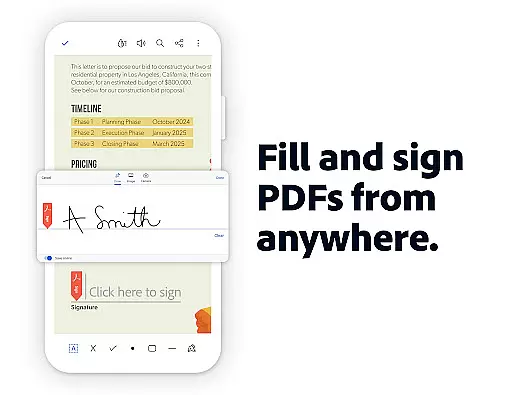
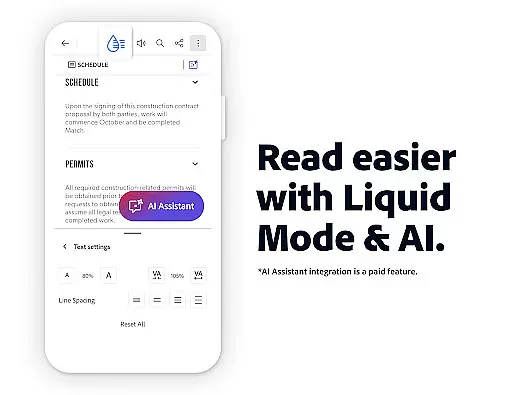
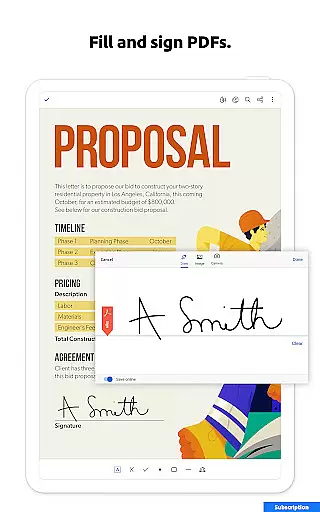
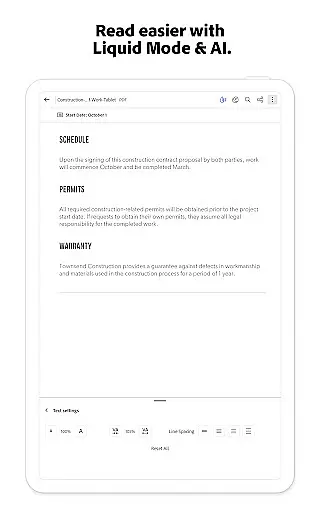
Collaboration features are equally impressive, with real-time sharing options, comment management systems, and integration with popular cloud storage services. The Liquid Mode offers optimized reading experiences across devices, while the Fill & Sign functionality provides convenient form handling. These comprehensive features make document management more efficient and accessible.
Adobe Acrobat Reader excels in core task management by offering a comprehensive suite of tools designed to handle PDFs efficiently.
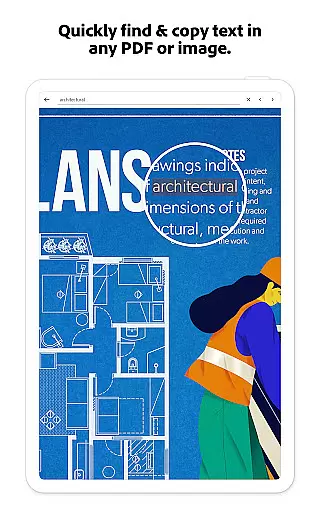
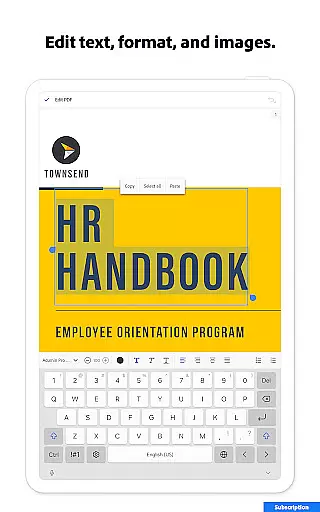
The app allows users to edit text and images directly within PDFs, fix typos, add paragraphs, and manage images with ease. Its Optical Character Recognition (OCR) feature transforms scanned PDFs into searchable and editable text, enhancing document usability.
With capabilities to merge, organize, create, and convert PDFs across various formats, including Microsoft Office and image files, the app ensures seamless document handling.
Users benefit from high-security features like password protection and practical functions such as compressing files for easier sharing, making Adobe Acrobat Reader an indispensable tool for productivity.
Cross-device synchronization is a standout feature of Adobe Acrobat Reader, ensuring reliable access to documents anytime, anywhere.
By linking online storage services like Google Drive, Dropbox, and Microsoft OneDrive, users can store and manage their files effortlessly. This integration allows for real-time updates and access across multiple devices, maintaining consistency and availability.
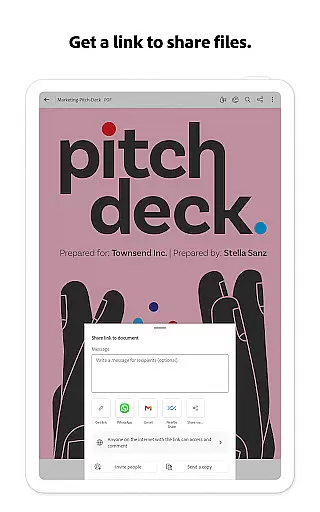
Additionally, the app's collaboration features enable users to share files, tag others with @mentions, and manage comments centrally, fostering efficient teamwork.
This synchronization reliability not only enhances user convenience but also boosts productivity by providing a unified platform for all PDF-related tasks.
User-friendly interface
Extensive editing capabilities
Advanced AI features
Robust security options
Cross-platform functionality
Premium features subscription-based
Some tools require learning
Advanced AI limited time free
Occasional performance issues
Complex pricing structure

Auto-shutoff Alarm with Sunrise, Sunset & Fixed Options.
 3.50
3.50
Create study competitions, track your hours, and stay consistent with friends
4.3
We're working to become the best machining app on the market! www.cncdirt.com
4.80
IP Camera Viewer - Android TV : RTSP Surveillance camera viewer for Android TV
4.4
Translate text/voice/photos in 150+ languages. Offline & fast translator app.
4.50
Scientific calculator for Android - looks and operates like the real thing!
4.90
Okta MFA
4.70
Put a lock on your cloud: Take the security of your data into your own hands
3.70
QuickEdit is a fast, stable and full featured text and code editor.
4.20
The Pro Version of Android's tiniest Notepad app. Just 0.3MB but feature-packed!
4.60
The AI assistant that thinks with you - write, code, and solve complex tasks
4.60
All document reader, all in one file viewer read PDF, DOCX, XLS, PPT, TXT files.
4.60
Subscribe to Webcal & .ics calendars and keep them up-to-date!
4.50
Tally and goal counter for Wear OS & mobile
4.50
CalenGoo is a very flexible and feature-rich calendar app
4.40
This small app MUST BE INSTALLED after purchase, else license won't work
4.40
Make apps & sites with natural language prompts
4.10
Mega cloud explorer plugin for Solid Explorer
3.80
A comprehensive suite of tools designed specifically for Lactation Consultants
4.4


User Reviews