
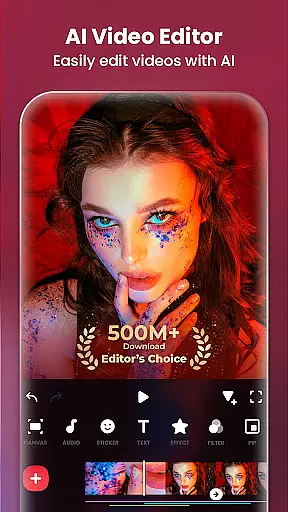
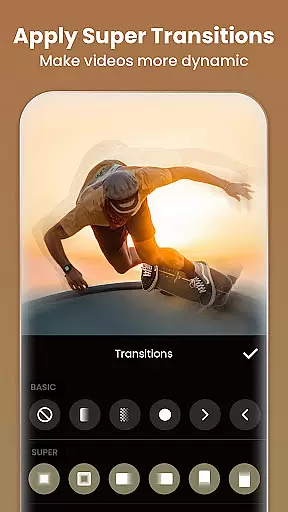
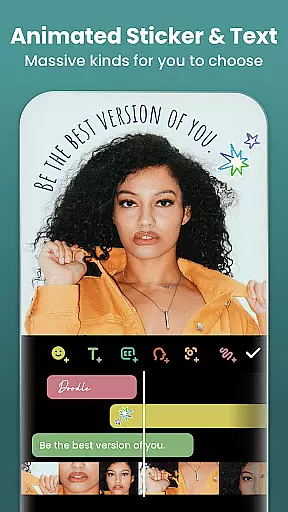
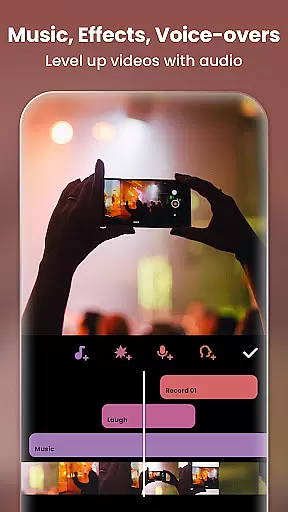
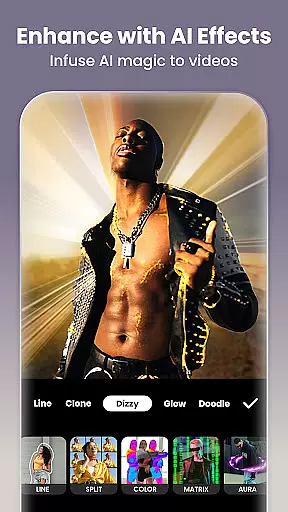
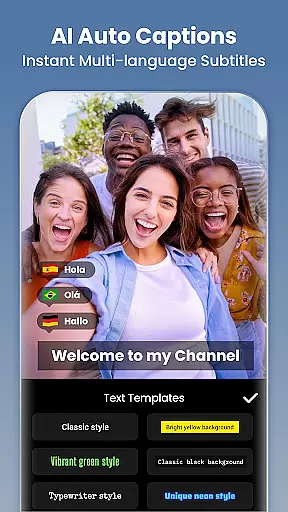
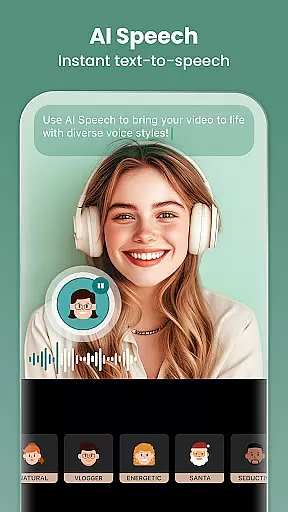
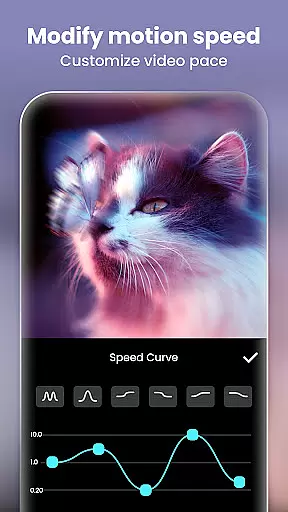
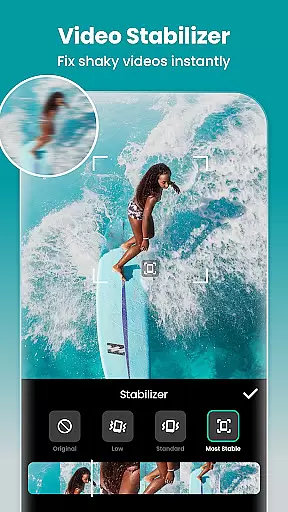
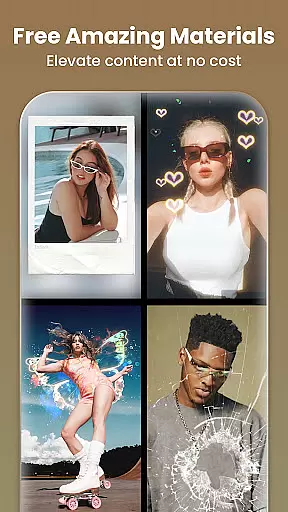
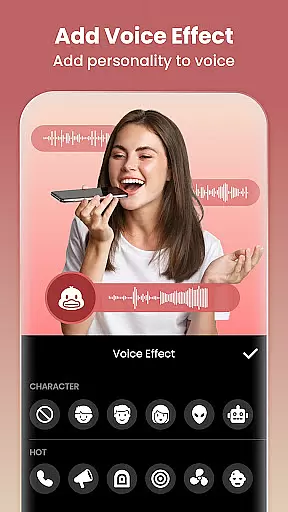
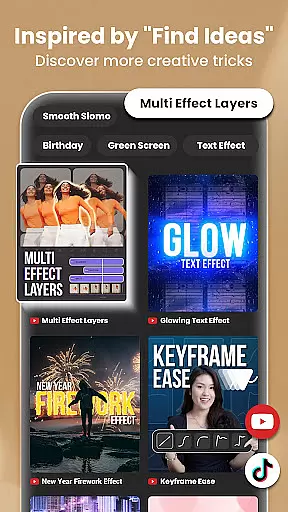
Video Editor & Maker by InShot is a versatile mobile application designed for both amateur and professional content creators. This all-in-one video editing tool allows users to trim, merge, and compress video clips without sacrificing quality. With features like reverse videos, speed control, and chromakey editing, it offers a comprehensive suite of editing capabilities.
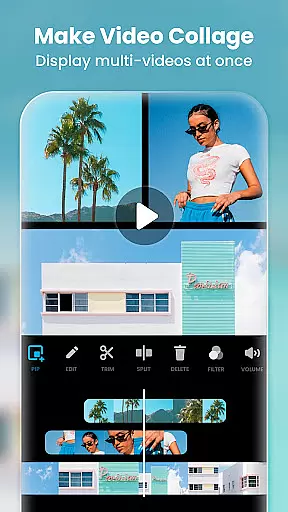
Beyond basic video adjustments, the app provides advanced options such as AI-powered tools, smooth slow-motion effects, and picture-in-picture functionality. Users can add music, text, and transition effects to enhance their videos further. The app also functions as a photo editor and collage maker, making it an essential tool for creating engaging Instagram stories and posts.
Whether you're looking to produce high-quality vlogs for YouTube or stylish content for TikTok, Video Editor & Maker equips you with everything needed to stand out on social media platforms.
Video Editor & Maker stands out with its extensive feature set tailored for diverse editing needs. One notable feature is the AI Body Effects, which lets users apply instant presets to elevate their images and videos effortlessly. The AI-powered speech-to-text tool automates captioning, streamlining the editing process significantly.
The app includes professional-grade tools such as keyframe animations, blend modes, and color pickers that allow precise customization of video elements. Additionally, it offers unique effects like Glitch, Fade, Noise, and Retro DV, enabling creators to experiment with different styles. The inclusion of cinematic filters and adjustable parameters like brightness, contrast, and saturation ensures polished final outputs.
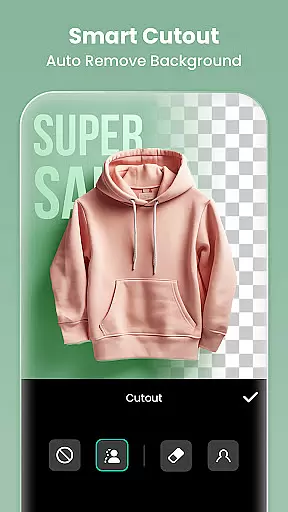
For those interested in photo editing, the app provides robust functionalities including background blurring, object removal, and AI Photo Enhancer. These features collectively make Video Editor & Maker a powerful companion for anyone aiming to create visually stunning content across various platforms.
Real-time capture and preview functionality is essential for ensuring that users can see exactly what they are recording or editing at the moment. InShot offers a seamless real-time preview feature, allowing creators to make instant adjustments to their videos and photos.
The app's powerful processing capabilities ensure that effects, transitions, and filters are applied instantly, providing an accurate representation of the final output. This immediate feedback loop empowers users to fine-tune their creative choices on the fly.
For content creators focused on social media platforms like Instagram, TikTok, and YouTube, this feature significantly enhances workflow efficiency. It eliminates guesswork during the editing process, enabling users to produce high-quality content with confidence.
By delivering smooth and responsive real-time previews, InShot ensures that creators can focus on their artistic vision without technical hindrances, ultimately leading to more engaging and professional-looking videos.
InShot incorporates advanced AI beauty and enhancement features that elevate photo and video quality while maintaining natural aesthetics. The AI-powered tools intelligently adjust skin tones, smooth imperfections, and enhance facial features without creating an artificial appearance.
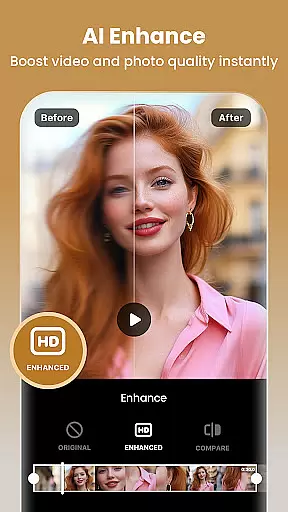
One standout feature is the AI Photo Enhancer, which transforms blurry images into high-definition masterpieces. This tool analyzes each pixel to sharpen details and improve overall clarity, making it ideal for both amateur photographers and seasoned professionals.
The app also includes AI body effects and background blur options that add a professional touch to selfies and portraits. These enhancements are carefully calibrated to preserve authenticity, ensuring that edited photos retain their original charm and character.
With InShot's AI-driven enhancements, users can achieve polished results that look naturally stunning, boosting their confidence when sharing content across various social media platforms.
User-friendly interface
Extensive editing tools
AI-powered features
High-quality export options
Versatile content creation
Some features require payment
Occasional ads
Advanced tools may overwhelm beginners
Heavy app size
Limited free resources

Perfect photos with body shaping, BG changer and object remover.
 3.70
3.70
Create collages easily! Nice pic collage maker & background eraser for Instagram
4.50
Over 800 film simulation recipes for Fujifilm. Black Friday Offer!
4.4
HD Camera Pro with HD Video shooting, Panorama, Photo editor , Beauty Camera.
4.50
Create amazing frames with up to five photos. Rounded corners, effects and more!
3.60
AI Photo Editor with 100+ Filters, Effects! Remove BG, Retouch & Photo Enhancer.
4.80
live datamoshing
4.00
A unique animation app. Powerful, easy to use, and lots of fun.
4.30
Discover How to Plan any Sun, Moon and Milky Way Photo You Imagine in Seconds
4.70
Android Native system HD camera app. Never been so simple and faster.
4.70
Easily create custom gifts, cards, photo books & more on the Shutterfly app!
4.60
Easily stitch panoramas from multiple photos or video.
4.40
What celebrity do you look like? Celebs will find your celebrity match!
4.10
Transform Photos: Edit, Beautify and Craft Memories & Make Collages!
4.10
Professional quality photo edits with the new Snapseed.
4.00
USB Storage Access for Photos, Videos, Music and Documents
3.80
Hair color changer, AI haircut app, fun hair editor and buzz cut filter for all!
3.80
Superimpose one photo on top of another using the original Superimpose app!
3.20
Professional video recording application with manual controls for filmmakers!
2.80


User Reviews