
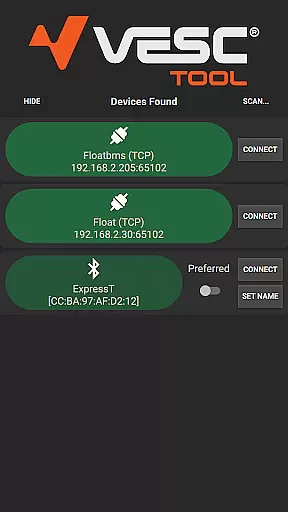
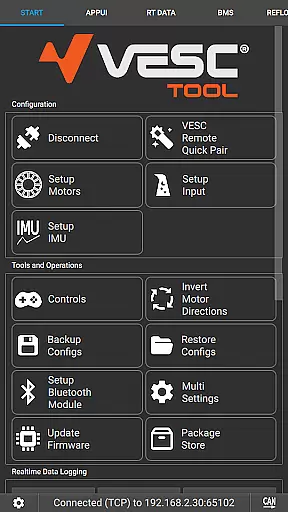
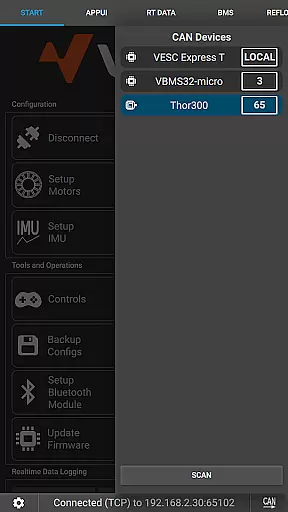
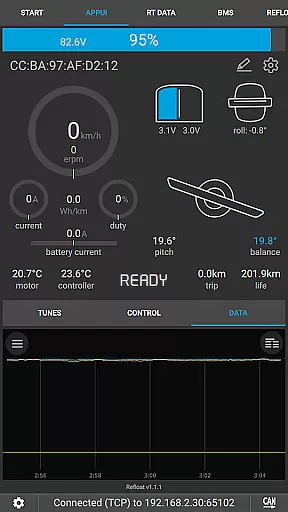
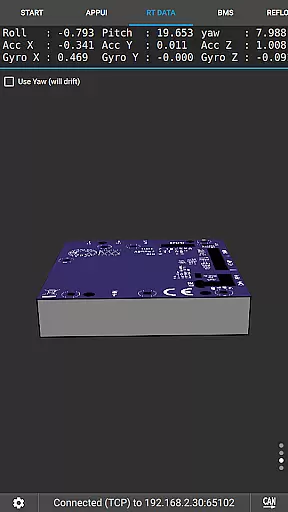
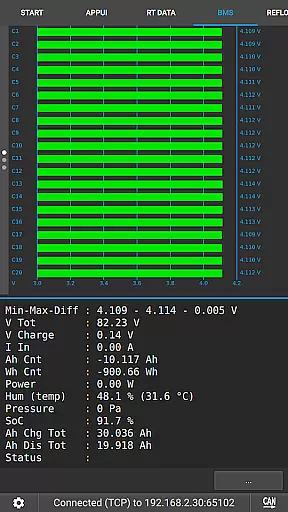
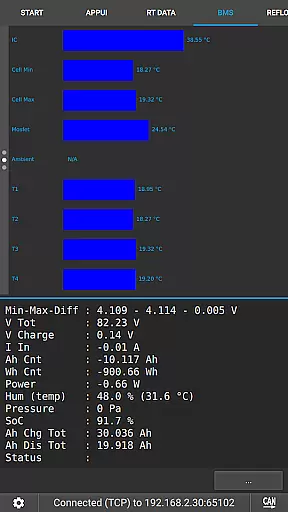
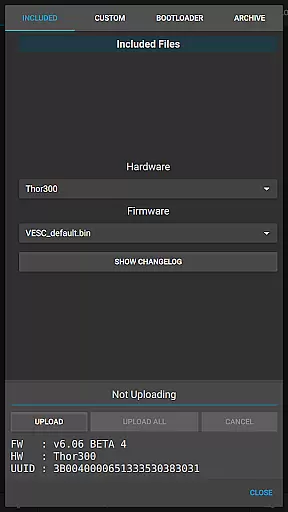
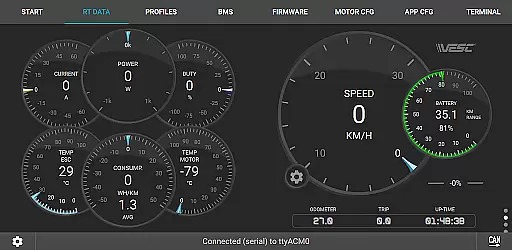
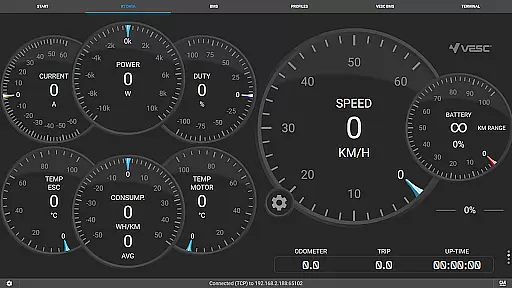
VESC Tool is a powerful mobile application designed specifically for configuring and managing VESC-based hardware. The app enables users to establish seamless connections over BLE or WiFi, providing comprehensive control over their devices. With its robust functionality, users can perform firmware updates, stream live data, and log important metrics.
What sets VESC Tool apart is its versatility in handling various tasks related to VESC hardware. Whether you are a hobbyist or a professional, this app offers the tools needed to fine-tune your setup. From adjusting parameters to monitoring performance, VESC Tool ensures that users have everything they need at their fingertips.
The app is particularly useful for those working with VESC Original hardware, as it is fully compatible and optimized for these systems. By visiting the official websites, users can access detailed documentation and purchase compatible modules, enhancing their experience with VESC Tool.
VESC Tool boasts an array of features that cater to both novice and advanced users. One of its standout capabilities is the ability to connect over BLE or WiFi using compatible modules. This feature allows for real-time data streaming, giving users immediate insights into their hardware's performance.
In addition to connectivity options, VESC Tool supports firmware updates directly from the app. This ensures that users always have the latest enhancements and security patches installed on their devices. The app also includes robust logging functionalities, enabling users to track historical data and analyze trends over time.
Customization is another key aspect of VESC Tool. Users can adjust various settings and preferences to tailor the app to their specific needs. With detailed documentation available online, even complex configurations become manageable, making VESC Tool an indispensable companion for anyone working with VESC-based systems.
VESC Tool is designed to provide precise control and configuration of VESC-based hardware, ensuring that users can effectively manage their devices over BLE or WiFi. The app's core functions are engineered with meticulous attention to detail, guaranteeing accurate parameter adjustments and firmware updates.
Through the implementation of advanced communication protocols, the application ensures reliable data streaming and logging. This means that whether you're monitoring live telemetry or updating your device's firmware, every operation is executed with maximum efficiency and stability.
For users, this level of accuracy translates into enhanced performance and customization options for their VESC hardware. Whether you're a hobbyist or a professional, the ability to fine-tune settings with confidence leads to optimized device behavior and improved project outcomes.
The effectiveness of VESC Tool's core features also extends to its compatibility with various connection modules. This versatility allows users to select the most suitable option for their setup, further enhancing the overall utility and reliability of the application.
A key aspect of VESC Tool is its commitment to providing an intuitive and straightforward user interface. Despite the technical nature of configuring VESC hardware, the app ensures that all functionalities are easily accessible and comprehensible, even for less experienced users.
The design philosophy centers around reducing complexity without compromising functionality. Menus are logically organized, and critical operations such as firmware updates and live data streaming are streamlined to minimize the learning curve while maintaining operational depth.
This approach significantly benefits users by saving time and reducing potential errors during configuration tasks. With clear navigation paths and descriptive labels, users can focus more on optimizing their projects rather than deciphering complex software menus.
Overall, the combination of simplicity and powerful features makes VESC Tool not only approachable but also highly effective in real-world applications. Users can trust that they have full control over their VESC devices without being overwhelmed by unnecessary complications.
User-friendly interface
Comprehensive configuration options
Real-time data streaming
Firmware update support
Active community support
Requires compatible hardware
Limited to VESC-based systems
No offline mode
Advanced features may overwhelm beginners
Occasional connectivity issues

Detect hidden spy camera with advanced scanning {{ Premium version }}
 4.00
4.00
Signal Strength, Mobile, Wifi, Speed Test, Bad Signals, Cellular, 5G, LTE, 4G
4.20
View detailed information about your Nissan Leaf the dealer never shows you.
4.10
Quickly check the frequency of the Earth
4.30
Mirror your screen to Fire TV - Super fast and simple
4.40
Screen Mirroring for Roku Sticks, Roku TCL TV and Roku Hisense TV
4.50
Button mapper, mouse toggle, sleep timer and a lot of another features
4.50
Mobile Security with Scam Protection | Malware & Virus Cleaner | Safe Browser
4.70
Screen recorder with audio to record high-quality videos and take screenshots.
4.40
ADB support Android 4.X-Android 13(Support wireless pair mode).No root required!
4.70
Canon PRINT is a companion app for your Canon printer.
4.60
eXtended Permission Manager - a small app to manage permissions and AppOps
4.50
Making emulation easy for everyone!
4.30
An open-source APK explorer for Android!
4.10
Create your own live wallpaper or check out thousands already made presets
3.90
This app unlocks the Pro features of the Central for DayZ app
3.60
A recovery soft,it features photo recovery, video recovery, file recovery.
3.40
PDF Reader - Document Viewer: Read, Manage & Organize Your Documents
3.10
Unlock your Essential Key. Create custom shortcuts to your favorite apps!
4.4


User Reviews