
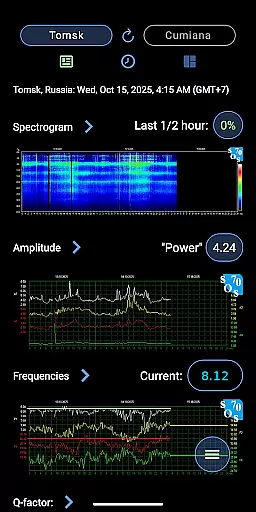
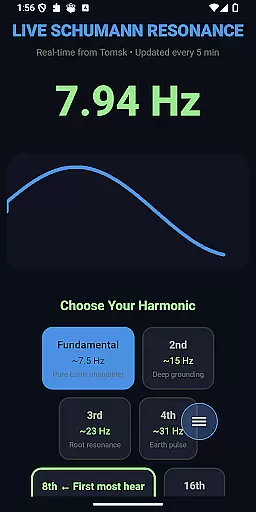
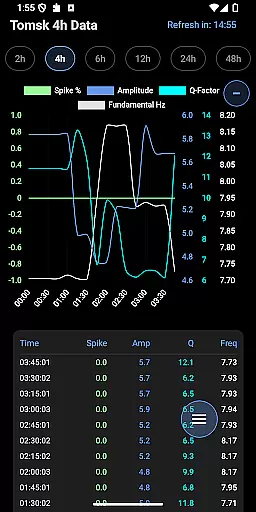
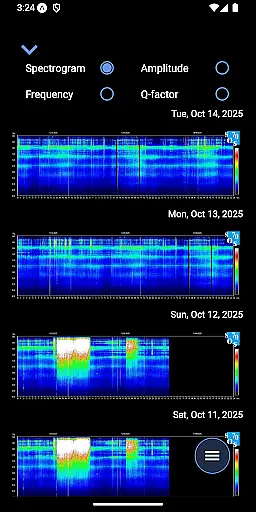
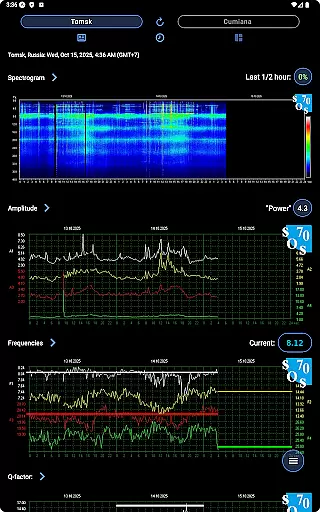
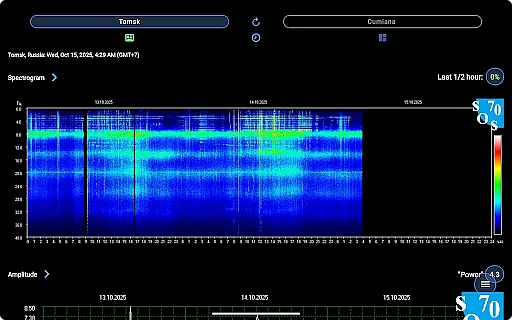
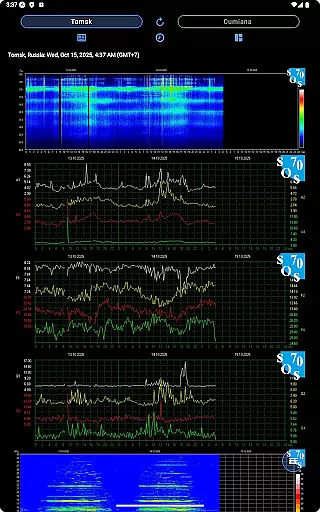
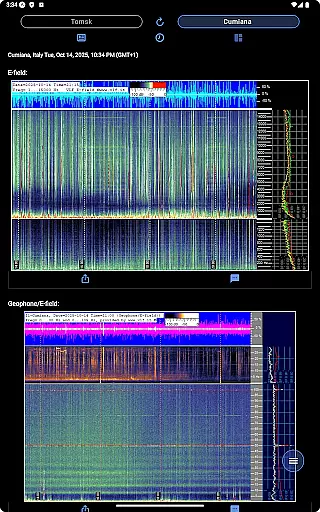
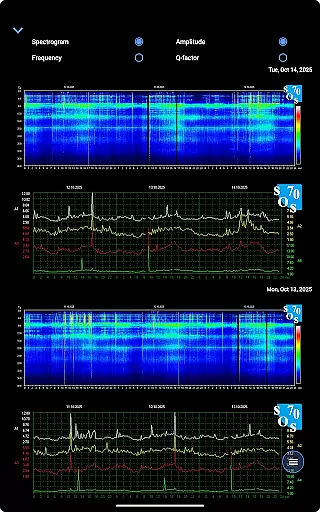
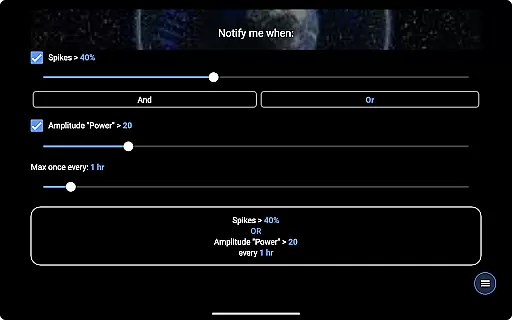
Schumann Resonance is a specialized tool designed for monitoring the Earth's electromagnetic field spectrum. This app provides real-time data and analysis of extremely low-frequency (ELF) spectrum peaks generated by lightning discharges in the Earth-ionosphere cavity. Users can track current values for Spike, Amplitude, Frequency, and Q-factor while accessing advanced features like spectrogram analysis and geo/e-field monitoring.
The application caters to both casual users and dedicated enthusiasts who wish to stay informed about Schumann resonances. With interactive charts, animated data displays, and comprehensive resources, it offers an all-in-one solution for exploring this fascinating natural phenomenon. Whether you're analyzing spectrograms or participating in the in-app chat forum, Schumann Resonance delivers valuable insights into global electromagnetic activity.
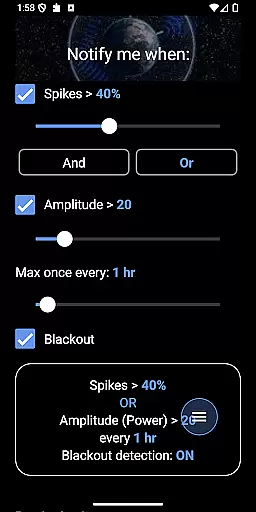
Schumann Resonance stands out with its robust feature set tailored for scientific observation and community engagement. The app includes real-time notifications for significant changes in amplitude and spike activity, ensuring users never miss critical updates. It also provides access to historical archives from locations like Tomsk and Cumiana, allowing detailed exploration of past resonance data.
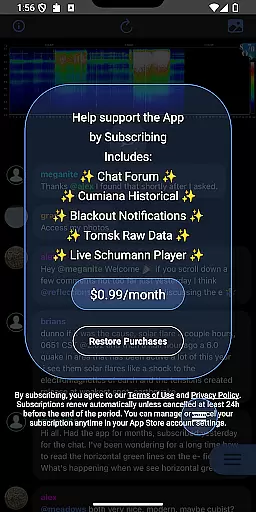
Advanced functionalities include AI-driven spectrogram analysis, interactive chart manipulation (zoom, pinch, rotate), and multimedia sharing options. Subscribers gain additional benefits such as audio playback of fundamental frequencies, blackout alerts, and participation in an exclusive chat forum. These tools collectively empower users to conduct thorough analyses while fostering a collaborative environment for Schumann resonance enthusiasts.
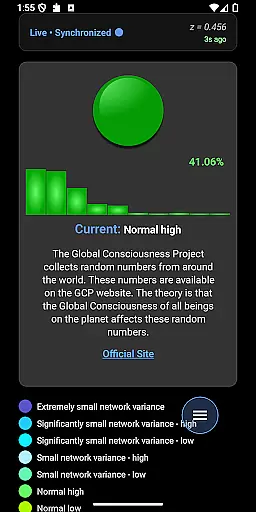
The Schumann Resonance app provides precise and reliable data on the Earth's electromagnetic field spectrum. It offers real-time values for key parameters such as Spike, Amplitude (Power), Frequency, and Q-factor.
Users can access advanced features like AI analysis of spectrograms and geo/E-field data. The integration of Tomsk and Cumiana charts into a single collage image enhances usability while maintaining scientific accuracy.
The application supports in-depth interaction with historical data up to 48 hours. This feature allows researchers and enthusiasts to analyze trends and patterns in Schumann resonance measurements effectively.
All functionalities, including notifications and blackout alerts, work seamlessly to deliver an optimal user experience. The app's ability to provide fundamental frequency audio playback further demonstrates its functional accuracy.
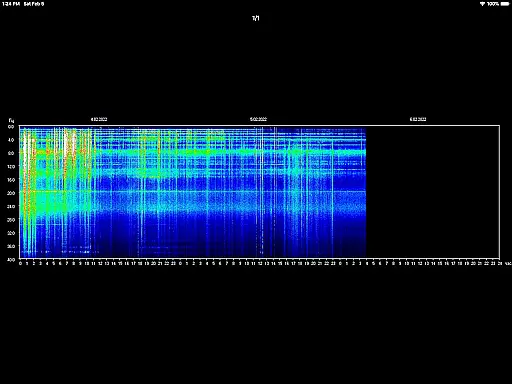
Schumann Resonance app features an intuitive interface that makes complex scientific data accessible to all users. Essential information is presented through clear visual representations including spectrograms and amplitude charts.
The app includes helpful 'How To' popups that explain each chart type and measurement method. These educational elements make the interface more approachable for newcomers while remaining valuable for experienced users.
Advanced gesture controls enable users to zoom, pinch, rotate, and save images effortlessly. This touch-friendly design enhances the overall user experience without compromising functionality.
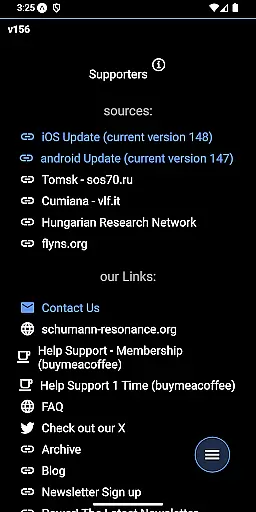
Additional resources and community links are thoughtfully integrated, creating a comprehensive research environment within a simple navigation structure. The recent addition of a chat forum further improves user engagement while maintaining interface clarity.
User-friendly interface
Real-time data tracking
Comprehensive analysis tools
Active community forum
Regular feature updates
Premium subscription required
Complex for beginners
Limited offline functionality
Resource-intensive
Occasional server downtime

Family Locator, Share location, StayConnect with your family in real time
 3.90
3.90
Detect hidden spy camera with advanced scanning {{ Premium version }}
4.00
Monitor car performance in real time and troubleshoot malfunctions.
4.80
Bedrock Together: Join any bedrock server on Xbox/PS
4.80
Undelete and recover your lost or deleted files with DiskDigger!
3.40
Pro Emulator is an easy to use game console emulator for a range of consoles.
4.40
Creation, Learning, Entertainment & More — The All-in-One AI Search Engine
4.70
Fast VPN USA for any country. Super secure VPN for calls, streaming, games, TV.
4.40
Your personal health butler
3.60
The ultimate tool for network analysis, wifi scanning and problem detection.
4.90
WiFi Signal Strength Meter help you detect WiFi Signal Strength in real time.
4.80
Learn the vast amount of system information about device and monitor it's state
4.70
Optimize your WiFi network, turn your phone into Wifi Analyzer
4.70
Fast Video Downloader, Movie Downloader, Torrent Downloader & Adblock Browser
4.70
Canon PRINT is a companion app for your Canon printer.
4.60 4.50
4.50
VESC Tool can monitor and configure VESC-compatible devices over BLE and Wifi
4.20
A simple app to back up and restore SMS & MMS messages and call logs.
4.10
Amateur Radio app for APRS: Track friends, exchange messages, get tactical info.
3.90


User Reviews