
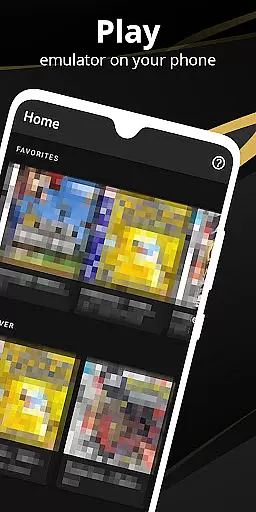

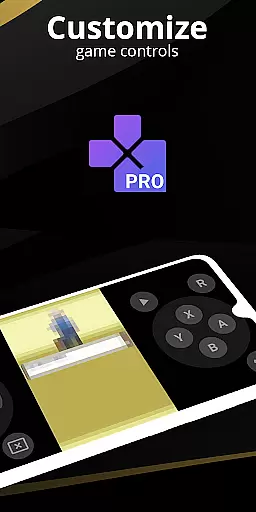
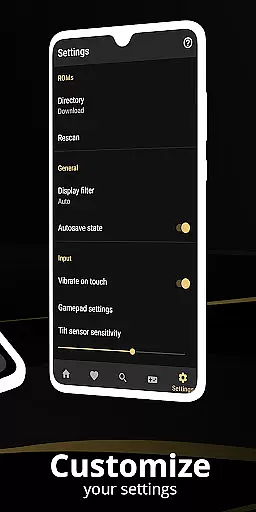
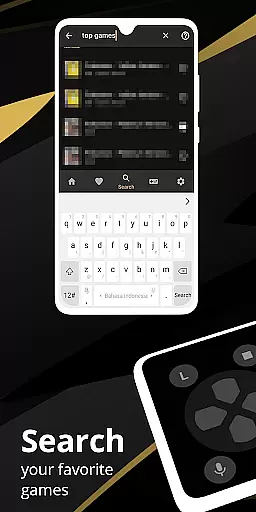
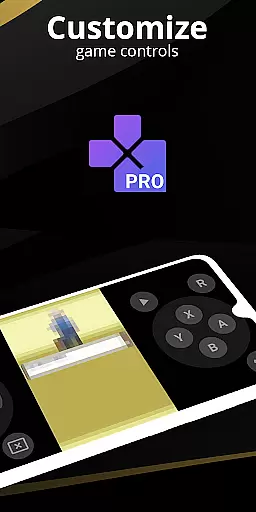
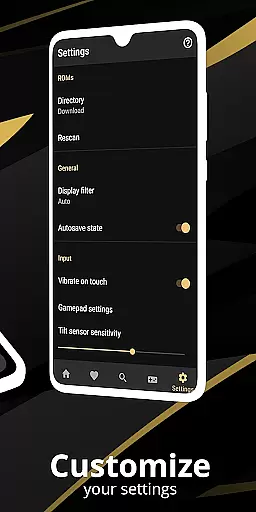
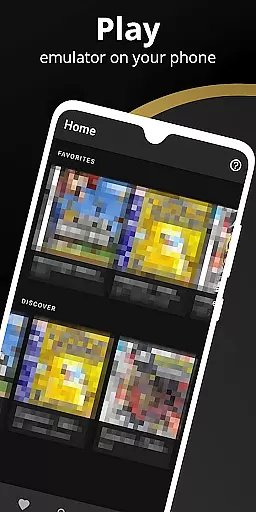
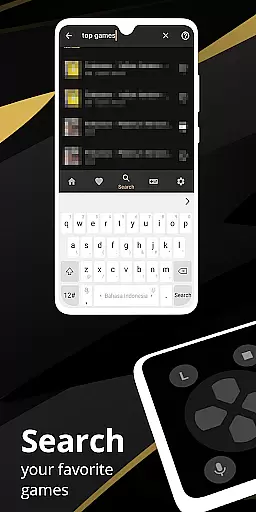
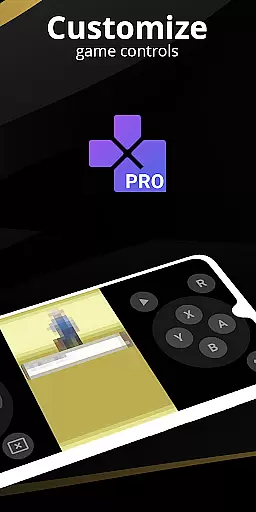
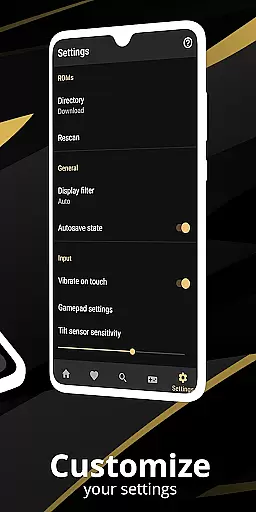
Pro Emulator for Game Consoles is a versatile emulator designed to bring classic gaming experiences to modern Android devices. This powerful tool supports emulation of various game consoles, allowing users to relive the nostalgia of retro gaming on their mobile devices. The app automatically saves and restores game states, provides quick save/load functionality through slots, and offers lightning-fast emulation that conserves device battery life.
With very high game compatibility, Pro Emulator ensures nearly all games run without issues. It features advanced functionalities like link cable emulation across devices via Bluetooth or Wi-Fi, gyroscope/tilt/solar sensor emulation, and rumble feedback. The emulator also includes high-level BIOS support eliminating the need for BIOS files, ROM scanning and indexing, and IPS/UPS zipped ROM patching. Optimized touch controls customization, OpenGL rendering backend, and cool video filters through GLSL shaders enhance the visual experience.
Pro Emulator for Game Consoles stands out with its comprehensive feature set tailored for both casual and hardcore gamers. The app offers an intuitive screen layout editor, enabling users to customize the position and size of on-screen controls as well as game video display. Supporting external controllers like MOGA, it facilitates tilt-to-stick functionality and allows creation and switching between different key-mapping profiles.
Additional highlights include local multiplayer support by connecting multiple gamepads to the same device, cloud save synchronization, and LCD/CRT display simulation for an authentic retro feel. Fast-forward functionality helps skip long story sequences while slow-motion assists in overcoming challenging levels. The clean and simple yet well-designed user interface seamlessly integrates with the latest Android versions, ensuring smooth performance and ease of use.
The emulator's legality-focused design encourages users to play only legally owned games, supporting both physical and legitimate digital copies. With these robust features, Pro Emulator delivers an immersive and customizable gaming experience that caters to fans of classic console games.
At the heart of any emulator lies its ability to accurately replicate the original console's functionality. Pro Emulator for Game Consoles achieves this by offering very high game compatibility, ensuring nearly all games run without issues. The emulator supports advanced features like link cable emulation across devices via Bluetooth or Wi-Fi, and sensor emulation for gyroscope, tilt, and solar inputs.
The software goes beyond basic emulation by including high-level BIOS emulation, eliminating the need for BIOS files. It also provides ROMs scanning and indexing, along with support for IPS/UPS zipped ROM patching. These capabilities ensure that users can enjoy a seamless experience that faithfully reproduces the original gaming environment while adding modern conveniences.
For users seeking optimal performance, the emulator offers fast-forward functionality to skip lengthy story segments and slow down options to navigate challenging levels. OpenGL rendering and GLSL shaders deliver enhanced video output, making classic games visually appealing on modern devices. This attention to detail in performance optimization demonstrates the emulator's commitment to both accuracy and user satisfaction.
A well-designed interface is crucial for an optimal user experience. Pro Emulator for Game Consoles boasts a clean and simple yet well-designed UI that integrates seamlessly with the latest Android versions. The emulator includes a powerful screen layout editor, allowing users to customize the position and size of on-screen controls as well as the game video display.
Touch controls are optimized for customization, enabling users to adjust the size and position according to their preferences. For those who prefer physical controllers, the emulator supports external gamepads, including MOGA controllers, and offers tilt-to-stick functionality. These features cater to a wide range of play styles and device capabilities.
Additional conveniences include shortcut buttons for quick save/load actions, multi-touch on-screen keypads, and the ability to create different key-mapping profiles. Users can also generate desktop shortcuts for easy access to favorite games. Such thoughtful design elements highlight the emulator's focus on providing an intuitive and flexible interface that enhances the overall gaming experience.
High game compatibility
Advanced BIOS emulation
Optimized touch controls
Cloud save sync
External controller support
Powerful device required
No legal game library
Complex setup process
Limited newer console support
Potential copyright issues

pdf merge, word to pdf, jpg to pdf, edit pdf, convert to pdf and much more!
 4.20
4.20
HD Video player and downloader for all formats, fast & smooth 4K video playback.
4.60
Family Locator, Share location, StayConnect with your family in real time
3.90
Planner and Tracker for Stardew Valley
4.60
Screen Mirroring for Roku Sticks, Roku TCL TV and Roku Hisense TV
4.50
Screen Mirroring with sound for Samsung TV, LG TV, Sony TV, Smart TV and Browser
4.20
Download any file easily and quickly with Downloader
4.3
A clean app.
4.50
Enhance your Beats
3.70
Powerful collection of electronics tools and reference.A must for any enthusiast
4.90
Navigate with Ease and Style
4.90
Unit and currency converter with easy and simple UI.
4.80
Learn the vast amount of system information about device and monitor it's state
4.70
Canon PRINT is a companion app for your Canon printer.
4.60
Clean up large files and similar photos, fast and easy to use
4.40
Fluid navigation gestures for all of us!
4.30
Carry a FTP server in your pocket and avoid USB cables for file transfer
4.20
Smart and comfortable browsing experience.
3.80
A recovery soft,it features photo recovery, video recovery, file recovery.
3.40


User Reviews