
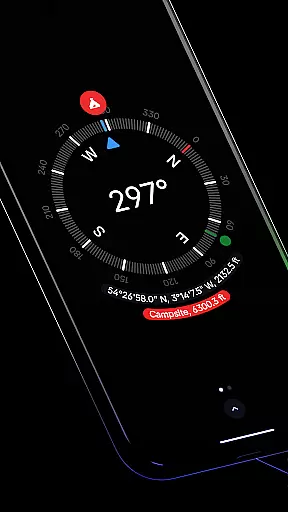
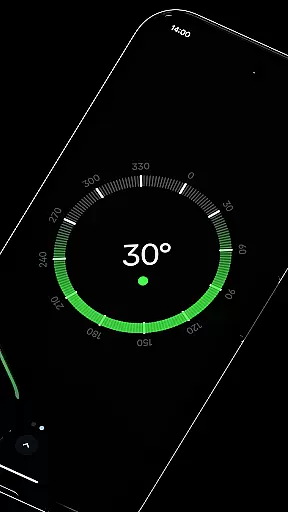
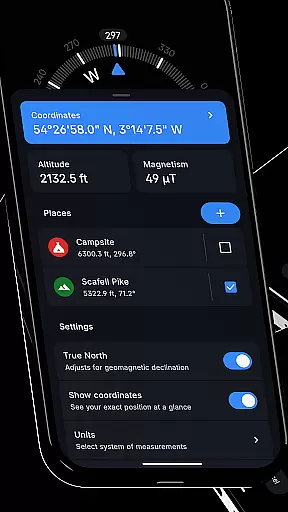
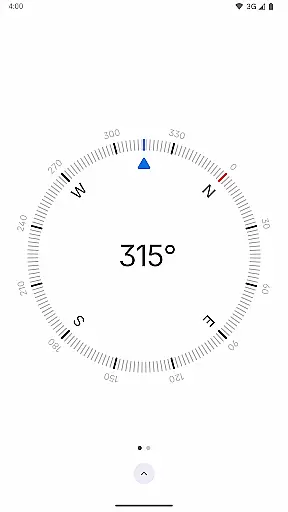
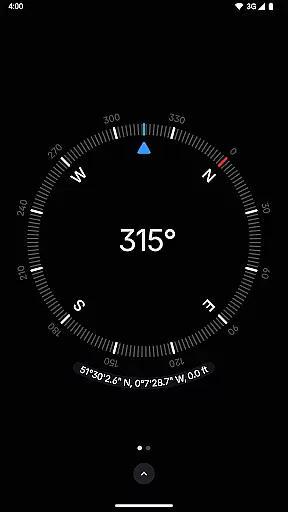
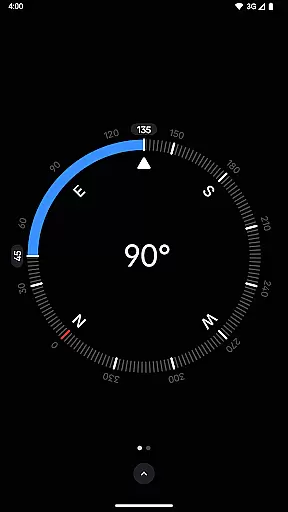
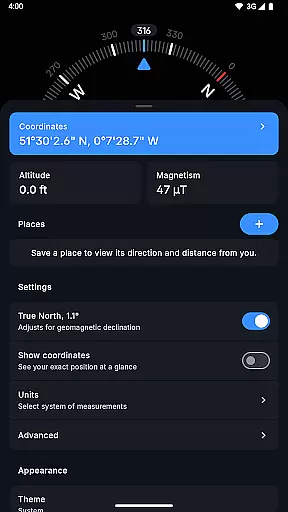
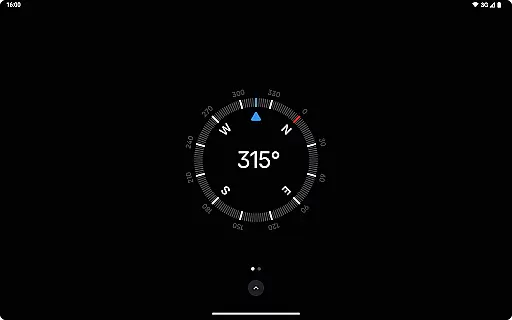
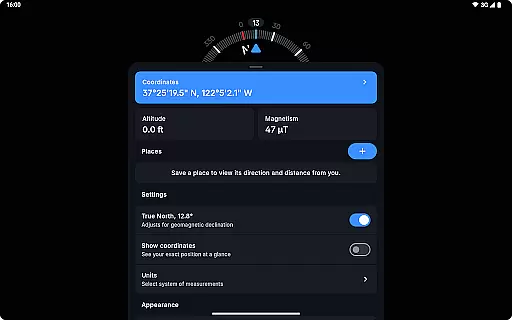
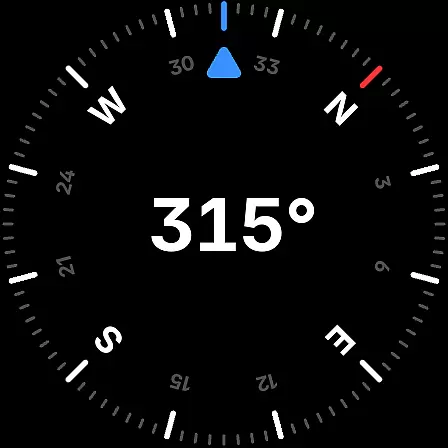
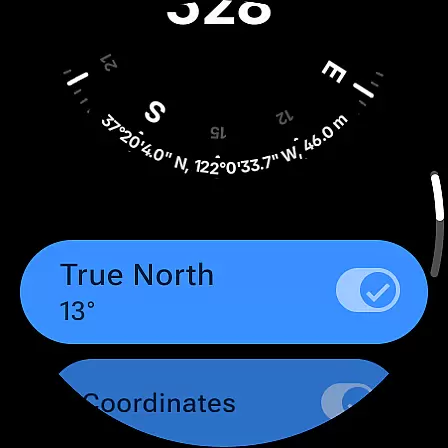
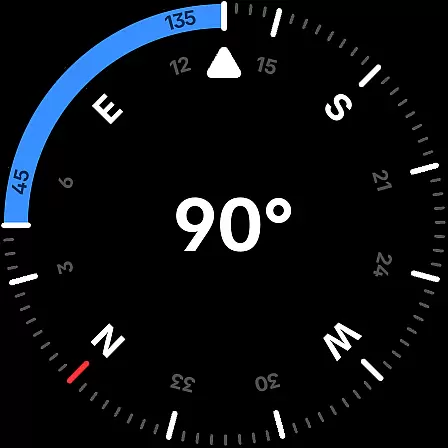
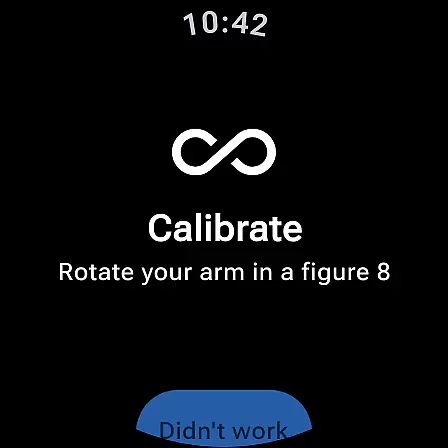
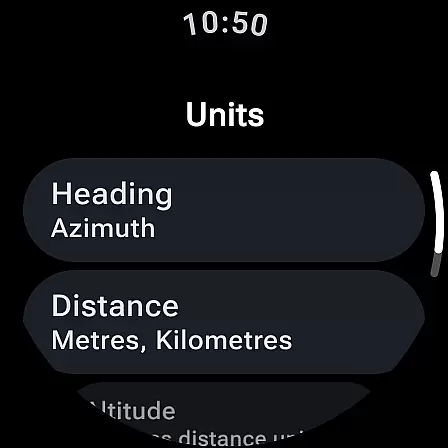
Compass is a sleek and minimalistic navigation app that combines simplicity with elegance. Designed for both Android phones and select Wear OS smartwatches, it offers users precise navigation through a modern, dark-themed interface. The app provides essential features such as displaying exact location coordinates in multiple formats (DMS, DDM, DD, UTM, MGRS, OLC), altitude information, and the ability to save places for quick reference of direction and distance.
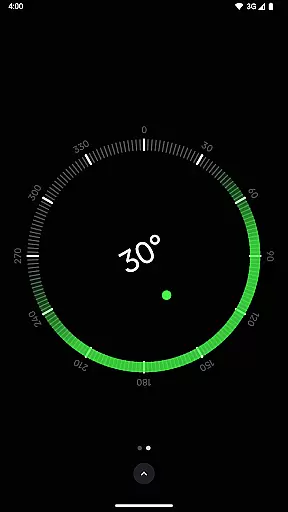
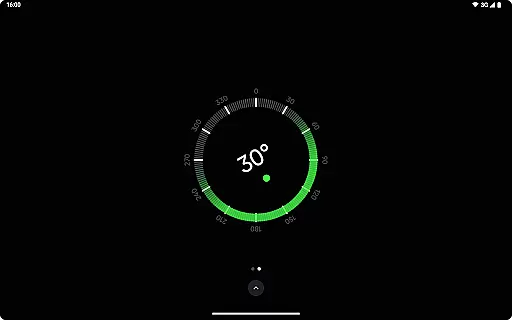
Beyond basic navigation, Compass includes advanced functionalities like geomagnetic declination adjustment for true north alignment, an integrated bubble level, angle difference measurement, and rich haptic feedback. Users can customize their experience by changing units for angles and distances, switching between dark and light themes, and even personalizing the app's appearance using Android 12's dynamic colors feature. With its high contrast display option, red screen filter for nighttime use, and magnetic field anomaly detector, Compass ensures optimal performance in various conditions while prioritizing user privacy with no internet connection required, no trackers or analytics, and no ads.
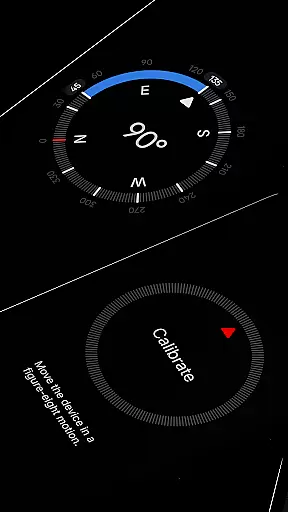
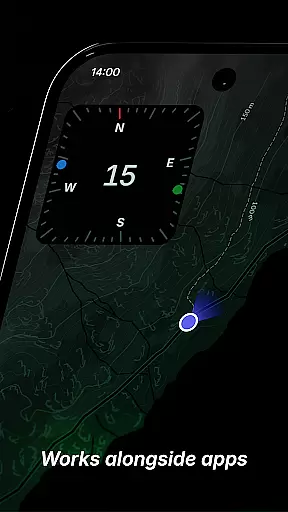
Compass stands out with its comprehensive set of features designed to enhance navigation and usability. One of its key strengths is the support for multiple coordinate formats including DMS, DDM, DD, UTM, MGRS, and OLC (Plus Codes), catering to diverse user preferences. The app allows users to dock the compass to the edge of the screen while multitasking with other apps, ensuring uninterrupted navigation. Its calibration guide simplifies the process of achieving accurate readings, while the bubble level feature adds practicality for tasks requiring leveled surfaces.
Customization is at the heart of Compass, offering flexibility in how information is displayed. Users can change units for angles (Azimuth or Quadrant Bearing) and distances (Metric, Imperial, or Nautical Miles), switch between dark and light themes, and personalize the app's appearance using Android 12's dynamic colors. Additional features include a red screen filter for better night vision, high contrast display for improved visibility, and a magnetic field anomaly detector to identify potential interference. These thoughtful additions make Compass not only functional but also adaptable to individual needs and environmental conditions.
Compass stands out for its precision and reliability in delivering navigation data. The app provides users with exact location coordinates, including altitude, in multiple formats such as DMS, DDM, DD, UTM, MGRS, and OLC (Plus Codes). This versatility ensures that users can access geographical information in the format most useful to them, enhancing both professional and casual navigation tasks.
The application's ability to adjust for geomagnetic declination by aligning with true north is a testament to its commitment to accuracy. This feature is crucial for explorers, hikers, and travelers who depend on precise directional guidance. Additionally, the integrated bubble level and angle difference measurement tools further expand the app's utility beyond mere direction finding, making it an indispensable tool for carpenters and DIY enthusiasts.
With rich haptic feedback and a high contrast display option, Compass offers an engaging and accessible user experience. These features not only make navigation tactile and visually accommodating but also cater to individual preferences and environmental conditions. Users can trust Compass to deliver accurate readings consistently, ensuring they remain on course regardless of their surroundings.
The interface of Compass is designed with simplicity and elegance at its core, featuring a modern dark-themed layout that ensures ease of use and clarity. Its minimalistic approach removes unnecessary distractions, allowing users to focus on navigation with precision. The intuitive design makes it easy for anyone to pick up and use without a steep learning curve, catering to both tech-savvy individuals and those less familiar with digital tools.
Customization options abound within Compass, enabling users to personalize their experience extensively. From changing units for angles, distances, and coordinates to suit personal preference, to switching between dark and light themes based on lighting conditions or aesthetic choice, the app puts control firmly in the hands of its users. Furthermore, Android 12's dynamic colours feature allows the app's appearance to adapt to the user's wallpaper, creating a seamless integration with their deviceu2019s overall look.
Accessibility is enhanced through thoughtful additions like the red screen filter option, which improves night vision by reducing screen brightness and light pollution. Such features underscore Compass's dedication to providing an interface that is not only simple and intuitive but also considerate of various user needs and scenarios. Whether navigating urban landscapes or exploring off the beaten path, Compass ensures every user can do so with confidence and ease.
User-friendly interface
Highly customizable settings
Accurate navigation tools
No ads or trackers
Offline functionality
Limited to Android devices
Wear OS compatibility restricted
Advanced features may overwhelm beginners
Dynamic colors require Android 12+
Red screen filter needs Android 10+

pdf merge, word to pdf, jpg to pdf, edit pdf, convert to pdf and much more!
 4.20
4.20
1-Click close all background apps on Android TV
3.90
Save any video in HD - paste the link, download fast and watch offline.
4.1
Amateur Radio app for APRS: Track friends, exchange messages, get tactical info.
3.90
Forza Tuning Calculator App for Forza Horizon 5, Motorsport and Earlier Titles
4.40
Small and simple app to Verify Root Access and BusyBox Install!
4.70
Best leveling tool for your Android device. Hang paintings like a pro.
4.90
PC precision for mobile gaming: dominate with keyboard and mouse!
4.30
Monitor car performance in real time and troubleshoot malfunctions.
4.80
Enjoy smooth gameplay with Game Booster
4.90
Remote Play with FSR upscaling, low latency & full controller support
4.80
Planner and Tracker for Stardew Valley
4.60
eXtended Permission Manager - a small app to manage permissions and AppOps
4.50
Screen Mirroring for Roku Sticks, Roku TCL TV and Roku Hisense TV
4.50
VESC Tool can monitor and configure VESC-compatible devices over BLE and Wifi
4.20
Screen Mirroring with sound for Samsung TV, LG TV, Sony TV, Smart TV and Browser
4.20
Create your own live wallpaper or check out thousands already made presets
3.90
card-reader app
2.20
Transfer Files, APK from Phone to Watch & Install.
4.1


User Reviews