
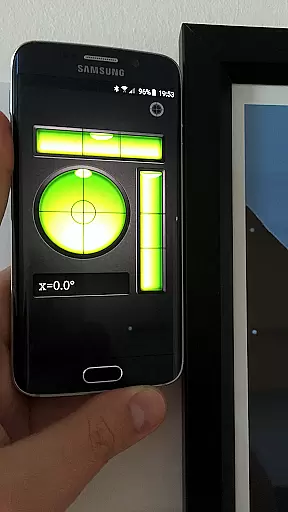
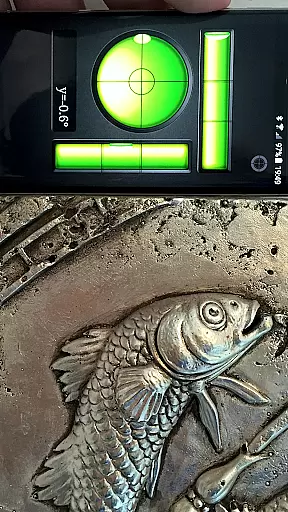
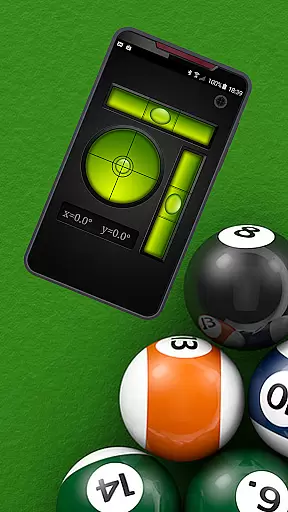
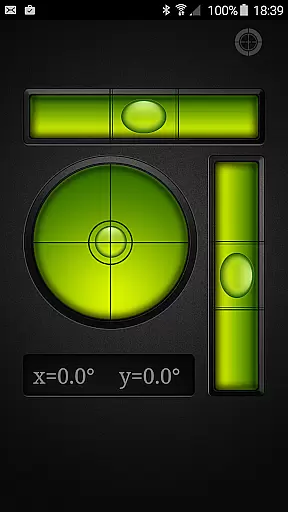
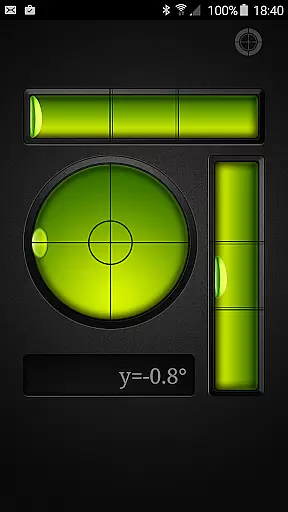
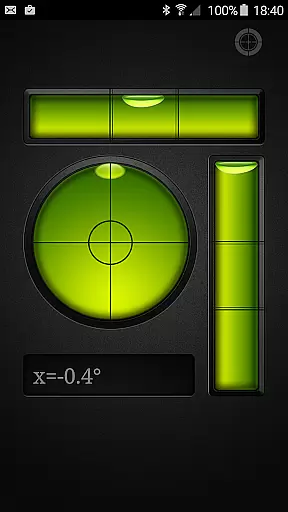
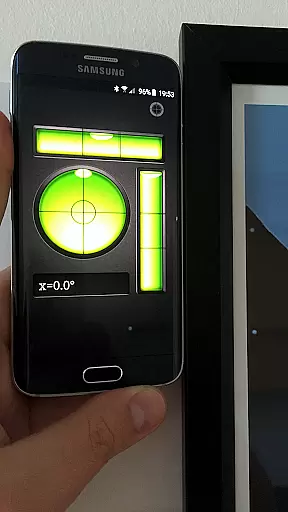
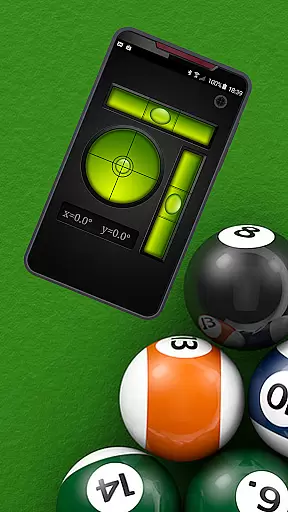
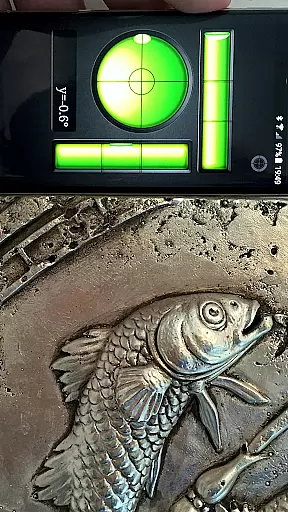
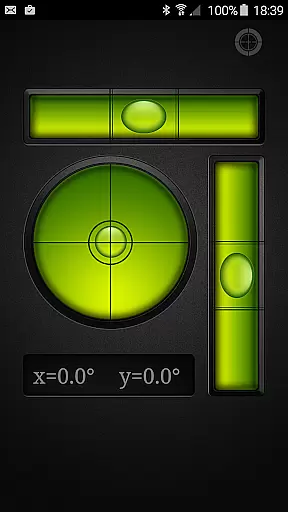
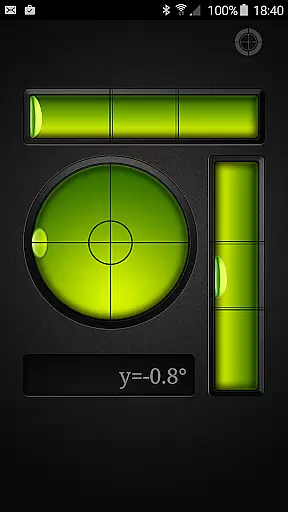
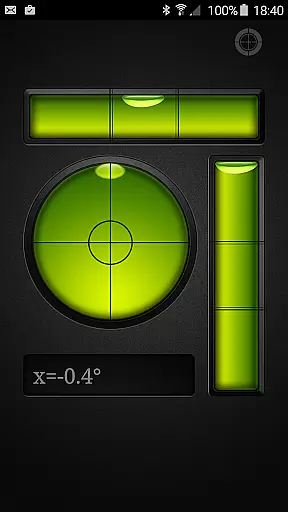
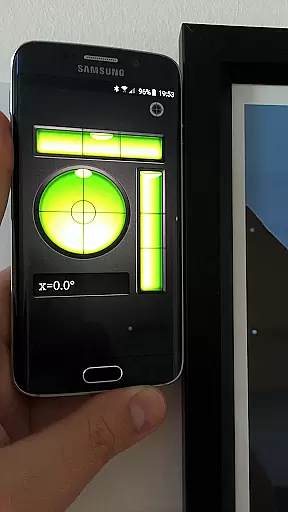
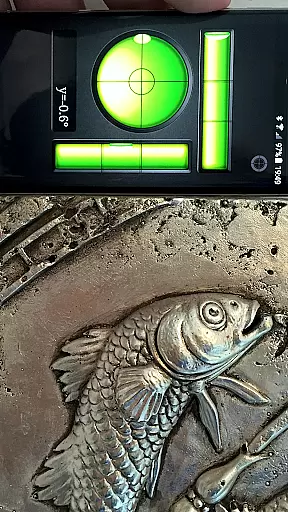
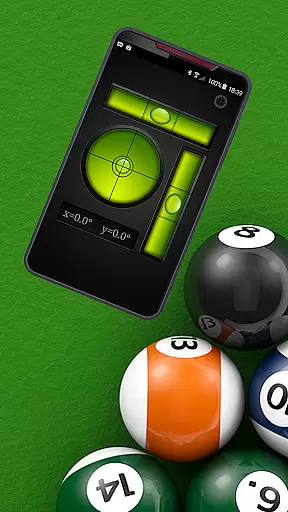
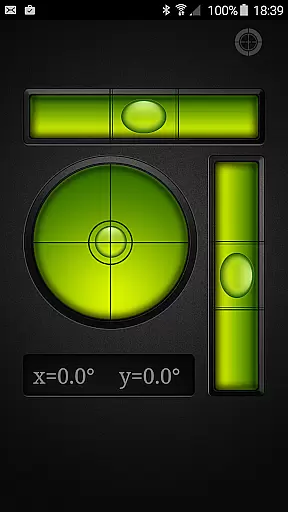
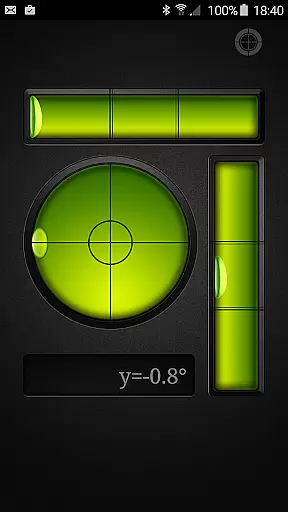
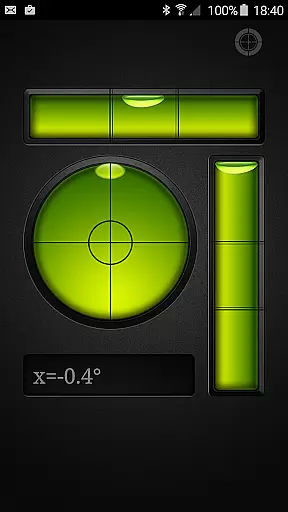
Bubble Level PRO is a premium, ad-free version of the popular Bubble Level app designed for Android users who need an accurate and reliable tool to determine whether surfaces are horizontal or vertical. This professional-grade utility mimics traditional spirit levels with its intuitive interface that displays data in a way that's familiar to anyone who has used a physical level.
What sets this app apart is its dual functionality - it not only replicates the classic tubular level but also includes a bull's eye level meter. The latter allows users to level across a plane rather than just along one direction, making it incredibly versatile for various tasks. Whether you're working on DIY projects at home or handling more complex construction jobs, Bubble Level PRO provides precise measurements every time.
This application is particularly useful in scenarios where carrying around physical tools might be inconvenient. For instance, when setting up furniture or hanging artwork, having a digital level on your phone ensures everything is perfectly aligned without needing extra equipment. Its ease of use combined with high accuracy makes it indispensable for both professionals and hobbyists alike.
The standout feature of Bubble Level PRO is its ability to mimic real-world leveling instruments while offering the convenience of modern technology. It features two primary modes: the standard bubble level which indicates alignment through a simulated air bubble within a liquid-filled tube; and the bull's eye mode, providing 360-degree leveling capability by using a circular display.
Accuracy is paramount, and this app delivers with calibration options ensuring your device remains spot-on over time. Users can recalibrate their devices easily by placing them on a known flat surface and adjusting settings accordingly. This ensures consistent performance even if the device’s internal sensors drift slightly due to environmental factors or wear.
Additional functionalities include customization options allowing users to tailor the experience according to personal preferences. Whether adjusting sensitivity levels or choosing between different visual themes, these tweaks enhance usability without compromising precision. Furthermore, being ad-free means uninterrupted focus during critical tasks, adding significant value for those relying heavily on such tools daily.
Bubble Level PRO exemplifies precision and reliability in measuring surface levels. As a professional-grade tool, it accurately determines whether a surface is horizontal or vertical, mimicking traditional spirit levels with remarkable digital fidelity.
The app's interface simulates both tubular and bull's eye level meters, providing users with versatile measurement options. The tubular simulation indicates alignment in a single direction, while the bull's eye level offers comprehensive plane leveling, ensuring accuracy across different tasks.
Users benefit from real-time feedback as the digital bubble responds to device orientation changes. This responsiveness allows for quick adjustments and precise leveling, making it an indispensable tool for various applications such as construction, carpentry, and photography.
The application's effectiveness extends beyond professional use, offering homeowners and DIY enthusiasts a reliable solution for home improvement projects. Its accuracy rivals physical tools, while providing the convenience of a mobile application.
The user interface of Bubble Level PRO demonstrates exceptional simplicity and intuitive design. Upon launching the app, users are greeted with a clean, uncluttered display that mirrors traditional spirit levels, making it instantly recognizable and easy to use.
Calibration features are straightforward, allowing users to maintain measurement accuracy through simple touch commands. The SET and RESET functions enable precise calibration without requiring technical expertise, while maintaining factory settings remains equally accessible.
Visual indicators provide clear guidance during measurements, with the digital bubble moving naturally within its virtual tubes. This natural movement pattern helps users quickly interpret results without needing specialized training or extensive explanations.
The app's thoughtful design extends to its dual-mode functionality, seamlessly switching between tubular and bull's eye views. This flexibility, combined with its ad-free environment, creates an uninterrupted, user-friendly experience suitable for both professionals and casual users.
Highly Accurate
User-Friendly Interface
No Ads
Dual Mode Functionality
Easy Calibration
Requires Manual Calibration
Limited Customization Options
No Augmented Reality Features
Premium Price Tag
Device Sensor Dependency

A powerful, easy-to-use flight computer on your phone or tablet!
 3.80
3.80
HD Camera captures every special moment.
4.60
Unlock your Essential Key. Create custom shortcuts to your favorite apps!
4.3
Safely recover deleted photos, videos, and files with a single easy tap.
3.70
ADB support Android 4.X-Android 13(Support wireless pair mode).No root required!
4.70
Forza Tuning Calculator App for Forza Horizon 5, Motorsport and Earlier Titles
4.40
Create your own live wallpaper or check out thousands already made presets
3.90
Quickly check the frequency of the Earth
4.30
Clean up large files and similar photos, fast and easy to use
4.40
WiFi Signal Strength Meter help you detect WiFi Signal Strength in real time.
4.80
Monitor car performance in real time and troubleshoot malfunctions.
4.80
Canon PRINT is a companion app for your Canon printer.
4.60
Game Booster, GFX Tool is now compatible with newer game update
4.50
Just one-tap to easy translate in any language after calls within seconds.
4.20
VESC Tool can monitor and configure VESC-compatible devices over BLE and Wifi
4.20
A simple app to back up and restore SMS & MMS messages and call logs.
4.10
Introducing Smart Printer, your ultimate destination for printing solutions!
4.00
PDF Reader - Document Viewer: Read, Manage & Organize Your Documents
3.10
Transfer Files, APK from Phone to Watch & Install.
4.3


User Reviews