

ADB Shell is a comprehensive and powerful toolbox application designed for Android device management. The app provides an extensive set of features that allow users to perform various administrative tasks directly from their mobile device. With capabilities ranging from application management to system monitoring, this tool is indispensable for developers and power users who require advanced control over their devices.
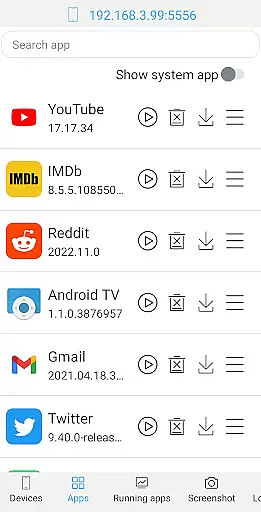
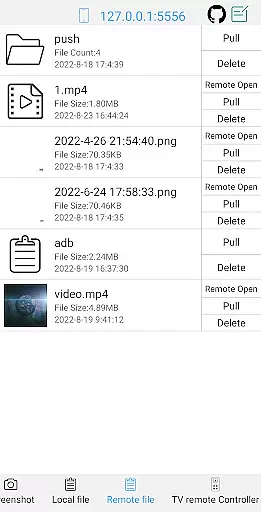
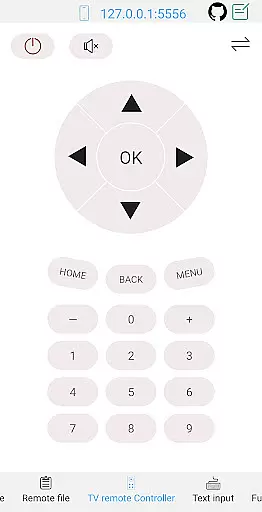
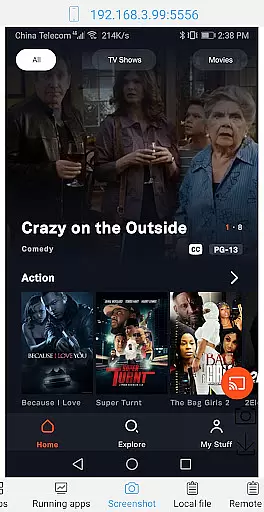
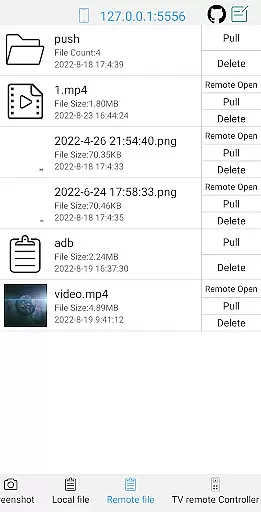
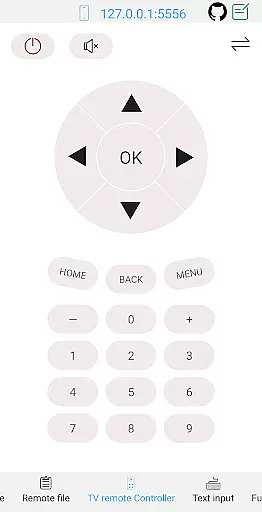
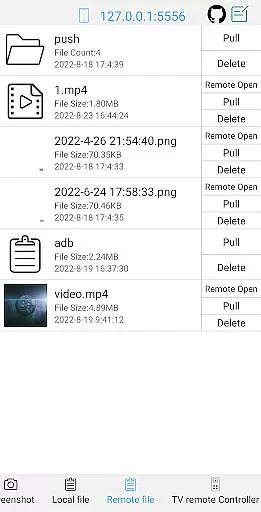
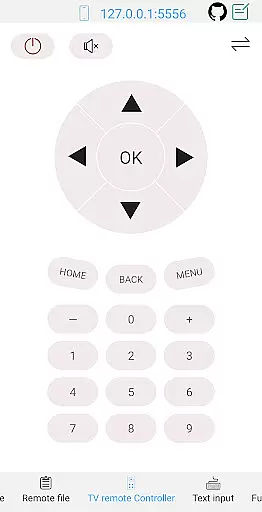
The application supports a wide array of functions including launching, uninstalling, downloading, and managing applications, as well as taking screenshots, transferring files, and even controlling TV remotes. Additionally, it offers detailed system information views and a sophisticated shell interface that works with Android versions 4.X through Android 13. Whether you need to manage devices locally or remotely, ADB Shell delivers the tools necessary to streamline your workflow and maintain optimal device performance.
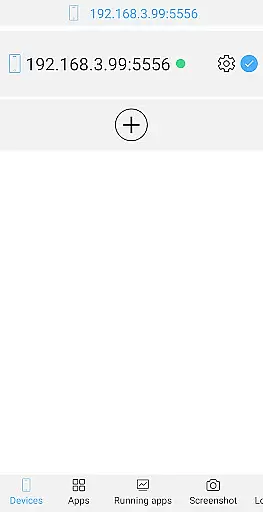
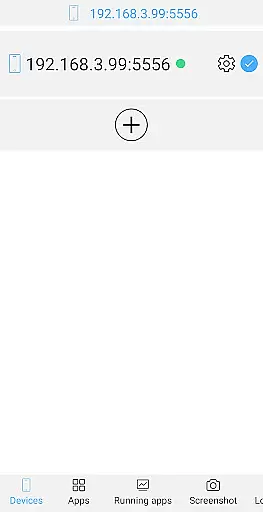
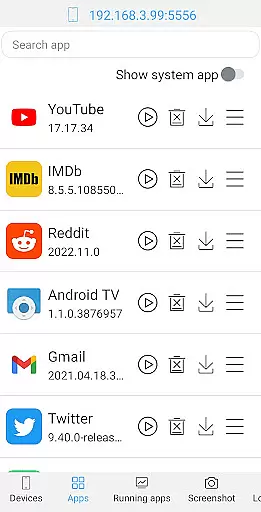
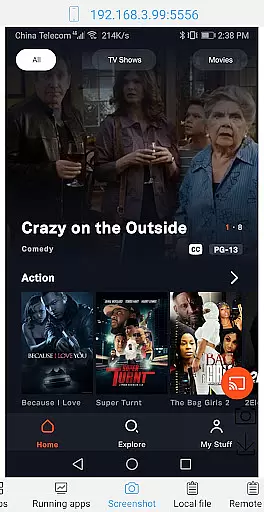
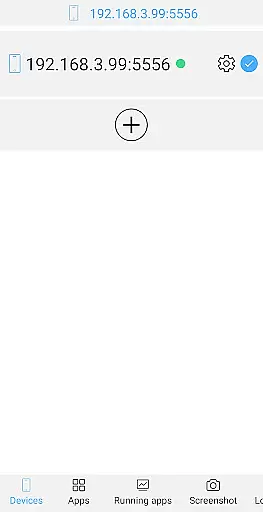
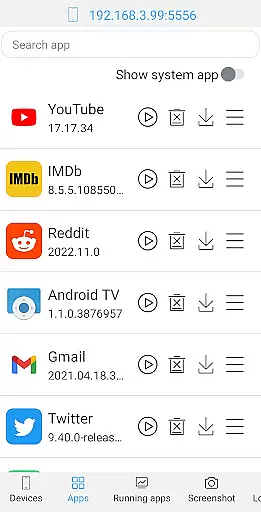
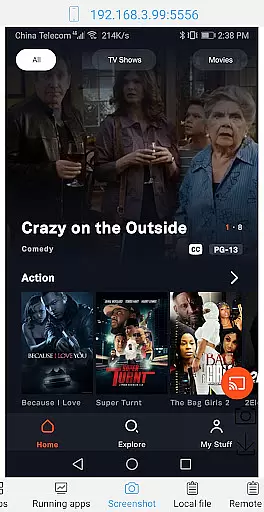
ADB Shell distinguishes itself through its robust feature set tailored for both casual users and professionals. One of its standout capabilities is the comprehensive application management suite, which allows users to launch, uninstall, download, force stop, clear data, disable, and enable applications effortlessly. This functionality is complemented by advanced device management options such as viewing running applications, taking screenshots, and transferring files between devices.
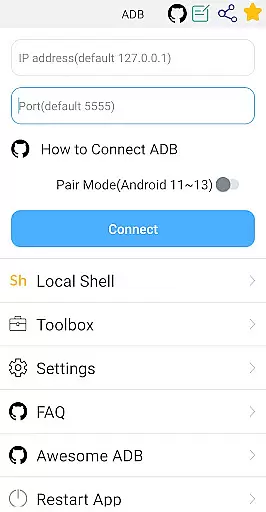
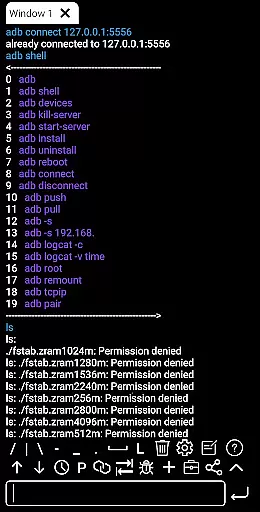
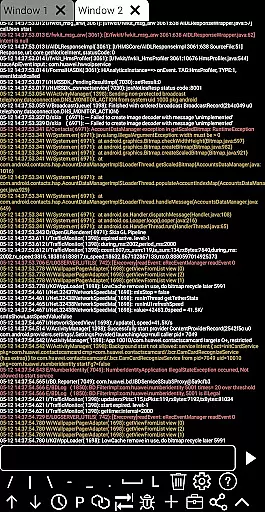
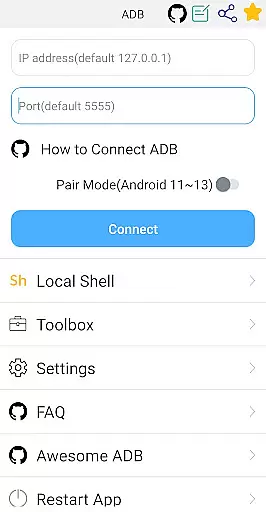
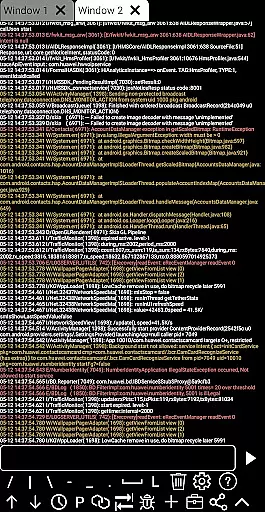
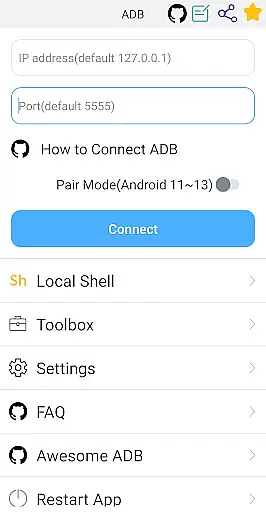
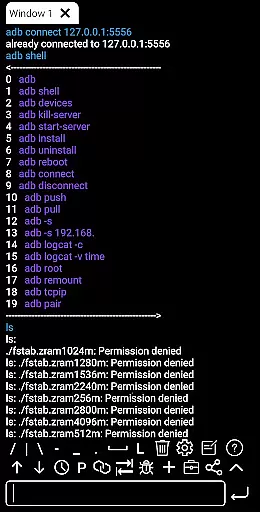
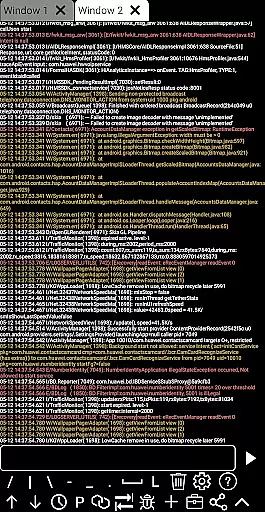
The shell features are equally impressive, supporting wireless pair mode for Android 11-13, WiFi wireless ADB, local shell ADB, and multi-window operations. Users can benefit from associative input, autosave output, command history, fast copy commands, and prefab commands. Furthermore, the app facilitates sharing outputs with others, running commands in the background, and accessing recommended commands and files. These features collectively enhance productivity and provide a seamless experience for anyone involved in Android development or device management.
ADB Shell stands out for its precision and effectiveness in executing core functions, making it an indispensable tool for developers and power users. The application supports a wide array of functionalities ranging from app management to system monitoring, all designed with accuracy at their core.
With features like launching, uninstalling, and managing applications, along with the ability to take screenshots, push or pull files, and even control a TV remotely, ADB Shell ensures that each task is performed with utmost efficiency and reliability. These capabilities are crucial for users who require precise control over their devices.
Moreover, the shell functionality supports Android versions from 4.X to 13, including wireless pair mode and wifi wireless adb, enhancing its compatibility and utility across different devices. This broad support underlines the app's commitment to delivering effective solutions tailored to various user needs.
The interface design of ADB Shell emphasizes simplicity and intuitiveness, ensuring that users can easily navigate through its comprehensive set of tools without a steep learning curve. Despite the complexity of tasks it can perform, the app maintains an accessible and user-friendly environment.
Each feature, from device management to viewing system information, is organized in a manner that promotes ease of use. Users can swiftly locate and utilize functions such as installing APKs, deleting remote files, or using the system monitor without feeling overwhelmed by technical jargon or complicated menus.
Additionally, the inclusion of helpful features like command history, fast copy command, and multi-window support further enhances the intuitive nature of the interface. These elements contribute to a seamless user experience, allowing both novice and experienced users to efficiently harness the full potential of ADB Shell.
User-friendly interface
Comprehensive device management
Wide Android version support
Efficient file transfer options
Advanced shell functionalities
Complex for beginners
Requires technical knowledge
Limited aesthetic customization
No built-in tutorials
Potential security risks

HD Camera captures every special moment.
 4.60
4.60
Just swipe the edge to do something!
4.40
Use your phone as a webcam on your computer over WiFi or USB.
4.40
Clean the junk files on your device
3.40
Amateur Radio app for APRS: Track friends, exchange messages, get tactical info.
3.90
Detect hidden spy camera with advanced scanning {{ Premium version }}
4.00
Navigate with Ease and Style
4.90
PC precision for mobile gaming: dominate with keyboard and mouse!
4.30
Play your X-Box games remotely in 1080p with any controller and zero latency
4.60
Easily install aab(Android App Bundle) files on your Android device with our app
4.80
Connect instantly to a fast, encrypted VPN with one tap
4.60
Keep track of your Palia friendships, tasks, and inventory with Palia Notebook
4.60
Button mapper, mouse toggle, sleep timer and a lot of another features
4.50
App that Recover your pictures, videos or files after you delete them.
4.20
View detailed information about your Nissan Leaf the dealer never shows you.
4.10
A convenient photo, video, and file recovery tool.
4.00
1-Click close all background apps on Android TV
3.90
Create your own live wallpaper or check out thousands already made presets
3.90
Undelete and recover your lost or deleted files with DiskDigger!
3.40


User Reviews