
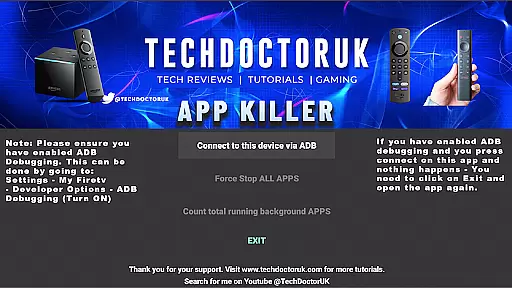
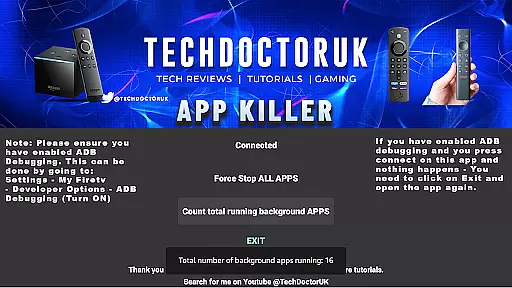
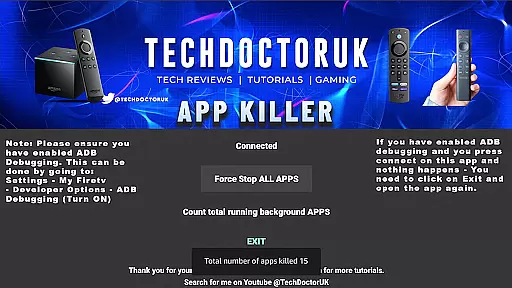
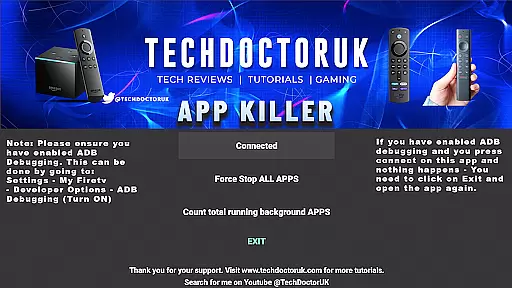
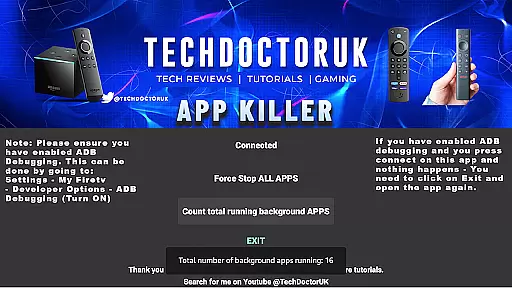
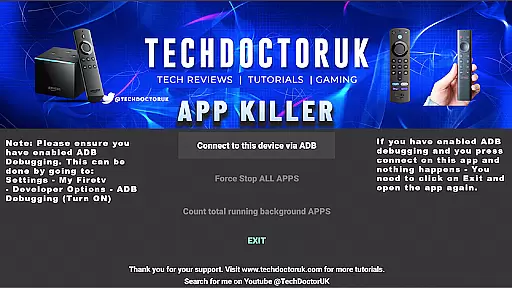
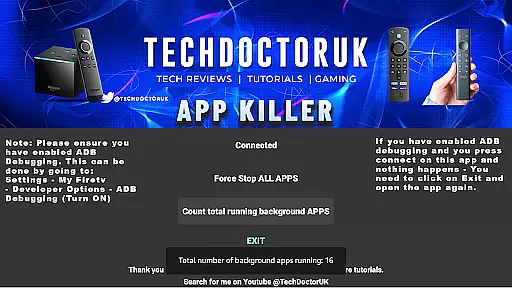
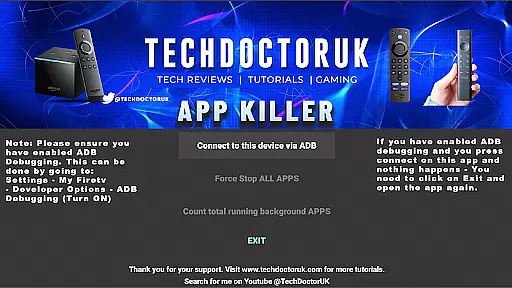
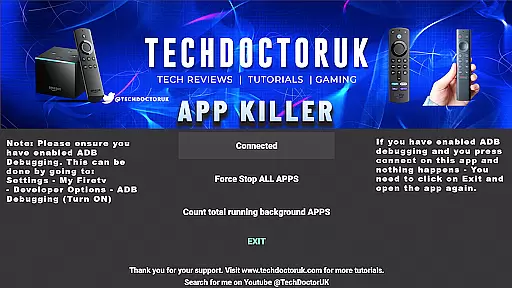
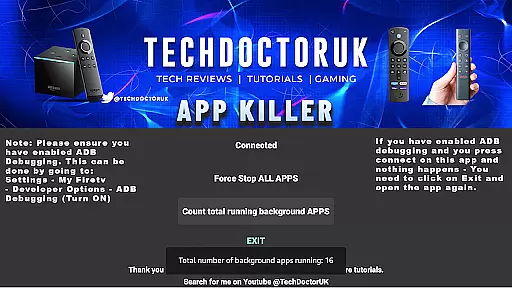
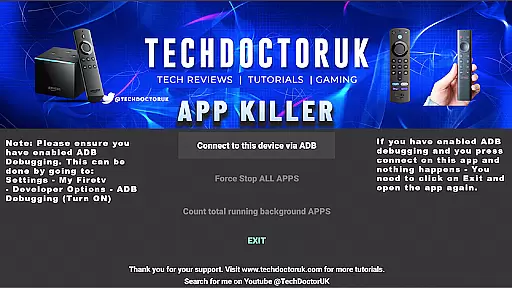
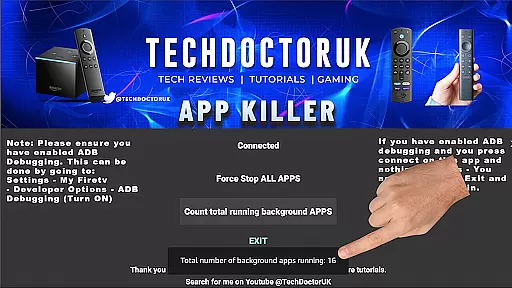
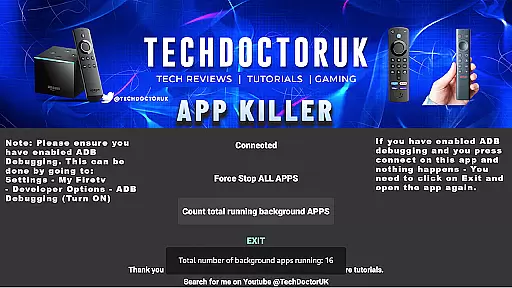
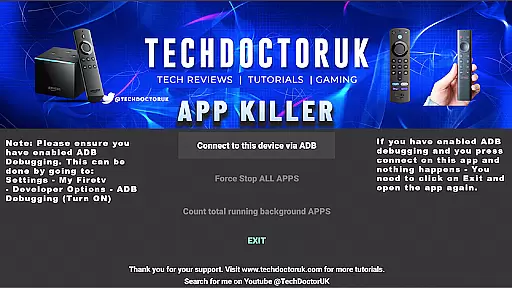
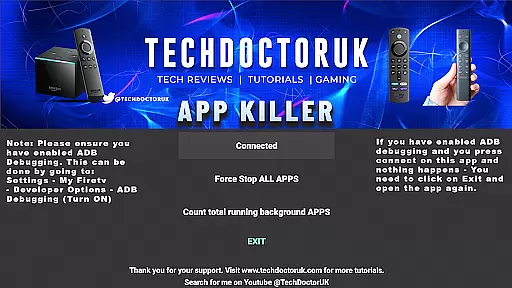
TDUK APP Killer is a powerful tool designed to optimize device performance by closing background apps with a single click. This utility helps free up valuable system resources, ensuring smoother operation and improved speed.
The app is particularly useful for users who frequently run multiple applications simultaneously, as it prevents memory overload and maintains optimal device functionality. By streamlining resource management, TDUK APP Killer delivers a seamless user experience.
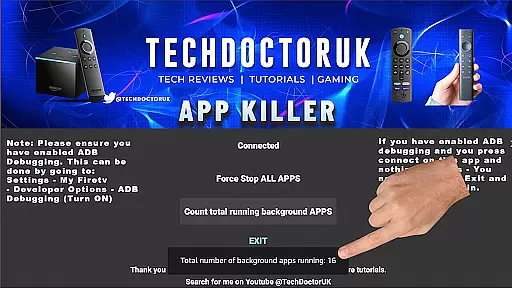
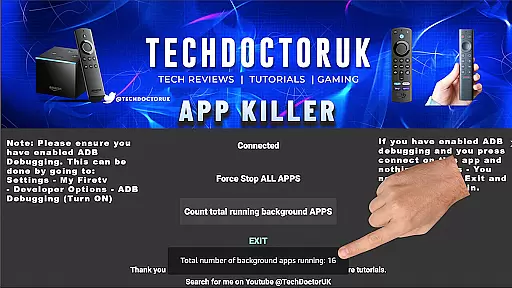
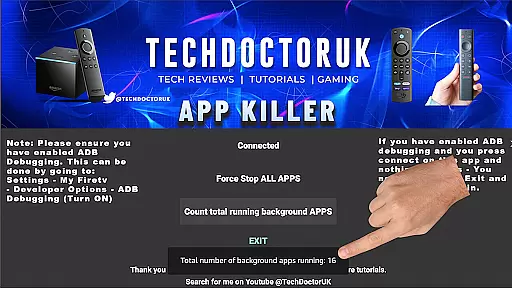
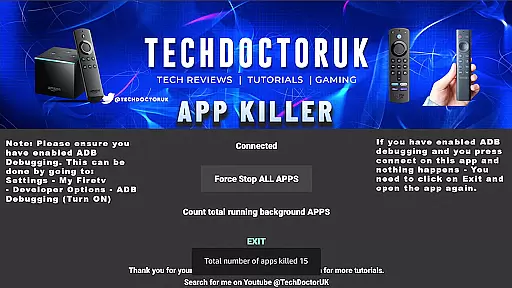
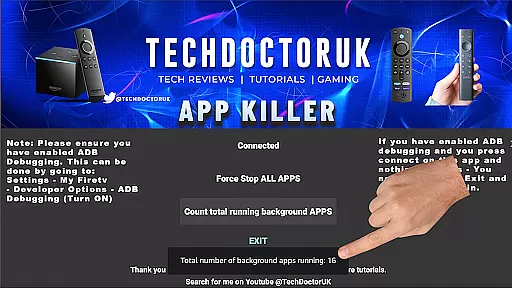
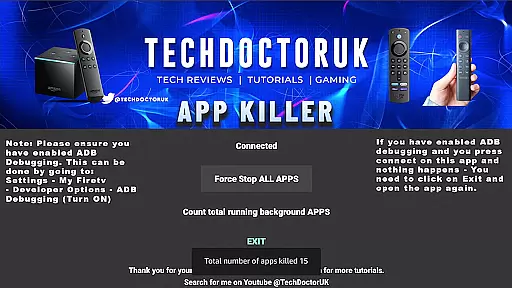
One of the standout features of TDUK APP Killer is its one-click functionality, allowing users to quickly terminate all background processes without navigating through complex settings. The app also provides detailed insights into running applications, helping users identify resource-heavy programs.
Additionally, TDUK APP Killer includes customizable settings that enable users to exclude critical apps from being closed accidentally. This ensures essential services remain uninterrupted while still benefiting from enhanced device performance.
For any utility application, the precision and efficacy of its core functions are paramount. The TDUK APP Killer specializes in efficiently managing background apps that may otherwise slow down your device and consume unnecessary memory.
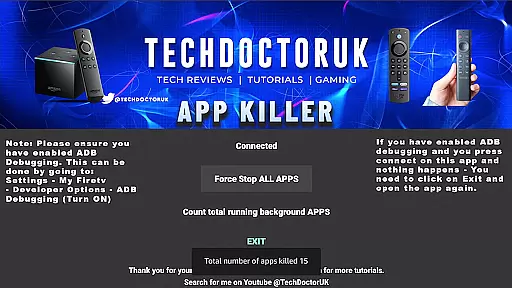
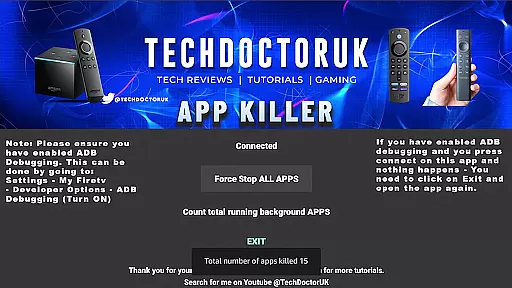
This app allows users to terminate all background processes with just a single click, ensuring optimal device performance. Its straightforward approach eliminates the need for multiple steps, making it accessible even for those who may not be tech-savvy.
By using advanced algorithms to detect and close apps that are running in the background, the TDUK APP Killer frees up system resources, which can lead to improved speed and responsiveness of your device.
The benefit to users is a smoother, faster device without having to manually manage every individual app, thus saving time and enhancing their overall mobile experience.
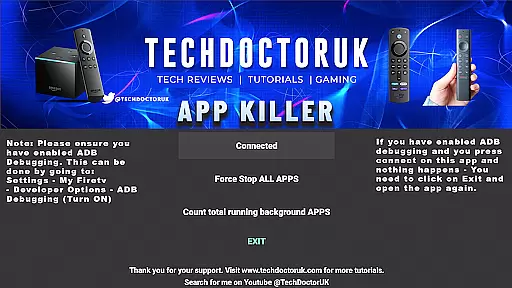
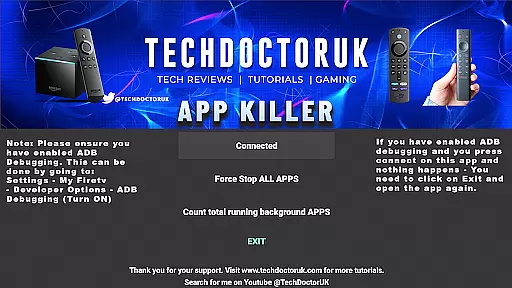
A simple and intuitive interface is crucial for ensuring that users can effectively operate an application without a steep learning curve. The TDUK APP Killer boasts an easy-to-navigate design that makes managing apps hassle-free.
Upon opening the app, users are greeted with a clean layout that highlights the primary function - the one-click background app termination feature. This ensures that users can immediately understand how to utilize the app's main service without confusion.
Moreover, the app provides clear instructions on enabling USB or TCP debugging, which is necessary for its operation. This guidance removes potential user frustration and aids in seamless setup.
Overall, the TDUK APP Killer's commitment to a user-friendly interface means that anyone from beginners to advanced users can easily optimize their device's performance without getting bogged down by complex controls or settings.
Efficient memory management
User-friendly interface
Customizable app exclusion
Quick one-click termination
Detailed app insights
Requires USB debugging
Limited to Android devices
No automatic scheduling
Basic UI design
Manual operation needed

 4.50
4.50
Change your GPS location instantly. Simulate routes anywhere in the world.
4.90
Remote for Roku, Fire TV, Samsung TV, LG TV, Android TV, Chromecast and VIZIO TV
4.20
Canon PRINT is a companion app for your Canon printer.
4.60
ADB support Android 4.X-Android 13(Support wireless pair mode).No root required!
4.70
View detailed information about your Nissan Leaf the dealer never shows you.
4.10
Monitor car performance in real time and troubleshoot malfunctions.
4.80
Powerful collection of electronics tools and reference.A must for any enthusiast
4.90
A clean app.
4.50
Remote Play with FSR upscaling, low latency & full controller support
4.80
The one-and-only remote control for PC, Mac, and Linux
4.70
Optimize your WiFi network, turn your phone into Wifi Analyzer
4.70
Quickly switch to an encrypted DNS server on Android TV
4.50
Screen Mirroring for Roku Sticks, Roku TCL TV and Roku Hisense TV
4.50
Clean up large files and similar photos, fast and easy to use
4.40
Complete kernel toolbox with features to manage and tweak your rooted device
4.30
Quickly & easily calculate the spacing of handrail balusters
4.20
PDF Reader - Document Viewer: Read, Manage & Organize Your Documents
3.10
Unlock your Essential Key. Create custom shortcuts to your favorite apps!
4.5


User Reviews