
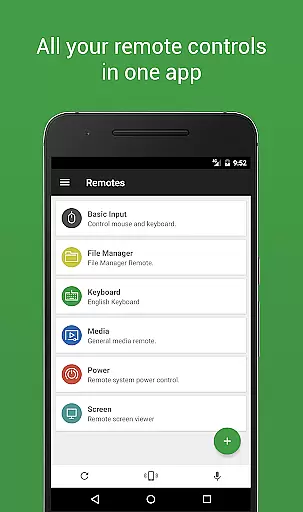

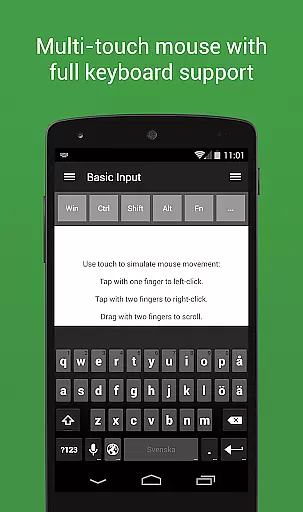
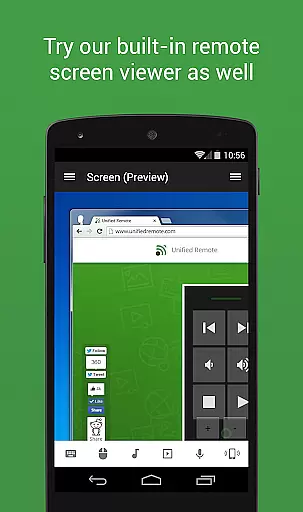
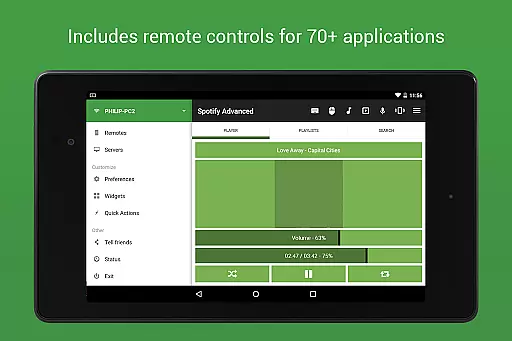
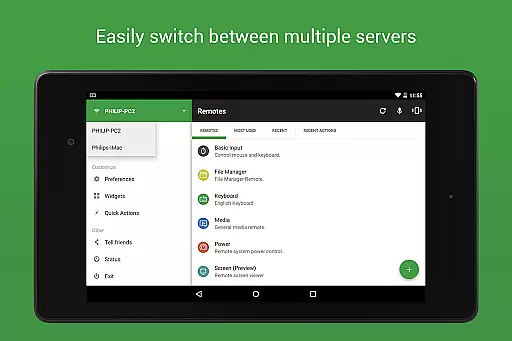
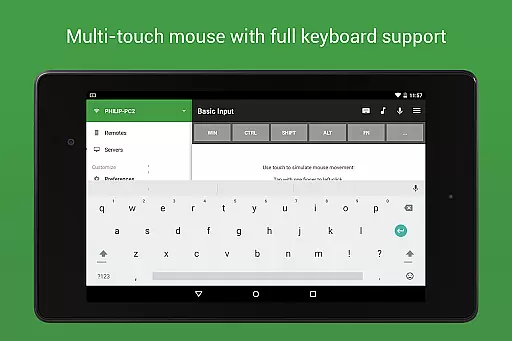
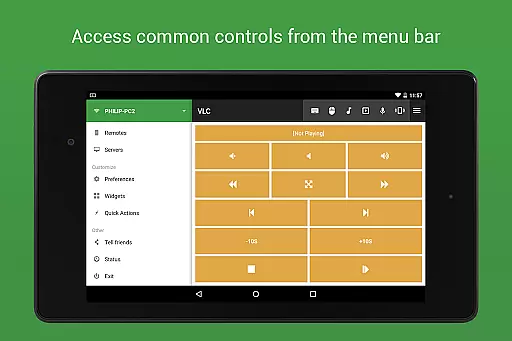
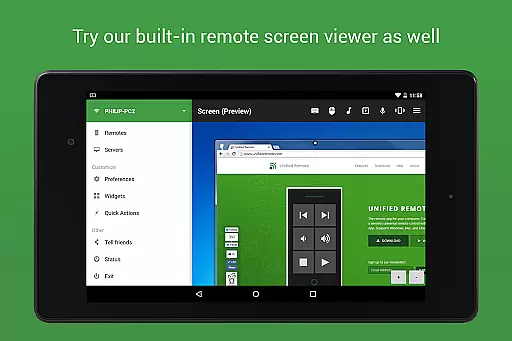
Unified Remote Full is a comprehensive remote control application that transforms your mobile device into a universal remote for Windows, Mac, and Linux computers. With support for over 90 programs, it offers functionalities such as mouse and keyboard control, media player management, presentation handling, screen mirroring, power control, file management, terminal access, and more.
The app stands out with its easy server and app setup process, automatic server detection, and enhanced security features like server password protection and encryption. Whether you're controlling your computer for entertainment purposes or managing presentations and files, Unified Remote Full provides a seamless experience across different platforms.
For users seeking the convenience of remotely managing their devices from anywhere in their home or office, this app serves as an essential tool. It supports single and multi-touch mouse control, Wake On LAN, and even extends its compatibility to devices like Raspberry Pi and Arduino Yún.
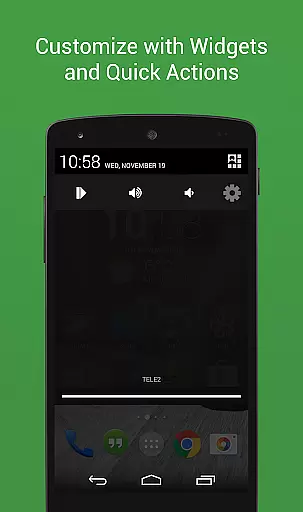
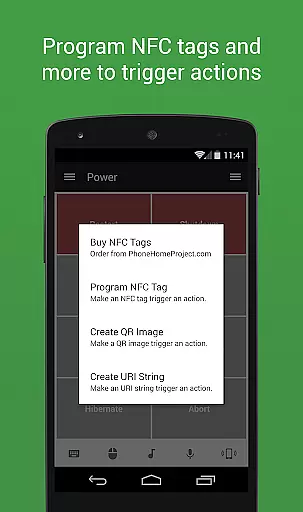
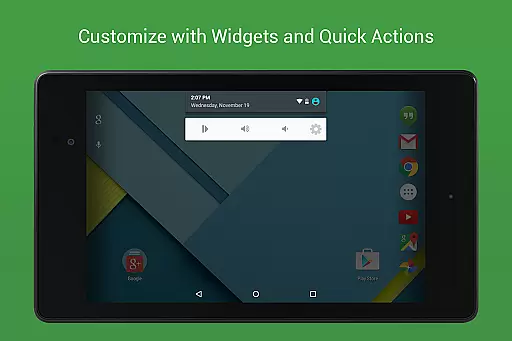
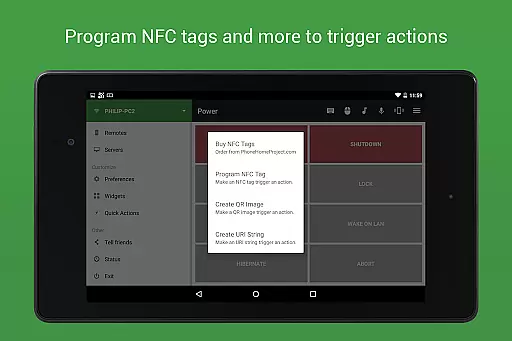
Unified Remote Full boasts an impressive array of features designed to enhance user interaction with their computers. The app includes floating remotes that allow usage over other apps, custom remotes tailored to specific needs, widgets and quick actions for streamlined access, voice commands for hands-free operation, and IR/NFC actions for advanced control options.
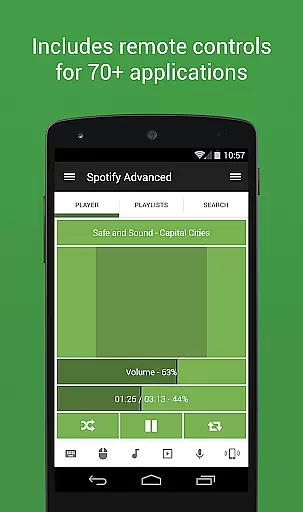
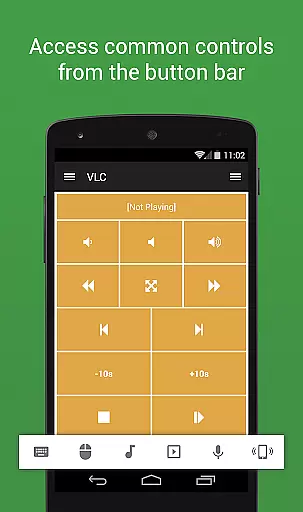
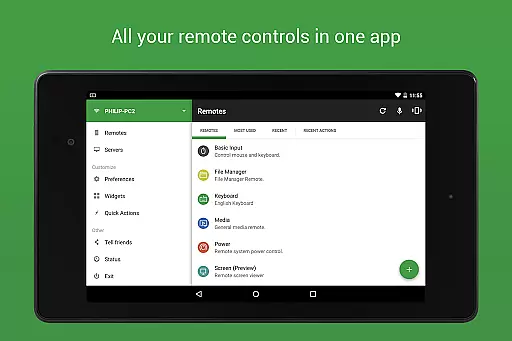
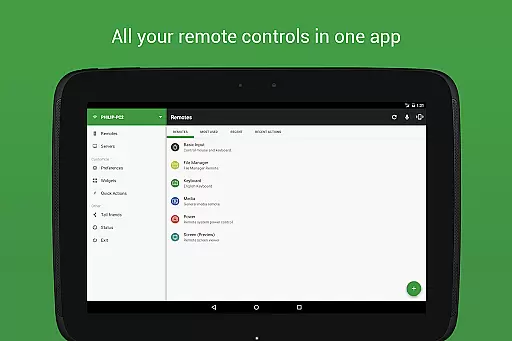
With 90+ preloaded remotes, users can effortlessly manage music players like Spotify and iTunes, video applications including VLC and Windows Media Player, media centers such as Kodi (XBMC) and Plex, streaming services like YouTube and Netflix, browsers like Chrome and Firefox, and much more. This versatility ensures that whether you're controlling media playback or giving professional presentations, Unified Remote Full has got you covered.
Additional features include light and dark color themes for personalized aesthetics, Android Wear support for wearable convenience, and server availability across multiple operating systems ensuring cross-platform compatibility. These capabilities make Unified Remote Full not just a tool but a complete remote management solution.
Unified Remote Full excels in delivering precise and effective control over a wide range of computer functions. This app transforms your device into a versatile universal remote, compatible with Windows PC, Mac, and Linux systems via WiFi or Bluetooth.
The app supports 90+ programs including mouse and keyboard functionalities, media players, presentations, screen mirroring, power control, file manager, terminal access, and much more. With preloaded support for numerous applications, users can seamlessly manage their computers from their mobile devices.
Users benefit from features like automatic server detection, server password protection, encryption for added security, and single or multi-touch mouse control. These capabilities ensure that the app not only meets basic remote control needs but also offers advanced options for enhanced usability.
By providing reliable and responsive interactions with your computer, Unified Remote Full ensures that whether you're controlling media playback, managing files, or giving presentations, each action is executed accurately and efficiently, enhancing productivity and convenience.
A standout feature of Unified Remote Full is its simple and intuitive interface, designed to make remote control of your computer effortless. The app setup is straightforward, ensuring users can quickly start controlling their systems without a steep learning curve.
With light and dark color themes available, users can customize the appearance to suit their preferences, contributing to a comfortable user experience. The design emphasizes ease of use, allowing even novice users to navigate through different controls and settings with minimal effort.
In addition to aesthetic customization, the app includes floating remotes which allow usage over other apps, widgets, quick actions, voice commands, and NFC actions. These features enhance the intuitiveness by providing shortcuts and immediate access to frequently used functions.
Overall, Unified Remote Full's commitment to maintaining an accessible and user-friendly interface ensures that users can focus on leveraging the appu2019s powerful capabilities without being hindered by complexity, making it an ideal tool for both casual and power users alike.
User-friendly interface
Wide range of supported programs
Enhanced security features
Cross-platform compatibility
Versatile remote controls
Requires separate server installation
Limited free remotes
Some features need premium version
Occasional connectivity issues
Complex setup for beginners

 4.50
4.50 4.50
4.50
A convenient photo, video, and file recovery tool.
4.00
Remote for Roku, Fire TV, Samsung TV, LG TV, Android TV, Chromecast and VIZIO TV
4.20
Canon PRINT is a companion app for your Canon printer.
4.60
Small and simple app to Verify Root Access and BusyBox Install!
4.70
Screen recorder with audio to record high-quality videos and take screenshots.
4.40
Enhance your Beats
3.70
The ideal app to be the digital eye of your family
3.40
Change your GPS location instantly. Simulate routes anywhere in the world.
4.90
Connect instantly to a fast, encrypted VPN with one tap
4.60
Head tracking for PC sim games such as MSFS 2024 or Elite:Dangerous. No headset!
4.50
Just swipe the edge to do something!
4.40
Pro Emulator is an easy to use game console emulator for a range of consoles.
4.40
Complete kernel toolbox with features to manage and tweak your rooted device
4.30
Unleash gamepad precision for ultimate mobile gaming dominance.
3.90
A powerful, easy-to-use flight computer on your phone or tablet!
3.80
PDF Reader - Document Viewer: Read, Manage & Organize Your Documents
3.10
Unlock your Essential Key. Create custom shortcuts to your favorite apps!
4.2


User Reviews