
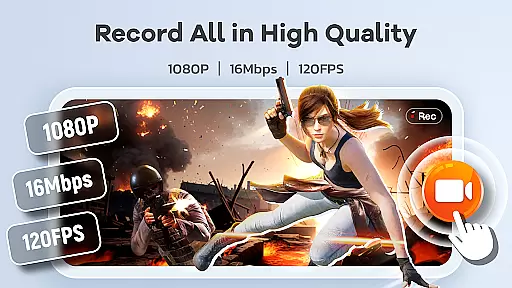
Screen Recorder Video Recorder is a comprehensive mobile application designed for effortless screen recording and video editing. This all-in-one tool allows users to capture high-quality videos of their on-screen activities, making it ideal for creating tutorials, recording gameplay, or preserving important video calls. With support for 1080P HD recording at up to 120FPS and 16Mbps bitrate, the app ensures every detail is captured with stunning clarity.
Beyond basic recording, the app offers advanced features like built-in video editing tools, live drawing, and facecam functionality. These features enable users to create professional-looking content by trimming, cropping, adding annotations, or including personal reactions in their videos. The intuitive floating ball interface provides seamless control over recordings, while customizable settings allow users to tailor the experience to their specific needs.
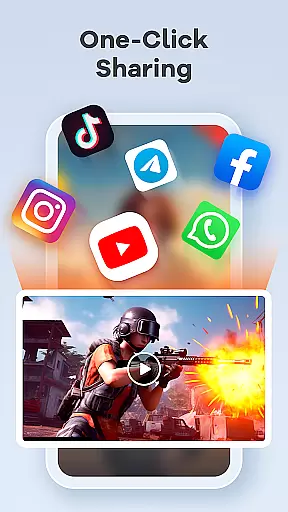
Whether you're an educator creating instructional materials, a gamer sharing your best moments, or someone who wants to document screen activity, Screen Recorder Video Recorder empowers you to produce engaging and polished content. Its direct sharing capabilities to platforms like YouTube and social media further enhance its value as a pocket-sized video production studio.
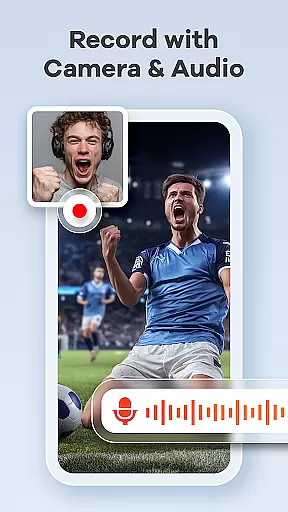
Screen Recorder Video Recorder stands out with its robust feature set tailored for both casual and professional content creators. One of its key highlights is the ability to record in crystal-clear 1080P resolution at up to 120FPS, ensuring smooth and detailed video output. The inclusion of both internal and external audio recording options guarantees that sound quality matches the visual fidelity, whether you're capturing system sounds or voiceovers via a microphone.
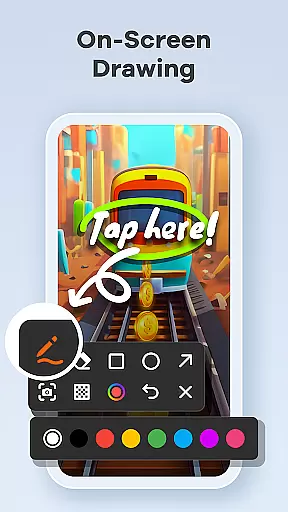
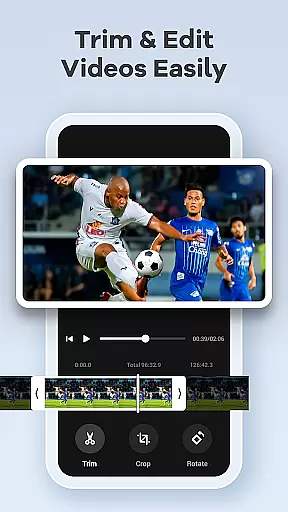
The app also integrates a powerful video editor, enabling users to trim, crop, rotate, and convert videos into GIFs without needing additional software. For those who create tutorials or reaction videos, the Facecam feature adds a personal touch, while the live drawing tool helps explain complex ideas through real-time annotations. Gesture controls and a one-tap floating ball simplify the recording process, offering an uninterrupted workflow.
Additional functionalities such as no time limits, absence of watermarks, and customizable recording parameters make this app versatile and user-friendly. By combining these advanced tools with easy sharing options to platforms like YouTube and social media, Screen Recorder Video Recorder positions itself as a complete solution for mobile video creation and distribution.
Screen Recorder Video Recorder excels in delivering precise and effective core functionalities that cater to diverse video recording needs. The app supports HD recording at 1080P, with a bitrate of 16Mbps and frame rates up to 120FPS, ensuring every detail is captured in stunning clarity.
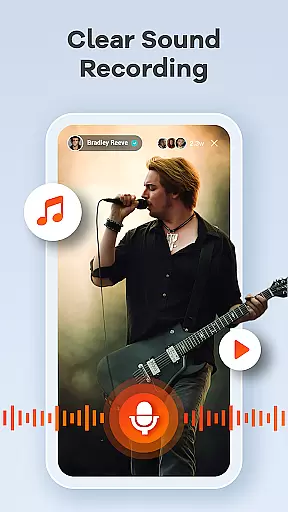
In addition to high-quality video, the app offers comprehensive audio recording options. Users can record crisp, clear audio either from their device or an external microphone, providing flexibility for different use cases such as tutorials, gameplay, and video calls.
The built-in video editor enhances the app's effectiveness by allowing users to trim, crop, and rotate videos effortlessly. This feature ensures that the final content is polished and ready for sharing across various platforms, making Screen Recorder Video Recorder an all-in-one solution for both capturing and editing needs.
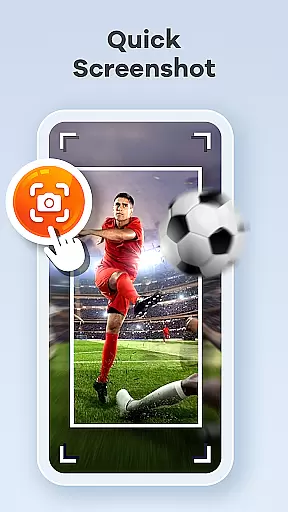
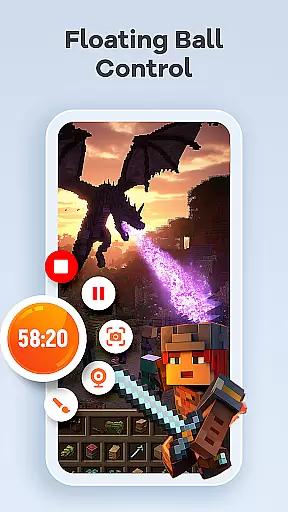
One of the standout features of Screen Recorder Video Recorder is its intuitive interface, designed to offer seamless control and ease of use. The one-tap floating ball allows users to start, pause, resume recordings, and even capture screenshots without interrupting their workflow.
Gestures play a crucial role in streamlining the video creation process. Customizable gesture controls enable quick actions, significantly enhancing user interaction and operational fluidity. This thoughtful design minimizes distractions, letting creators focus on their content.
Furthermore, the app provides customizable settings that cater to individual preferences, allowing adjustments to recording parameters and operation methods. With no time limits or watermarks, Screen Recorder Video Recorder combines simplicity with powerful functionality, empowering users to create professional-quality videos effortlessly.
User-friendly interface
High-quality recording
Built-in editing tools
No watermark
Direct sharing options
Limited on older devices
Advanced features may overwhelm beginners
Requires storage space
Privacy concerns with screen recording
Dependent on device performance

 4.10
4.10
A recovery soft,it features photo recovery, video recovery, file recovery.
3.40
FV File Manager Pro, Fast and powerful file manager for Android
4.60
Fluid navigation gestures for all of us!
4.30
App to pay for FUTO Keyboard
4.60
ADB support Android 4.X-Android 13(Support wireless pair mode).No root required!
4.70
An easy-to-use calculator designed to save time calculating and bending conduit
4.30
MS-DOS in your pocket. Play old DOS games anywhere you are ;)
4.10
Excellent scientific calculator with symbolic algebra, integrals, derivatives
4.80
The ultimate tool for network analysis, wifi scanning and problem detection.
4.90 4.50
4.50
PC precision for mobile gaming: dominate with keyboard and mouse!
4.30
Just one-tap to easy translate in any language after calls within seconds.
4.20
VESC Tool can monitor and configure VESC-compatible devices over BLE and Wifi
4.20
1-Click close all background apps on Android TV
3.90
Amateur Radio app for APRS: Track friends, exchange messages, get tactical info.
3.90
Unleash gamepad precision for ultimate mobile gaming dominance.
3.90
Fun lie-detection pranks for friends and parties.
3.80
Unlock your Essential Key. Create custom shortcuts to your favorite apps!
4.5


User Reviews