
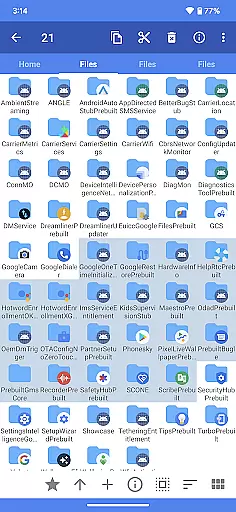
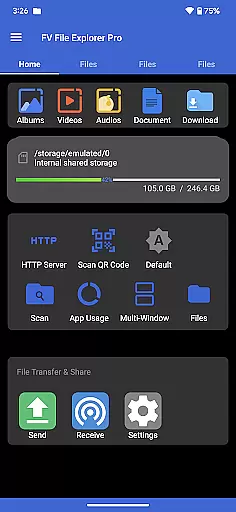
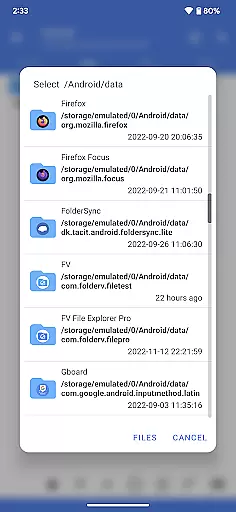
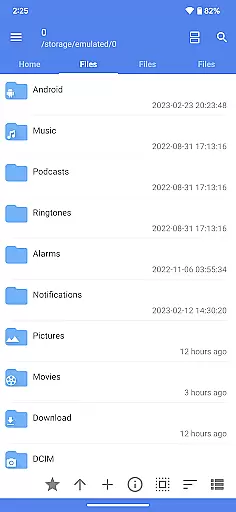
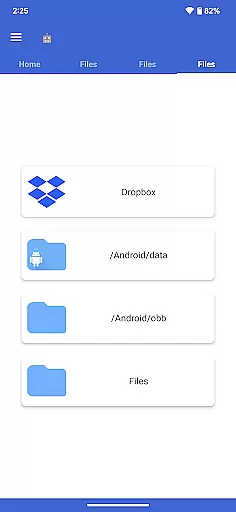
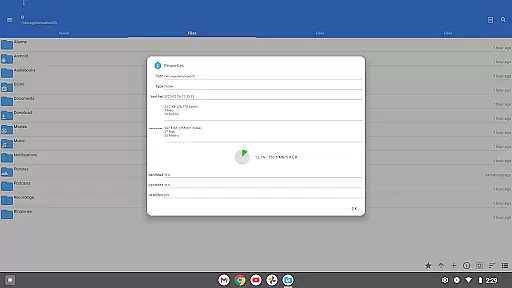
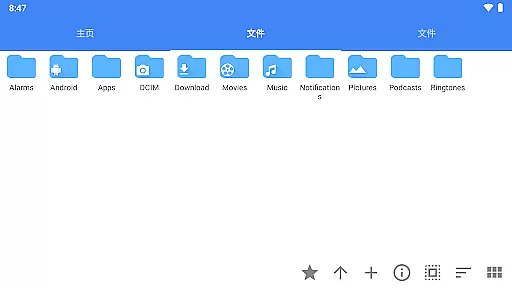
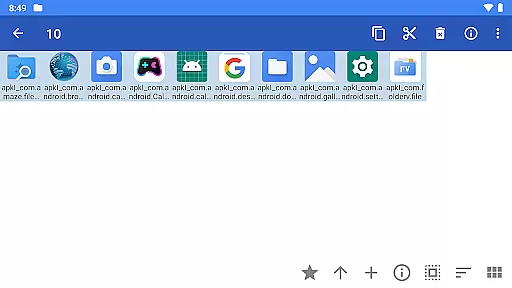
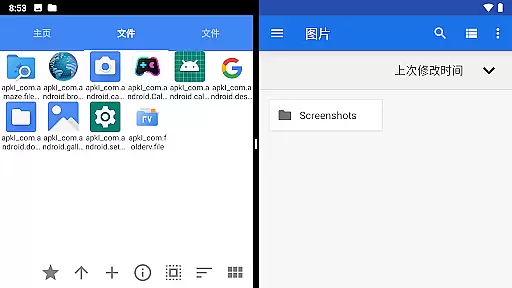
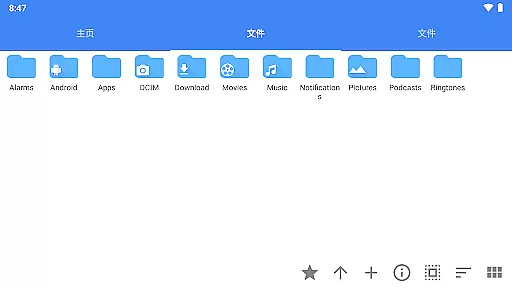
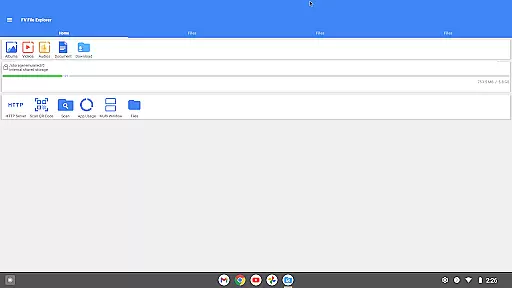
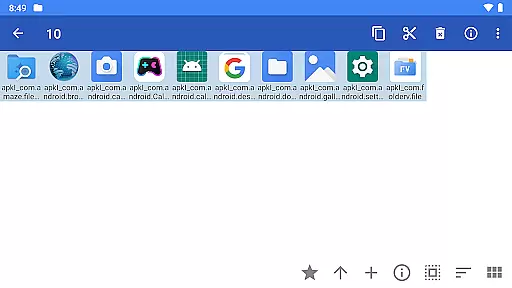
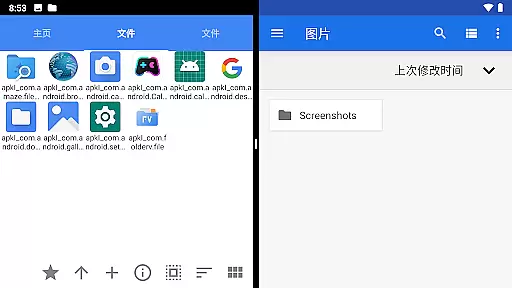
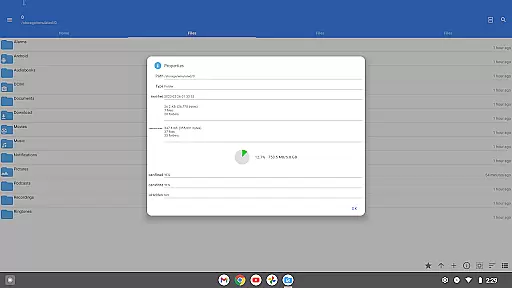
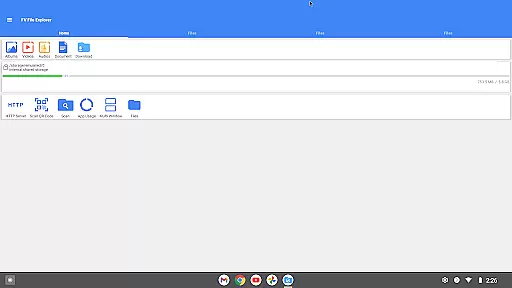
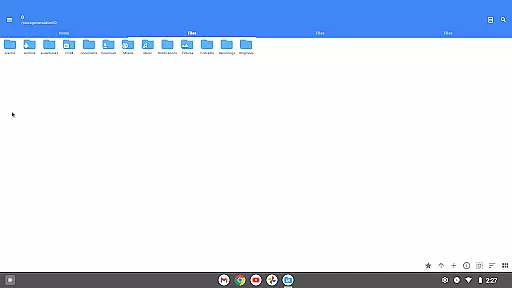
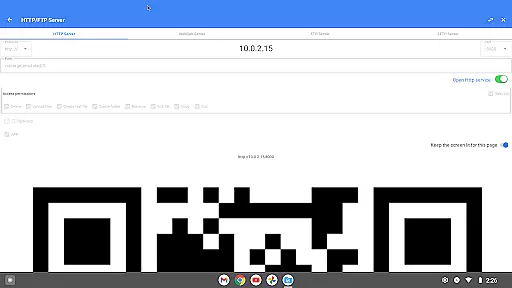
FV File Pro is a robust file management tool designed specifically for Android users who need advanced access and control over their device's storage. This app allows seamless navigation through directories, including the typically restricted /Android/data and /Android/obb folders on Android 13 without requiring root permissions. Its Material Design UI ensures an intuitive user experience while offering support for multiple image formats such as JPG, PNG, BMP, TIFF, WebP, HEIF, AVIF, ICO, and APNG.
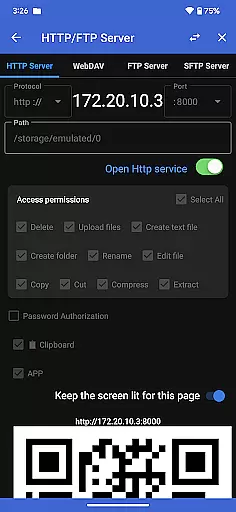
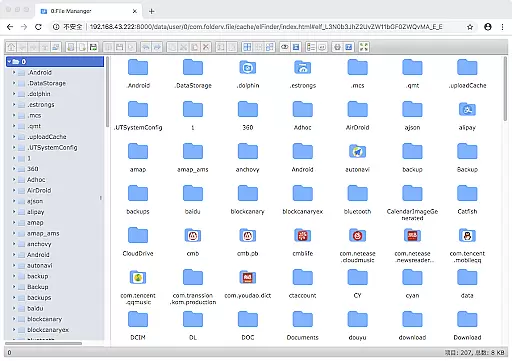
One of the standout features of FV File Pro is its ability to manage files over a wireless network using HTTP, FTP, or SFTP protocols within a local area network (LAN). This eliminates the need for data cables and facilitates easy transfer of documents, pictures, and text files between computers and mobile devices. Additionally, it includes a WebDAV server functionality that lets users connect directly from their Mac Finder by entering the server address.
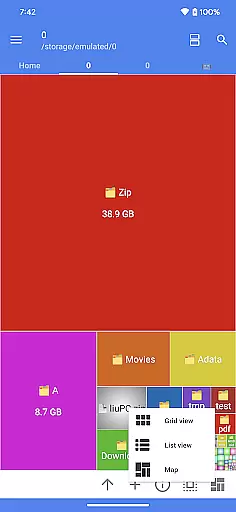
The app also provides treemap visualizations for storage, giving users a graphical representation of their file sizes and directory structures. With added capabilities like scanning QR codes, previewing markdown files, and downloading files via HTTP, FV File Pro stands out as a comprehensive solution for managing digital content efficiently.
FV File Pro offers a rich set of features tailored for efficient file management. The app supports viewing multiple image formats including JPG, PNG, BMP, TIFF, WebP, HEIF, AVIF, ICO, and APNG, making it versatile for various multimedia needs. It also excels in handling compressed files, allowing users to extract ZIP, RAR, 7z, ISO, and DMG formats with ease.
Another significant feature is the ability to manage files over a wireless network using HTTP, FTP, or SFTP protocols. This enables users to transfer files between their computer and mobile device without the need for physical cables, thus saving on mobile data usage. The inclusion of a WebDAV server further enhances this capability, allowing direct connections from desktop environments like macOS Finder.
For those concerned with storage optimization, FV File Pro provides treemap visualizations that represent each file as a colored rectangle, the size of which corresponds to the file's actual size. This visualization helps users quickly identify large files and optimize their storage. Additional functionalities include QR code scanning, markdown file previews, and HTTP file downloads, ensuring a well-rounded toolset for modern file management needs.
FV File Pro delivers exceptional core functionality through its comprehensive file management system. The app allows users to access restricted Android directories like /Android/data and /Android/obb on Android 13 without requiring root permissions, a feature that significantly enhances user control over device storage.
With support for viewing multiple image formats including JPG, PNG, BMP, TIFF, WebP, HEIF, AVIF, ICO, and APNG, the app ensures broad compatibility across various media types. Additionally, it supports decompression of multiple compressed file formats such as ZIP, RAR, 7Z, ISO, and DMG, making it a versatile tool for managing different file types efficiently.
The inclusion of wireless network file management via HTTP, FTP, or SFTP within a LAN eliminates the need for data cables, providing seamless file transfers between computers and mobile devices. This feature not only saves time but also reduces dependency on mobile data usage, offering a cost-effective solution for sharing files with colleagues or family members.
The interface design of FV File Pro adheres to Material Design principles, ensuring a clean and intuitive user experience. Its visually appealing UI makes navigation straightforward, even for users who may not be tech-savvy, enhancing overall usability.
One standout feature is the treemap visualization for storage, which represents each file as a colored rectangle. The size of the rectangle corresponds to the file's size, allowing users to quickly identify large files and manage storage space effectively. Directories are displayed as rectangles containing all their files and subdirectories, offering a clear overview of the storage hierarchy.
Furthermore, the app includes advanced functionalities like WebDAV server support, enabling users to connect from their Mac using Finder by simply entering the server address. This integration simplifies file access across different platforms, adding another layer of convenience for users who work in multi-device environments.
User-friendly interface
Wireless file transfer
Advanced folder access
Comprehensive format support
Efficient storage visualization
No cloud integration
Limited iOS compatibility
Premium feature costs
Occasional bugs
Steep learning curve

 4.10
4.10 4.50
4.50
Connect instantly to a fast, encrypted VPN with one tap
4.60
Head tracking for PC sim games such as MSFS 2024 or Elite:Dangerous. No headset!
4.50
Universal TV remote control all TVs, Roku, LG, Samsung, Fire, Vizio, Sony, TCL.
4.40
View detailed information about your Nissan Leaf the dealer never shows you.
4.10
PC precision for mobile gaming: dominate with keyboard and mouse!
4.30
Create your own custom widget with endless possibilities
3.90
Clean up your phone, find files, play media, and share files offline
4.50
The ultimate tool for network analysis, wifi scanning and problem detection.
4.90
Learn the vast amount of system information about device and monitor it's state
4.70
Protect your device with antivirus, storage cleanup, and system monitoring
4.70
Game Booster, GFX Tool is now compatible with newer game update
4.50
Just one-tap to easy translate in any language after calls within seconds.
4.20
VESC Tool can monitor and configure VESC-compatible devices over BLE and Wifi
4.20
Screen Mirroring with sound for Samsung TV, LG TV, Sony TV, Smart TV and Browser
4.20
An open-source APK explorer for Android!
4.10
Automate everything from settings to photos, SMS to speech. ADC2 prize winner.
4.10
Amateur Radio app for APRS: Track friends, exchange messages, get tactical info.
3.90


User Reviews