
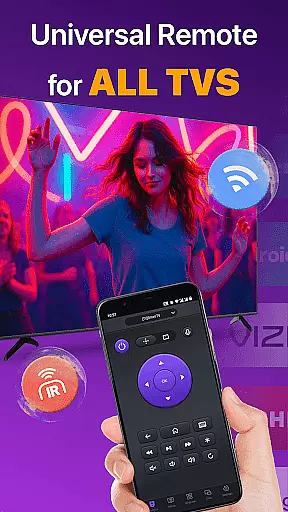
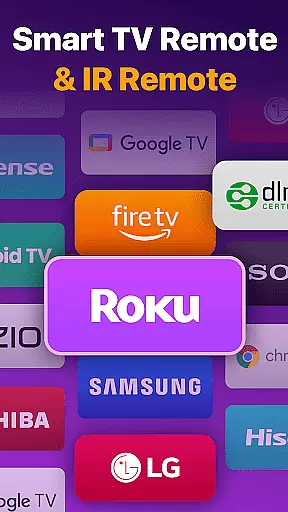
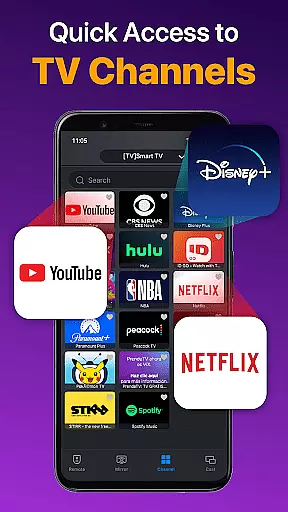
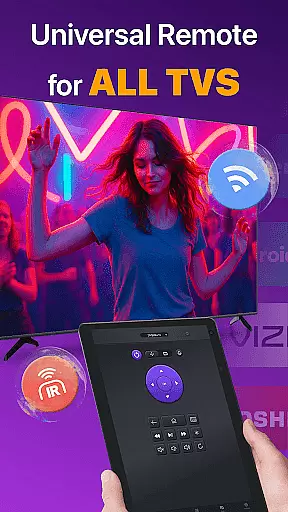
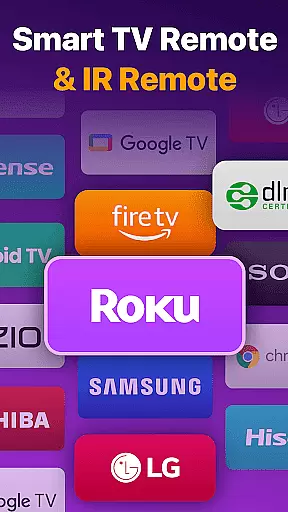
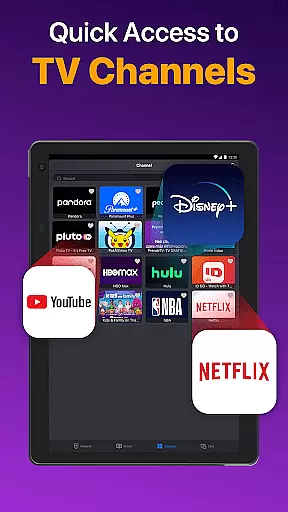
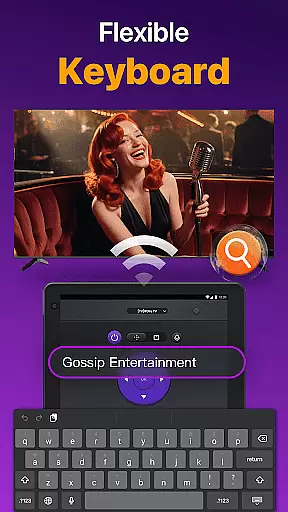
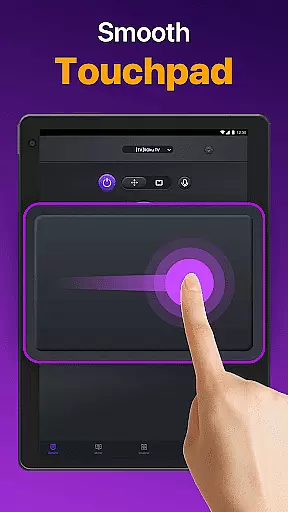
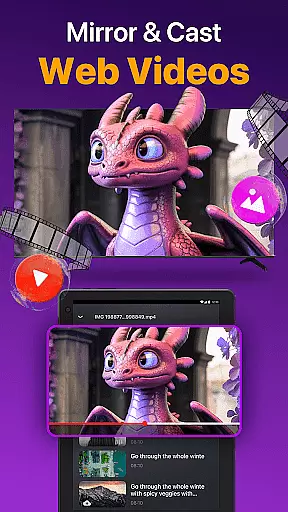
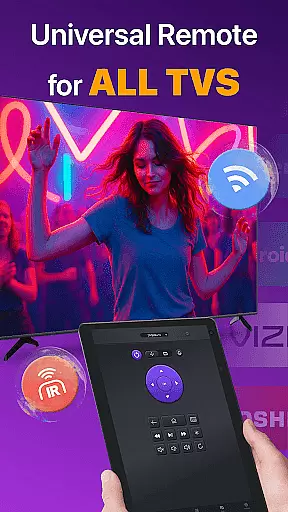
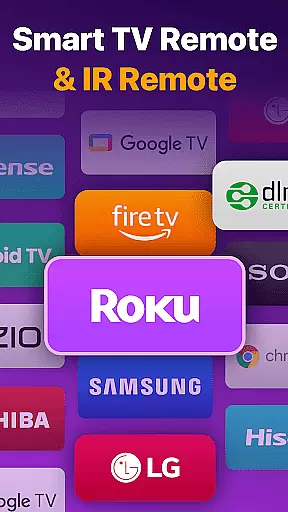
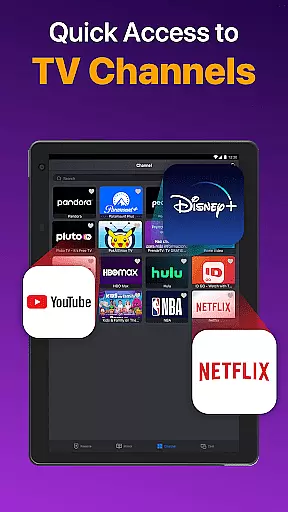
Universal TV Remote for All TV is a versatile remote control application designed to simplify the management of multiple smart TVs. This app supports major brands like Roku, LG, Samsung, and TCL, allowing users to seamlessly switch between devices without needing separate physical remotes. The app operates efficiently under the same WiFi network as your smart TV, providing essential functions such as power on/off, channel management, volume adjustment, and playback control.
In addition to WiFi connectivity, the app also supports IR mode, enabling control even when WiFi is unavailable. With features like auto-detection of Smart TVs on the same network, responsive touchpad controls, and quick text input for searching content, this app offers a comprehensive solution for managing your home entertainment system. Whether you're looking to cast photos and videos or mirror your phone screen to a larger display, Universal TV Remote ensures a smooth and efficient user experience.
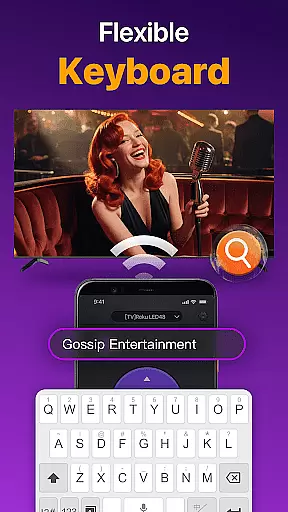
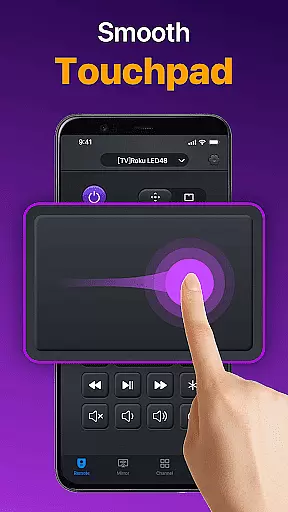
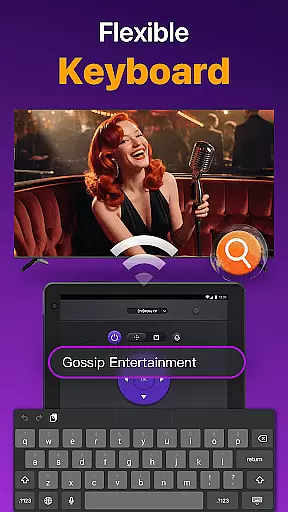
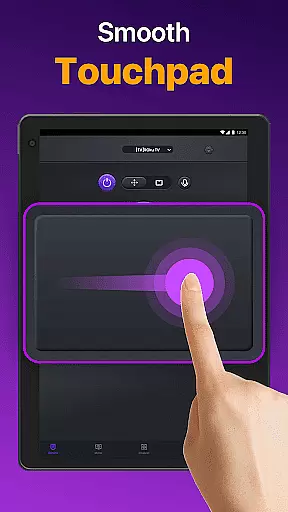
The Universal TV Remote app boasts an array of advanced features that enhance its functionality. One standout feature is the auto-detection capability, which identifies all compatible Smart TVs on the same WiFi network, streamlining the connection process. The responsive touchpad allows for intuitive navigation, while the quick text input function makes it easy to search for your favorite shows or movies directly from your mobile device.
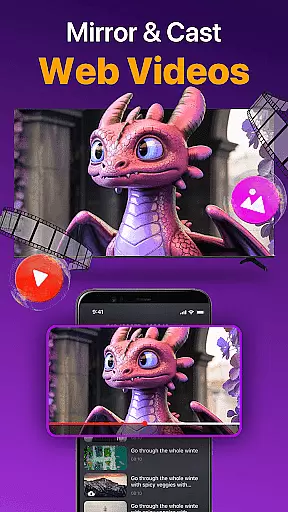
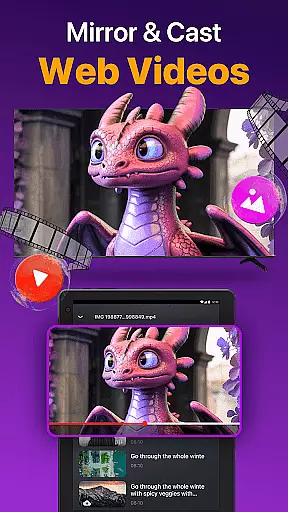
Another notable feature is the ability to cast photos and videos from your local album to your TV, enriching your viewing experience. Additionally, the screen mirroring functionality with low latency ensures that users can share their smartphone screens on larger displays without noticeable delay. These features collectively provide a robust and versatile tool for controlling various smart TVs, making it an indispensable utility for modern households.
Universal TV Remote for All TV delivers exceptional core functionality by providing accurate and responsive control over a wide range of smart TVs. The app supports major brands like Roku, LG, Samsung, and TCL, enabling users to seamlessly manage their television experience.
The application's effectiveness is demonstrated through its comprehensive feature set. Users can effortlessly perform essential functions such as turning the TV on/off, adjusting volume levels, changing channels, and controlling playback. The inclusion of both WiFi and IR modes ensures reliable performance even when network connectivity is unavailable.
This multifunctional remote app goes beyond basic controls by offering advanced features like a responsive touchpad interface and quick text input for efficient searching. It also enables screen mirroring and casting from mobile devices to TVs with minimal latency, enhancing the overall user experience.
By maintaining compatibility with various TV models and continuously updating its capabilities, this universal remote app establishes itself as an indispensable tool for modern smart TV owners who demand precision and versatility in their remote control solutions.
The Universal TV Remote for All TV excels in delivering a simple yet intuitive user interface that makes controlling multiple smart TVs effortless. Its straightforward design eliminates the learning curve typically associated with complex remote control applications.
Upon launching the app, users are greeted with a clean layout that automatically detects all compatible smart TVs on the same WiFi network. This auto-detection feature streamlines the connection process, allowing users to quickly select their desired TV brand or model from a clearly organized list.
The interface incorporates familiar remote control elements while enhancing them with modern touches. The responsive touchpad and well-placed virtual buttons enable efficient navigation and precise control over TV functions. Quick access to frequently used features like volume adjustment and channel switching further simplifies the user experience.
Additional thoughtful design elements, such as the integrated text input for searching content and clear visual feedback for each command, contribute to the app's overall intuitive nature. These features ensure that users of all technical skill levels can operate their smart TVs with confidence and ease.
User-friendly interface
Wide compatibility range
Efficient WiFi and IR modes
Comprehensive remote functions
Quick setup process
Limited to supported TV models
Requires stable WiFi connection
No official brand affiliation
Potential connectivity issues
Dependent on device performance

 4.50
4.50
Connect instantly to a fast, encrypted VPN with one tap
4.60
FV File Manager Pro, Fast and powerful file manager for Android
4.60
Unlock your Essential Key. Create custom shortcuts to your favorite apps!
4.4
Family Locator, Share location, StayConnect with your family in real time
3.90
VESC Tool can monitor and configure VESC-compatible devices over BLE and Wifi
4.20
Monitor car performance in real time and troubleshoot malfunctions.
4.80
Remote Play with FSR upscaling, low latency & full controller support
4.80
Clean up large files and similar photos, fast and easy to use
4.40
Connect wirelessly to your computer to watch movies, browse the web, play games
5.00
WiFi Signal Strength Meter help you detect WiFi Signal Strength in real time.
4.80
The one-and-only remote control for PC, Mac, and Linux
4.70
Canon PRINT is a companion app for your Canon printer.
4.60
Quickly switch to an encrypted DNS server on Android TV
4.50
An easy-to-use calculator designed to save time calculating and bending conduit
4.30
Carry a FTP server in your pocket and avoid USB cables for file transfer
4.20
Quickly & easily calculate the spacing of handrail balusters
4.20
Smart and comfortable browsing experience.
3.80
Fun lie-detection pranks for friends and parties.
3.80


User Reviews