
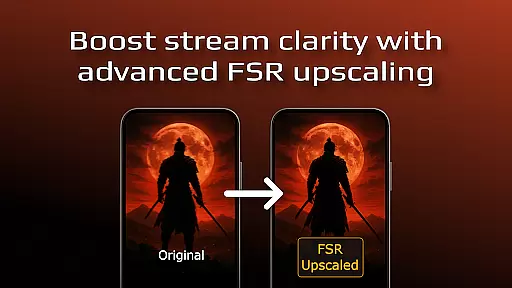
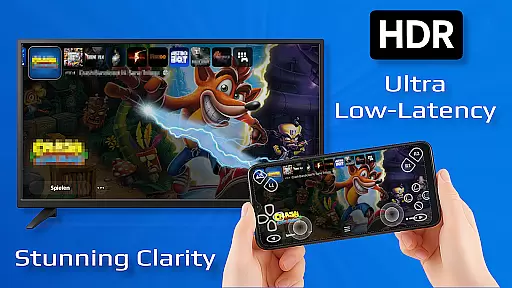
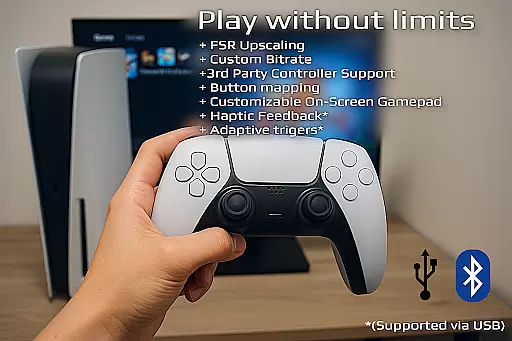
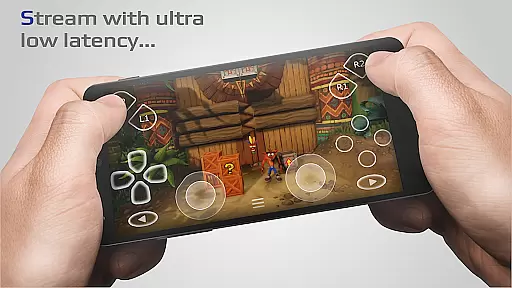
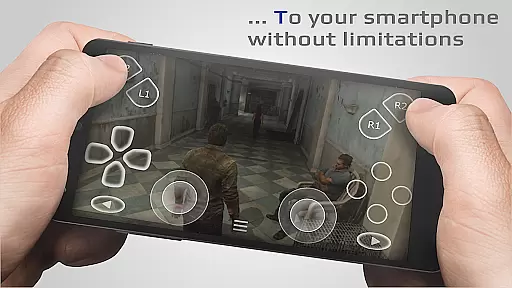
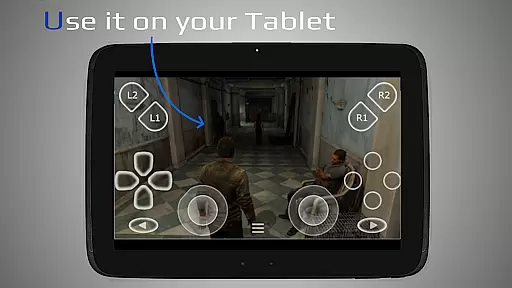
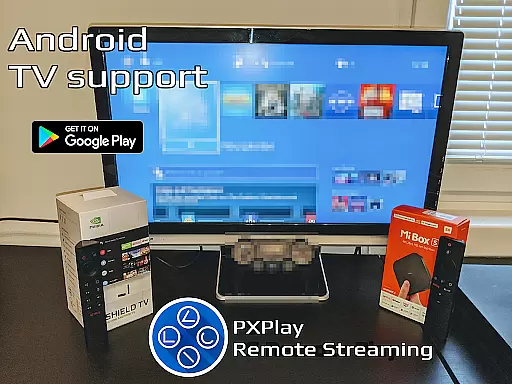
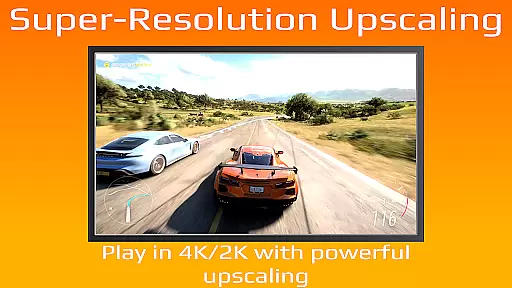
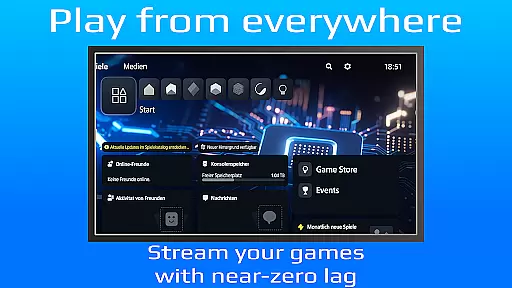
PXPlay is a powerful remote control application designed for gaming enthusiasts who want to access their gaming devices without limitations. The app enables seamless remote play functionality, allowing users to stream and control their games from anywhere. With support for third-party controllers, mobile data connections, and various Android devices including Android TV, PXPlay ensures broad compatibility. Key features include FSR upscaling for enhanced video quality, customizable on-screen gamepad layouts, and Picture-in-Picture mode for multitasking. Whether you're using PXPlay as a virtual controller or streaming your favorite games, the app delivers an optimized, low-latency experience.
Designed with both casual and advanced users in mind, PXPlay supports rooted devices, firmware versions from 5.05 onward, and includes advanced functionalities like screen recording (with third-party apps) and multi-window support. To achieve optimal performance, it's recommended to use a dual-core CPU, at least 2GB of RAM, and connect via a 5GHz Wi-Fi network. PXPlay also emphasizes ease of setup and customization, making it an ideal tool for gamers seeking flexibility and high-quality streaming experiences.
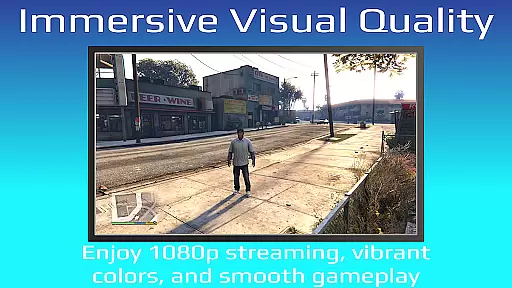
PXPlay stands out with its robust feature set tailored for gaming enthusiasts. One of its core strengths is the ability to stream games with minimal latency, thanks to optimizations that prioritize speed and responsiveness. The app supports third-party controllers across all Android devices, giving users the freedom to choose their preferred hardware. Additionally, PXPlay offers advanced video enhancements through FSR upscaling and sharpening, ensuring superior visual quality during gameplay sessions.
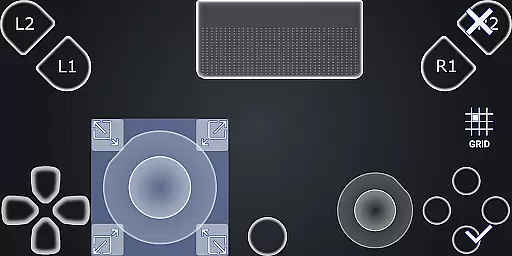
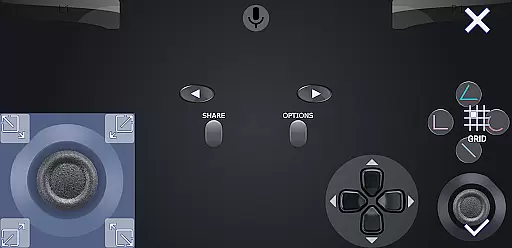
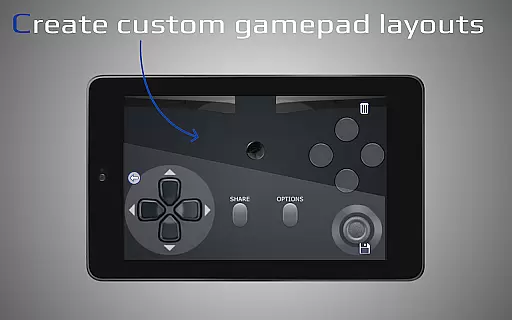
Customization is another key aspect of PXPlay's design. Users can create multiple profiles, map gamepad buttons, and adjust on-screen layouts to suit their preferences. Features like Picture-in-Picture mode and multi-window support enhance multitasking capabilities, while screen recording allows gamers to capture their best moments. PXPlay also caters to diverse technical setups by supporting rooted devices and older firmware versions starting from 5.05. These features collectively make PXPlay a versatile and reliable tool for remote gaming and device management.
PXPlay excels in delivering core functionalities that are both accurate and effective, ensuring users can remotely control their gaming devices with minimal latency. The app supports third-party controllers across all Android devices, enhancing its versatility and user accessibility.
With features like FSR upscaling and sharpening, PXPlay ensures that video quality remains top-notch during streaming sessions. This attention to detail in maintaining high-quality visuals is crucial for an immersive gaming experience, making every session feel as if you're directly interacting with your gaming console.
The application also allows the use of mobile data, expanding its utility beyond Wi-Fi environments. This flexibility means gamers aren't tethered to specific locations, offering them freedom without compromising on performance or speed.
Furthermore, PXPlay's support for rooted devices and customization options for onscreen gamepad layouts demonstrate its commitment to catering to diverse user preferences. These features collectively ensure that the app not only meets but exceeds expectations in providing a seamless remote gaming experience.
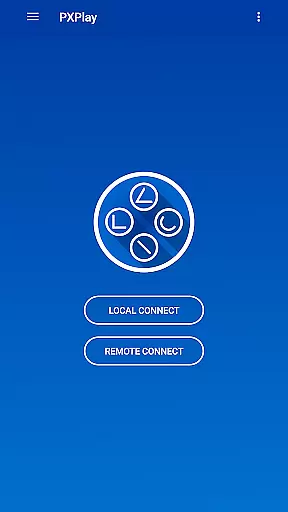
PXPlay stands out by offering an interface that balances simplicity with intuitiveness, making it accessible even to those new to remote gaming applications. Its easy connection setup process eliminates unnecessary complexity, allowing users to quickly start streaming from their gaming devices.
The inclusion of Picture-In-Picture mode and Multi-Window support showcases PXPlay's dedication to enhancing multitasking capabilities without cluttering the interface. Such features provide users with the flexibility to manage multiple tasks simultaneously while enjoying their gaming sessions.
Moreover, the app's compatibility with various firmware versions and hardware specifications underscores its adaptability. By supporting older firmware from 5.05 and newer, PXPlay ensures a broad range of devices can benefit from its optimized streaming experiences.
Overall, PXPlay's thoughtful design choices result in an intuitive user experience that prioritizes ease of use without sacrificing advanced functionalities, appealing to both casual and hardcore gamers alike.
Low-latency streaming
Third-party controller support
Customizable gamepad layout
Picture-in-Picture mode
Rooted device compatibility
Requires stable internet
Firmware version limits
Account login issues
No native screen recording
High hardware demands

Connect instantly to a fast, encrypted VPN with one tap
 4.60
4.60
Use your phone as a webcam on your computer over WiFi or USB.
4.40
App that Recover your pictures, videos or files after you delete them.
4.20
View detailed information about your Nissan Leaf the dealer never shows you.
4.10
Mirror your screen to Chromecast and Android TV - Super fast and simple
4.60
Introducing Smart Printer, your ultimate destination for printing solutions!
4.00
A clean app.
4.50
fast and easy mp3 music downloader
4.80
The ideal app to be the digital eye of your family
3.40
Monitor car performance in real time and troubleshoot malfunctions.
4.80
Excellent scientific calculator with symbolic algebra, integrals, derivatives
4.80
Learn the vast amount of system information about device and monitor it's state
4.70
The Ultimate Flex Drivers Utility App - Convenient Tapping & Block Filters
4.70
NFC Tools can read and write NFC tags.
4.70
HD Video player and downloader for all formats, fast & smooth 4K video playback.
4.60 4.50
4.50
An easy-to-use calculator designed to save time calculating and bending conduit
4.30
Making emulation easy for everyone!
4.30
card-reader app
2.20


User Reviews