
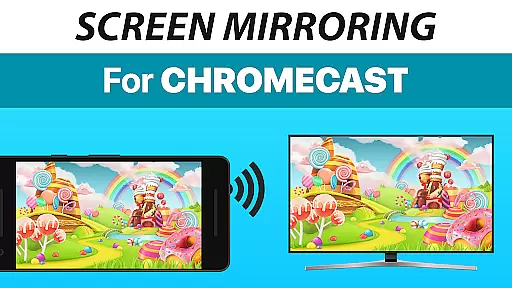
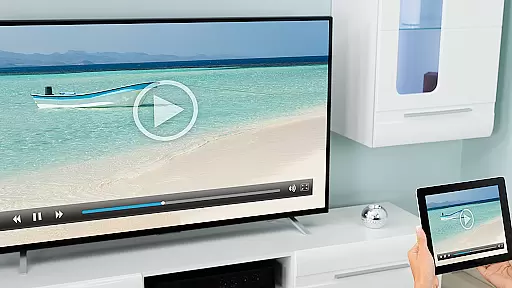
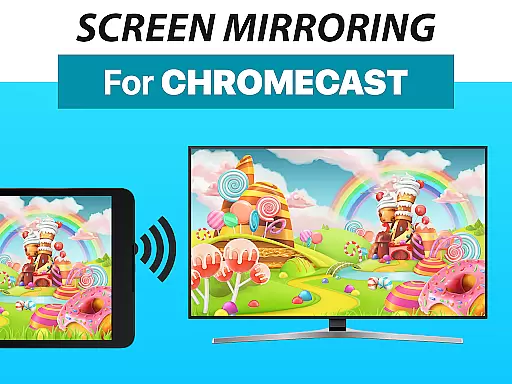
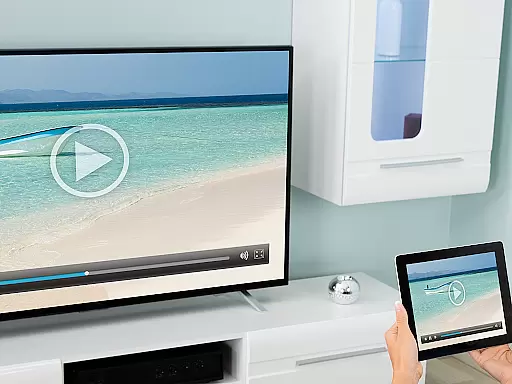
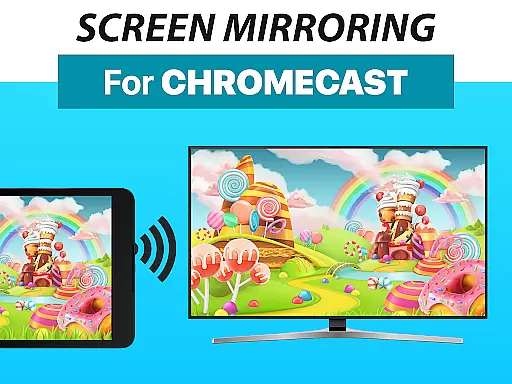
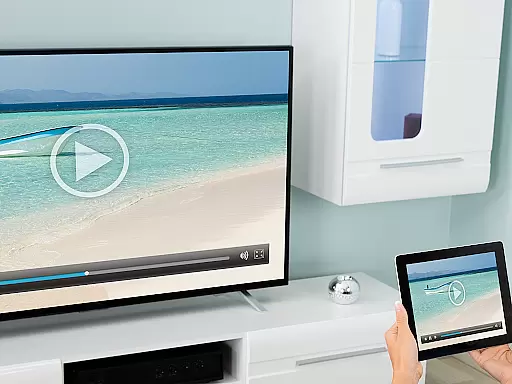
Screen Mirroring + Chromecast is a powerful tool designed for real-time HD screen sharing to Chromecast and Android TV devices. This app allows users to mirror their mobile screens effortlessly, bringing content like photos, videos, games, and presentations to larger displays. Compatible with popular smart TVs including Xiaomi Mi TV, Sony Bravia TV, TCL TV, and more, it ensures broad device support.
The app stands out with its unified setup process across all Android devices running Android 5.0 or higher. It eliminates the need for complex settings adjustments, making screen sharing accessible even for non-technical users. With optimized performance on 5GHz Wi-Fi networks and sound support on Android 10+, Screen Mirroring + Chromecast delivers a seamless experience for sharing content with friends and family.
Screen Mirroring + Chromecast offers an array of advanced features tailored for effortless screen sharing. One standout feature is its compatibility with a wide range of devices, including Chromecast, Android TVs, and various smart TVs from brands like Vizio, Hisense, and Philips. This versatility ensures that users can connect to almost any modern display without hassle.
Another key feature is the app's simplified setup process, which works seamlessly across all supported Android devices without requiring changes to Wi-Fi or system settings. Additionally, the app supports audio streaming on Android 10+ and performs optimally on 5GHz Wi-Fi networks, ensuring high-quality mirroring. Developed by the creators of VIDEO & TV CAST, this app benefits from years of expertise in casting technology, delivering reliable performance for both casual and professional use cases.
Screen Mirroring + Chromecast delivers exceptional core functionality by enabling real-time HD screen sharing to Chromecast and Android TV devices. This app ensures that your content, including photos, videos, games, and presentations, is mirrored with precision and clarity.
The app supports all Android devices running Android 5.0 and above, ensuring broad compatibility and a seamless user experience across various devices such as Xiaomi Mi TV, Sony Bravia TV, and NVidia Shield Gaming Console. With unified setup procedures on all supported devices, users can easily mirror their screens without adjusting settings or Wi-Fi options.
Performance optimization is evident when using a robust Wi-Fi network, particularly those operating on the 5GHz band, which enhances the speed and reliability of screen mirroring. Additionally, sound support for Android 10+ ensures an immersive audiovisual experience.
By providing these features, Screen Mirroring + Chromecast guarantees accurate and effective performance, making it a reliable tool for sharing content with friends and family.
The interface of Screen Mirroring + Chromecast is designed to be simple and intuitive, allowing users to effortlessly share their screens. The straightforward setup process eliminates the need for complex configurations, making it accessible even for those who are not tech-savvy.
With a focus on ease of use, the app provides a unified setup that works seamlessly across all Android devices. Users can quickly connect to any Chromecast-enabled device without needing to change Android settings or Wi-Fi options, streamlining the entire screen mirroring process.
This simplicity extends to its day-to-day usage, where users can enjoy a hassle-free experience while sharing various types of content. Whether showcasing photos, streaming videos, or presenting documents, the app's intuitive controls ensure that users can focus on their content rather than the technology behind it.
Overall, Screen Mirroring + Chromecast offers an interface that prioritizes user convenience and efficiency, enhancing the overall usability of this powerful screen sharing tool.
User-friendly interface
Wide device compatibility
Seamless Wi-Fi integration
High-definition mirroring
Trusted developer reputation
Sound limited to Android 10+
Requires good Wi-Fi
No offline functionality
Premium version costs
Third-party ads present

A powerful, easy-to-use flight computer on your phone or tablet!
 3.80
3.80
HD Camera captures every special moment.
4.60
Extremely fast, secure, and protects your privacy
4.80
Complete kernel toolbox with features to manage and tweak your rooted device
4.30
Navigate with Ease and Style
4.90
PC precision for mobile gaming: dominate with keyboard and mouse!
4.30
Create your own custom widget with endless possibilities
3.90
A simple app to back up and restore SMS & MMS messages and call logs.
4.10
Introducing Smart Printer, your ultimate destination for printing solutions!
4.00
The ultimate tool for network analysis, wifi scanning and problem detection.
4.90
Monitor car performance in real time and troubleshoot malfunctions.
4.80
The one-and-only remote control for PC, Mac, and Linux
4.70
App to pay for FUTO Keyboard
4.60
Play your X-Box games remotely in 1080p with any controller and zero latency
4.60 4.50
4.50
Remote for Roku, Fire TV, Samsung TV, LG TV, Android TV, Chromecast and VIZIO TV
4.20
1-Click close all background apps on Android TV
3.90
Safely recover deleted photos, videos, and files with a single easy tap.
3.70
card-reader app
2.20


User Reviews