
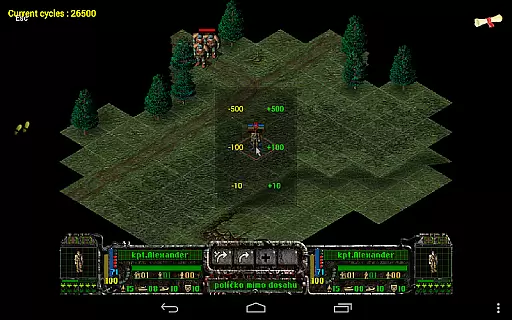
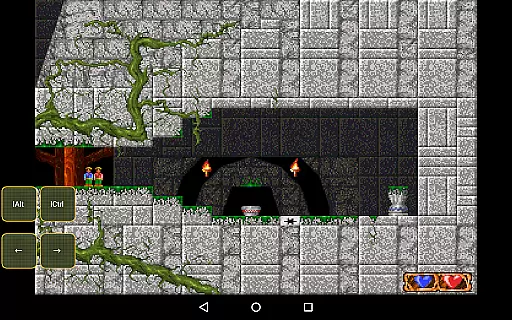
Magic DosBox is a highly optimized and fast DOSBox emulator for Android, designed to bring your favorite DOS and Windows games to your mobile device. With full support for mouse, keyboard, sound, and gamepad controls, this application allows you to play classic games anywhere without the need for external hardware.
The app features a unique control system specifically optimized for touch devices, making it easy to enjoy gaming on the go. It supports IPX networking for multiplayer experiences and offers advanced customization options for controls and screen layouts. Whether you're revisiting nostalgic titles or discovering classic games for the first time, Magic DosBox provides a seamless and immersive experience.
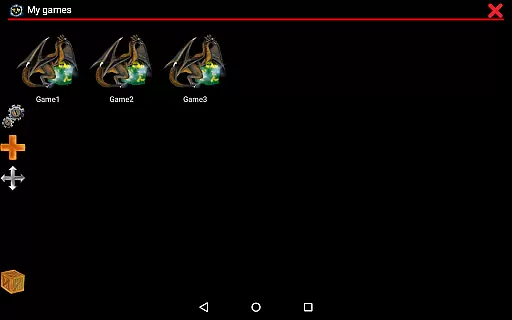
Magic DosBox stands out with its extensive feature set tailored for both casual and hardcore gamers. The app includes a game collection system where each game profile can be customized extensively, allowing users to tailor their gaming experience to their preferences. You can create desktop shortcuts for quick access to your favorite games and easily export, import, or duplicate profiles complete with custom layouts.
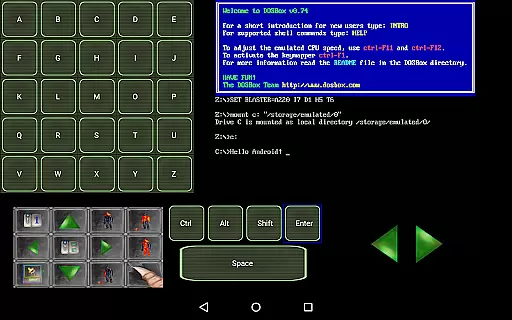
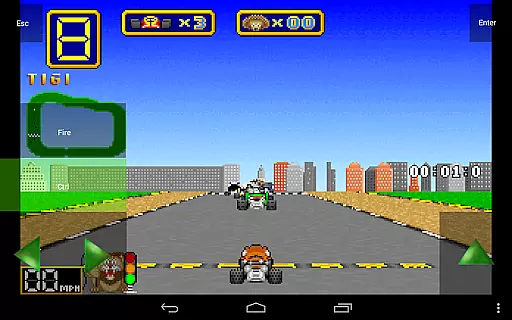
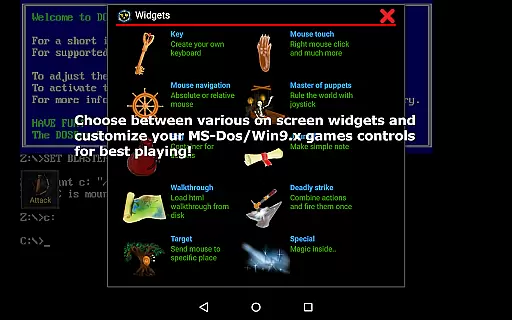
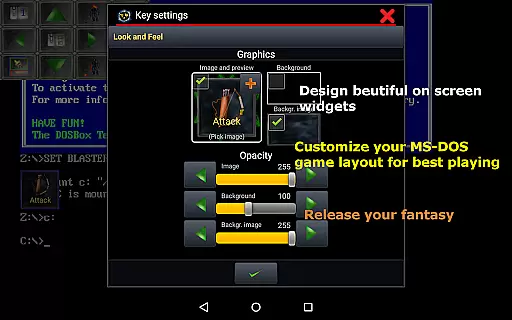
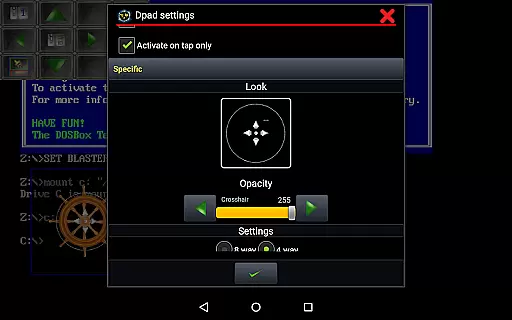
The emulator supports ten types of on-screen widgets and buttons, offering flexibility in control schemes. These include virtual keyboards, mice, dpads, and more. Users can design custom widgets with personalized images, text, and positioning. Advanced options like absolute and relative mouse modes, support for external controllers, and gesture mapping enhance gameplay. Additionally, Magic DosBox supports various file formats including ISO, GOG, and CUE OGG, ensuring compatibility with a wide range of games.
Magic DosBox is a highly optimized and fast DOSBox port for Android, designed to emulate the experience of playing classic DOS and Windows games on mobile devices. The core function of this app revolves around its ability to accurately emulate the original DOS environment while providing modern touch controls. This ensures that users can enjoy their favorite retro games with full mouse, keyboard, sound, and gamepad support directly on their Android device.
The app's effectiveness lies in its comprehensive feature set tailored for gaming enthusiasts. It supports various input methods including customizable on-screen widgets, external gamepads, and even Samsung stylus. With options like absolute and relative mouse modes, multi-language support, and network play via IPX, Magic DosBox delivers an authentic and flexible gaming experience. These features collectively ensure that users can replicate the original gaming setup as closely as possible.
For users, this level of accuracy and effectiveness translates into a seamless experience where they can run their own DOS games without the need for additional hardware. The app also includes optimizations for speed and performance, making it possible to play even demanding titles smoothly on modern devices. This functionality is crucial for gamers who want to relive the nostalgia of classic games while enjoying the convenience of mobile technology.
Magic DosBox stands out not only for its emulation capabilities but also for its user-friendly interface. The app offers two primary modes: design mode and play mode. In design mode, users can customize every aspect of their gaming experience by creating and arranging on-screen widgets such as buttons, D-pads, and notes. This flexibility allows players to tailor the interface to their specific needs, ensuring an intuitive interaction with their games.
The simplicity of the interface is further enhanced by the app's support for multi-touch gestures, long presses, and double taps. Users can map these gestures to specific actions within their games, streamlining the control scheme. Additionally, Magic DosBox provides pre-designed widget layouts and dozens of painted images for styling, which help new users get started quickly without feeling overwhelmed by complex settings.
Overall, the intuitiveness of Magic DosBox's interface empowers users to focus on what truly mattersu2014playing their favorite games. By offering a straightforward yet powerful customization system, the app ensures that both novice and experienced users can easily navigate and adjust settings to suit their preferences. This thoughtful design ultimately enhances user satisfaction and engagement with the platform.
Highly optimized for Android
Extensive customization options
Supports multiple file formats
Unique touch control system
Active development and support
No included games
Complex setup for beginners
Limited free version features
Occasional performance issues
Requires technical knowledge

Transfer Files, APK from Phone to Watch & Install.
 4.1
4.1
A convenient photo, video, and file recovery tool.
4.00
HD Camera captures every special moment.
4.60
Remote for Roku, Fire TV, Samsung TV, LG TV, Android TV, Chromecast and VIZIO TV
4.20
Smart and comfortable browsing experience.
3.80
A non-root local ADB shell client. READ BELOW!
3.40
Undelete and recover your lost or deleted files with DiskDigger!
3.40
Mirror your screen to Fire TV - Super fast and simple
4.40
Fast VPN USA for any country. Super secure VPN for calls, streaming, games, TV.
4.40
Best leveling tool for your Android device. Hang paintings like a pro.
4.90
Bedrock Together: Join any bedrock server on Xbox/PS
4.80
WiFi Signal Strength Meter help you detect WiFi Signal Strength in real time.
4.80
Canon PRINT is a companion app for your Canon printer.
4.60 4.50
4.50
eXtended Permission Manager - a small app to manage permissions and AppOps
4.50
Amateur Radio app for APRS: Track friends, exchange messages, get tactical info.
3.90
Unleash gamepad precision for ultimate mobile gaming dominance.
3.90
Create your own custom widget with endless possibilities
3.90
Unlock your Essential Key. Create custom shortcuts to your favorite apps!
4.0


User Reviews