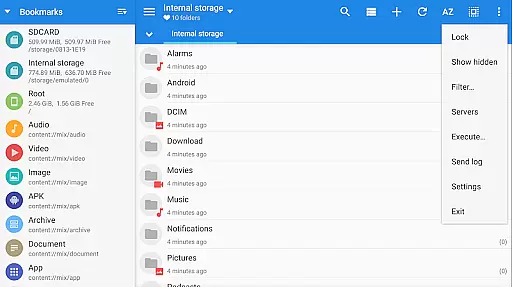
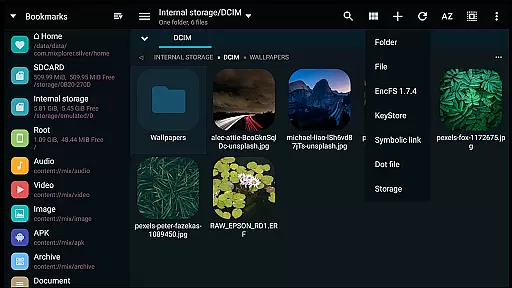
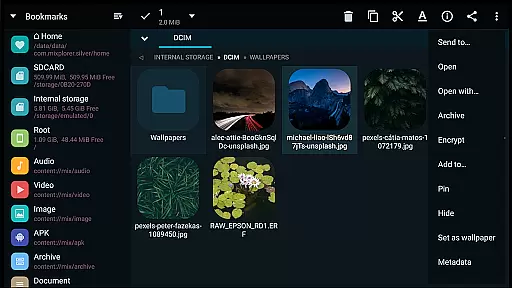
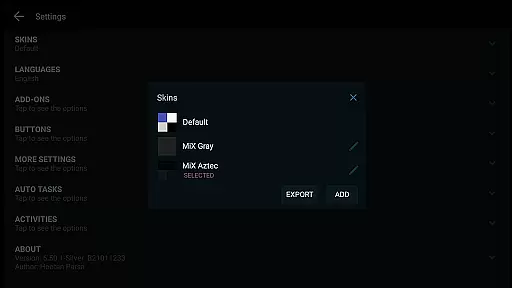
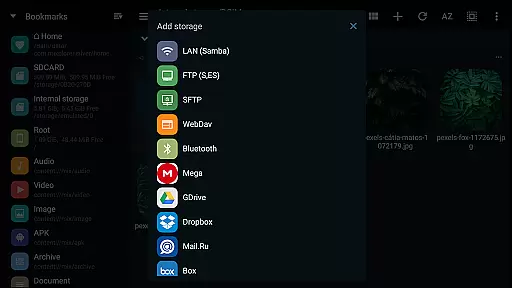
MiXplorer Silver is a comprehensive file management solution that combines the robust MiXplorer file manager with powerful add-ons like Archiver, Image viewer, Tagger, and PDF reader. Designed for productivity enthusiasts, this paid app offers an all-in-one platform to efficiently manage files, archives, and multimedia content across various storage systems.
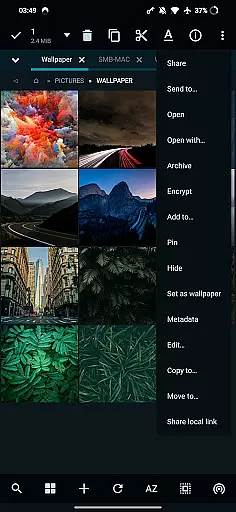
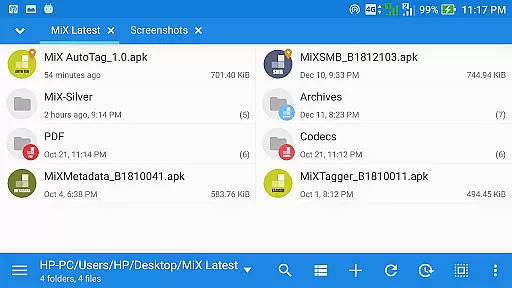
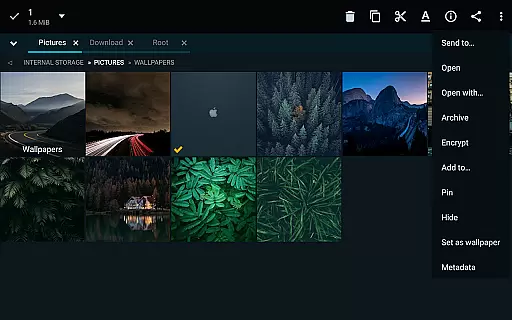
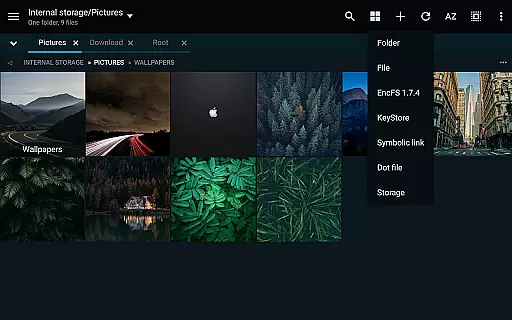
The app stands out with its themable interface, allowing users to customize colors and modify UI elements. It supports advanced file operations including multitasking with task creation, cloud storage integration from providers like Google Drive and Dropbox, and handling of numerous archive formats. The dual-panel browsing in landscape mode enables efficient drag-and-drop operations between different locations.
Whether you're managing local files or working with cloud-based documents, MiXplorer Silver provides a seamless experience through its extensive feature set and customization options. Its ability to handle complex file operations while maintaining an intuitive user interface makes it an invaluable tool for power users seeking enhanced productivity.
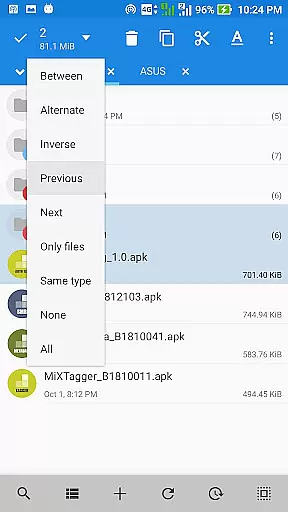
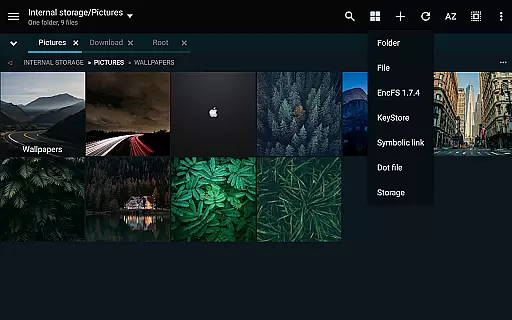
MiXplorer Silver distinguishes itself through its extensive feature set tailored for productivity professionals. The application's unlimited tabbed browsing capability, combined with dual-panel support in landscape mode, revolutionizes file navigation by enabling simultaneous access to multiple directories. Users can create and manage tasks for complex file operations including copy, move, and archive management.
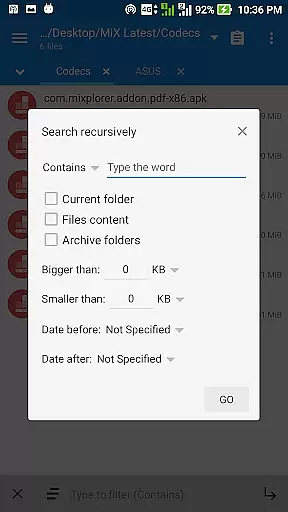
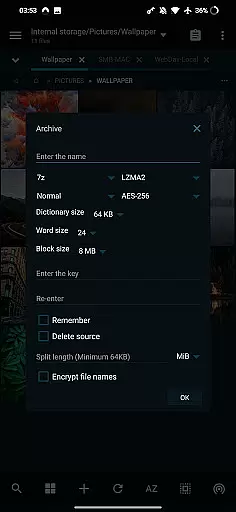
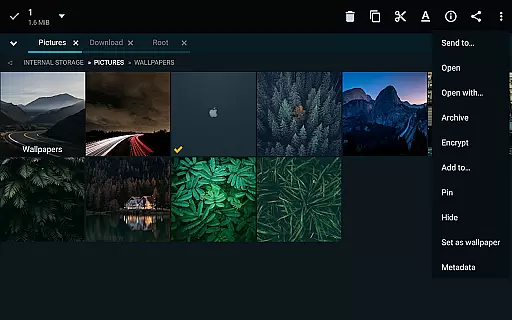
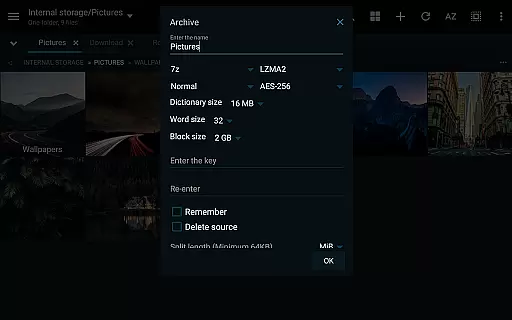
The app's customization options are remarkable, allowing modification of menu options, action buttons, and view modes for each folder. Its advanced search functionality extends beyond basic filename matching, incorporating metadata and content-based searching. The integrated archiver supports over 20 compression formats including 7z, Zip, RAR, and specialized formats like WIM and Zstandard.
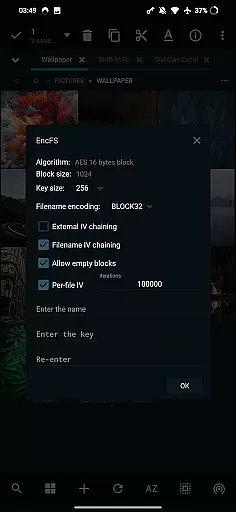
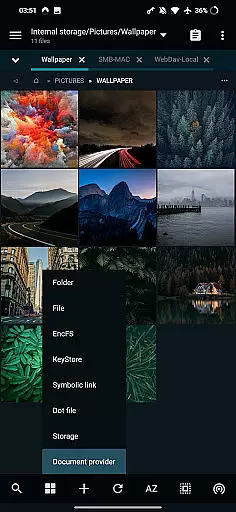
Cloud integration capabilities are exceptional, supporting direct access to major cloud services while also accommodating WebDAV-compatible storage solutions. Advanced users will appreciate features like root access support, EncFS volume handling, and AEScrypt file encryption. The inclusion of specialized viewers for PDF, EPUB, and various image formats further enhances its versatility as a complete file management solution.
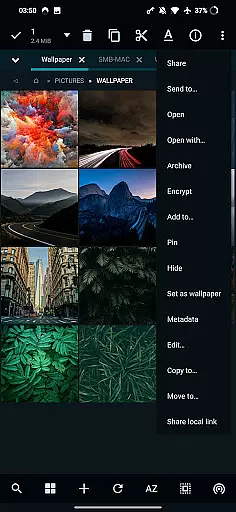
In the realm of file management, MiXplorer Silver excels with its robust core task management capabilities. This feature allows users to handle multiple operations such as copying, moving, and other file manipulations simultaneously through an intuitive task creation system.
Users can easily create and manage tasks, ensuring that complex file operations are streamlined and efficient. The ability to multitask is essential for productivity, allowing seamless transitions between different activities without losing track of progress.
The app's design emphasizes user control, providing options to sort, enable, or disable menu actions according to personal workflow preferences. This customization empowers users to tailor their experience, enhancing both speed and efficiency in managing files.
Ultimately, MiXplorer Silver's task management functionality transforms routine file operations into a more productive and less time-consuming activity, making it an indispensable tool for those who demand high performance from their mobile applications.
Cross-device synchronization is a pivotal feature in today's interconnected world, and MiXplorer Silver addresses this need with reliable and real-time updates across devices. This ensures that whether you're working on your phone, tablet, or any other connected device, your data remains consistent and up-to-date.
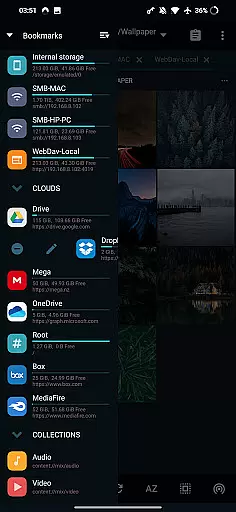
The app supports various cloud storage services including Google Drive, Dropbox, and OneDrive, enabling users to access their files from anywhere without worrying about manual transfers or version conflicts. This comprehensive cloud integration guarantees that all your important data is synchronized effortlessly.
Moreover, MiXplorer Silver offers export and import functionalities for preferences and bookmarks, which means your customized settings and frequently accessed locations can be preserved and transferred across installations. This level of synchronization fidelity provides peace of mind and continuity in your digital life.
By focusing on synchronization reliability, MiXplorer Silver ensures that users can depend on having the most current and accurate information at their fingertips, regardless of the device they choose to use, thus significantly boosting productivity and convenience.
Highly customizable interface
Extensive cloud integration
Advanced archiving capabilities
Powerful multitasking features
Comprehensive file format support
Paid application only
Steep learning curve
Feature overload for casual users
Requires technical knowledge
No free version available

 4.20
4.20
QuickBooks Workforce lets teams view pay info and track time in one place.
4.70
Automates browsing any website and notifies you of important changes or events
4.30
The Pro Version of Android's tiniest Notepad app. Just 0.3MB but feature-packed!
4.60
Pwnagotchi companion app
4.20
The AI assistant that thinks with you - write, code, and solve complex tasks
4.60
Calendar 2023 widget for Android. Appointment scheduler, planner, and reminder
4.60
A simple Whisper AI keyboard for reliable speech transcription and rewording
4.60
Daily processing of PDF documents.
4.40
Native client for Forgejo and Gitea
5.00
Best Tool for the professionals Electrician, Electrical contractors, etc.
4.90
Android Wallet Password Manager
4.80
A beautiful digital clock with autostart and many other functions
4.70
Planet Free VPN - The best Fast Unlimited and Secure VPN Without Logs
4.50
Translate text/voice/photos in 150+ languages. Offline & fast translator app.
4.50
This small app MUST BE INSTALLED after purchase, else license won't work
4.40
Experience real multitasking on your Android!
4.00
Unlock AutoNotification
4.00
Customizable calendar widget for seamless event sync, planning & scheduling.
4.00


User Reviews