
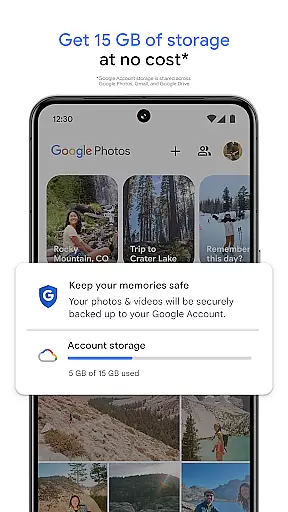
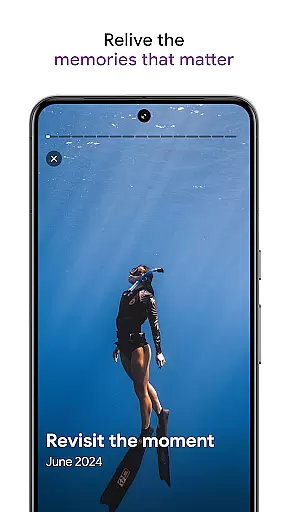
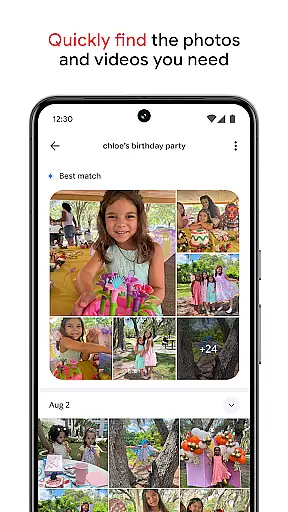
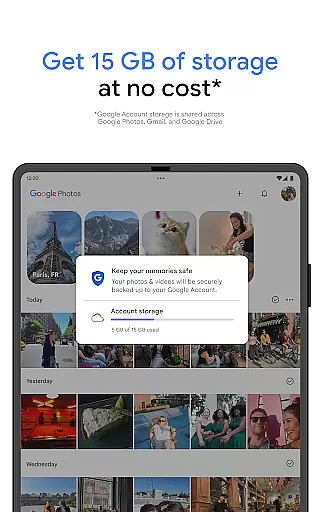
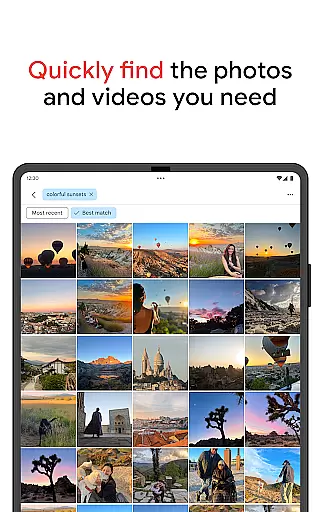
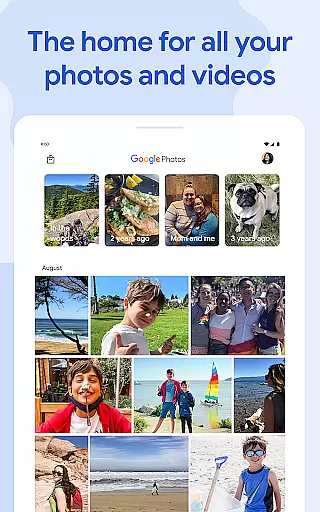
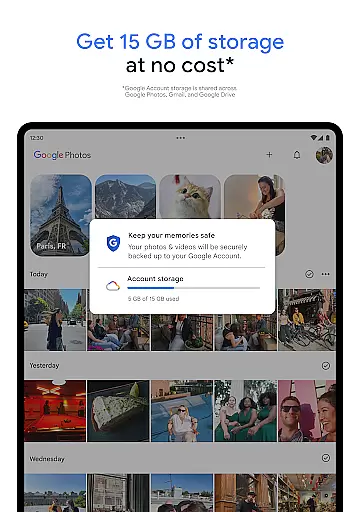
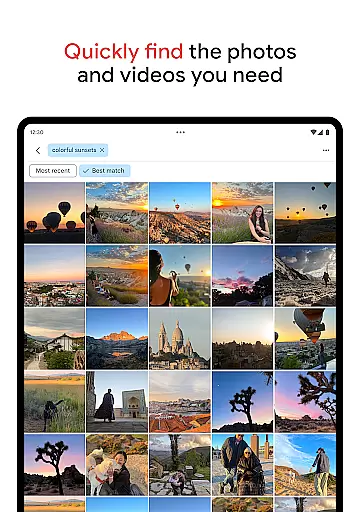
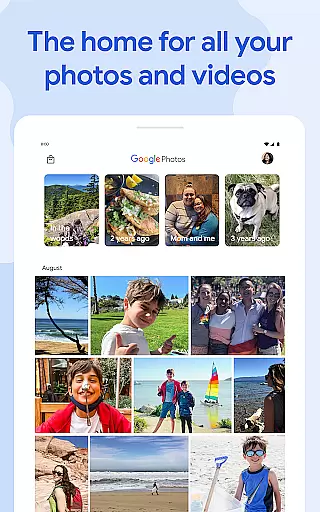
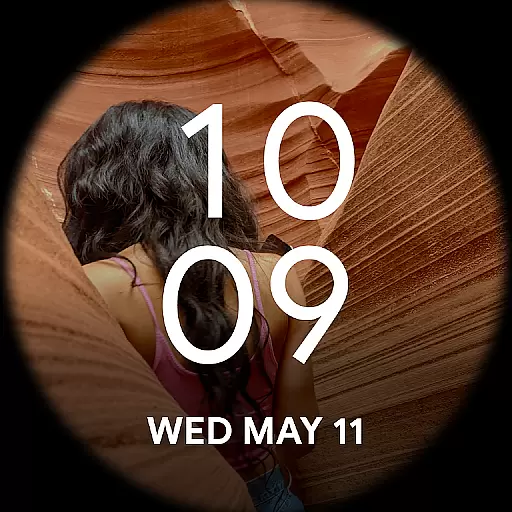
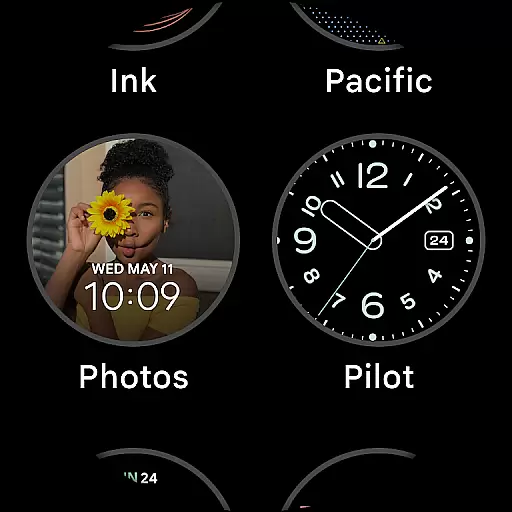
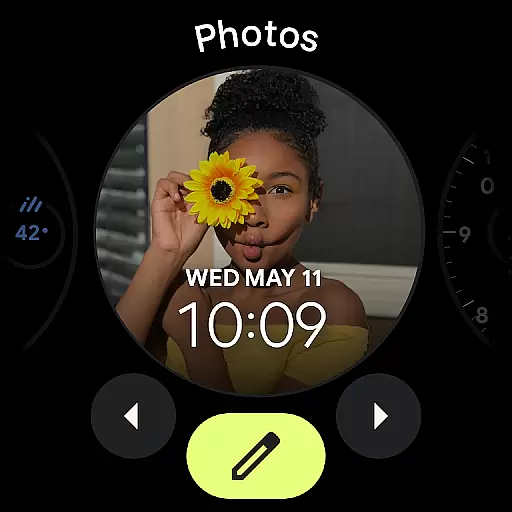
Google Photos is a comprehensive photo management application that serves as a centralized hub for all your photos and videos. Powered by Google AI, the app offers seamless backup, intuitive organization, and advanced search capabilities. With 15 GB of free cloud storage, users can automatically safeguard their memories across devices while enjoying features like automatic duplicate removal and smart folder organization.
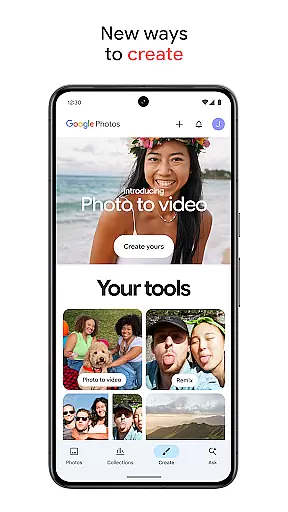
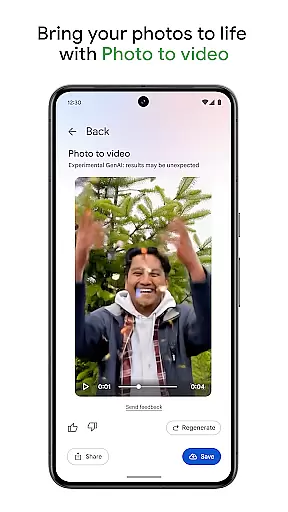
The app's standout feature is its AI-powered editing tools that simplify complex photo enhancements. From Magic Eraser to Unblur, users can effortlessly improve image quality with minimal effort. Additionally, Google Photos provides creative tools such as Remix and Photo to Video, enabling users to transform static images into dynamic content. Whether you're looking to relive cherished memories or share them securely, Google Photos ensures a personalized and efficient experience.
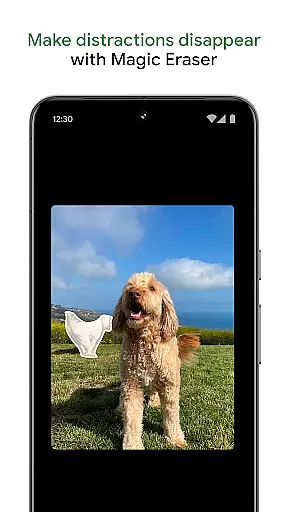
One of the key strengths of Google Photos lies in its robust feature set tailored to enhance user convenience. The app leverages Google's advanced AI to provide powerful editing tools like Magic Eraser, which removes unwanted objects, and Portrait Light, which adjusts lighting for professional-quality edits. These tools ensure even amateur photographers can achieve polished results without extensive technical knowledge.
Organization is another area where Google Photos excels. It uses intelligent algorithms to declutter galleries by stacking similar photos and organizing screenshots, documents, and daily captures into intuitive folders. Furthermore, the app supports secure sharing and collaboration through albums, ensuring privacy without compromising accessibility. For added security, sensitive media can be stored in a locked folder protected by device authentication.
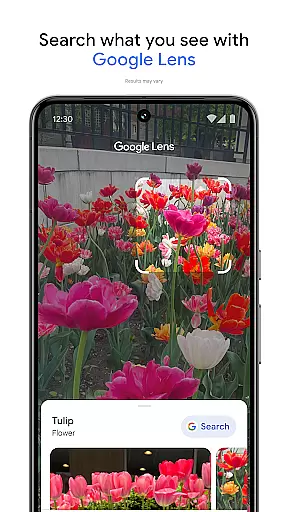
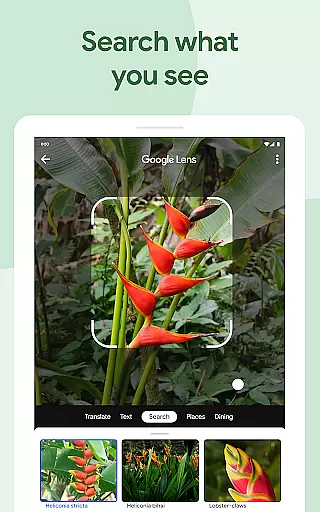
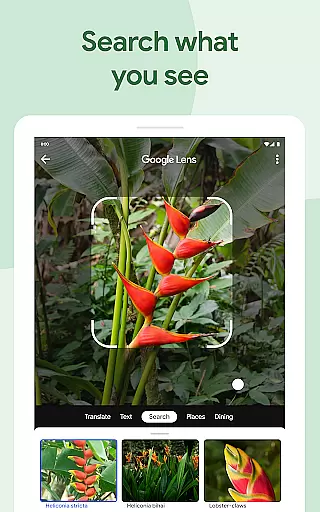
Finally, Google Photos integrates seamlessly with other services, allowing users to print their favorite moments as photo books or canvas art. Its compatibility with Google Lens also enables object and text recognition within images, making it more than just a storage solution but a versatile tool for managing digital content effectively.
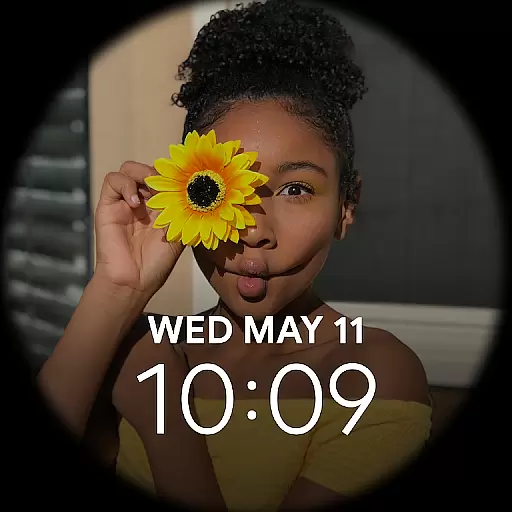
Companion app integration is crucial for wearable devices as it ensures seamless synchronization between the main application and its wearable counterpart. Google Photos excels in this area by providing a robust connection between your mobile device and Wear OS smartwatches.
The app allows users to receive notifications directly on their smartwatch, enabling quick access to important photo updates without needing to take out their phone. This feature enhances convenience, especially when you're on the go or engaged in activities where accessing your phone might be cumbersome.
Furthermore, Google Photos offers an optimized viewing experience on Wear OS devices. Users can browse through their recent photos, albums, and even initiate backups right from their wrist. This level of integration not only saves time but also enriches the overall user experience by making photo management more accessible than ever before.
Ensuring broad compatibility with various Wear OS devices is essential for any application targeting the Android Wear platform. Google Photos stands out by supporting a wide range of smartwatches running on Wear OS, ensuring that users can enjoy its features regardless of their chosen device.
The app undergoes rigorous testing to maintain high standards of performance across different hardware configurations. Whether you own a latest model or an older version of a Wear OS watch, Google Photos guarantees smooth operation and consistent functionality, allowing you to manage your photos effortlessly.
In addition to basic compatibility, Google Photos leverages specific capabilities unique to each device. For instance, it utilizes advanced sensors and display technologies to offer an enhanced visual experience tailored to individual smartwatch specifications. By doing so, it maximizes usability while maintaining top-notch quality and reliability.
User-friendly interface
Powerful AI editing tools
Secure cloud backup
Smart organization features
Cross-device synchronization
Limited free storage
Paid subscription required
Occasional syncing issues
Privacy concerns
Ads in free version

A customizable Christmas watch face for Wear OS with a countdown.
 4.20
4.20
Watch face for Wear OS.
4.20
Sleek, highly customizable watch face inspired by Galaxy Watch Circle Dashboard.
4.5
Let's celebrate Thanksgiving - Wear Os watch face
4.20
Structured watch face with seven complications and modular UI elements
3.90
sleep, alarm, snoring, stress, healing, focus, sound therapy, circadian rhythm
4.10
Locate your family members by GPS phone location tracker everywhere and anytime
4.30
Period, ovulation & pregnancy tracker. Fertility insights & menstrual calendar.
4.90
Track your active life in one place and share the journey with friends.
4.40
Christmas - Festive - Christmas Village - Winter - Christmas lights
5.00
The Chevron App allows you to pay for fuel from the comfort of your car!
4.80
Monitor health with the stress test and pulse checker in the heart rate app.
4.60
Real-time results, stats, schedules and player profiles for all leagues
4.60
Wear Os Watch Face - Animated Snow Effect & Magic Spark - 6 Scenes
4.10
Hyper-Realistic Airplane Dashboard Watch Face With 10 Skins and Custom AOD
4.00
Watch face designed for Thanksgiving Day. 7 Background Styles included.
3.20
Wear Os Watch Face - Animated Snow - Sesonal for Christmas & Winter
4.5
3 Complications. All shadow on/off. 30 Themes color palette...
4.0
Minimalistic design modern digital watch face.
4.3


User Reviews