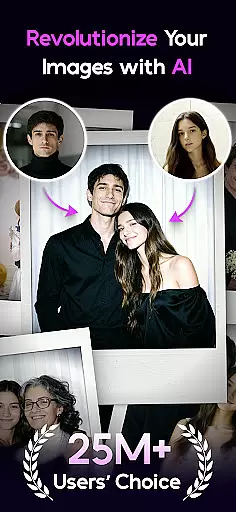

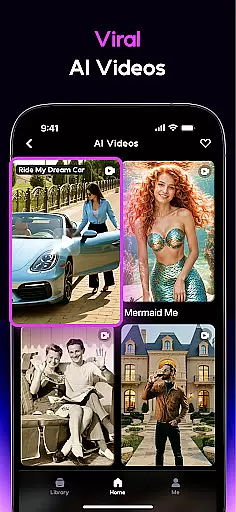
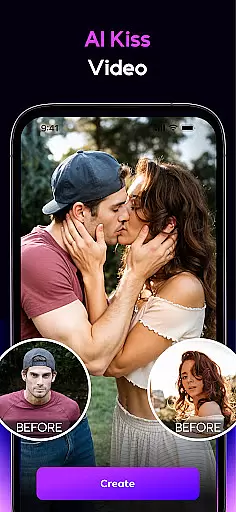
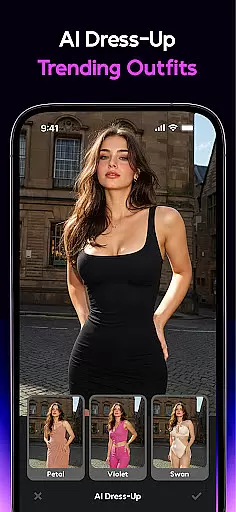
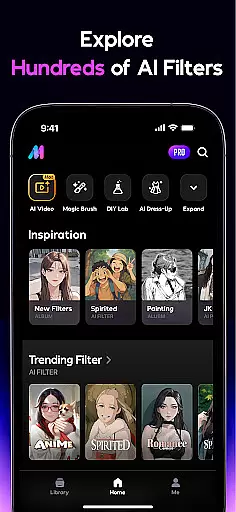
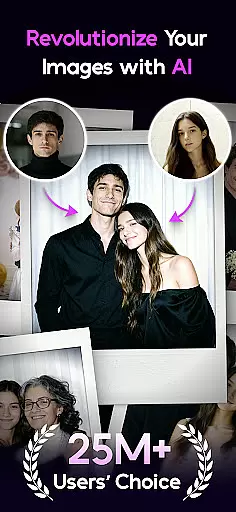

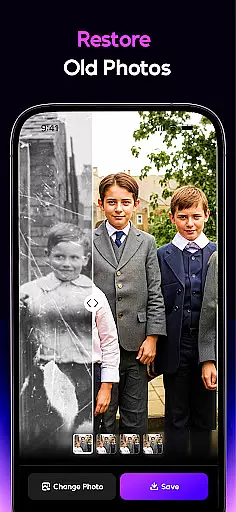
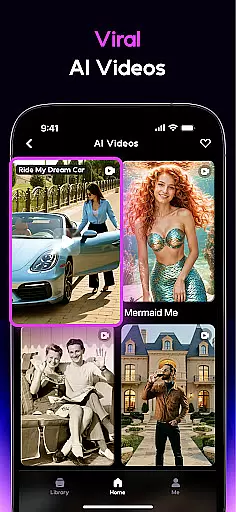
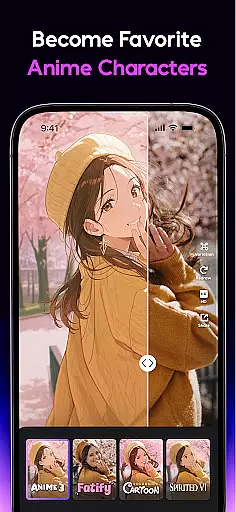
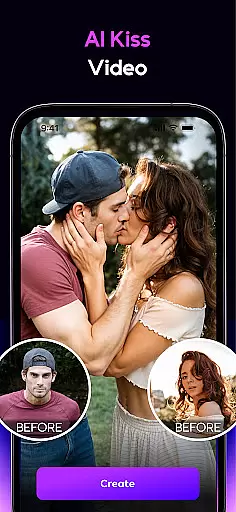
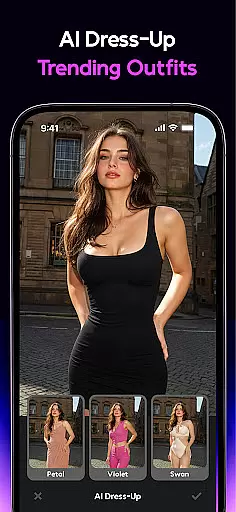
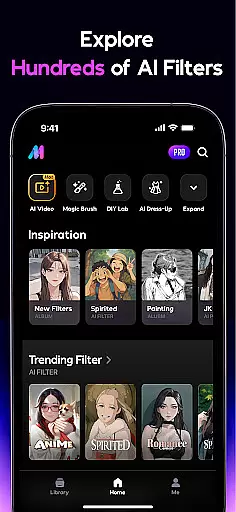
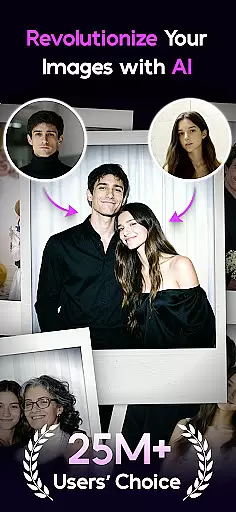

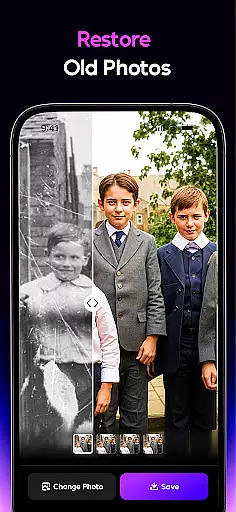
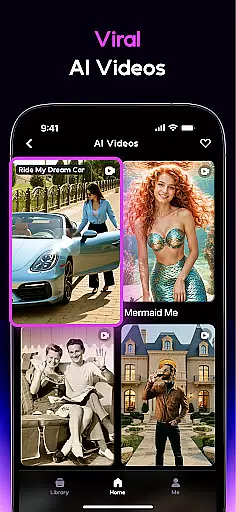
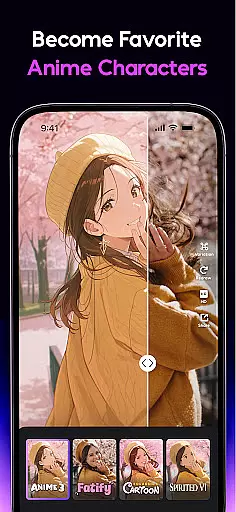
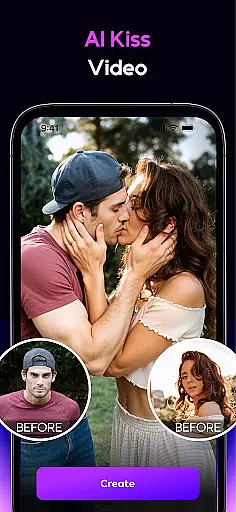
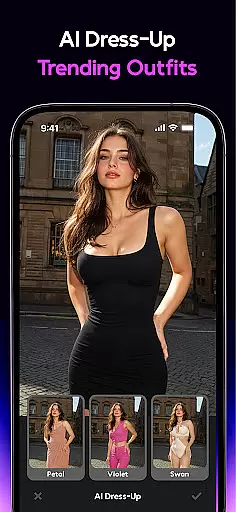
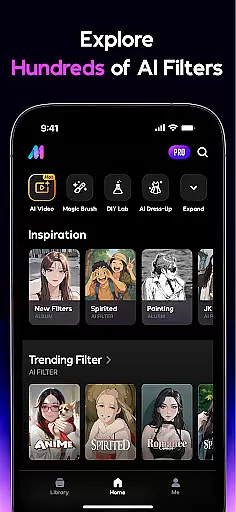
AI Mirror is a cutting-edge photography app that leverages artificial intelligence to revolutionize photo and video editing. With its powerful suite of AI-driven tools, users can effortlessly transform their images and videos into creative masterpieces. The app offers an extensive range of features including anime transformations, old photo restoration, and image-to-video conversion.
Designed for both casual users and professional creators, AI Mirror caters to various needs from crafting viral social media content to preserving cherished memories. Its intuitive interface and regular updates ensure users stay ahead of the latest trends while enjoying studio-quality results directly on their mobile devices.
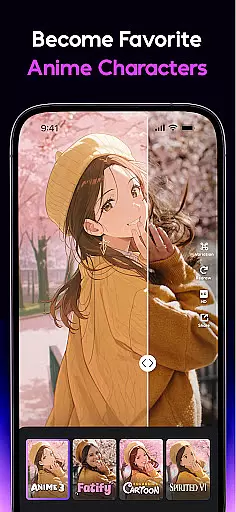
AI Mirror stands out with its comprehensive collection of AI-powered editing tools. The app's Anime Generator and Cartoon Filters allow users to convert photos into various artistic styles, from anime characters to comic book illustrations. Its innovative Image-to-Video feature brings still images to life with natural motion effects.
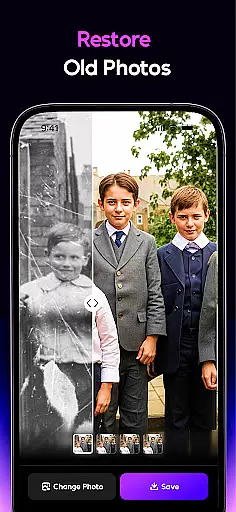
The app's restoration capabilities are particularly impressive, effectively repairing damaged or faded photographs while maintaining original details. Additional features like AI Magic Brush, AI Removal, and AI Background provide unparalleled flexibility in photo manipulation. Regular updates introduce new filters and templates, keeping the app fresh and aligned with current social media trends across platforms like TikTok, Instagram, and Facebook.
Real-time capture and preview functionality is essential for any photography app, allowing users to see exactly what their final image will look like before taking the shot. AI Mirror excels in this area by providing instantaneous previews of complex AI transformations directly within the camera interface.
The app's real-time processing capabilities enable users to experiment with various AI filters and styles while framing their shots. Whether you're turning a portrait into an anime character or applying advanced photo restoration techniques, the live preview ensures you can fine-tune every detail before capturing the perfect image.
This feature significantly enhances the creative process by eliminating guesswork. Users can confidently explore different artistic interpretations knowing that what they see in the preview is precisely what they'll get in the final output, saving both time and effort in post-processing.
AI-powered beauty and enhancement features have become crucial in modern photo editing applications. AI Mirror sets itself apart through its sophisticated algorithms that maintain natural-looking results while enhancing facial features and skin tones.
The app's AI Beauty tools go beyond simple filters by intelligently analyzing facial structures and applying enhancements that preserve individual characteristics. From subtle skin smoothing to more dramatic makeovers, each adjustment maintains the subject's unique identity while delivering professional-grade results.
What makes AI Mirror truly exceptional is its ability to balance enhancement with authenticity. The app's advanced AI models understand the nuances of human features, ensuring that even significant modifications appear organic and realistic. This approach empowers users to achieve their desired aesthetic without sacrificing the genuine qualities that make each photograph unique.
User-friendly interface
Extensive filter collection
Advanced restoration tools
Regular feature updates
Cross-platform compatibility
Premium features locked
High system requirements
Occasional processing delays
Limited free trial options
Subscription-based pricing

How old age camera Gender Swap App Face Shape Hairstyle App Hair Styler App fun!
 4.00
4.00
Create collages easily! Nice pic collage maker & background eraser for Instagram
4.50
Create Business Headshots, Polaroid Filter, Retake Photos,Profile Pics,AI Photos
4.50
Superimpose one photo on top of another using the original Superimpose app!
3.20
Light-weight Media Gallery app for Android made with Jetpack Compose
4.60
Luminar: Photo Editor - easy picture editing with AI
4.20
Catch sunlight, sunrise sunset times and sun phases with the AR sun tracker.
4.10
Welcome to ProShot, the most powerful camera app on Android.
4.20
Discover How to Plan any Sun, Moon and Milky Way Photo You Imagine in Seconds
4.70
Find time and duration of different sunlight phases at any location
4.90
Android Native system HD camera app. Never been so simple and faster.
4.70
Fit multiple photos on one post. Create carousels & scroll layouts for Instagram
4.50
Use AI Video Generator to turn your words to ai generated videos.
4.50
Easily stitch panoramas from multiple photos or video.
4.40
A reflected light meter with spot metering and incident light metering.
4.40
[3DSteroid Pro] is a stereoscopic application for Android.
4.30
All-in-One Editor & AI Photo Enhancer, Beautify & Retouch, Collage, Cartoonify
4.20
Pet Camera
3.70
Professional video recording application with manual controls for filmmakers!
2.80


User Reviews