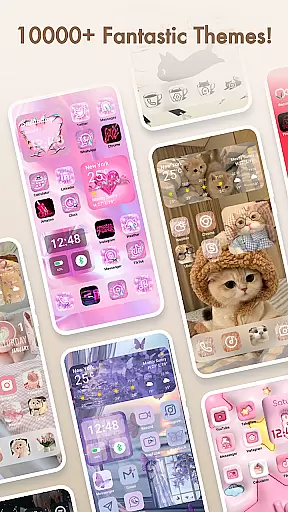
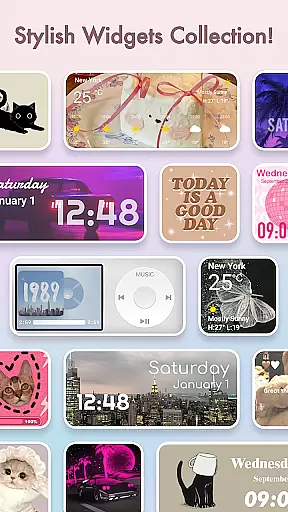
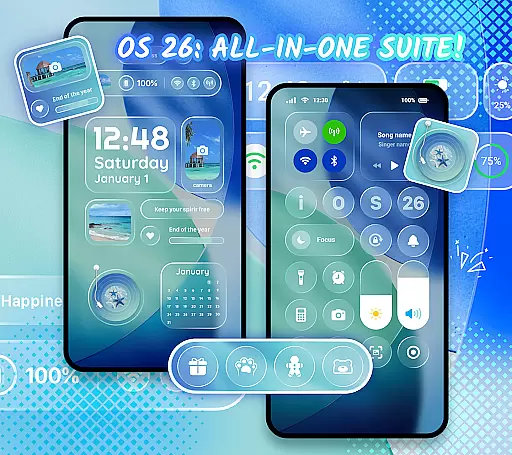
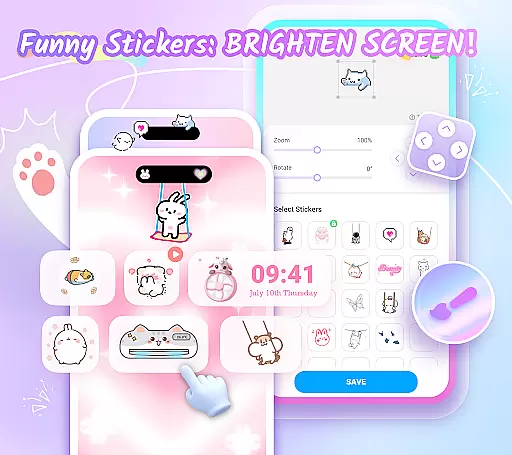
Themepack - App Icons, Widgets is a powerful personalization app for Android users who want to design their own home screen. With over 10,000 functional widgets, icons, and wallpapers, it offers extensive customization options that allow users to express their unique style. The app provides a variety of stylish widgets including battery indicators, dynamic image effects, calendar, clock, weather, and control panel widgets, which can be customized with personal images from the gallery.
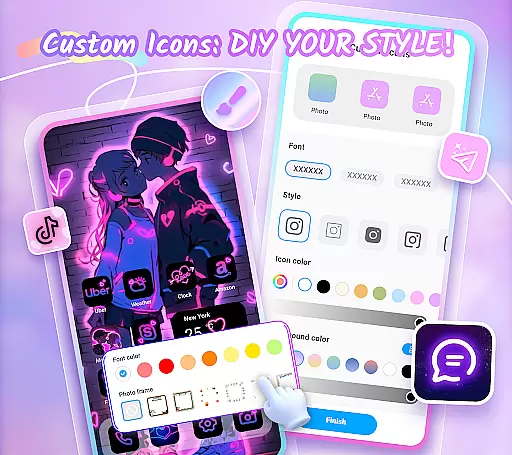
In addition to its widget capabilities, Themepack supports DIY icon creation, offering multiple choices for icon styles, fonts, colors, transparency levels, and background colors. Users can create distinctive icons and rename apps with cool fonts. The app also features aesthetic backgrounds, K-pop wallpapers, anime themes, neon designs, sports themes, and festival themes, all available for one-click application to save time and effort.
This app is ideal for users who want to personalize their device's appearance while maintaining functionality. Its rich theme options, exquisite icon packs, and beautifully designed wallpapers make it an excellent choice for those looking to enhance their device's visual appeal.
Themepack stands out with its comprehensive feature set tailored for personalization enthusiasts. The app includes over 10,000 functional widgets, icons, and wallpapers, providing users with nearly limitless customization possibilities. These include practical widgets like battery indicators, dynamic image effects, calendar, clock, weather, and control panel widgets, each designed to transform the traditional home screen appearance.
One of the app's key innovations is its robust DIY capability. Users can customize icons by selecting from various styles, fonts, colors, transparency levels, and background colors. This feature allows for complete creative freedom in designing unique app icons. Additionally, the app offers personalized widgets that can be customized with images from the user's gallery, enabling truly individualized home screen designs.
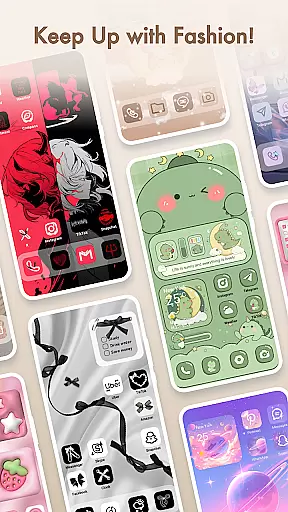
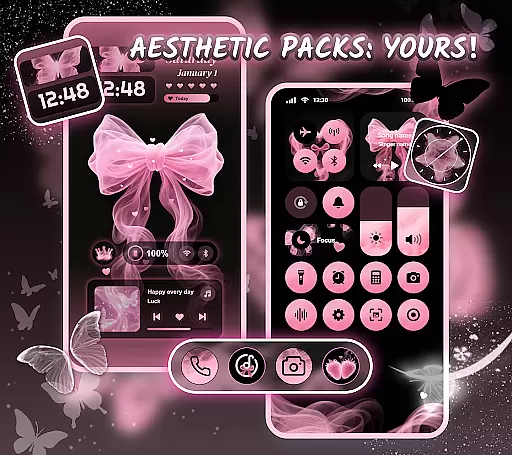
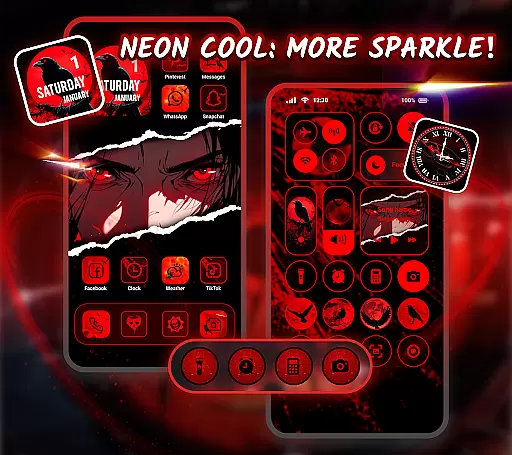
Themepack also excels in visual aesthetics, providing diverse theme options including K-pop wallpapers, anime themes, neon designs, sports themes, and festival themes. The app's one-click replacement feature makes customization quick and easy, while its fast update cycle ensures users always have access to fresh content. The inclusion of Accessibility Service permissions enables advanced system modification capabilities, though the app maintains strict privacy standards regarding user data.
Themepack offers an extensive range of customization options that cater to personal preferences and creativity. With over 10,000 functional widgets, icons, and wallpapers, users can transform their home screens into a reflection of their unique style.
The app includes a diverse selection of widgets such as battery indicators, dynamic image effects, calendars, clocks, weather updates, and control panels. These widgets not only serve practical purposes but also introduce an element of surprise by altering the traditional appearance of the home screen.
Users have the freedom to personalize their device's aesthetics with DIY icon creation, choosing from various styles, fonts, colors, and transparency levels. This feature allows for the crafting of distinctive icons that can be renamed to match the desired application labels on the user's device.
By providing these comprehensive customization features, Themepack empowers users to become designers of their own digital space, ensuring that each home screen is not only functional but also a true representation of individuality and personal flair.
Theme compatibility in Themepack ensures that all visual elements work seamlessly across different Android devices. The app provides a wide array of themes including K-pop, anime, neon, sports, and festival themes, which are crafted to maintain visual consistency and aesthetic appeal.
Each theme within Themepack is designed by top designers, guaranteeing that every icon, widget, and wallpaper has a unique touch while still being compatible with the overall theme. This attention to detail supports a cohesive look and feel, elevating the user's home screen customization experience.
With easy one-click replacement functionality, users can quickly apply themes without hassle, making it simple to refresh the device's appearance regularly. This seamless integration and update process saves time and effort, allowing for instant personalization gratification.
Ultimately, Themepack's commitment to theme compatibility means that users enjoy a harmonious and visually pleasing interface that remains stable and attractive, regardless of how often they choose to customize their home screens.
Extensive customization
User-friendly interface
Regular updates
Variety of themes
DIY icon creation
Requires storage space
Some features need permissions
May overwhelm new users
Occasional bugs
Premium options available

Customizable Glass widgets. Over 360+ stunning widgets and more!
 4.70
4.70
Ultra realistic gold analog watch face with lots of customization options.
4.50
Turn your lock screen into fun with smile live wallpapers & animated wallpapers!
2.50
Romantic Kiss Stickers App. Start romantic messaging now!
4.30
App Icon Changer & Shortcut Creator. Customize your icons without any watermarks
4.30 4.50
4.50
300+ widgets inspired by Material You and Material 3 expressive design.
4.60
Modern Glass Icon Pack with glossy icons, clean minimal theme & aesthetic style
4.5
Magic fluids wallpaper 4D: Relax with stunning fluid simulation wallpaper app
4.20
300+ Stunning and well-designed widgets inspired by NOTHING.
4.70
Ultra realistic high quality analog watch face for Wear OS.
4.60
Customize your home screen with stunning themes, blur, widgets & icons.
4.60
300+ Beautifully crafted widgets inspired by OneUI.
4.60
Yandex Browser — stylish and secure, with voice search and data compression
4.40
Themes - Widget & Wallpaper: Customize home screen, icon changer w unique themes
4.30
Transfer your live wallpapers from Windows to Android using Wallpaper Engine!
4.00
Design your screen with unique, vibrant clocks
3.80
Transform your phone with stunning video wallpapers and a unique, personal touch
3.80 3.50
3.50


User Reviews