
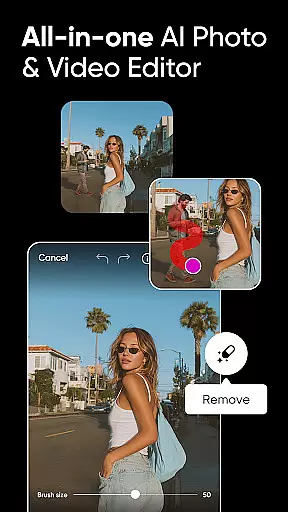
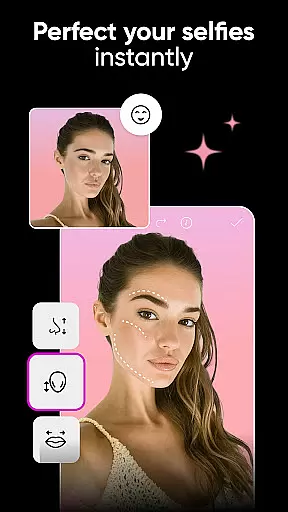
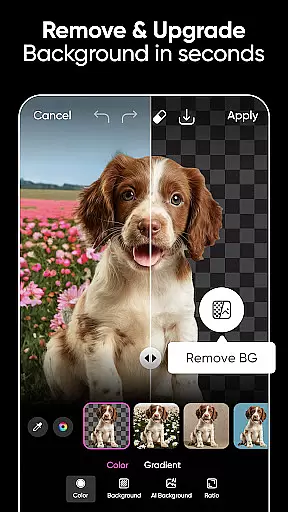
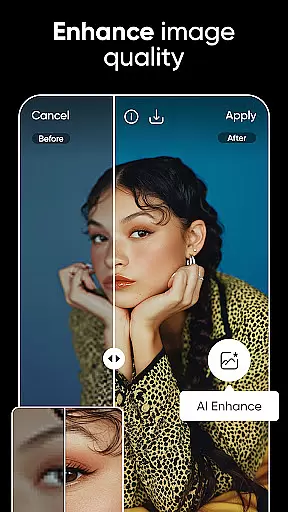
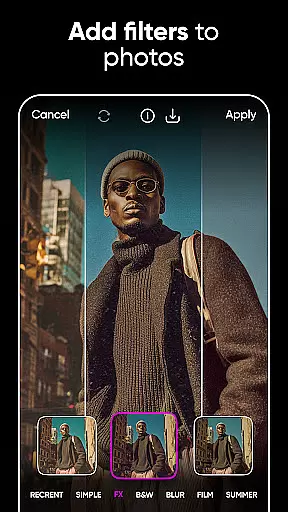
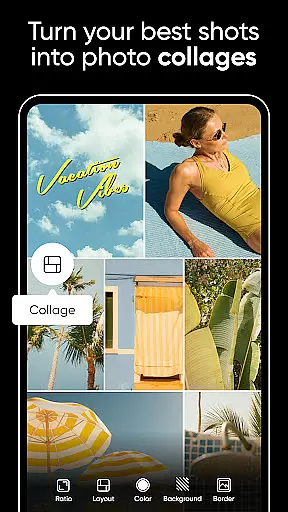
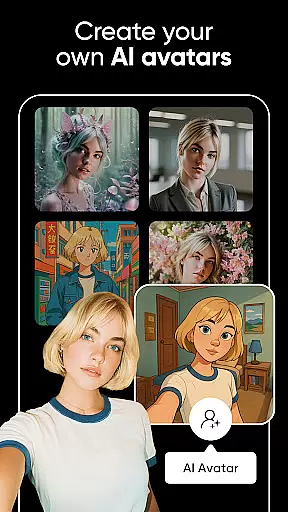

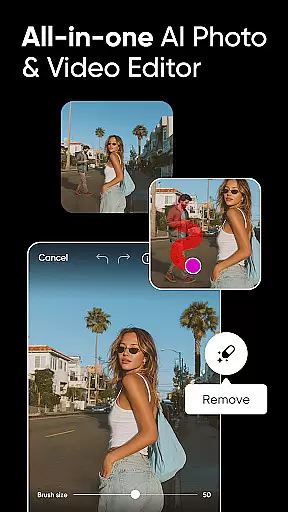
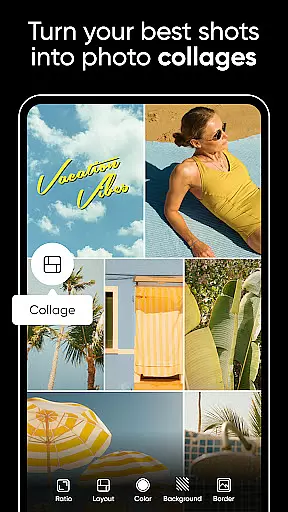
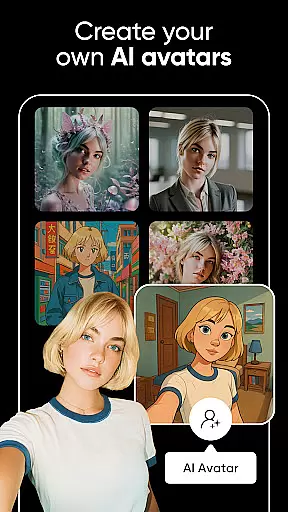

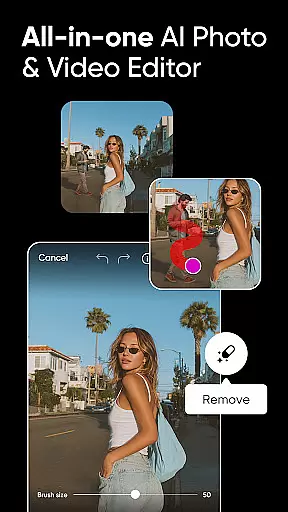
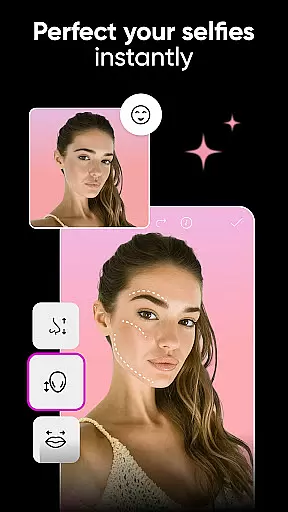
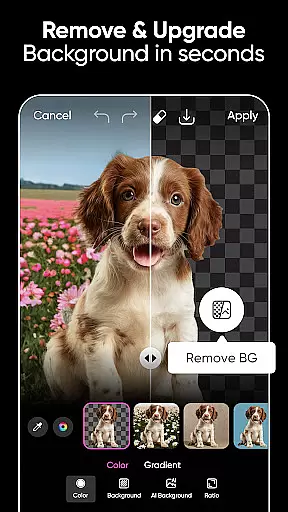
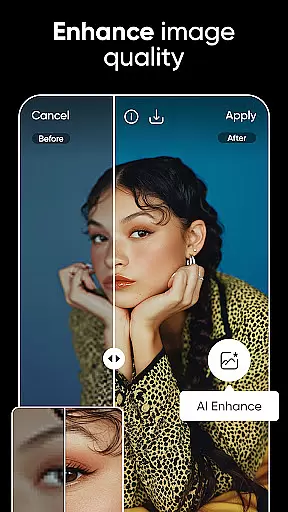
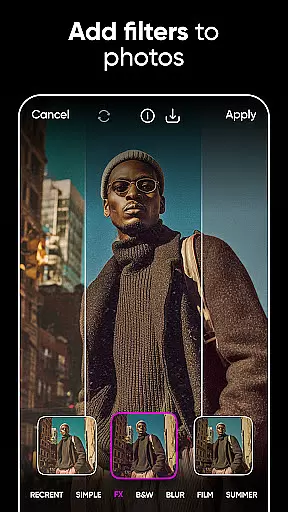
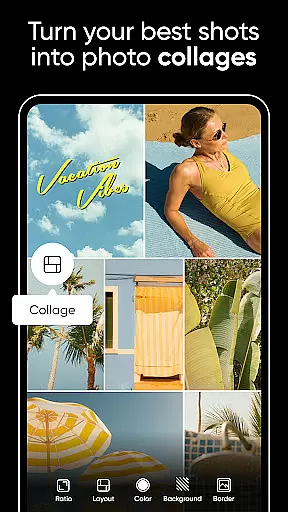
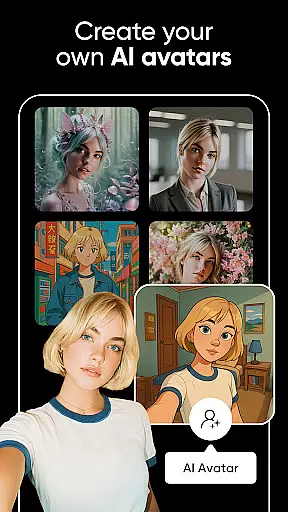

Picsart AI Photo Editor, Video is a comprehensive design studio that combines professional-grade tools with artificial intelligence to revolutionize photo and video editing. This app offers an extensive suite of features including customizable templates, advanced background removal, AI-powered enhancements, and intuitive graphic design tools.
Users can create stunning visuals for both personal and business purposes. The app's AI capabilities allow for effortless object removal, style transformations, and image expansions. With dedicated video editing tools, Picsart ensures your content shines across all platforms, making it the go-to solution for modern digital creators.
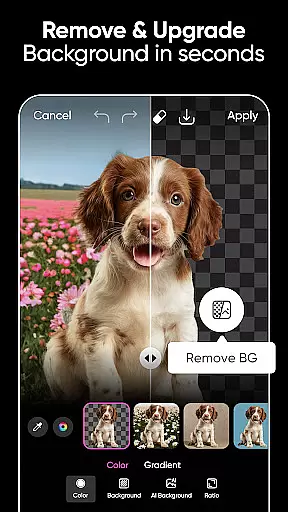
The app boasts an impressive array of features designed to streamline the creative process. Its Background Remover tool utilizes advanced AI to produce professional-quality product shots, while Smart Background helps users merge contextually appropriate backgrounds seamlessly.
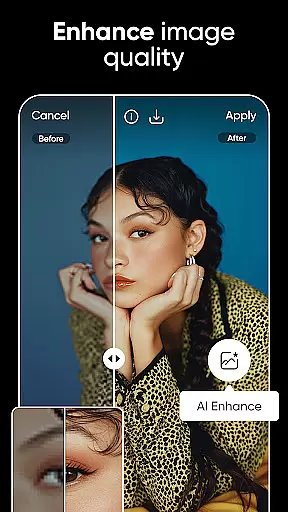
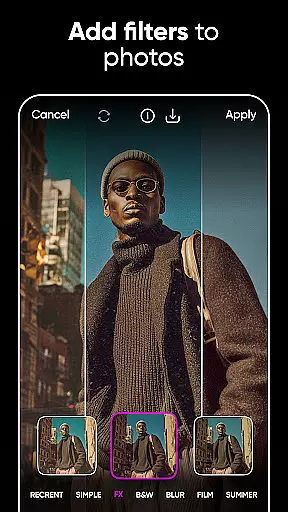
Picsart's AI-powered tools extend beyond basic editing. Users can enhance low-quality images, apply stylized filters, and even transform faces with fun modifications. The AI Image Generator creates customizable images from text, while AI Expand extends image boundaries naturally. These innovative features are complemented by robust video editing capabilities and a vast library of over 60 million stickers.
Real-time capture and preview functionality is essential for ensuring that every photo or video taken meets the user's expectations immediately. Picsart AI Photo Editor offers a seamless experience by allowing users to see adjustments and effects applied to their images and videos instantly.
This feature leverages advanced processing capabilities to provide a lag-free preview, enabling creators to fine-tune their work with precision. Whether it's adjusting lighting, applying filters, or experimenting with different visual effects, users can witness the changes in real time.
The advantage of real-time capture and preview extends beyond convenience; it empowers users to be more creative and efficient. By eliminating the guesswork involved in post-processing, Picsart ensures that photographers and videographers can focus on capturing the perfect moment without delay.
Moreover, this immediacy enhances the overall user experience, making Picsart an indispensable tool for both amateur enthusiasts and professional content creators who demand high-quality results from their editing software.
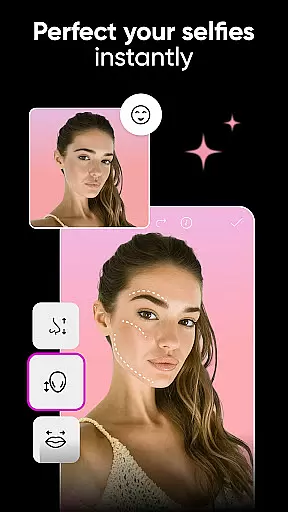
Picsart incorporates sophisticated AI beauty and enhancement features that elevate photo editing to new heights while maintaining natural aesthetics. The AI algorithms are designed to enhance facial features, skin texture, and overall appearance without creating an artificial look.
Users can leverage these tools to subtly refine portraits, ensuring that enhancements complement the original image rather than overshadowing it. From smoothing skin imperfections to brightening eyes and perfecting smiles, Picsart's AI-driven enhancements adapt intelligently to each unique face.
This approach not only preserves authenticity but also respects individuality, allowing users to achieve polished yet genuine results. The balance between enhancement and realism is crucial, especially for social media influencers and professionals who rely on credible visual storytelling.
By prioritizing naturalness in its AI enhancements, Picsart stands out as a leader in intuitive photo editing solutions, empowering users to produce stunning visuals that resonate with audiences across various platforms.
User-friendly interface
Extensive AI features
Versatile editing tools
Comprehensive template library
Cross-platform functionality
Some features require subscription
Advanced tools may overwhelm beginners
Occasional performance issues
Limited free content
Watermark on free version

Photo editor: face & body editor, beauty cam, filters and quality enhancer.
 4.00
4.00
Add Watermark - Sign your pictures with a text or logo. Effective, quick, easy!
4.50
Easily stitch panoramas from multiple photos or video.
4.40
An interval timer to automate photo taking process for timelapse
2.90
Amazing Photo Effects - The most fun you can have with your photos!
4.70
Movie camera, supports pro recording settings for filming. Try it and be amazed!
4.50
Future baby face generator: AI kids generator, kid face! What my baby look like?
4.40
RAW video capture with advanced controls
4.40
Catch sunlight, sunrise sunset times and sun phases with the AR sun tracker.
4.10
Find time and duration of different sunlight phases at any location
4.90
Create funny photos and videos with the popular Time Warp Scan filter.
4.90
Gallery show photo, video, slideshow, is perfect 3D effect private photo albums.
4.80
Cartoon and artistic effects for your photos and videos
4.70
Enhance, retouch & create your story - Share the moment with Photoshop Express.
4.60
Cut and paste photo editor & eraser to customize photos easy and swap faces fun
4.50
Search, tag and rate your way to an organized image gallery
4.40
Edit like a pro with Hypic. Apply filters, AI effects, & magic touch.
4.40
Professional video recording application with manual controls for filmmakers!
2.80
Raw Image Viewer. Gallery with support of raw images (.cr3, .cr2, .nef, .raf).
2.00


User Reviews