

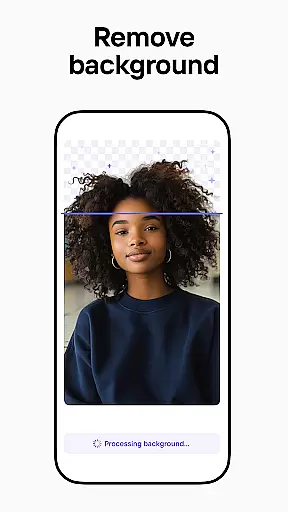


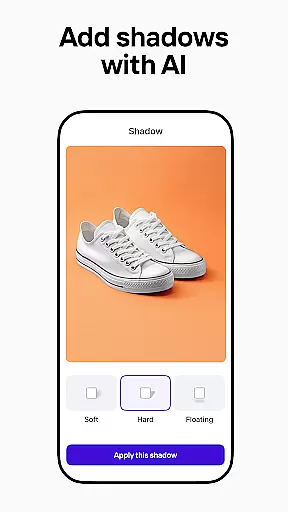
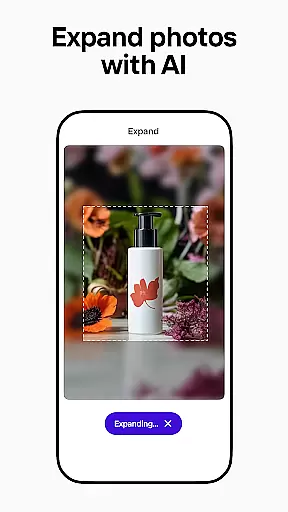
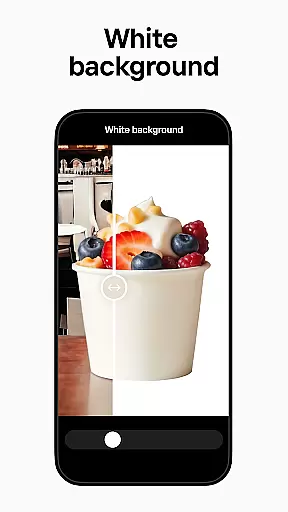
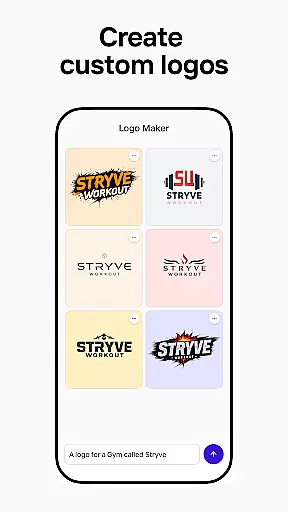
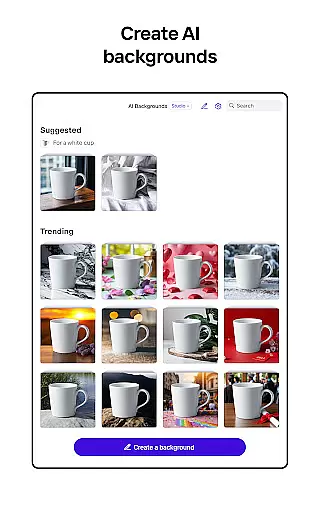

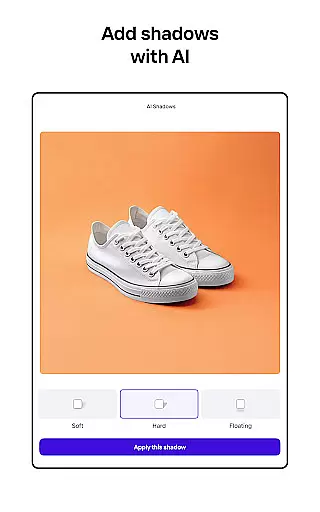
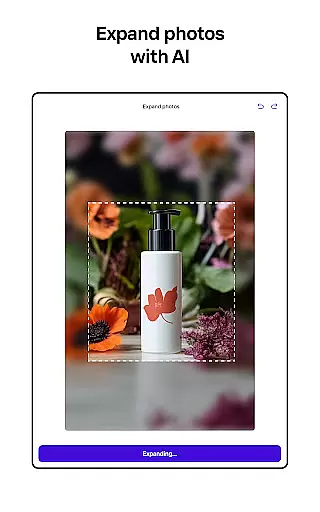
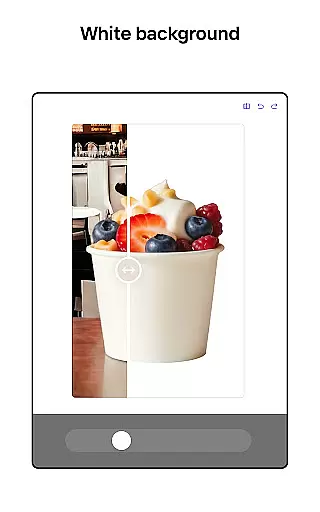
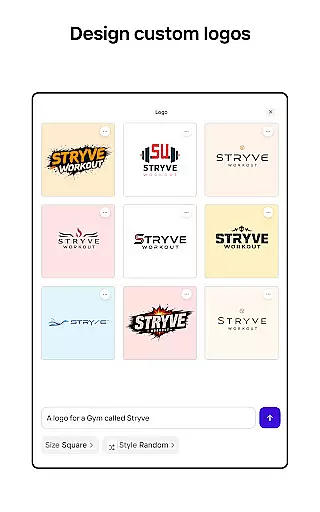
Photoroom AI Photo Editor is a powerful mobile application designed for creating professional-quality images with ease. The app utilizes advanced AI technology to help users design, edit, and enhance photos by removing or replacing backgrounds, erasing unwanted objects, and adjusting lighting and shadows. Whether you're an e-commerce seller, content creator, or social media manager, Photoroom provides the tools needed to elevate your brand and engage your audience.
The app offers specialized features such as AI-powered design assistance, batch editing for multiple images, and customizable templates for various platforms like Instagram, Facebook, and Amazon. With its intuitive interface, Photoroom makes it simple for anyone to produce polished visuals without requiring extensive design experience. This functionality proves especially valuable for users looking to optimize product photos for online marketplaces or create engaging social media content that drives sales and boosts engagement.
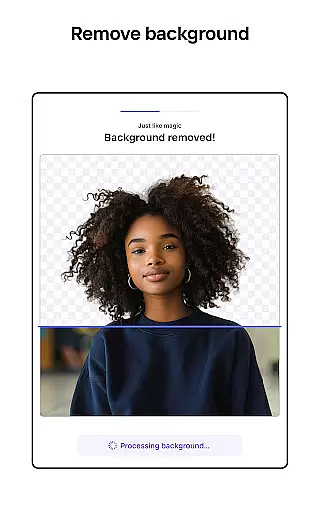
Photoroom stands out with its robust set of AI-driven features tailored to streamline photo editing. One of its core capabilities is the AI background removal and replacement tool, which allows users to erase distractions and create clean, professional images in seconds. Additionally, the smart eraser function helps remove unwanted objects while maintaining image quality, ensuring every photo looks flawless.
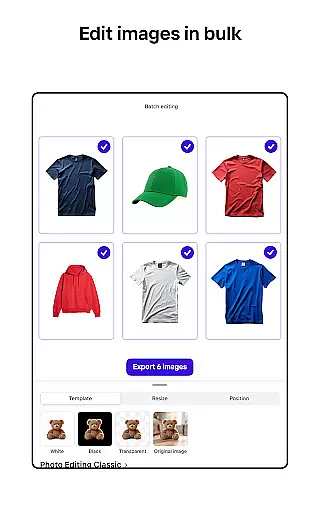
Another key feature is the ability to transform images instantly using virtual models and staged scenes. This is particularly beneficial for showcasing clothing or products in visually appealing settings. The app also supports batch editing, enabling users to apply consistent styles across multiple images—a game-changer for e-commerce sellers managing large inventories. Furthermore, Photoroom includes collaboration tools that allow teams to work together seamlessly, making it ideal for businesses and freelancers who need efficient workflows.
Real-time capture and preview functionality is essential for ensuring that every photo taken meets professional standards. With Photoroom AI Photo Editor, users can instantly see the results of their edits as they make them, providing immediate feedback on changes to backgrounds or object removals.
This feature allows photographers and content creators to adjust lighting, shadows, and other elements in real time, ensuring that the final image aligns with their vision. The ability to preview edits without delay enhances workflow efficiency, particularly when working on batch edits for e-commerce listings or social media posts.
For those who rely on high-quality visuals, such as online sellers and marketers, this instant feedback loop helps maintain consistency across images. By seeing exactly how each modification affects the overall composition, users can create polished, professional-grade photos that elevate their brand and engage audiences effectively.
The AI Beauty & Enhancement Naturalness feature within Photoroom focuses on refining images while maintaining a realistic appearance. This tool intelligently adjusts skin tones, smoothens imperfections, and enhances facial features without creating an artificial look, which is crucial for portrait photography and model shots.
By leveraging advanced algorithms, Photoroom ensures that enhancements are subtle yet impactful. Users can beautify subjects by removing temporary blemishes or evening out complexions, all while preserving natural textures and details. This approach prevents the over-processed appearance often associated with digital editing tools.
Content creators and social media managers benefit significantly from this feature, as it allows them to produce visually appealing images that resonate with viewers. Whether preparing images for Instagram, YouTube, or e-commerce platforms, maintaining authenticity in visual content is key to building trust and engagement with audiences.
User-friendly interface
Advanced AI tools
Batch editing support
Customizable templates
Real-time collaboration
Premium features locked
Subscription required
Limited free exports
Occasional glitches
Learning curve for new users

Perfect photos with body shaping, BG changer and object remover.
 3.70
3.70
Natural Beauty, Selfie Retouch
4.30
Photo prints, cards, & gifts at Walgreens. Easy ordering & fast local pickup !
4.80
HD Camera Pro with HD Video shooting, Panorama, Photo editor , Beauty Camera.
4.50
Amazing Photo Effects - The most fun you can have with your photos!
4.70
See your baby AI baby face generator AI baby maker Face generator babymaker fun!
4.70
Use AI Video Generator to turn your words to ai generated videos.
4.50
live datamoshing
4.00
Enhance, upscale, and transform your images — on your device, without limits
4.70
1M influencer's special filter
4.60
Automatically backup your photos and videos to computer, NAS and Cloud services
4.60
Cut and paste photo editor & eraser to customize photos easy and swap faces fun
4.50
Photo Exif Editor allows to view, add and modify EXIF data of multiple photos
4.50
Effortlessly organize, view and share your photos & videos with Gallery app!
4.40
Search, tag and rate your way to an organized image gallery
4.40
Luminar: Photo Editor - easy picture editing with AI
4.20
Pet Camera
3.70
Create amazing frames with up to five photos. Rounded corners, effects and more!
3.60
An interval timer to automate photo taking process for timelapse
2.90


User Reviews