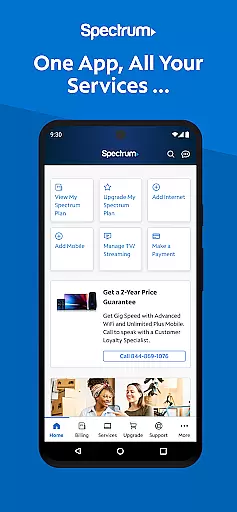

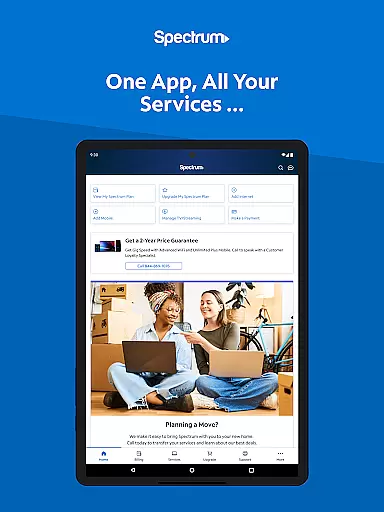
My Spectrum is a comprehensive service management app designed for residential customers of Spectrum. This all-in-one solution allows users to effortlessly manage their Spectrum services including Mobile, Internet, TV, and Home Phone directly from their mobile devices. With its intuitive interface, the app provides seamless access to bill payments, usage tracking, and service management.
The app stands out with its robust feature set that includes detailed billing management, data usage monitoring, and advanced WiFi troubleshooting tools. Users can conveniently switch between English and Spanish interfaces, making it accessible to a wider audience. Whether you need to schedule one-time payments, activate new mobile lines, or troubleshoot your internet connection, My Spectrum ensures you stay connected and informed at all times.
One of the key use cases is for customers who want to take control of their Spectrum services without needing to contact customer support. The app's powerful self-service features allow users to manage subscriptions, upgrade services, and even track technicians - all from their fingertips. This level of convenience and control makes My Spectrum an essential tool for anyone looking to streamline their Spectrum service management.
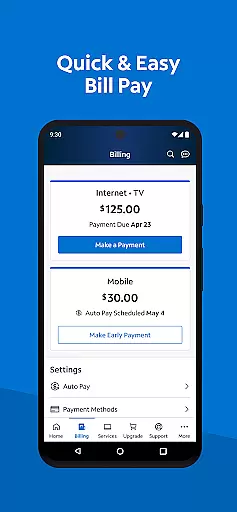
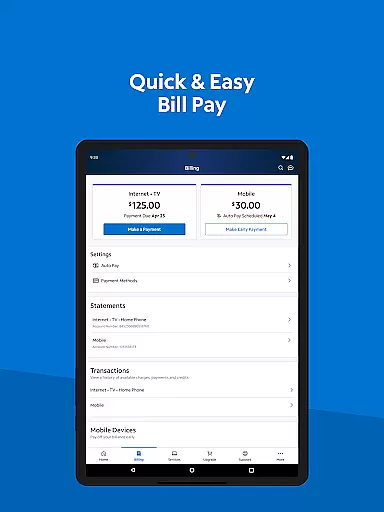
My Spectrum offers an impressive array of features that cater to various user needs. The app's billing management system is particularly robust, allowing users to pay bills for multiple services, enroll in Auto Pay, and manage paperless billing options. Its detailed statement history and payment scheduling capabilities provide users with complete control over their financial transactions with Spectrum.
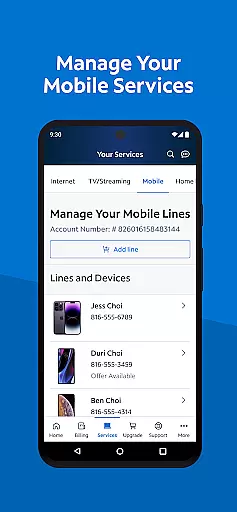
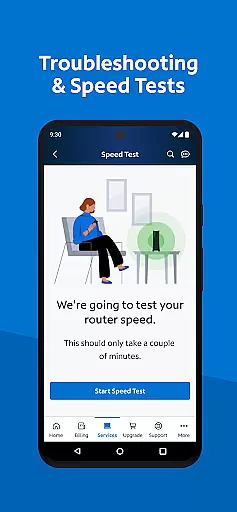
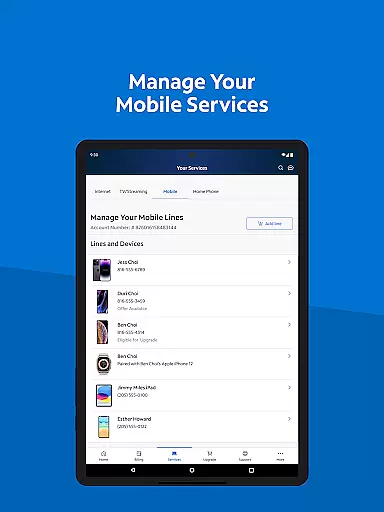
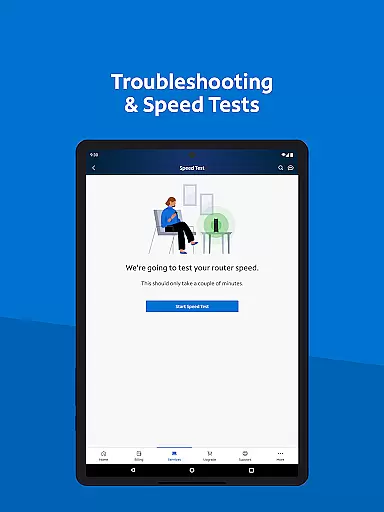
Another standout feature is the comprehensive mobile service management tool. Users can monitor their Spectrum Mobile data usage in real-time, add new lines, and modify existing plans. The app also includes advanced network diagnostic tools, including a dual Speed Test feature that helps users optimize their internet connection. Additionally, the Spanish language toggle demonstrates the app's commitment to accessibility and inclusivity.
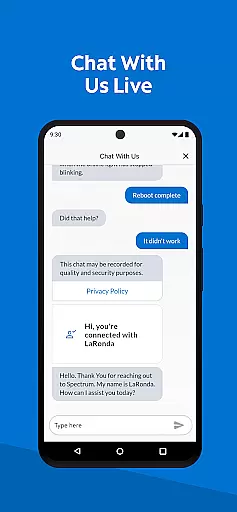
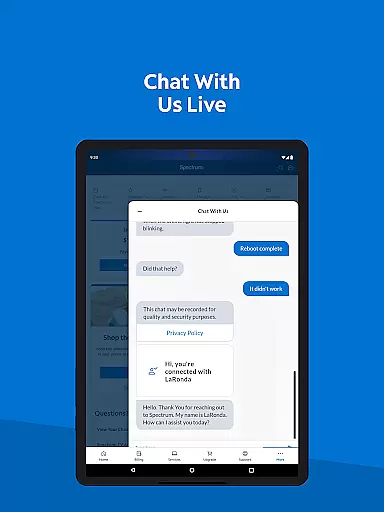
The app's support features are equally impressive, offering multiple ways to get help when needed. Users can chat with customer service representatives directly through the app, track technician visits, and access a vast knowledge base of support articles. The integration with other Spectrum apps creates a complete ecosystem for entertainment and information, while features like nationwide WiFi access point location make staying connected easier than ever.
When it comes to managing your Spectrum services, the My Spectrum App excels in providing accurate and effective core functionalities. This app allows residential customers to handle their Spectrum Mobile, Internet, TV, and Home Phone services with precision. You can pay your bills, check mobile data usage, manage plans, and even add new mobile lines effortlessly.
The app's effectiveness is further enhanced by features like Auto Pay enrollment, which ensures you never miss a billing due date. Additionally, scheduling one-time payments gives you control over when and how your payments are sent. The ability to sign up for paperless billing and review previous billing statements adds another layer of convenience and accuracy to your account management.
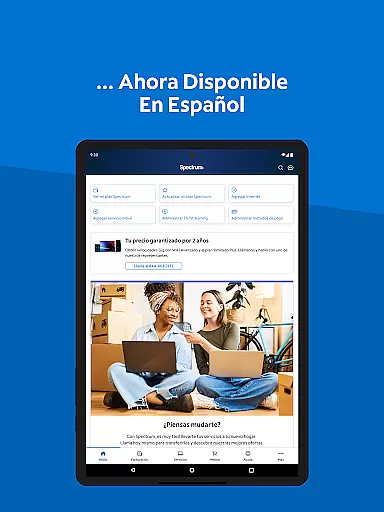
For users who prefer Spanish, the app offers an easy toggle between English and Spanish, making it accessible to a broader audience. With real-time notifications on the home screen for billing, equipment, activation, and outages, staying informed has never been easier. These features collectively ensure that the core functions of the My Spectrum App are both accurate and highly effective, providing a seamless user experience.
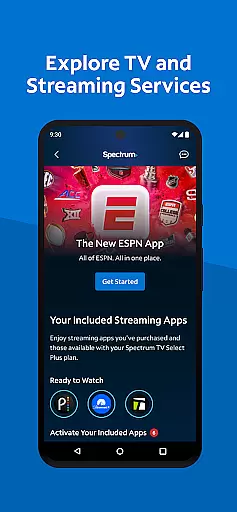
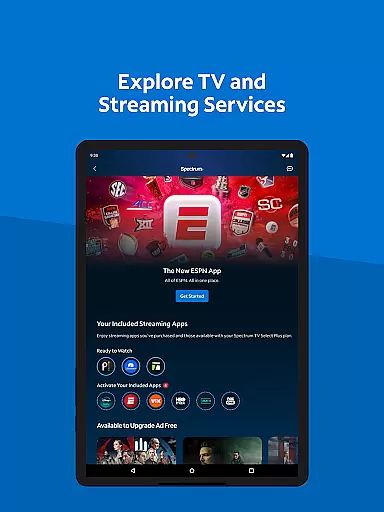
The My Spectrum App stands out for its simple and intuitive interface, designed to make managing your Spectrum services as straightforward as possible. Upon opening the app, users are greeted with a clean layout that organizes essential functions like bill payment, mobile service management, and TV streaming options into easily navigable sections.
One of the key strengths of this app is its ability to consolidate various services into a single platform. Whether you need to check your Spectrum Mobile data usage, schedule a payment, or explore TV channel lineups, everything is just a tap away. The app also includes advanced features such as WiFi troubleshooting with an enhanced dual Speed Test and finding the nearest Spectrum Store, all presented in a user-friendly manner.
Moreover, customer support is integrated seamlessly within the app. Users can chat with customer service, track technicians, and find answers through a newly designed support section. This intuitive design ensures that even those who are not tech-savvy can navigate and utilize the app efficiently, enhancing overall user satisfaction and engagement.
User-friendly interface
Comprehensive billing tools
Real-time usage tracking
Multilingual support
Advanced network diagnostics
Spectrum subscription required
Occasional connectivity issues
Limited third-party integration
Some features need improvement
Device compatibility restrictions

 4.50
4.50
Change your GPS location instantly. Simulate routes anywhere in the world.
4.90
Easily install aab(Android App Bundle) files on your Android device with our app
4.80
Learn the vast amount of system information about device and monitor it's state
4.70
Fluid navigation gestures for all of us!
4.30
Use your phone as a webcam on your computer over WiFi or USB.
4.40
Unlock your Essential Key. Create custom shortcuts to your favorite apps!
4.1
Canon PRINT is a companion app for your Canon printer.
4.60
MS-DOS in your pocket. Play old DOS games anywhere you are ;)
4.10
HD Camera captures every special moment.
4.60 4.50
4.50
eXtended Permission Manager - a small app to manage permissions and AppOps
4.50
Button mapper, mouse toggle, sleep timer and a lot of another features
4.50
Clean up large files and similar photos, fast and easy to use
4.40
Carry a FTP server in your pocket and avoid USB cables for file transfer
4.20
Create your own live wallpaper or check out thousands already made presets
3.90
Unleash gamepad precision for ultimate mobile gaming dominance.
3.90
Create your own custom widget with endless possibilities
3.90
Safely recover deleted photos, videos, and files with a single easy tap.
3.70


User Reviews