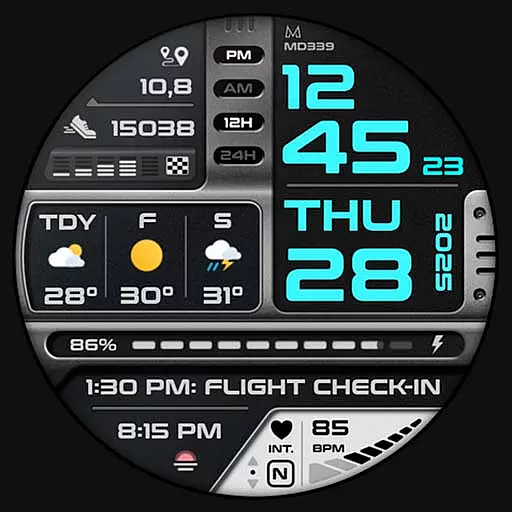
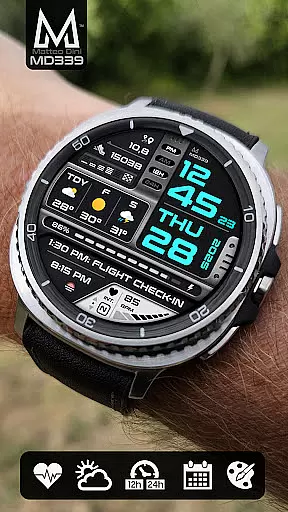
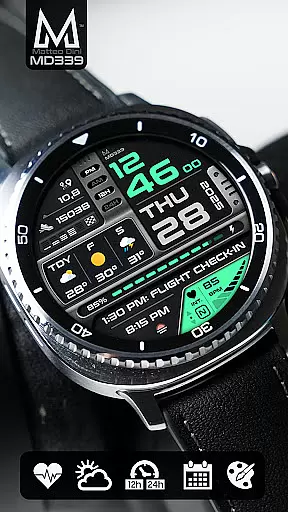
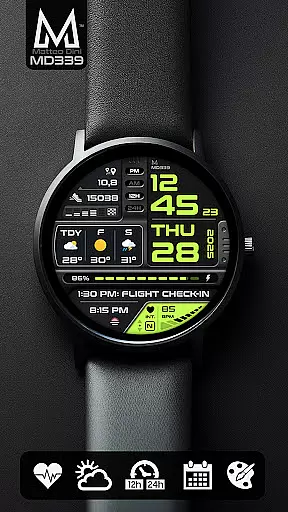
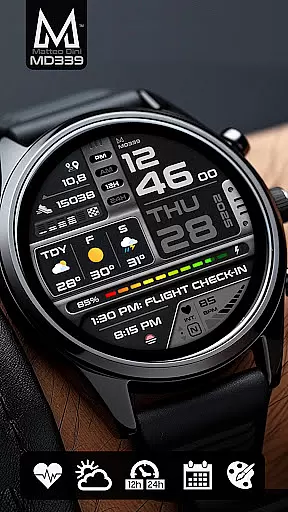
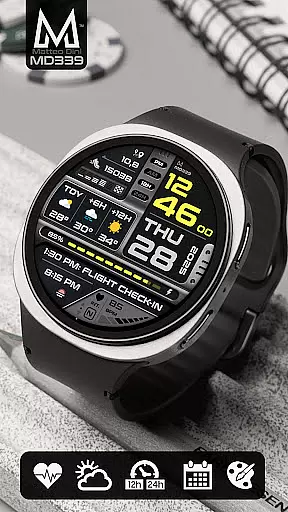
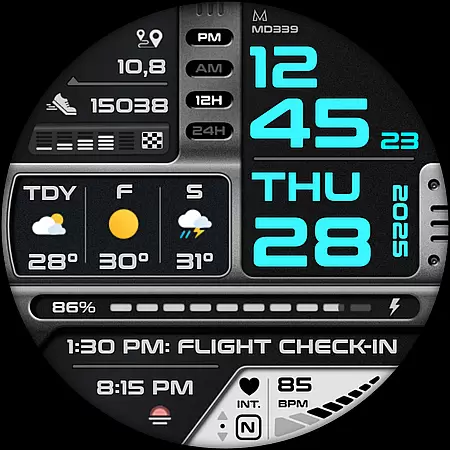
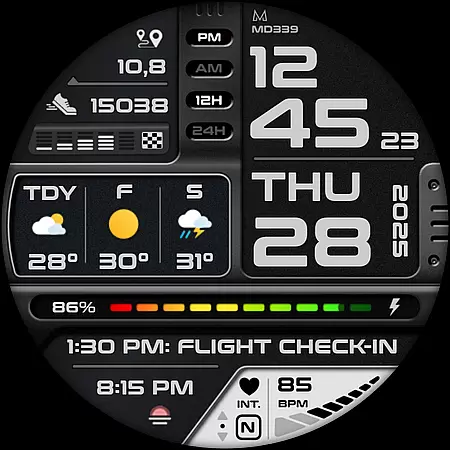
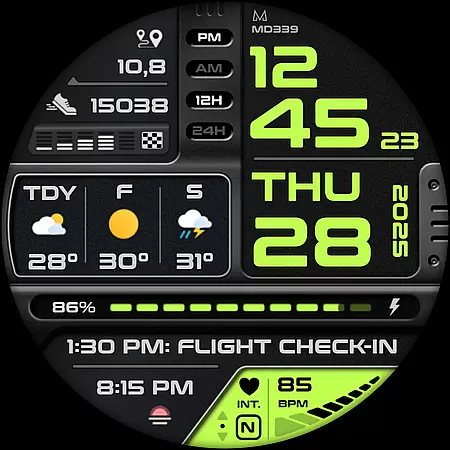
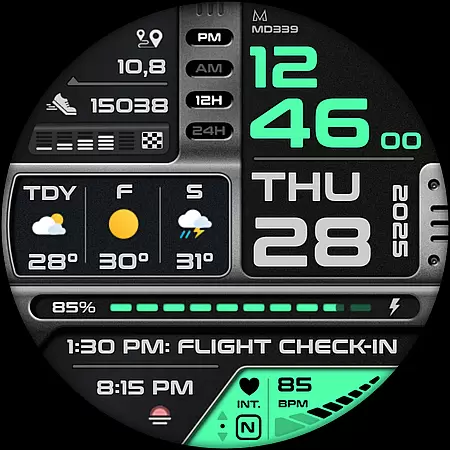
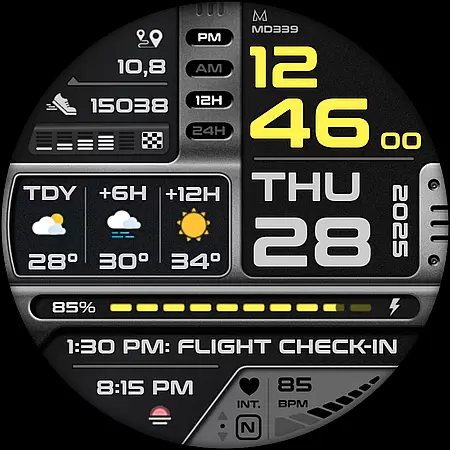
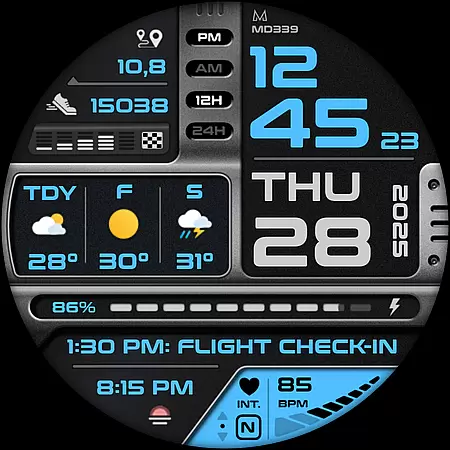
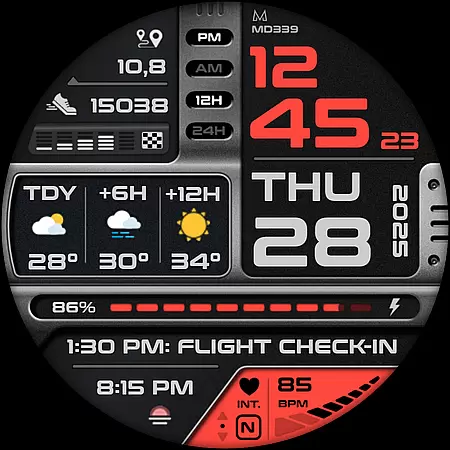
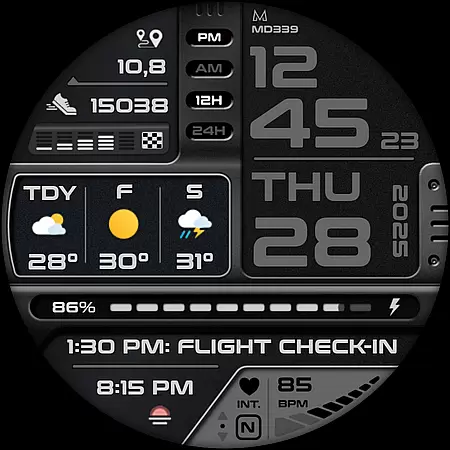
MD339 Digital watch face is a cutting-edge Android Wear application designed to enhance your smartwatch experience. This advanced watch face adheres to the latest format standards required by Google Play, ensuring optimal performance and compatibility with modern devices.
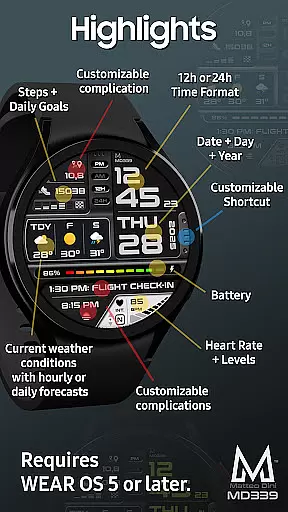
Key features include 6 preset app shortcuts, 1 customizable shortcut, and 3 customizable complications that allow users to display preferred data such as barometer readings, distance walked, calories burned, UV index, and weather forecasts. The design supports both 12/24hr time formats, heart rate monitoring, step tracking, and battery meter display.
Ideal for users seeking a fully customizable digital watch face, MD339 is compatible with Wear OS devices running API Level 34+ (Wear OS 5 and later), including Samsung Galaxy Watch series and Pixel Watch models. Its customization options cater to personal preferences while maintaining essential functionality.
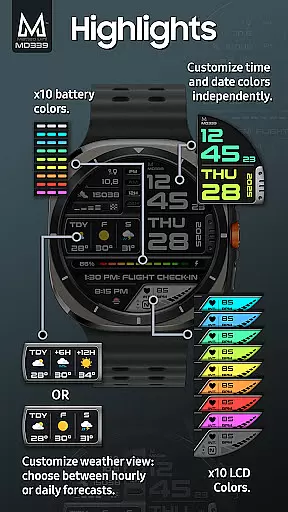
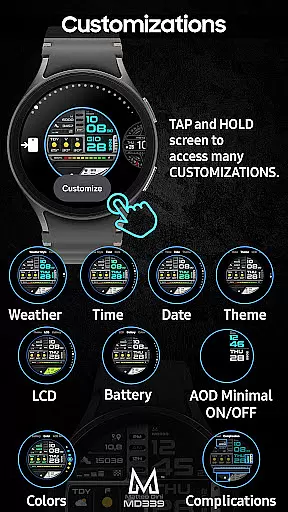
MD339 Digital watch face stands out with its extensive customization capabilities. Users can personalize their watch faces through a simple touch-and-hold action on the screen, accessing a range of adjustable settings. These include independent color changes for time/date displays, complication fonts, battery indicators, and heart rate LCD colors, along with light/dark theme options.
The application integrates seamlessly with the watch's built-in weather provider, offering daily or hourly forecasts based on user preference. Temperature displays adapt to phone settings in either Celsius or Fahrenheit. Additionally, the always-on display mode provides minimal and full view options, ensuring visibility and energy efficiency.
With support for external complications, users can install additional apps to obtain more data types like distance tracking and cryptocurrency values. While complications are managed externally, MD339 ensures smooth integration and reliable performance across supported devices.
Companion app integration is crucial for Android Wear applications as it ensures seamless synchronization between the wearable and its paired smartphone. MD339 Digital watch face excels in this area by leveraging the phone's settings to provide a unified user experience.
The watch face automatically syncs the time format (12/24hr), weather data, and temperature units (Celsius/Fahrenheit) with the connected phone. This eliminates the need for manual configuration on the watch itself and guarantees that users get consistent information across devices.
Additionally, the customization process is designed to be intuitive. Users can personalize their watch face directly from the wearable interface by simply touching and holding the screen, then tapping on the 'customize' option. This streamlined approach allows for effortless personalization without requiring a separate smartphone app.
The integration extends to health metrics too, displaying heart rate monitoring, step counts, and daily goals that are tracked by the phone or watch. By maintaining this connection with the companion device, MD339 ensures that all essential data is always up-to-date and readily accessible on the user's wrist.
Device compatibility is a fundamental aspect of any Wear OS application, determining which smartwatches can utilize the features effectively. The MD339 Digital watch face boasts extensive compatibility with Wear OS devices running API Level 34+ (Wear OS 5 and later versions).
This wide-ranging support includes popular models such as Samsung Galaxy Watch series (4-8, Ultra) and Pixel Watch, ensuring that a broad audience can enjoy its advanced functionalities. However, it's important to note that older Galaxy Watch models (4 or 5) might encounter customization issues due to less recent hardware limitations.
To accommodate diverse user preferences, the watch face offers flexible weather display options. Users can choose between daily forecasts (next 2 days) or hourly forecasts (+6h / +12h). These selections are made through the customization menu, providing personalized information based on individual needs.
Furthermore, the watch face supports various complications, allowing users to display additional data like barometer readings, distance walked, calories burned, UV index, and more. While some complications may require installing external apps, this feature-rich environment enables users to tailor their watch faces extensively, making MD339 an adaptable choice for modern smartwatch owners.
Highly customizable
Modern design
Weather integration
Heart rate monitoring
Wide device support
Older model issues
Weather dependency
External complications
Limited shortcuts
Premium feel

Beautiful artistic animated digital watch face, with a customizable layout!
 4.40
4.40
Elegant animated Christmas tree with multiple customization options
4.20
Watch face for Wear OS.
4.20
Sleek, highly customizable watch face inspired by Galaxy Watch Circle Dashboard.
4.2
Let's celebrate Thanksgiving - Wear Os watch face
4.20
Stylish digital watch face for Wear OS devices with customizable features
4.0
Hyperlocal rain alerts by MyRadar using patent-pending technology, radar & more
4.80
Hybrid Vibrant Health Watch Face for Wear OS
4.4
Your music, your playlists, and more—offline and unlimited.
4.20
WTW M17 is a premium and luxurious hybrid watch face
4.70
Be an elegant and classy secret agent, with this carefully detailed watch face
4.70
Fast and smart typing with Emojis, GIFs, and more
4.50
Embrace the holiday spirit with this magical animated watch face!
4.40
Locate your family members by GPS phone location tracker everywhere and anytime
4.30
Connect, create, and collaborate with Gmail, part of Google Workspace.
4.10
Watch face designed for Thanksgiving Day. 7 Background Styles included.
3.20
Christmas and New Year - Themed Watchface
4.0
Simple Analog-Digital Watchface For Wear OS 3.0 and Up Smartwatches
4.1
Fitness interactive virtual pet super fighter boy watch face
4.0


User Reviews