

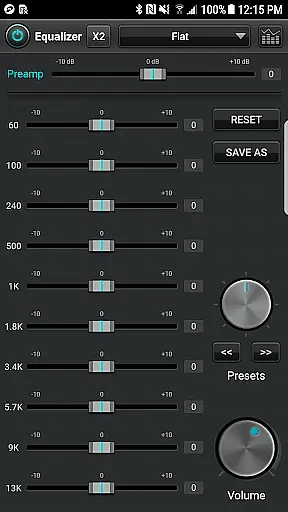
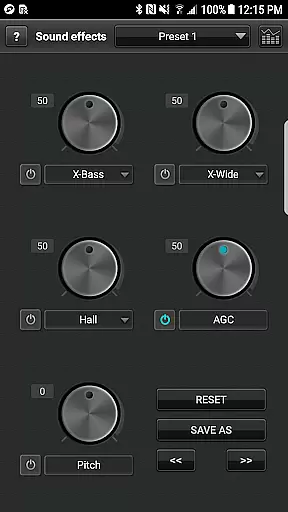
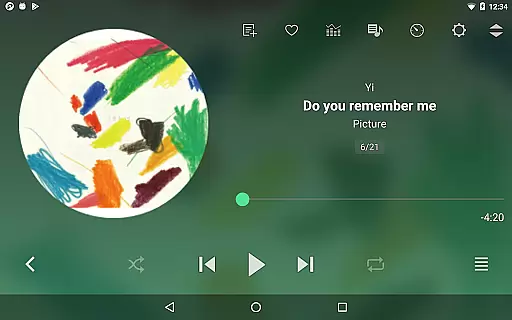
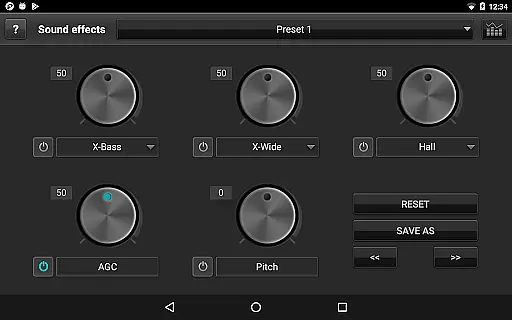
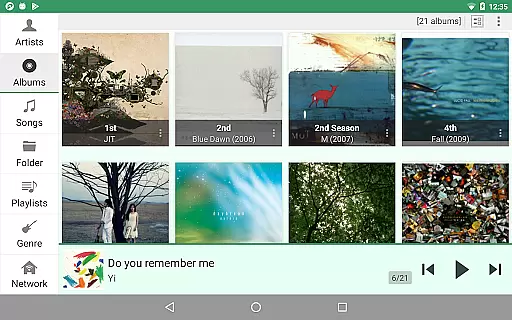
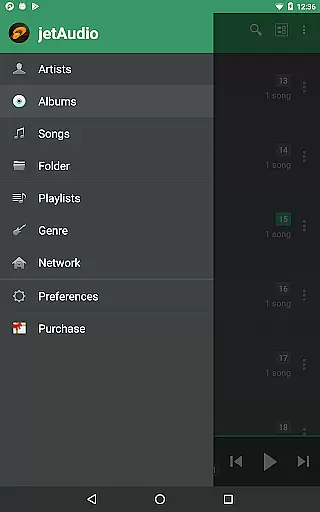
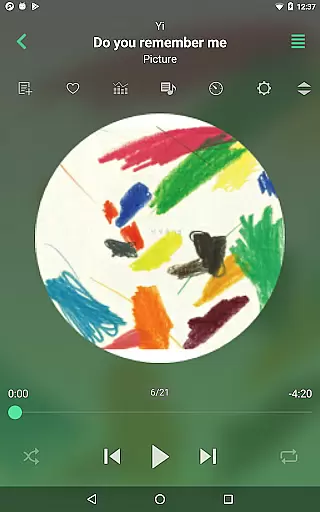
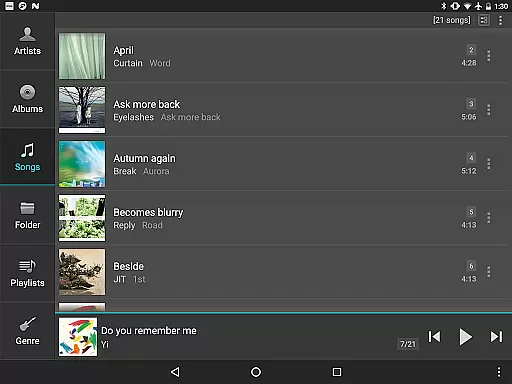
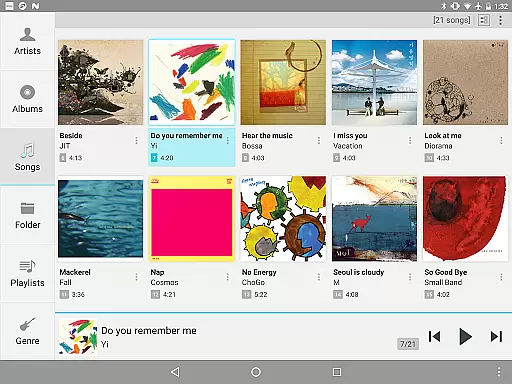
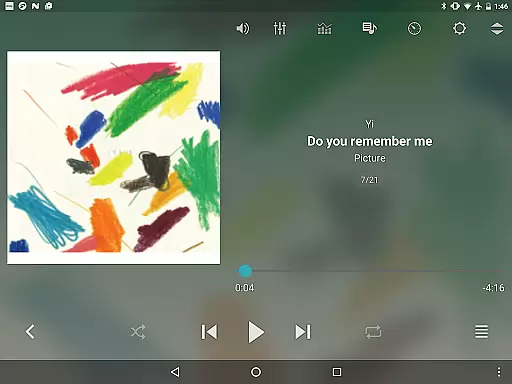
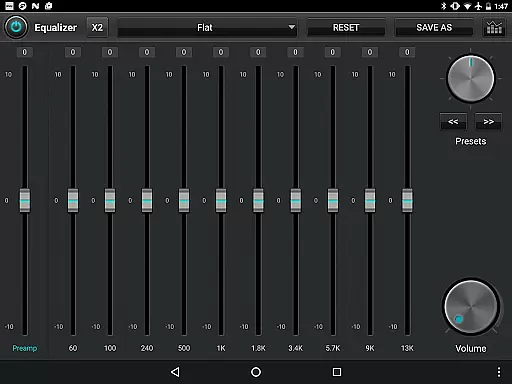
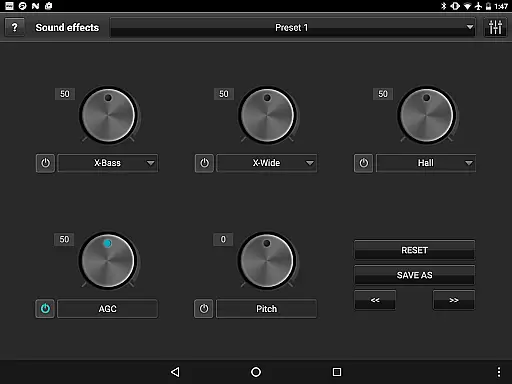
jetAudio+ Hi-Res Music Player is a premier audio solution for Android users, offering an exceptional listening experience. This app supports an extensive range of digital music files including .wav, .mp3, .ogg, .flac, and more, ensuring compatibility with virtually all audio formats. With its advanced sound effects like Wide, Reverb, X-Bass, and a 32 equalizer preset selection, users can customize their audio experience to match their preferences.
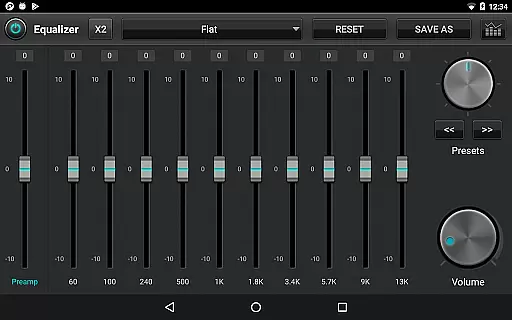
Beyond just playback, jetAudio+ provides innovative features such as streaming from local network shared folders or cloud services like Google Drive and Dropbox. The Plus version further enhances this experience with a 20-band graphic equalizer, pitch shifter, and precise playback speed control. Whether you're an audiophile or a casual listener, jetAudio+ delivers high-quality sound and versatile functionality that caters to every need.
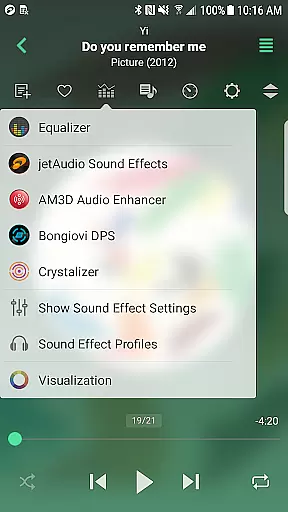
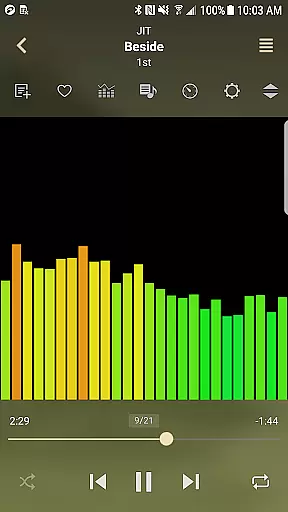
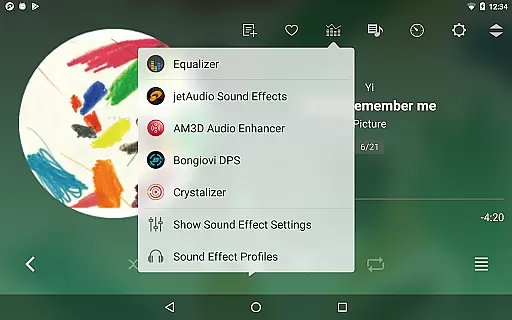
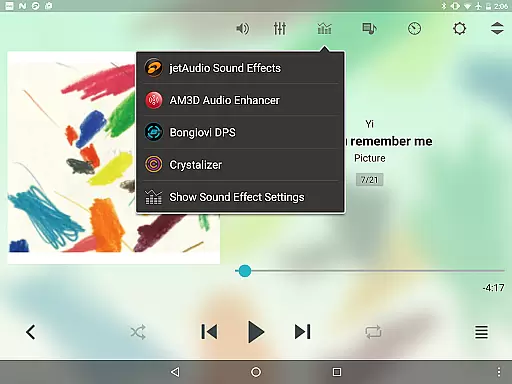
One of the standout aspects of jetAudio+ Hi-Res Music Player is its comprehensive feature set tailored for audio enthusiasts. The app includes specialized sound effects plugins like Crystalizer and AM3D Audio Enhancer, which elevate the auditory experience. Users can also enjoy visualizations while listening, creating an immersive environment for music playback.
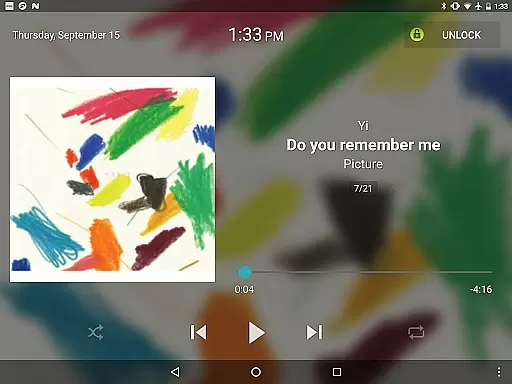
The Plus version offers exclusive functionalities such as a 20-band graphic equalizer, tag editor for various formats, and multiple lock screens. Advanced playback options include pitch shifting, precise speed control, and MIDI playback using the jetAudio WaveTable MIDI synthesizer engine. These features ensure that jetAudio+ remains a top choice for those seeking a customizable and high-fidelity music player on their Android devices.
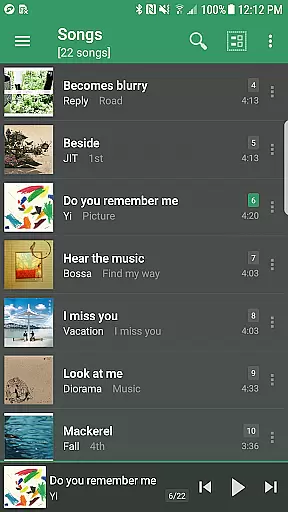
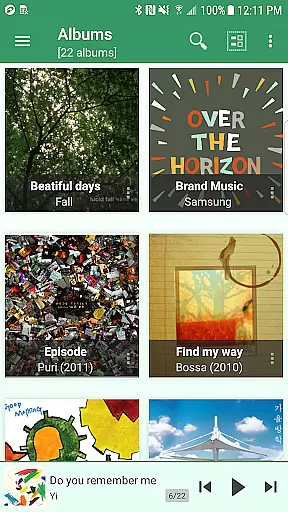
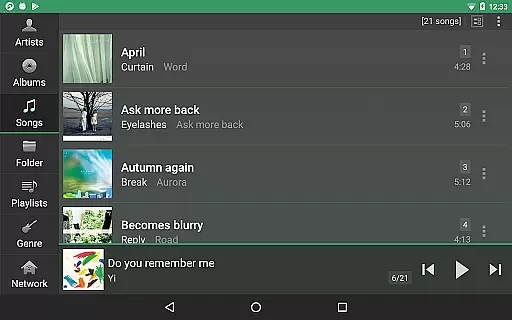
jetAudio+ Hi-Res Music Player offers an extensive music library that supports a wide range of audio formats including MP3, WAV, FLAC, and OGG. This ensures users have access to high-quality sound across various file types.
The application emphasizes copyright authenticity by enabling playback of legally purchased and downloaded music files. Users can be confident in the legitimacy of their audio content while enjoying high-resolution playback.
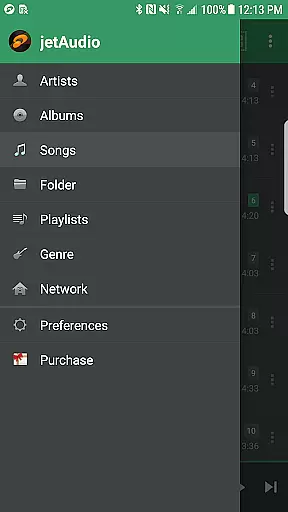
With compatibility for files stored locally and in cloud services like Google Drive and Dropbox, jetAudio+ provides flexible options for managing large collections of music. This versatility allows users to enjoy their entire music library without storage limitations.
By supporting high-res audio formats, jetAudio+ caters to audiophiles who demand the best sound quality. The app's commitment to authentic music reproduction makes it a top choice for discerning listeners.
One of jetAudio+'s standout features is its advanced audio quality options, including 20-band graphic equalizer and various sound effects like X-Wide, Reverb, and X-Bass. These tools allow users to customize their listening experience with precision.
The application offers pitch-adjusted speed control from 50% to 200%, enabling users to change playback tempo without affecting audio quality. This feature is particularly useful for musicians and language learners.
For those seeking professional-grade audio manipulation, jetAudio+ provides AGC (Automatic Gain Control) to maintain consistent volume levels between tracks. The app also supports gapless playback and crossfading for seamless music transitions.
With support for high-resolution audio formats up to 24bit/192kHz, jetAudio+ delivers studio-quality sound. The inclusion of premium audio enhancement plugins like AM3D Audio Enhancer further elevates the listening experience.
High-quality sound output
Wide format compatibility
Advanced equalizer settings
Exclusive Plus features
Cloud music streaming
Paid Plus version required
Some features in-app purchase
Advertisements in Basic
Complex for beginners
Limited free visualization

Control your MIDI USB or Bluetooth devices in app and avoid some trampling
 3.30
3.30
Performance-Synthesizer & Multi-Track-Sequencer, polyphonic + multi timbral!
4.70
Taal player that lets you sing any Indian & Western song with Tabla & Tanpura
4.60
Save hundreds of dollars for a physical strobe tuner and instead use this app.
4.50
Next generation modular control surface
4.10
Super Sound Editor, Song Maker & Mixer, Vocal Remover, Voice Recorder & Changer!
4.60
Make songs with AI! Any genre, custom lyric, song generator for music creation!
4.80
Manage your Sonos system directly from your home-screen!
4.40
PowerAudio is a powerful offline music player.
4.20
Listen radio AM / FM Stations. Live AM / FM Radio App Station. Radio Com.
4.70
Let your Android device with the sound effects you want
4.50
10-Band Audio Equalizer, Sound / Bass Booster for Spotify Users & Music Players
4.40
The Music Journey in Your Hands
4.30
Advanced 10-Band Audio Graphic Equalizer Sound Booster Pro
4.30
A High-Precision Audio Spectrum Analysis App
4.20
The ultimate media player for Android devices
3.90
Learn to play the piano using falling notes!
3.80
Make music anywhere. Turn your device into an instrument.
4.3
Music Streaming suite for Ampache, Nextcloud Music and compatible backends.
4.0


User Reviews