
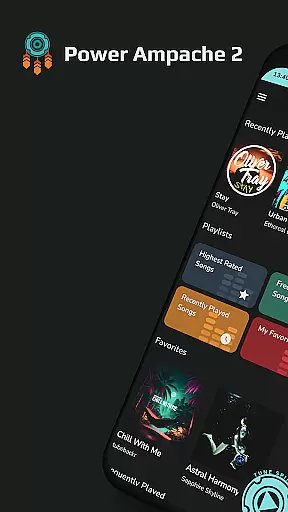
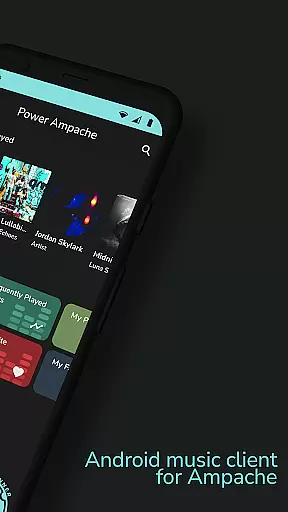
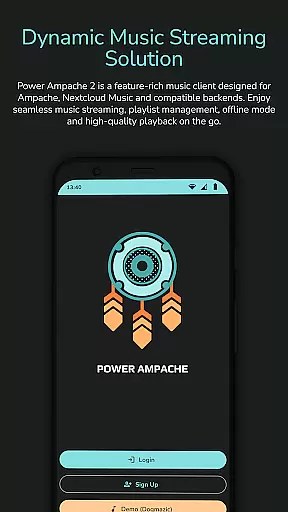
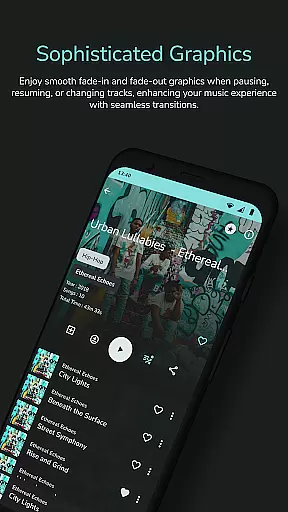
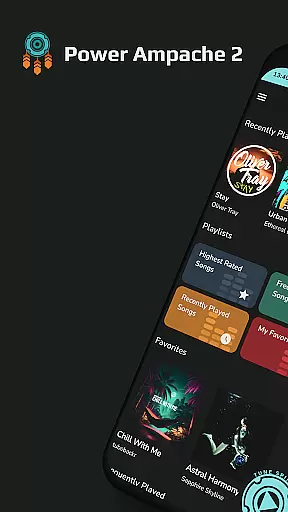
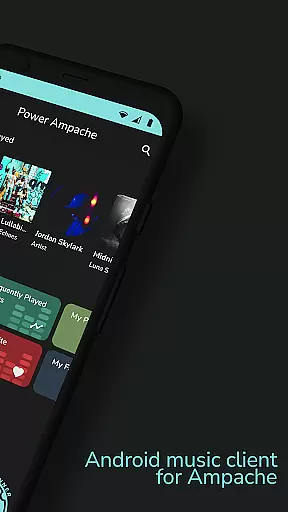
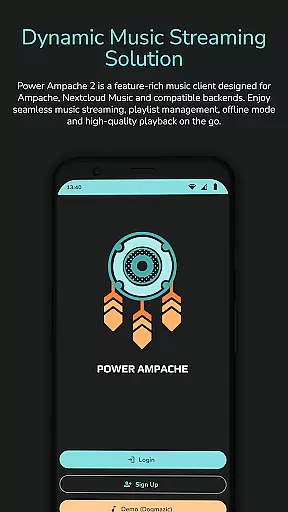
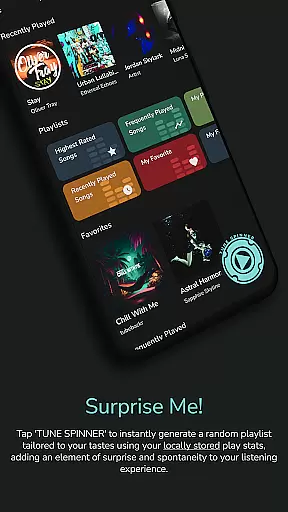
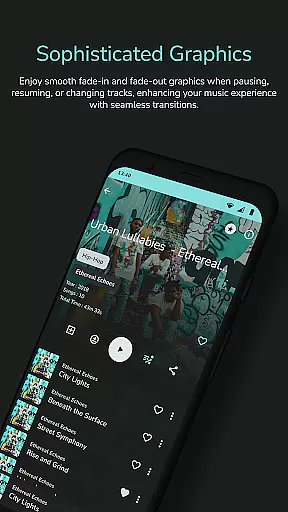
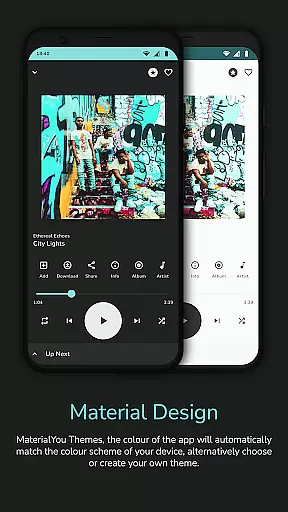
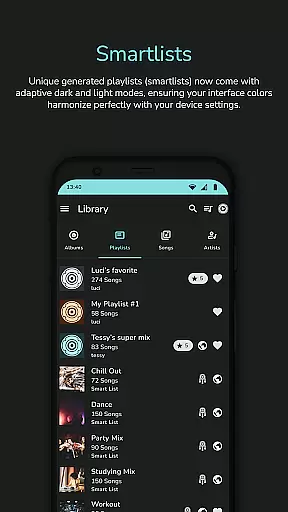
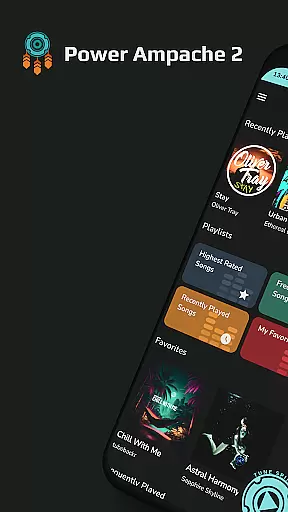
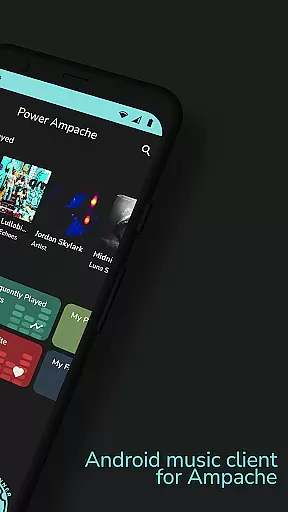
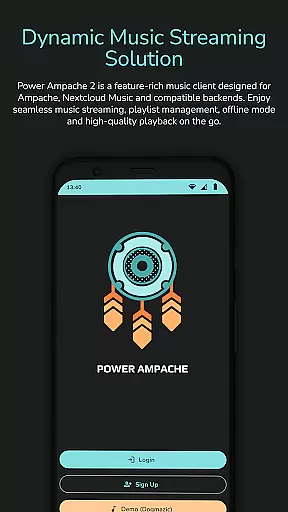
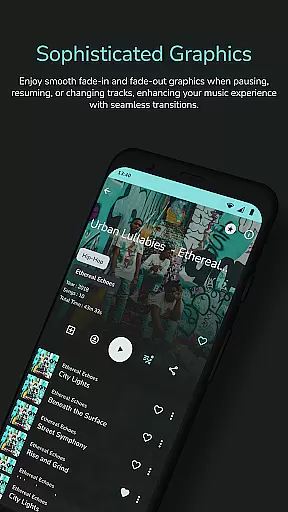
Power Ampache 2 is a versatile music client tailored for Ampache, Nextcloud Music, and other compatible backends. It combines all the essential features of mainstream music players with advanced functionalities like multi-account support, offline mode, and an ad-free interface. The app allows users to download and export music files, access lyrics, and enjoy a tracking-free experience.
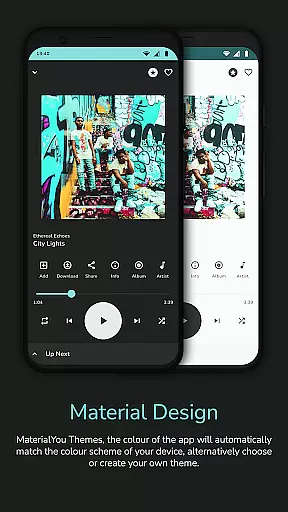
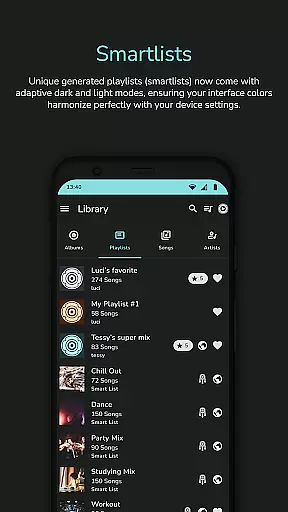
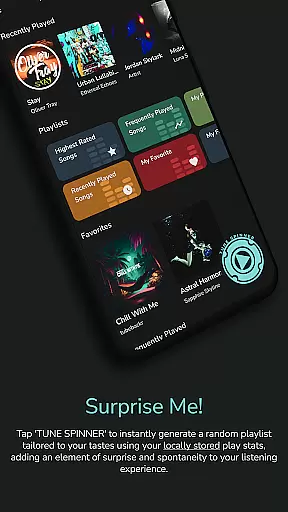
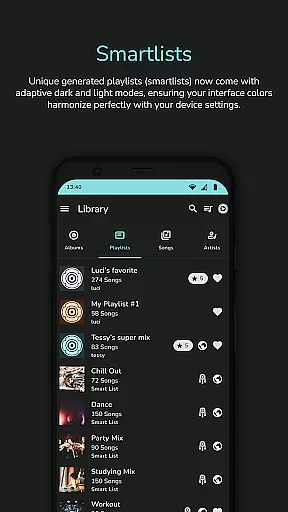
With unique smartlists, playlist creation tools, and a 'Spin it!' button for instant mixes, Power Ampache 2 caters to both casual listeners and audiophiles. Its modern design includes dark and light modes, adaptive interface colors, and lock screen controls. Whether you're streaming from Ampache servers or managing local files, this app ensures a seamless, high-quality audio experience.
Power Ampache 2 stands out with its robust feature set designed to enhance music accessibility and user control. Key highlights include smartlists for dynamic playlists, drag-and-drop playlist editing (coming soon), and advanced search capabilities for locating songs, albums, or artists quickly. The app also supports offline listening, ensuring uninterrupted playback even without an internet connection.
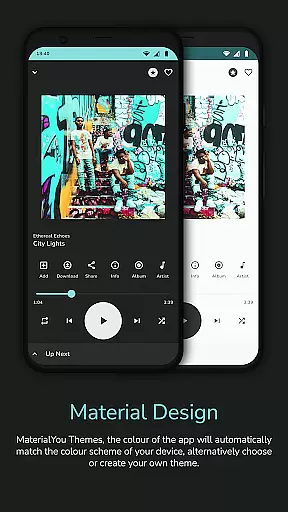
Additional functionalities such as media key integration, Bluetooth support, and Android TV compatibility (in progress) make it adaptable to various devices. Its open-source nature ensures transparency, while Material3 and MaterialYou designs provide a sleek, customizable interface. With no ads or unnecessary permissions, Power Ampache 2 prioritizes user privacy and satisfaction.
Power Ampache 2 offers a vast music library by connecting to Ampache, Nextcloud Music, and compatible backends. This ensures users have access to a wide range of songs while maintaining the authenticity of content through direct server connections.
The app supports multi-account features which means users can connect to different servers or libraries, significantly expanding the available music catalog. This feature is especially beneficial for those who want to explore diverse music collections without limitations.
Moreover, Power Ampache 2 emphasizes copyright authenticity by allowing users to download and export music files legally. This not only respects intellectual property rights but also provides peace of mind to users who are cautious about the legality of their music sources.
With its open-source transparency, users can verify how the music library is managed and ensure that all tracks are obtained from legitimate sources, enhancing trust in the platform.
One of the standout features of Power Ampache 2 is its commitment to delivering high-quality audio. The app supports full-quality music streaming, ensuring that users can enjoy their favorite tracks with pristine sound fidelity.
Although FLAC support is coming soon, the current audio formats provide an excellent listening experience. Users can expect clear, detailed soundscapes that bring out the best in their music collection.
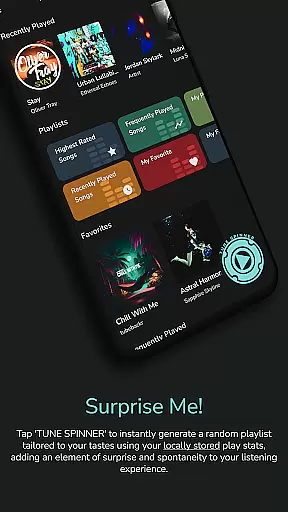
In addition to superior audio quality, Power Ampache 2 offers advanced functionalities such as 'Spin it!' button which generates playlists tailored to user preferences. This enhances the overall auditory experience by providing dynamic and personalized content.
The app's modern design includes media keys support and Bluetooth functionalities, allowing seamless control over playback on various devices. These features contribute to a versatile and high-quality audio experience, making Power Ampache 2 a top choice for audiophiles.
User-friendly interface
Ad-free experience
Advanced offline mode
Open-source transparency
Multi-account support
Widgets not available yet
FLAC support pending
Android Auto in development
Playlist drag-and-drop incomplete
Tablet UI optimization ongoing

The Music Journey in Your Hands
 4.30
4.30
The Cubase remote control app
3.60
Most Advanced AI Song Generator and Music Creator. Rap, Pop, Rock, Gospel & more
4.70
A High-Precision Audio Spectrum Analysis App
4.20
Learn and play 2M+ music tabs & chords on guitar, ukulele, bass, and more
4.30
The official Sonos app
4.10
Offline Music Player&MP3 Player with themes, equalizer, lyrics, music play mode
4.60
The iconic iOS metronome app is now on Android.
3.70
Uninterrupted Tunes, Unmatched Vibes
3.90 4.70
4.70
SqueezePlayer turns your Android phone or tablet into a SqueezeBox on its own!
4.60
Recording studio w/ 10k beats, pro vocal FX and a network of 20M rappers & fans!
4.60
Save hundreds of dollars for a physical strobe tuner and instead use this app.
4.50
Advanced 10-Band Audio Graphic Equalizer Sound Booster Pro
4.30
Time Trainer: accurate metronome w tools to help you develop your internal time!
4.20
Smart piano keyboard, Classical to Pop, Real-time multiplayer connection!
4.20
Offline and always ad-free - stream in the highest quality available.
4.10
Sing, record, and create music together — enhanced by smart voice tools.
4.00
Control your MIDI USB or Bluetooth devices in app and avoid some trampling
3.30


User Reviews