
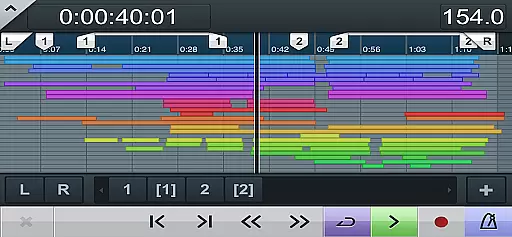
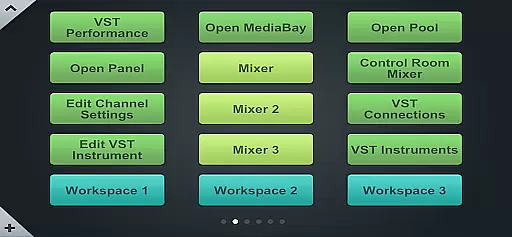
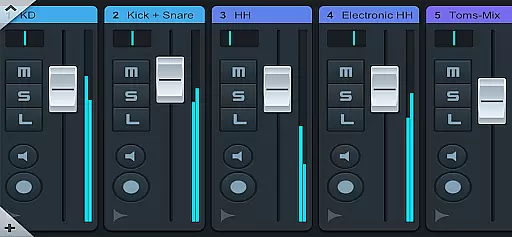
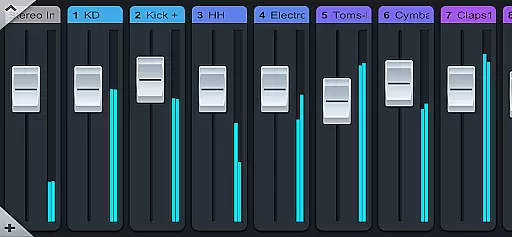
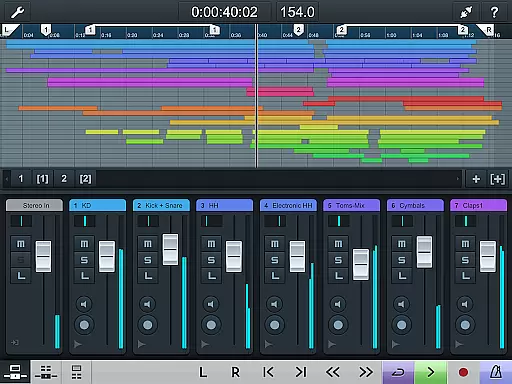
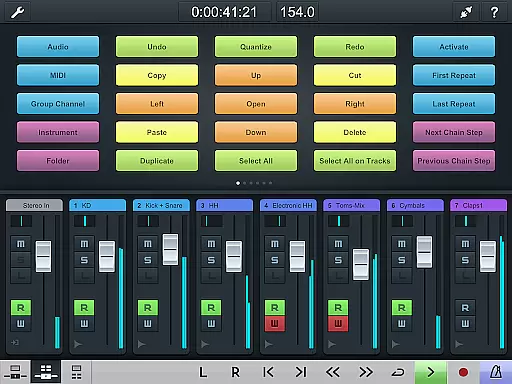
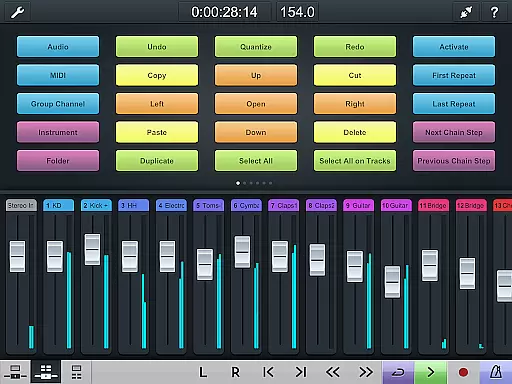
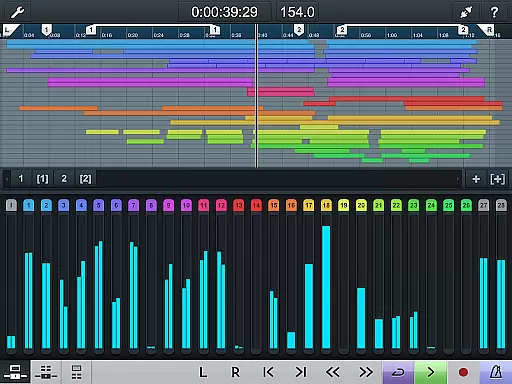
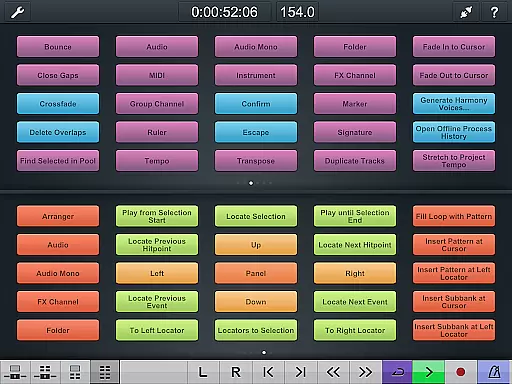
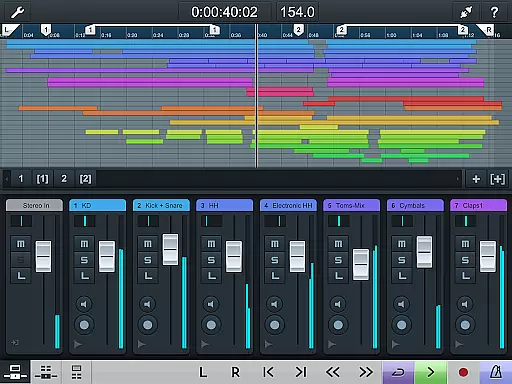
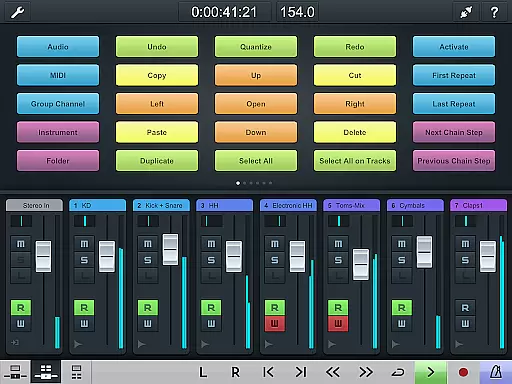
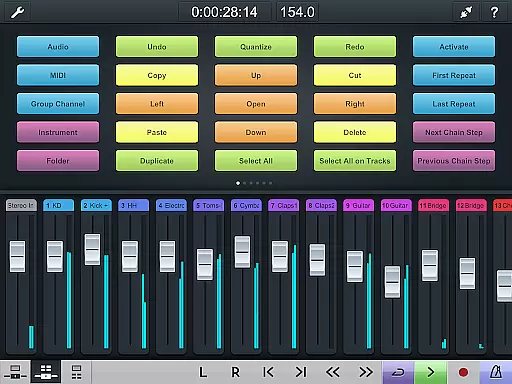
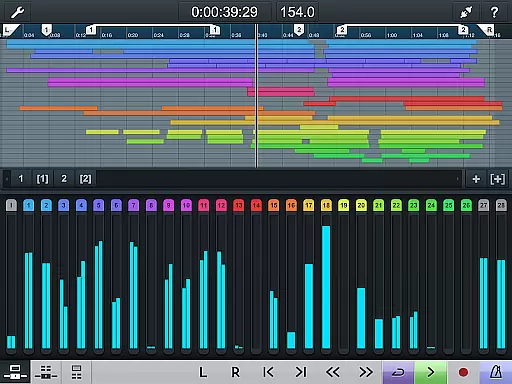
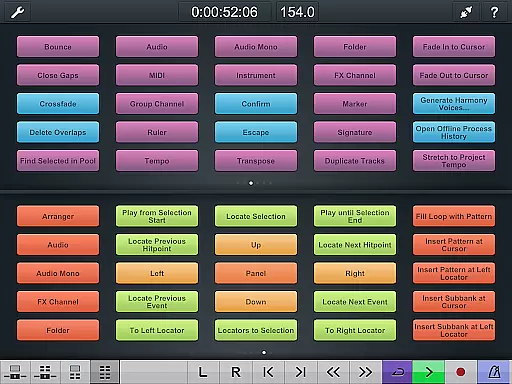
Cubase iC Pro is an advanced control application designed specifically for music production professionals using Cubase software. This app serves as a personal recording assistant, enabling users to connect more deeply with their Cubase projects than any other app on the market. The key features include a project overview page and mixer that mirror the Cubase interface, allowing seamless navigation and control.
Additionally, the key command page provides a powerful tool for customizing frequently used keyboard shortcuts and macros. While it requires a connection to Cubase to function, and some features are only compatible with advanced Cubase versions, Cubase iC Pro remains an indispensable companion for audio professionals seeking efficient project management and enhanced productivity.
Cubase iC Pro offers several standout features that cater specifically to the needs of audio engineers and musicians. First and foremost, its project overview page and mixer provide a familiar interface that mirrors the Cubase environment, ensuring users can easily manage tracks, levels, and settings directly from their mobile device.
Another notable feature is the key command customization tool, which allows users to set up their most-used keyboard shortcuts and macros. This functionality streamlines workflow by providing quick access to essential commands. However, it's important to note that the app relies on the Steinberg SKI Remote software for connectivity, and certain advanced features are only available when paired with higher-tier Cubase versions.
Overall, these features make Cubase iC Pro an invaluable tool for professionals who require precise control over their Cubase sessions while working remotely or in the studio.
When it comes to music production, having access to a vast and diverse music library is essential. Cubase iC Pro offers an extensive collection of high-quality audio samples and loops that are fully licensed and royalty-free. This ensures that musicians can explore various genres and styles without worrying about copyright infringement.
The app's integration with Cubase provides seamless access to these resources directly from the project overview page. Users can easily browse, preview, and import sounds into their projects, streamlining the creative process. The content is regularly updated, keeping the library fresh and relevant for producers seeking new inspiration.
Moreover, Steinberg has established partnerships with renowned sound designers and composers to curate exclusive content available only through Cubase iC Pro. These premium libraries offer unique instruments and effects that elevate productions to professional standards while maintaining complete legal compliance.
Audio quality is paramount in music production, and Cubase iC Pro excels in delivering pristine sound across all its features. The app supports high-resolution audio formats up to 32-bit/192kHz, ensuring that every detail of your recordings is captured with exceptional clarity and precision.
Through its advanced mixer interface, users have precise control over channel strip settings, EQs, dynamics processing, and effects routing. This level of granularity allows producers to fine-tune their mixes exactly as they envision them. Additionally, the key command page enables quick access to frequently used functions, enhancing workflow efficiency during critical recording sessions.
For those working on complex projects requiring multiple audio streams or surround sound configurations, Cubase iC Pro maintains optimal performance without compromising on quality. Its robust architecture handles large track counts effortlessly, making it an indispensable tool for both studio professionals and aspiring artists alike.
Deep Cubase integration
Intuitive project overview
Customizable key commands
Efficient workflow tools
Professional-grade utility
Requires Cubase connection
Limited standalone use
Advanced features locked
Dependent on SKI Remote
Premium version needed

SqueezePlayer turns your Android phone or tablet into a SqueezeBox on its own!
 4.60
4.60
Tune in to the greatest hits on UK Radio | The home of Capital, Smooth & Heart.
4.90
Control your MIDI USB or Bluetooth devices in app and avoid some trampling
3.30
10-Band Audio Equalizer, Sound / Bass Booster for Spotify Users & Music Players
4.40
Permanently backup Now Playing. Maps, filters & listening stats.
4.00
AI Music Maker: Generate And Compose AI Tunes & AI Songs & AI Music & AI Melody!
4.60
Make songs with AI! Any genre, custom lyric, song generator for music creation!
4.80
Offline Music Player & MP3 Player.Powerful equalizer, Lyrics, Themes, Tag Editor
4.80
The original SP-1200 experience on your iPad
4.20
24,000 free audio books and no ads!
4.90
Full-featured, High-Quality Groovebox Workstation, perfect for Live Performance!
4.80
Your song collections with lyrics and chords on Android smartphones and tablets.
4.80
Pay Once, no monthly payment
4.60
Formerly known as Spotistats! View your top tracks, artists, albums and more!
4.40
The Music Journey in Your Hands
4.30
Enjoy singing any song, no matter how high or low it is
4.30
A High-Precision Audio Spectrum Analysis App
4.20
The iconic iOS metronome app is now on Android.
3.70
Simple mp3 and mp4 player with advanced features.
3.40


User Reviews