
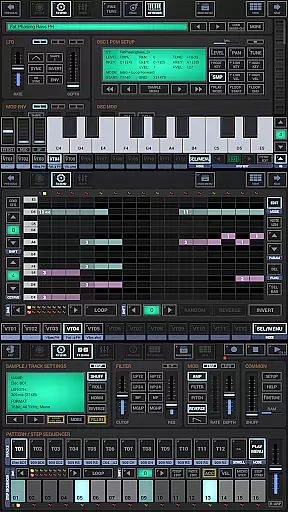
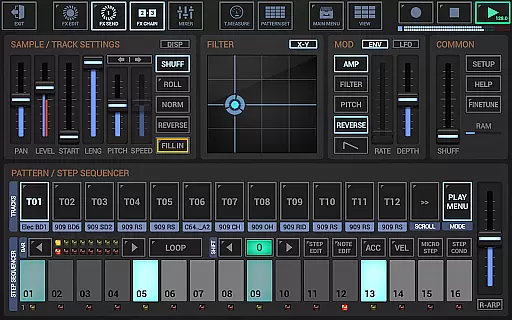
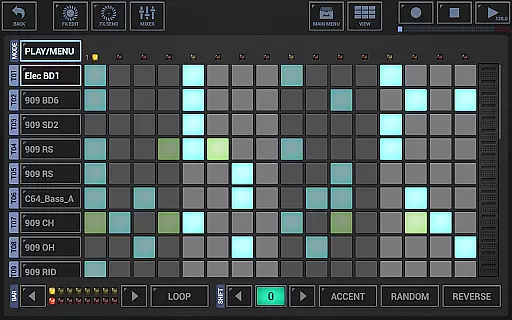
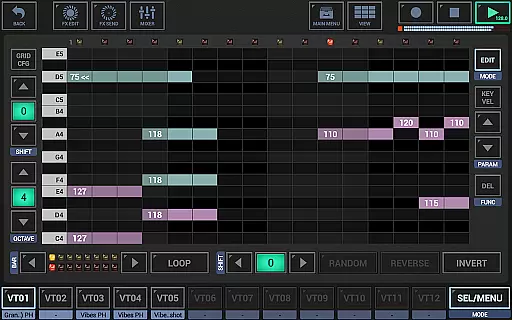
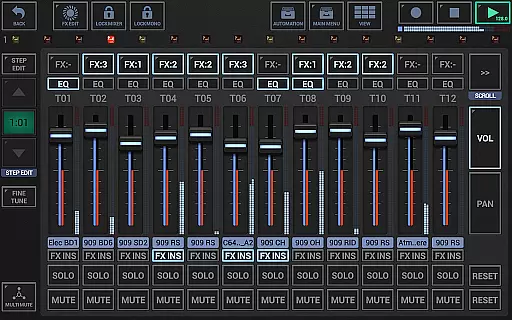
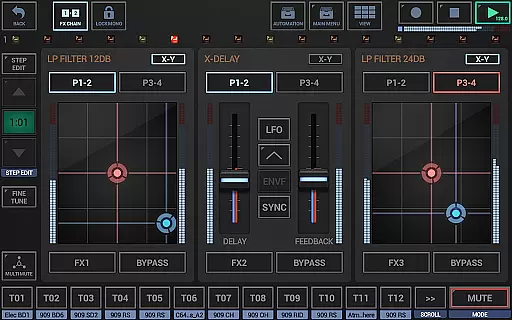
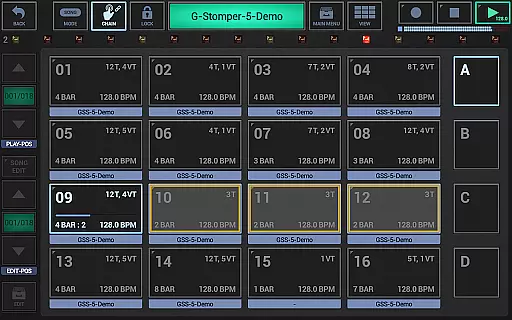
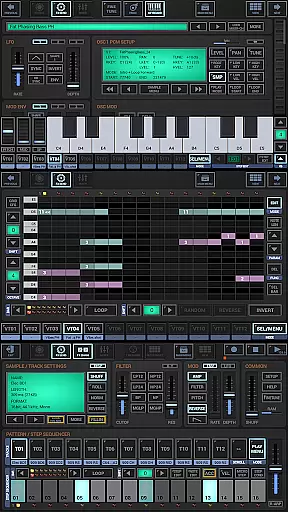
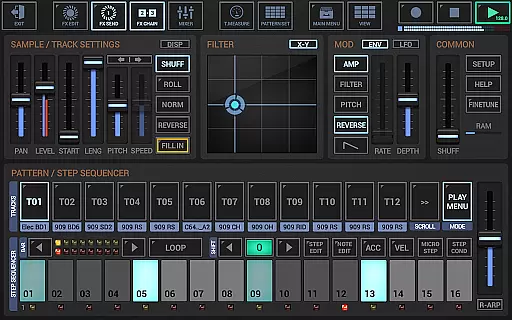
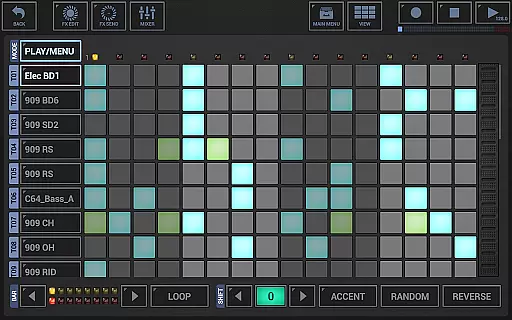
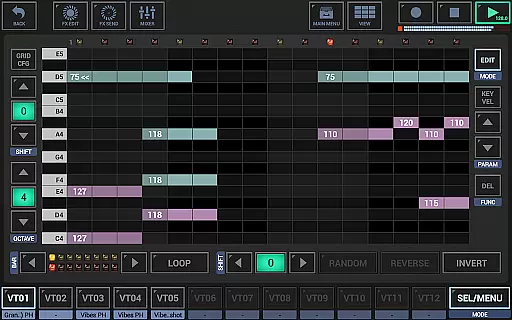
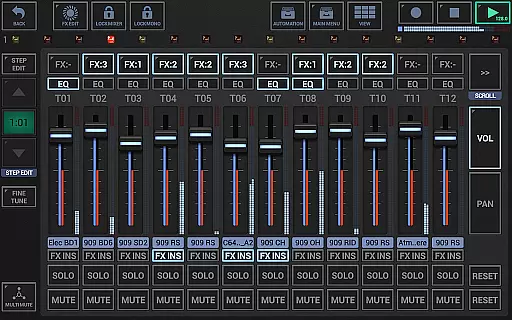
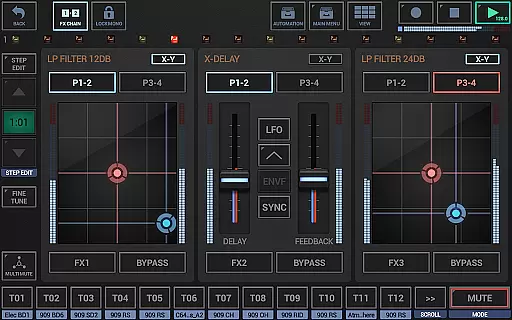
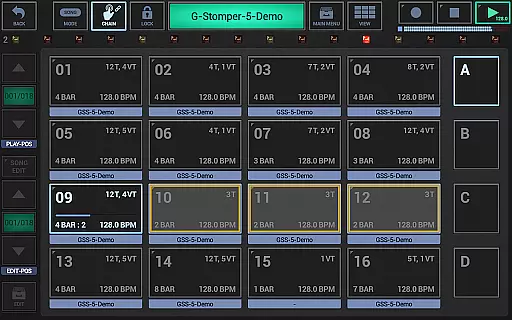
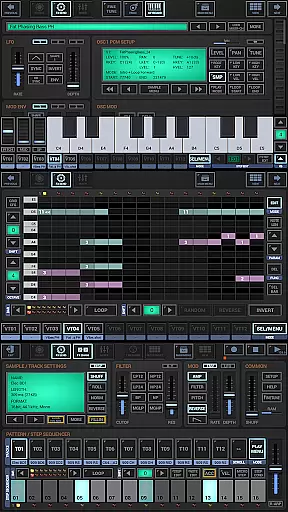
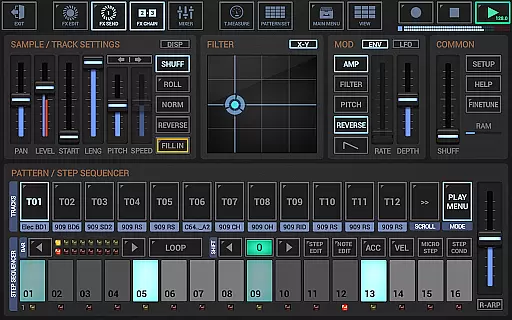
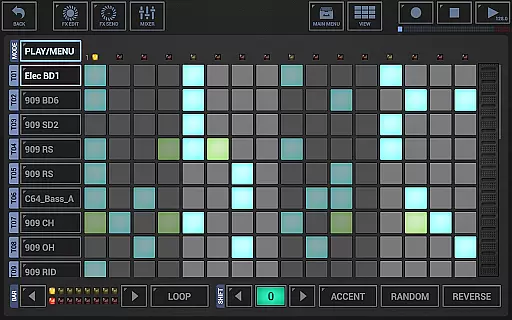
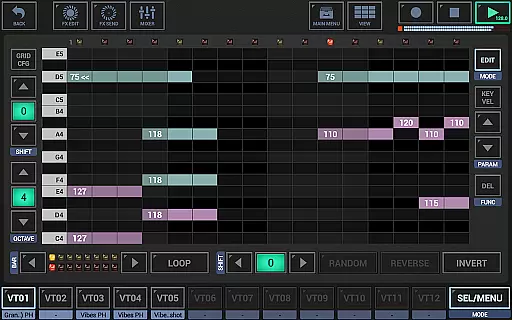
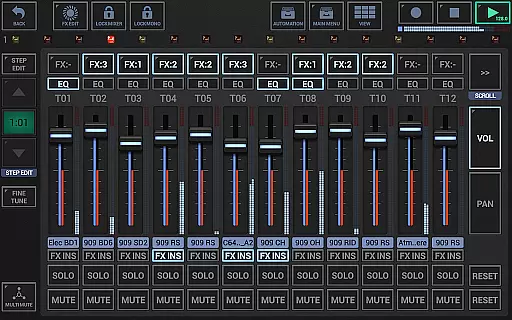
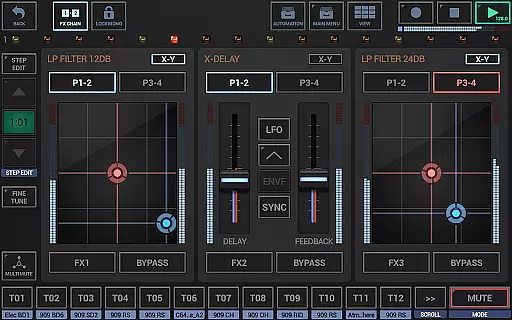
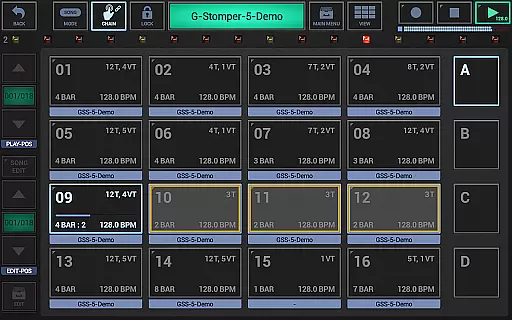
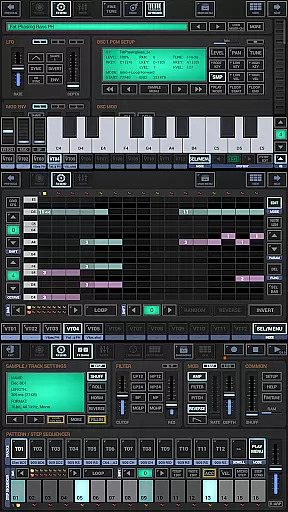
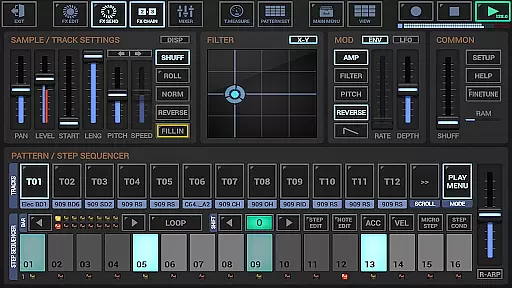
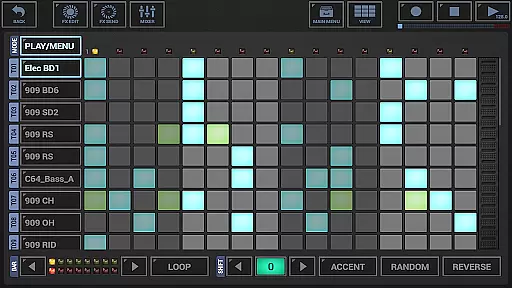
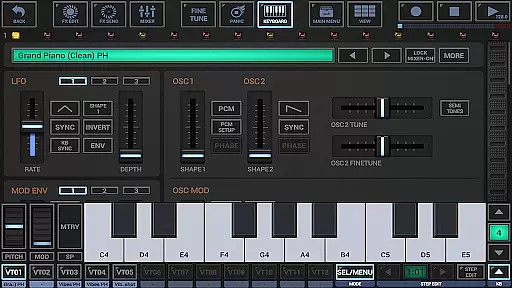
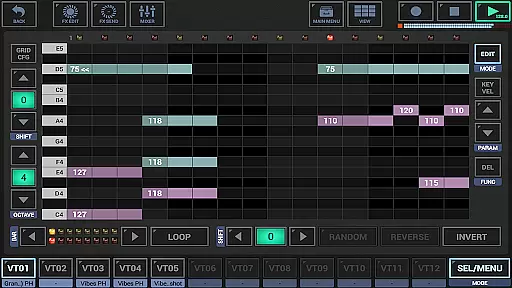
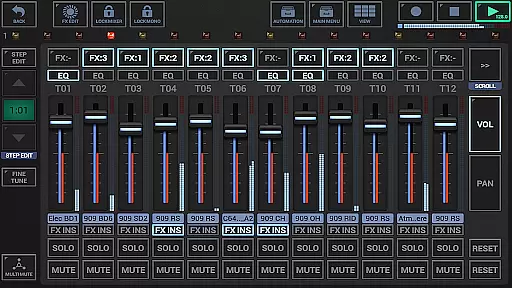
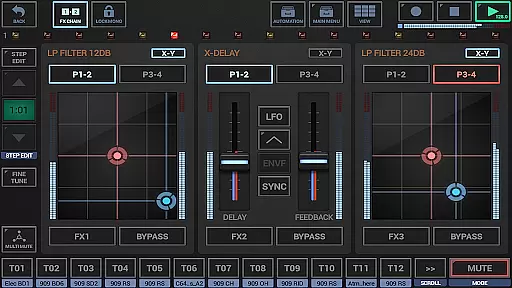
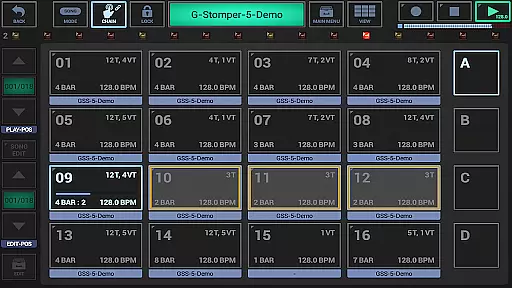
G-Stomper Studio is a comprehensive music production tool designed for electronic live performances with studio-level quality. This app integrates a drum machine, sampler, synthesizer, sequencers, and various other tools to create complex music compositions on the go.
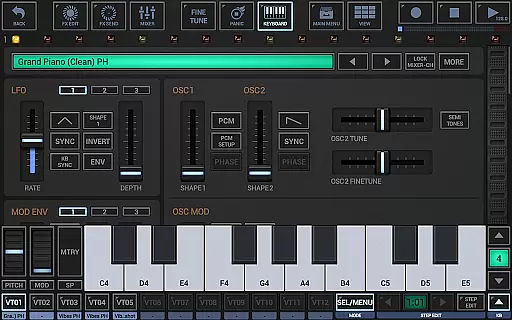
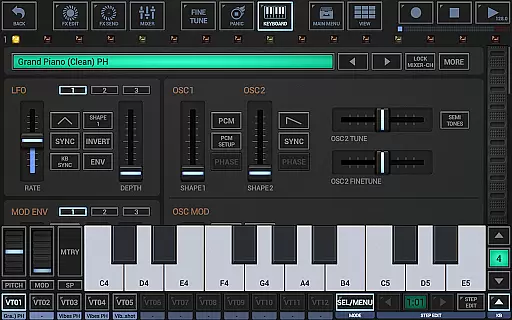
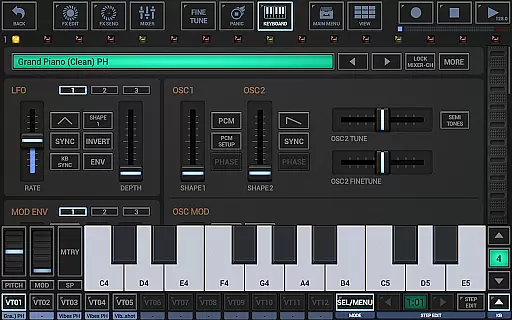
With features like VA-Beast Synthesizer, multiple step sequencers, piano keyboard, and effect rack, G-Stomper Studio offers everything needed for both beginners and experienced sound designers to produce impressive studio-quality sounds. Its intuitive interface allows users to quickly start creating their own music wherever they are.
The app is suitable for musicians who need a portable yet powerful solution for music creation. Whether you're performing live or producing tracks in a home studio, G-Stomper Studio provides the necessary tools to bring your musical ideas to life.
G-Stomper Studio boasts an array of advanced features tailored for music production enthusiasts. The integrated VA-Beast Synthesizer supports polyphonic synthesis and comes equipped with advanced FM support, making it versatile for designing intricate sounds.
In addition to its robust synthesizer, the app includes several types of sequencers such as Drum Machine, Sampler Track Grid, and VA-Beast Poly Grid, allowing detailed control over rhythm and melody. The inclusion of a line mixer with parametric EQ and insert effects per channel ensures professional-grade mixing capabilities.
Furthermore, G-Stomper Studio offers full MIDI integration, high-quality audio engine, and motion sequencing support, enhancing the creative workflow. These features collectively enable users to craft unique compositions efficiently while maintaining exceptional sound fidelity.
G-Stomper Studio offers an extensive music library that caters to a wide range of electronic music production needs. The app includes a rich collection of factory sounds and samples, ensuring users have access to high-quality audio resources for their compositions.
Regarding copyright authenticity, G-Stomper Studio provides users with the ability to import and use their own samples in various formats such as WAV, AIFF, MP3, OGG, and FLAC. This feature not only enhances creative freedom but also ensures that users can maintain proper licensing for any proprietary sounds they wish to incorporate into their projects.
The app's support for user samples means musicians and producers can expand their sound libraries legally and confidently. With the option to export tracks in multiple resolutions, from 8-bit to 32-bit at up to 96kHz, users are equipped to produce professional-grade music while respecting copyright laws.
Audio quality is paramount in music production, and G-Stomper Studio excels in delivering pristine sound through its high-quality audio engine. Utilizing 32-bit float DSP algorithms, the app ensures that all audio processing, from synthesis to effects, maintains studio-level clarity and depth.
The inclusion of 47 different effect types, including dynamic processors, resonant filters, distortions, delays, reverbs, and vocoders, allows for intricate sound design and mixing capabilities. These effects, coupled with features like sidechain support, tempo sync, LFOs, and envelope followers, provide users with the tools needed to craft complex audio landscapes with precision.
Furthermore, G-Stomper Studio's capability to export WAV files and record live sessions in resolutions ranging from 8-bit to 32-bit at up to 96kHz guarantees that final outputs retain the highest fidelity possible. This makes the app suitable for both immediate playback and further refinement in professional digital audio workstations.
User-friendly interface
High-quality audio engine
Comprehensive set of tools
Real-time sample modulation
Supports multiple file formats
Steep learning curve
Requires powerful hardware
Complex for beginners
Limited free version
Occasional bugs reported

Make music anywhere. Turn your device into an instrument.
 4.5
4.5
The Cubase remote control app
3.60
Save hundreds of dollars for a physical strobe tuner and instead use this app.
4.50
Your song collections with lyrics and chords on Android smartphones and tablets.
4.80
The ultimate media player for Android devices
3.90
Enjoy singing any song, no matter how high or low it is
4.30
The Minimalistic Premium Music Player. Handmade with passion for music
2.20
PowerAudio is a powerful offline music player.
4.20
Uninterrupted Tunes, Unmatched Vibes
3.90
More downloads than any other metronome. Includes drum machine & tempo trainer.
4.80
Make songs with AI! Any genre, custom lyric, song generator for music creation!
4.80
Most Advanced AI Song Generator and Music Creator. Rap, Pop, Rock, Gospel & more
4.70
Recording studio w/ 10k beats, pro vocal FX and a network of 20M rappers & fans!
4.60
A synth that really lets you shape your sounds!
4.50
Enhance the sound quality of your devices, listen to what you want
4.50
Formerly known as Spotistats! View your top tracks, artists, albums and more!
4.40
Master Salsa Rhythm quickly and with a lot of fun!
4.30
The only true audiophile music player with Hi-Fi audio rendering and DSP engine
3.90
Offline Tunes, Unlimited Vibes
3.90


User Reviews