
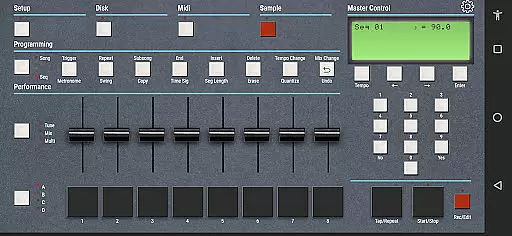
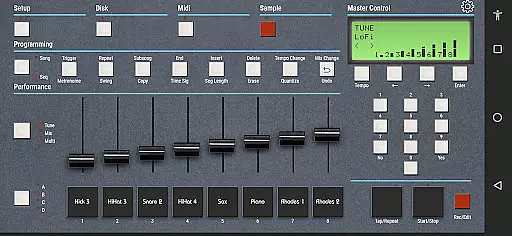
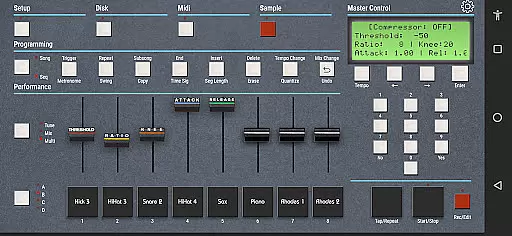
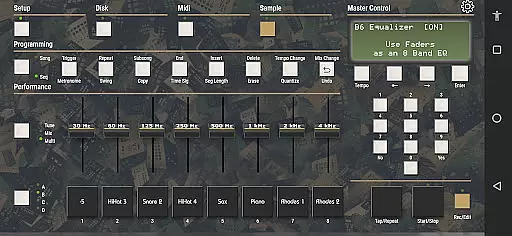
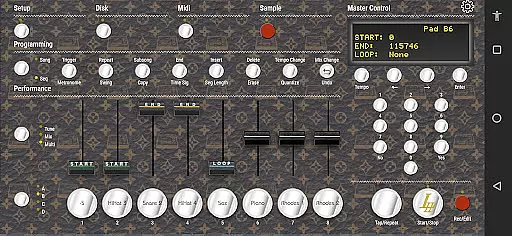
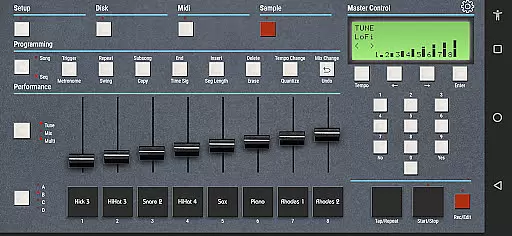
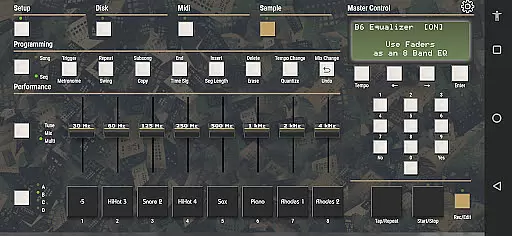
eSPi is a powerful music production app that brings the iconic SP-1200 sampler experience to your iPad. Designed for beatmakers and producers, this application allows you to create sampled beats with an authentic 90s vibe. The app's gritty sound emulation and intuitive workflow make it perfect for crafting hip-hop and house music tracks.
With eSPi, users can import or record samples directly within the app, chop them up, pitch them, and sequence them effortlessly. It features multiple filters, effects, a compressor, and most importantly, an accurate emulation of the signature SP-1200 sound when pitching samples. Available on Mac, Linux, and PC as well, eSPi offers a versatile solution for modern musicians seeking classic sounds.
eSPi stands out with its comprehensive set of features tailored for music producers. The app includes multiple filters and effects that allow users to shape their sound precisely. A built-in compressor ensures dynamic control over your beats, while the signature gritty sound emulation captures the essence of the legendary SP-1200 sampler.
The app supports both sample importing and recording, giving users flexibility in sound sourcing. Once samples are loaded, they can be chopped, pitched, and sequenced using an interface designed for efficiency and ease of use. This streamlined workflow, combined with cross-platform availability on Mac, Linux, and PC, makes eSPi an essential tool for creating authentic 90s-style beats anywhere, anytime.
When it comes to music production applications like eSPi, the size and variety of the music library play a crucial role in creative flexibility. eSPi offers an extensive collection of samples that users can import or record themselves, providing a rich foundation for beat creation.
The application goes beyond just quantity by ensuring the authenticity and legality of its sound library. Each sample is properly licensed, giving users peace of mind when creating music. This commitment to copyright compliance ensures that musicians can focus on their craft without legal concerns.
Furthermore, eSPi's compatibility across multiple platforms including iPad, Mac, Linux, and PC allows seamless access to this vast library. Whether you're at home or on the go, your sounds are readily available, making it an indispensable tool for any music producer.
Audio quality is paramount in music production, and eSPi excels in delivering top-notch sound. The app emulates the gritty signature sound of the legendary SP-1200, renowned for its unique tonal character when pitching samples up and down.
In addition to its core emulation capabilities, eSPi provides multiple filters, effects, and a compressor. These tools allow producers to shape their sound with precision, adding depth and texture to their beats. The result is a professional-grade audio output that captures the essence of 90s hip-hop and house music.
Moreover, eSPi supports various audio formats, ensuring compatibility with different production setups. This versatility empowers musicians to achieve their desired sound without limitations, making eSPi an essential tool for both novice beatmakers and seasoned professionals alike.
User-friendly interface
Authentic SP-1200 emulation
Cross-platform support
Comprehensive effects suite
Flexible sample handling
Limited to 90s sound
No advanced DAW features
iPad only interface
Requires learning curve
Additional IAPs possible

Equalizer, Bass Booster and Volume Booster (Eq & Bass) improve sound quality
 4.30
4.30
Offline and always ad-free - stream in the highest quality available.
4.10
The Music Journey in Your Hands
4.30
Time Trainer: accurate metronome w tools to help you develop your internal time!
4.20
Enhance the sound quality of your devices, listen to what you want
4.50
Bass Booster Pro takes auto-equalizing to the next level!
4.30
Voice recorder - Audio recorder. Best recorder for recording
4.90
Full featured mp3 and audio player with Chromecast and Android Auto support.
4.40
Reverse your voice & songs instantly! Fun singing challenge with cool effects.
4.60
Offline Music Player & MP3 Player.Powerful equalizer, Lyrics, Themes, Tag Editor
4.80
Visualize the guitar fretboard, master scales & play through changes like a pro!
4.50
Ringtone Maker is free app create ringtone from music files or your recording.
4.40
Time Guru will strengthen your internal sense of musical time via random muting.
4.30
Smart piano keyboard, Classical to Pop, Real-time multiplayer connection!
4.20
Next generation modular control surface
4.10
Permanently backup Now Playing. Maps, filters & listening stats.
4.00
The ultimate media player for Android devices
3.90
Control your MIDI USB or Bluetooth devices in app and avoid some trampling
3.30
The Minimalistic Premium Music Player. Handmade with passion for music
2.20


User Reviews