
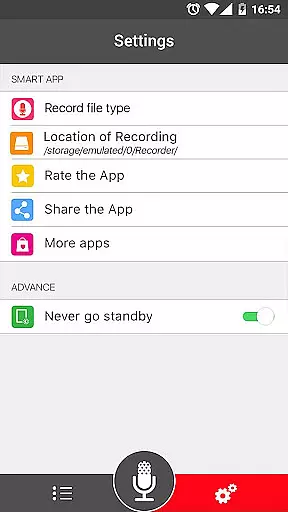

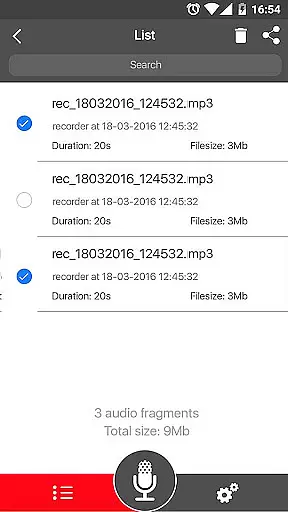
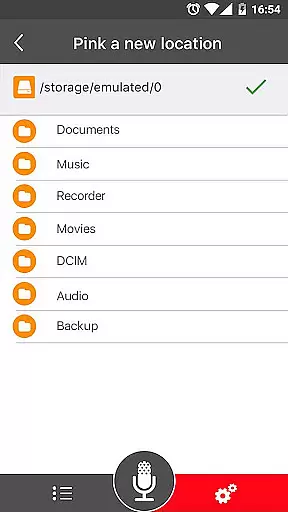
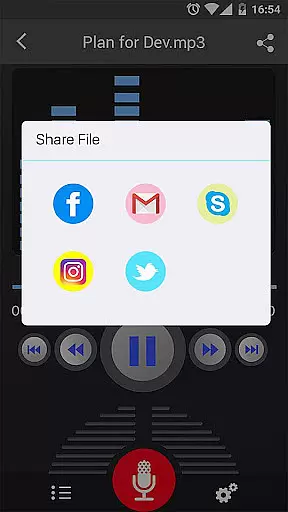
Voice Recorder is a top-tier audio recording application designed for users who require high-quality sound capture. This free app offers an intuitive interface and reliable performance, making it perfect for recording meetings, lectures, interviews, and more. With no time restrictions, you can capture extensive audio content effortlessly.
The app supports various features such as MP3 encoding with adjustable sample rates, live audio spectrum analysis, and background recording. These functionalities ensure that your recordings are not only clear but also versatile. Whether you're a student, professional, or hobbyist, Voice Recorder provides the tools necessary to manage and share your audio files efficiently.
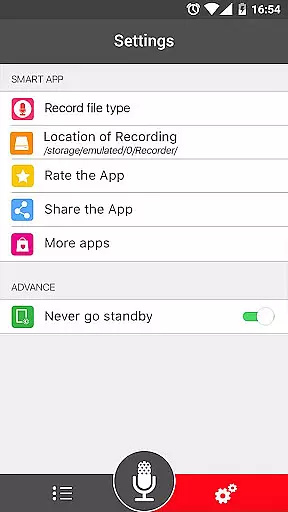
Voice Recorder stands out with its comprehensive feature set tailored for both casual and professional use. The app records in high quality, supporting formats like MP3 and OGG, which ensures compatibility across different devices and platforms. Its user-friendly interface allows even beginners to start recording with minimal learning curve.
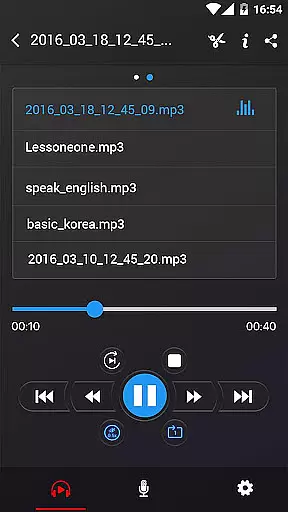
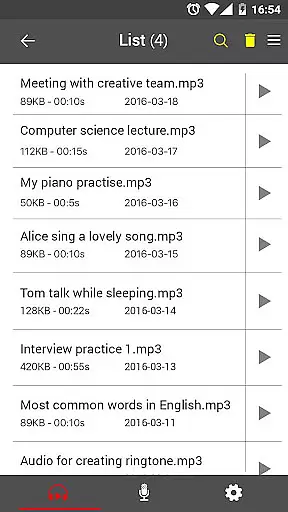
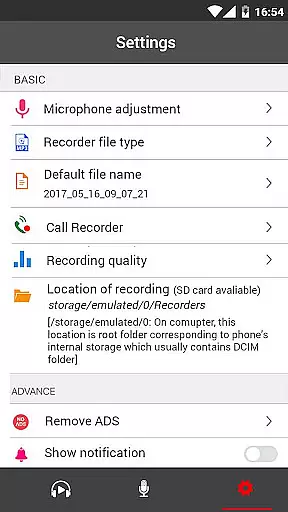
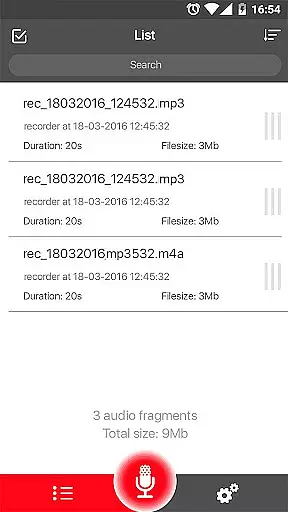
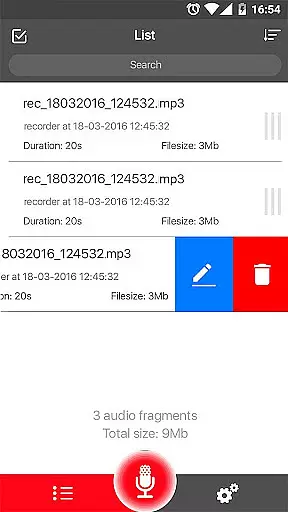
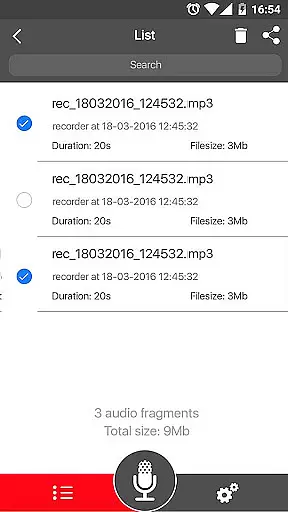
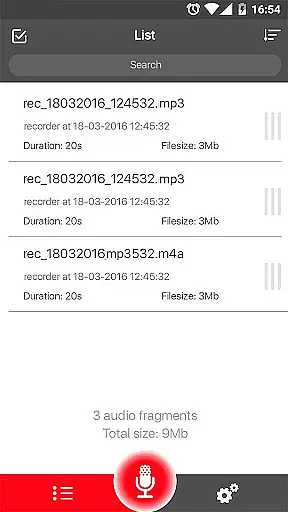
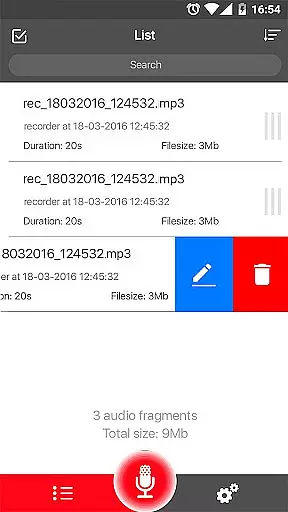
Advanced capabilities include a microphone gain calibration tool, pause/resume functionality during recording, and an easy-to-navigate recordings list. Additionally, users can share their recordings via email, SMS, social media, and cloud services like Dropbox. Although it doesn't support call recording, the robust set of features makes Voice Recorder a versatile choice for all your audio capturing needs.
Voice Recorder offers a comprehensive suite of features that ensure high-quality audio capture, making it an ideal choice for expanding your music library. With support for multiple formats such as MP3 and OGG, the app provides flexibility in recording and saving your audio files.
The application stands out by offering adjustable sample rates from 8 kHz to 44 kHz during MP3 encoding, which allows users to control the quality and file size of their recordings. This feature is crucial for maintaining a balance between storage efficiency and sound fidelity, especially when archiving large volumes of audio content.
Moreover, Voice Recorder's ability to record in the backgroundu2014even with the display offu2014ensures uninterrupted sessions, which is vital for live performances or lengthy lectures. The inclusion of a microphone gain calibration tool further enhances recording accuracy, ensuring each track meets professional standards.
One of the standout features of Voice Recorder is its emphasis on delivering top-notch audio quality options. The app supports high-quality recording, which is essential for capturing every nuance of sound, whether you're recording a business meeting, lecture, or musical performance.
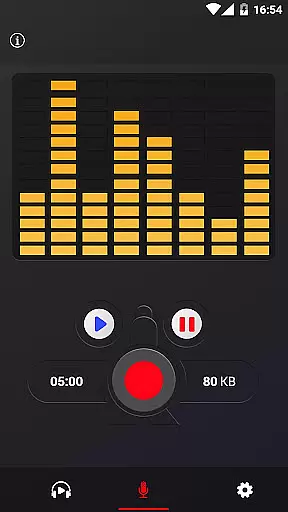
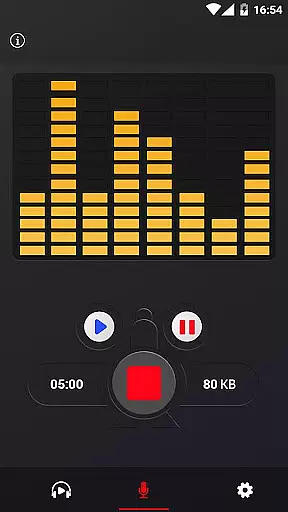
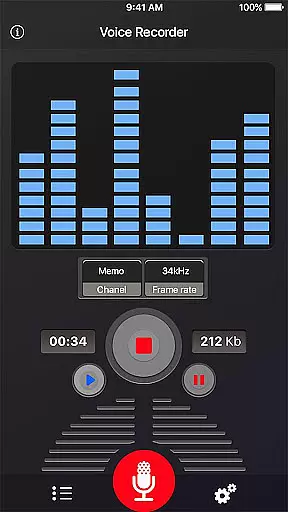
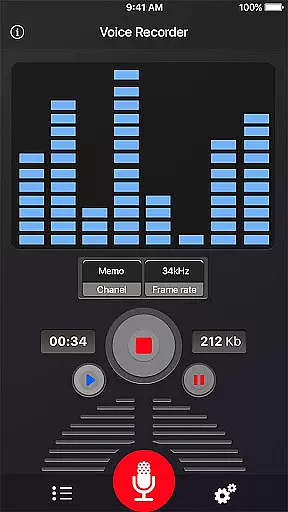
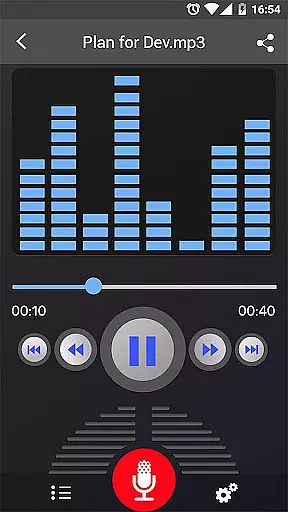
In addition to superior sound capture, the app includes a live audio spectrum analyzer. This tool allows users to monitor audio levels in real-time, providing valuable feedback to adjust recording settings for optimal results. Such precision ensures that all recordings maintain clarity and depth, enhancing the overall listening experience.
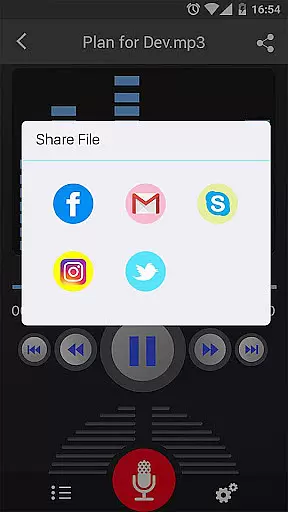
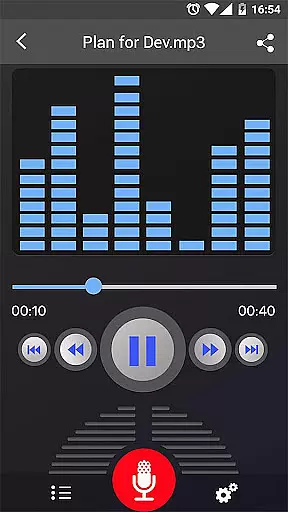
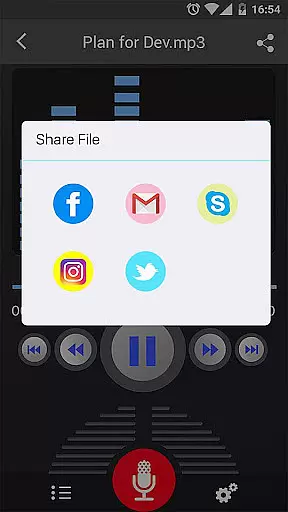
Voice Recorder also excels in user control over audio properties. Users can pause, resume, and cancel recordings, giving them the power to manage their audio projects effectively. These capabilities, combined with easy sharing options via email, SMS, social media, and cloud services, make Voice Recorder a versatile tool for anyone focused on achieving the best possible audio outcomes.
User-friendly interface
High-quality recordings
Background recording
Multiple sharing options
Free to use
No call recording
Limited format options
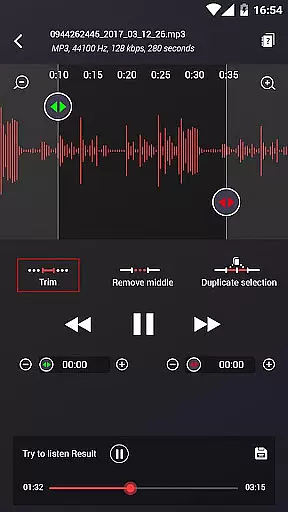
Basic editing tools
Occasional bugs
Ads present

A synth that really lets you shape your sounds!
 4.50
4.50
Simple & Intuitive Metronome
4.70
More downloads than any other metronome. Includes drum machine & tempo trainer.
4.80
Smart piano keyboard, Classical to Pop, Real-time multiplayer connection!
4.20
The official Sonos app
4.10
Turn your Android phone into a professional audio analyser with up to 120 bands.
4.00
Play KORG’s revolutionary touch-based instrument on a variety of devices.
4.40
Listen to offline music and sounds from all categories
4.70
Be a true music maker: create beats, mix and make music like a real DJ!
4.30
Tune in to the greatest hits on UK Radio | The home of Capital, Smooth & Heart.
4.90
Responsive piano with great sounds, graphics, and songs
4.80
Taal player that lets you sing any Indian & Western song with Tabla & Tanpura
4.60
AI Music Maker: Generate And Compose AI Tunes & AI Songs & AI Music & AI Melody!
4.60
A complete sound package for the sound engineer or enthusiast
4.60
Visualize the guitar fretboard, master scales & play through changes like a pro!
4.50
Advanced 10-Band Audio Graphic Equalizer Sound Booster Pro
4.30
Learn and play 2M+ music tabs & chords on guitar, ukulele, bass, and more
4.30
Powerful 10-Band equalizer pro with sound booster improves Android audio quality
4.30
The alternative folder based music player.
4.20


User Reviews