
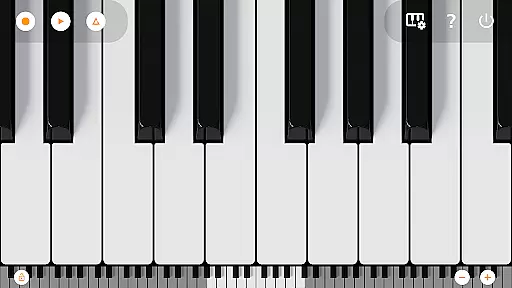
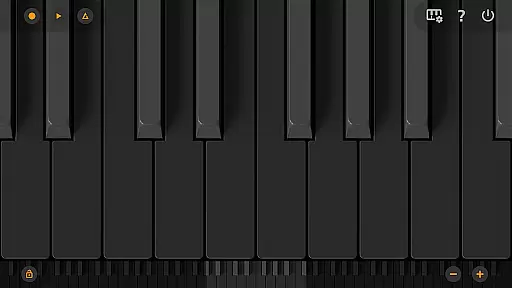
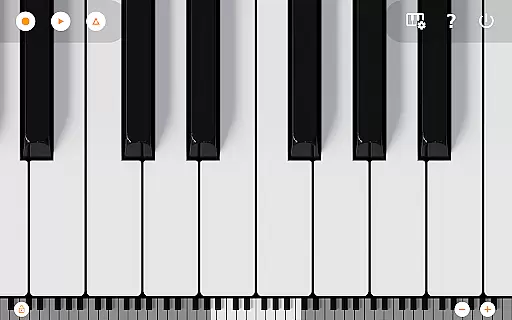
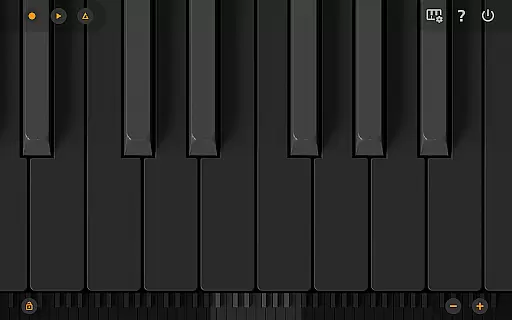
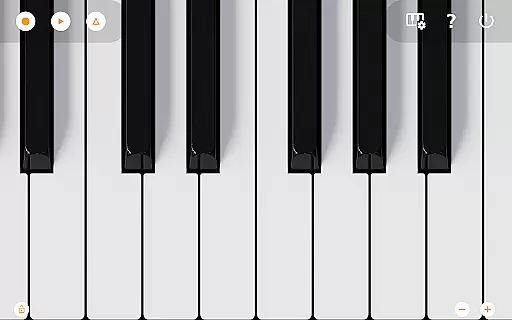
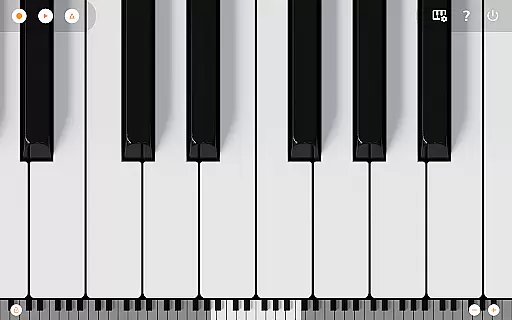
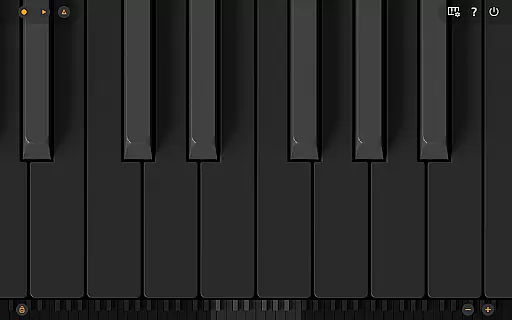
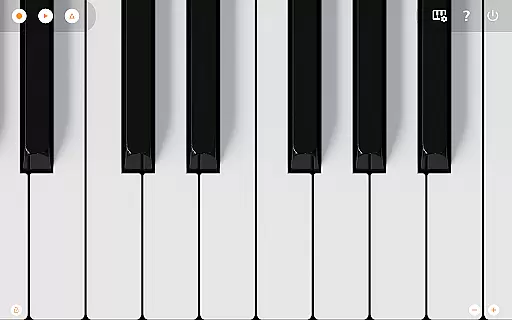
Mini Piano Pro is a premium piano application designed for Android devices, offering an exceptional playing experience with minimal install size. The app features a full 88-key zoomable and scrollable keyboard, providing users with a realistic piano-playing experience on their mobile devices. With various display modes including Dark Mode, it ensures optimal visibility and user comfort.
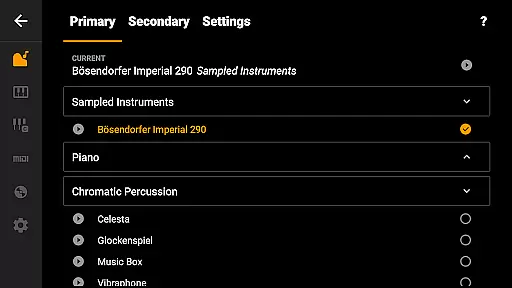
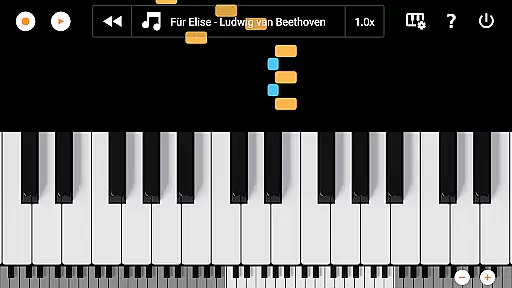
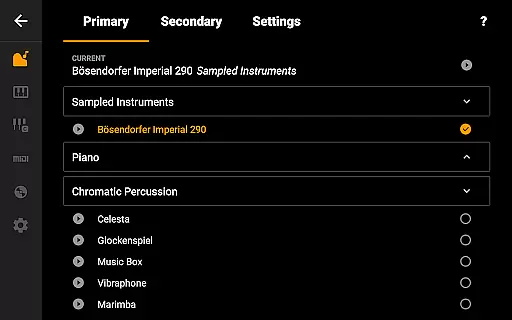
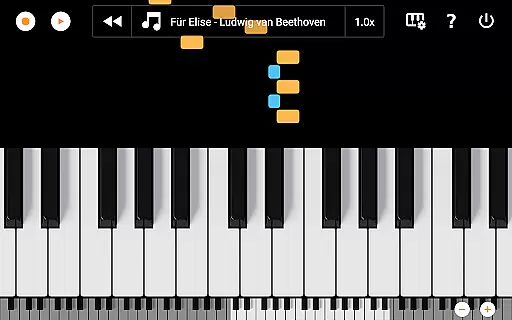
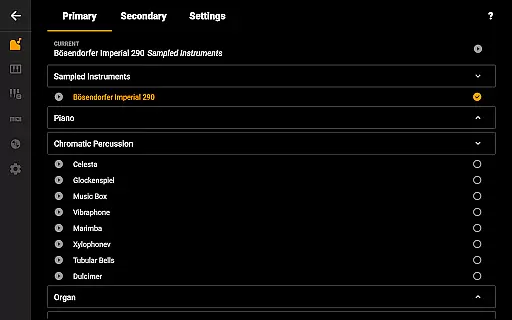
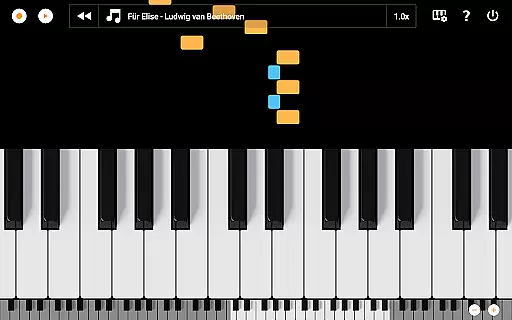
Beyond its core piano functionality, Mini Piano Pro includes 128 different instruments, allowing musicians to explore diverse sounds. Its intuitive design supports multitouch gestures, enabling natural play with all fingers. Users can record their performances as MIDI files and export them in multiple formats like MP3, AAC, or WAV. The app also offers a unique song mode with falling blocks to help users learn new songs effectively.
This Pro version stands out by being completely ad-free and not requiring internet permissions, ensuring privacy and uninterrupted practice sessions. Optimized for phones, tablets, and Chromebooks, Mini Piano Pro delivers a powerful musical tool that fits right in your pocket, making it perfect for both casual players and serious musicians.
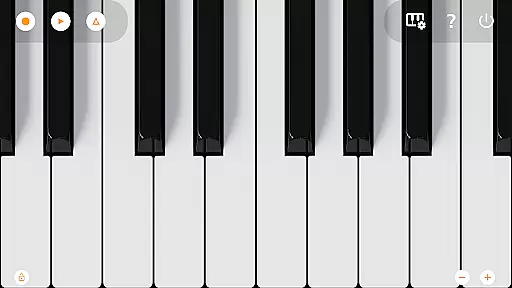
Mini Piano Pro distinguishes itself through its comprehensive feature set tailored for music enthusiasts. The app's 88-key keyboard mirrors a real piano, complete with high-quality sampled sounds that deliver an authentic acoustic experience. Its support for 128 MIDI sounds expands creative possibilities, catering to various musical genres and styles.
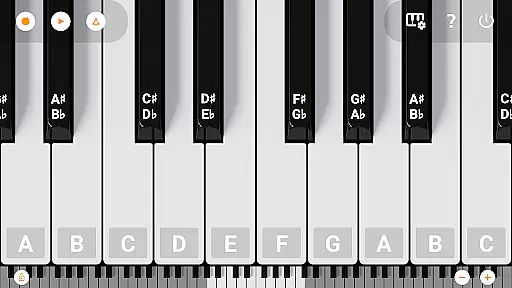
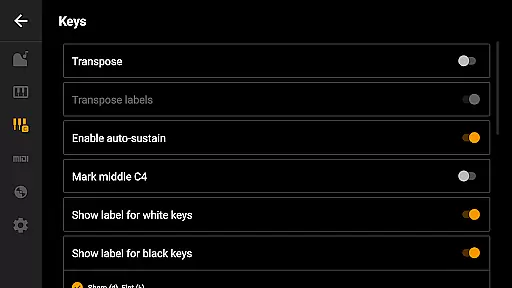
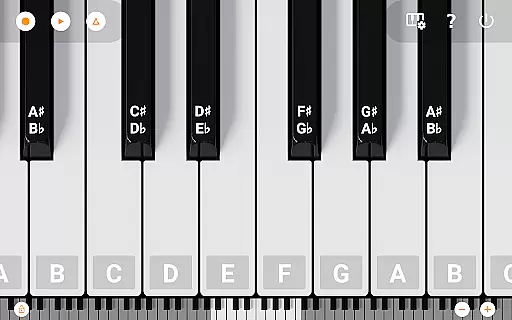
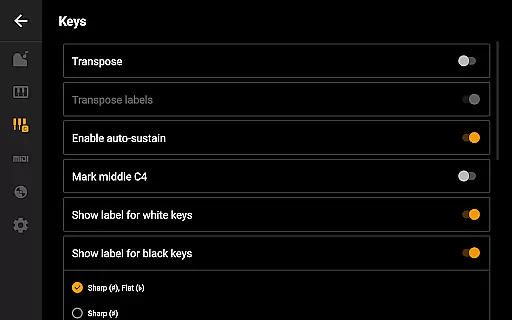
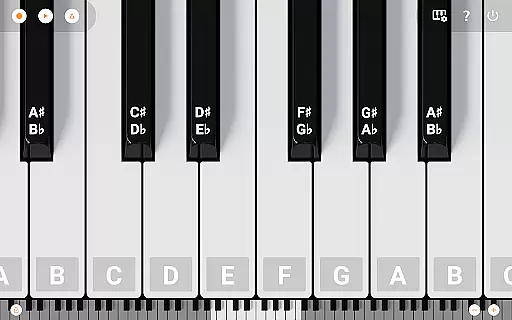
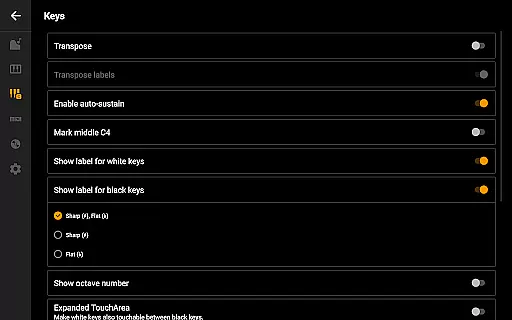
The app incorporates several innovative tools to enhance the playing and learning experience. A built-in song mode uses falling blocks to guide users in learning new pieces, while a metronome helps maintain consistent tempo during practice. Advanced customization options allow users to label notes, transpose the keyboard, and fine-tune it to specific frequencies. The app's recording capabilities enable musicians to capture their ideas and export them in professional audio formats.
Designed with modern devices in mind, Mini Piano Pro offers seamless integration across Android platforms. Its optimization for phone, tablet, and Chromebook ensures smooth performance and responsive touch controls. Additional features like Dark Mode support, MIDI input/output compatibility, and extensive customization options make this app a versatile tool for both amateur and professional musicians seeking a portable yet powerful musical companion.
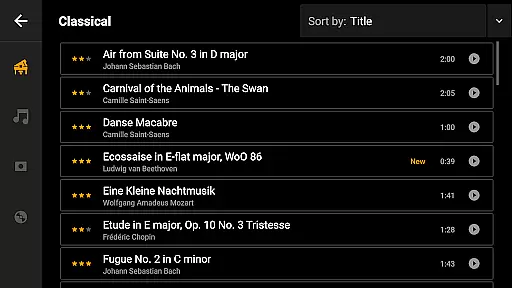
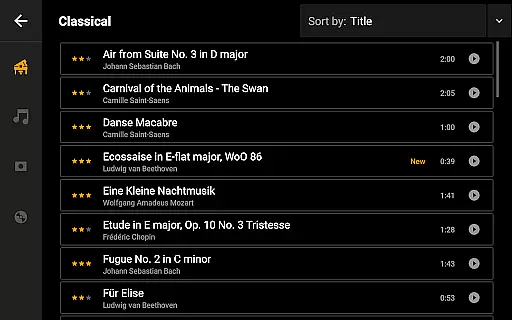
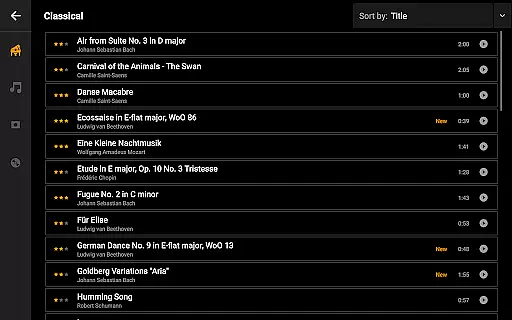
Mini Piano Pro offers an extensive music library that caters to a wide array of musical preferences. With 128 different MIDI sounds, the app provides users with a rich selection of instrument types, ensuring there is something for everyone.
The app's default instrument is a beautifully sampled piano sound that closely mimics the real deal, providing an authentic experience for users. This attention to detail in sound sampling underlines the app's commitment to copyright authenticity and delivers a high-quality auditory experience.
By including such a diverse range of sounds, Mini Piano Pro not only enhances user engagement but also guarantees that all the included music content is properly licensed. Users can trust that they are accessing a legal andu6b63u7248u97f3u4e50u5e93uff0cu786eu4fddu4e86u97f3u4e50u5185u5bb9u7684u5408u6cd5u6027u548cu9ad8u8d28u91cfu3002
Furthermore, the app's dedication to offering a vast and verified music library means that musicians and enthusiasts can explore different genres and styles without any legal concerns. This makes Mini Piano Pro a reliable tool for both practice and performance.
Mini Piano Pro stands out in its category by offering exceptional audio quality options that cater to audiophiles and casual users alike. The app includes a beautifully sampled piano sound that captures the nuances of an acoustic piano, providing a realistic playing experience.
Users have the ability to export their recordings in multiple high-quality formats such as MP3, AAC, or WAV. This flexibility ensures that musicians can choose the best format that suits their needs, whether it be for professional editing or personal enjoyment.
In addition to supporting various audio formats, the app allows for fine-tuning of the audio output. Features like transposing the keyboard by note or tuning it by Hz give users precise control over their sound, which is crucial for achieving the desired audio quality.
With these advanced audio quality options, Mini Piano Pro empowers users to produce studio-grade recordings directly from their mobile devices. This positions the app as a powerful tool for musicians who demand the highest standards in audio fidelity.
Realistic piano sound
Extensive instrument library
Ad-free experience
Multi-platform support
Professional export options
No iOS version available
Advanced features may overwhelm beginners
Limited social sharing options
Occasional performance issues on older devices
Learning curve for advanced functions

Gorgeous UI, Powerful music Search and Equalizer, the great choice for you!
 4.70
4.70
Bass Booster Pro takes auto-equalizing to the next level!
4.30
Super Sound Editor, Song Maker & Mixer, Vocal Remover, Voice Recorder & Changer!
4.60
No wifi music app. Mp3 offline. Tuner radio, young radio music. Music downloader
4.20
Help you quickly get started with Shokz headphones
4.40
The official Sonos app
4.10
Simple mp3 and mp4 player with advanced features.
3.40
A complete sound package for the sound engineer or enthusiast
4.60
Play KORG’s revolutionary touch-based instrument on a variety of devices.
4.40
Music, News & Sports Radio Tuner App. Tune in Live FM & AM Radio Stations.
4.80
Most Advanced AI Song Generator and Music Creator. Rap, Pop, Rock, Gospel & more
4.70
Simple & Intuitive Metronome
4.70
Unleash your creativity! Turn simple prompts into full fledged songs.
4.70
Offline Music Player&MP3 Player with themes, equalizer, lyrics, music play mode
4.60
Smart piano keyboard, Classical to Pop, Real-time multiplayer connection!
4.20
The only true audiophile music player with Hi-Fi audio rendering and DSP engine
3.90
Sheet music reader, piano & music note player. Play music score & learn to read.
3.90
Slow music down without changing pitch.
3.70
Control your MIDI USB or Bluetooth devices in app and avoid some trampling
3.30


User Reviews