
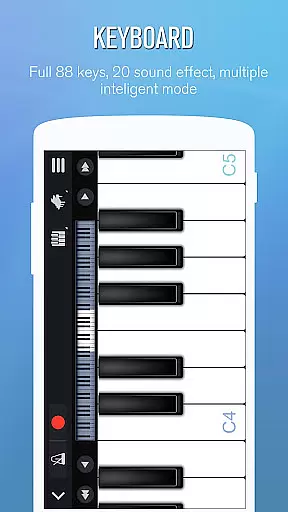
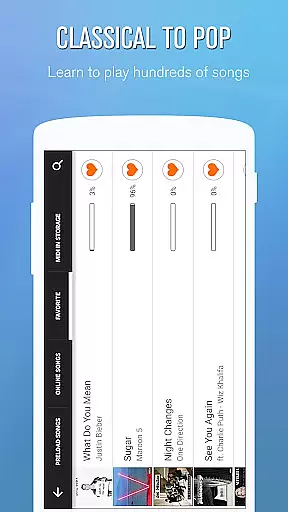
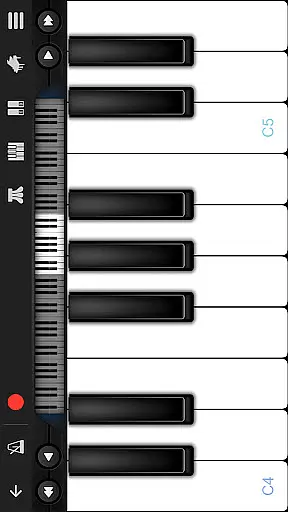
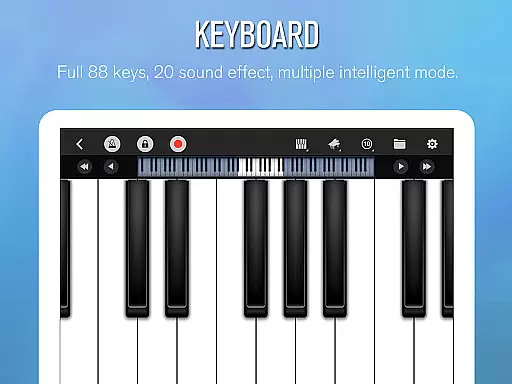
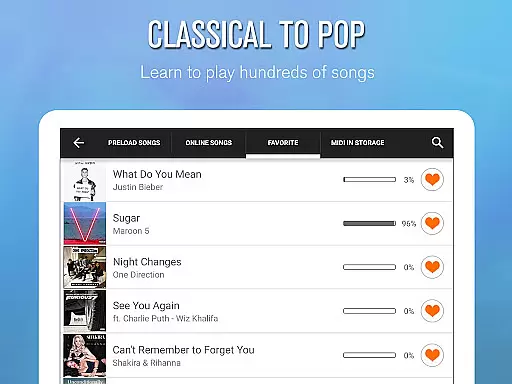
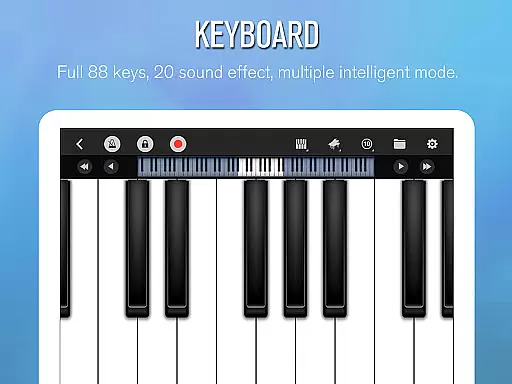
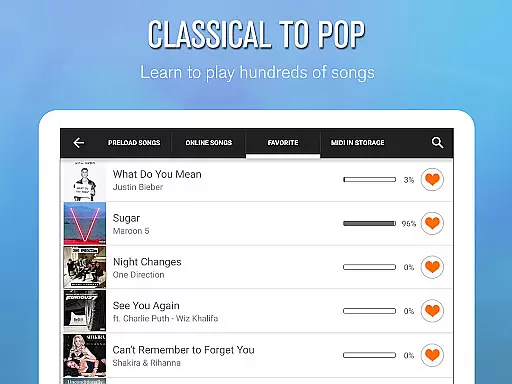
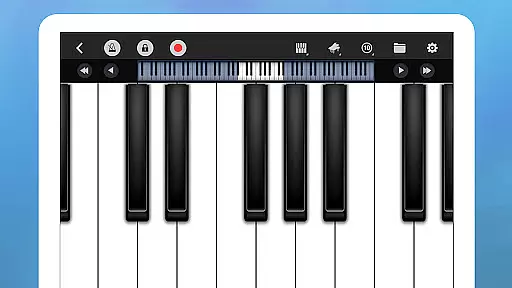
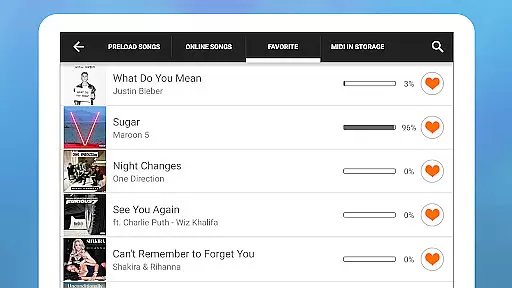
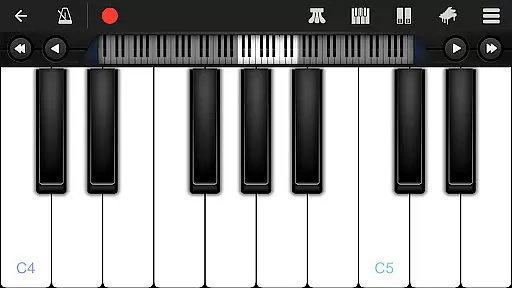
Perfect Piano is a feature-rich piano simulator designed for Android devices, offering an authentic piano-playing experience. With its 88-key intelligent keyboard and multiple play modes, users can enjoy a realistic piano timbre while learning to play thousands of popular music scores. The app supports various guidance patterns and difficulty adjustments, making it suitable for beginners and advanced players alike.
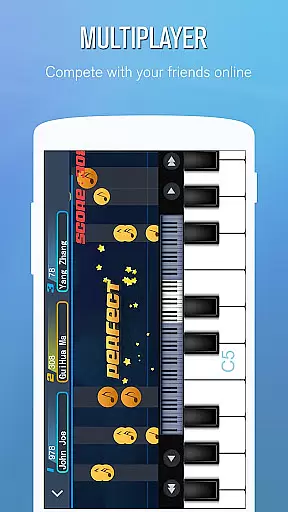
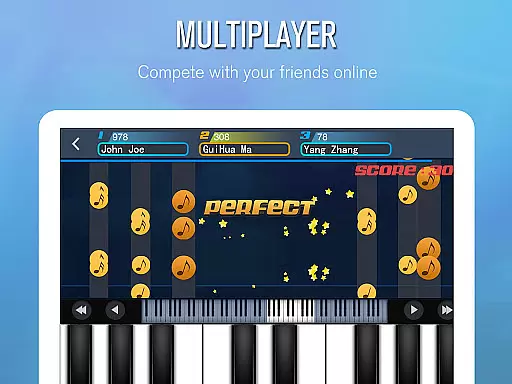
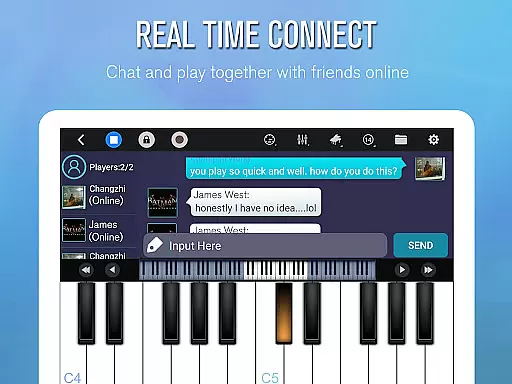
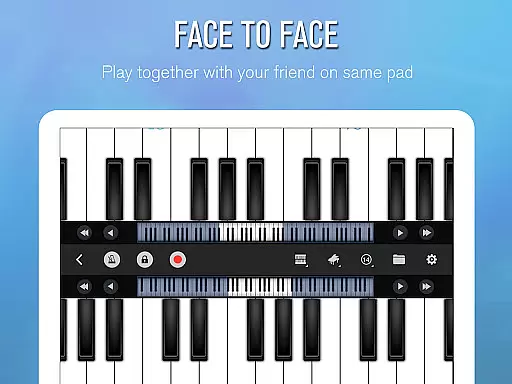
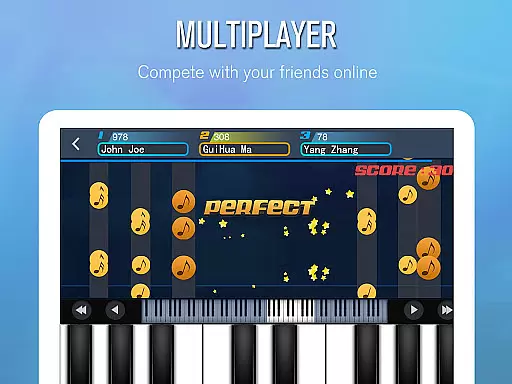
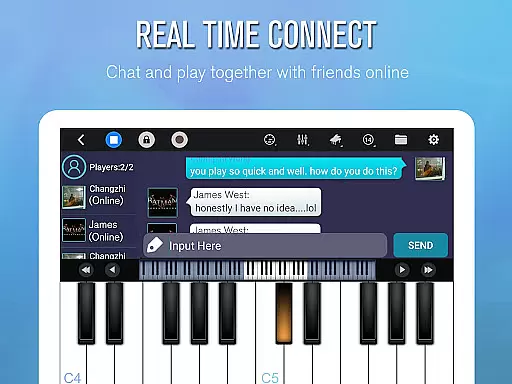
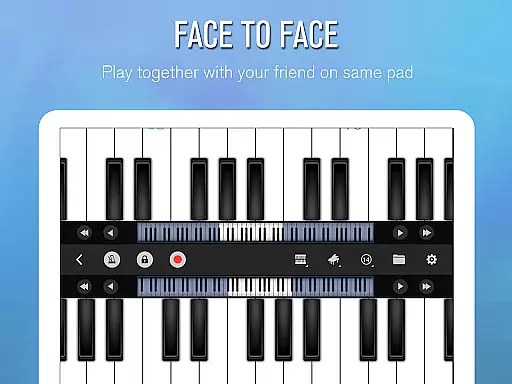
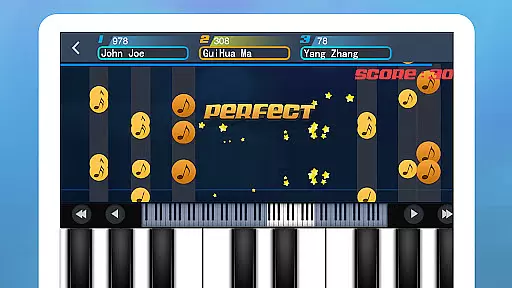
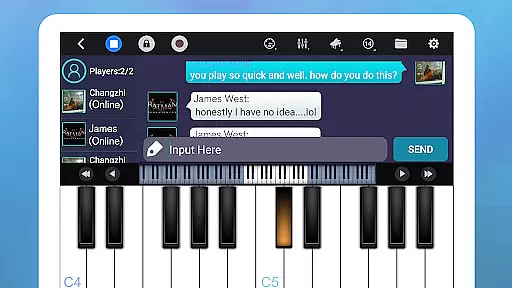
Beyond solo practice, Perfect Piano enables multiplayer connections, allowing users to collaborate with friends or compete with pianists worldwide. The app also supports USB MIDI keyboards and offers additional timbre plug-ins, expanding its versatility. Whether you're practicing scales or participating in weekly challenges, Perfect Piano provides the tools to elevate your musical journey.
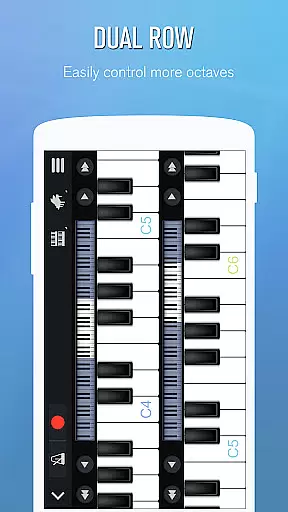
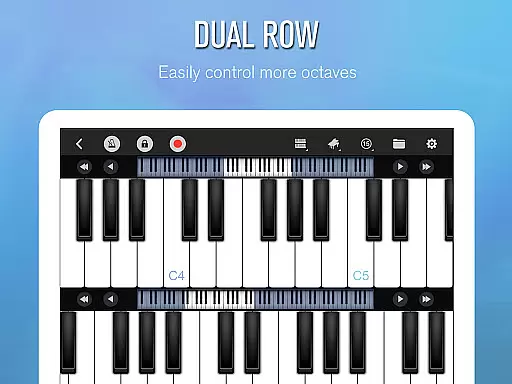
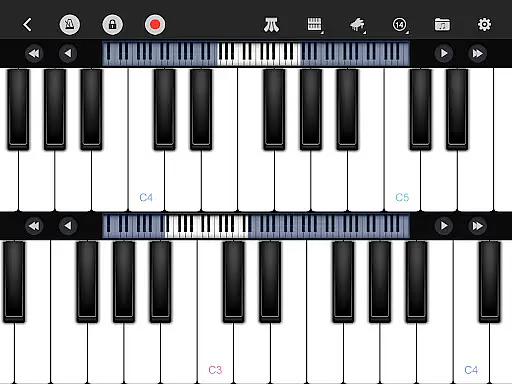
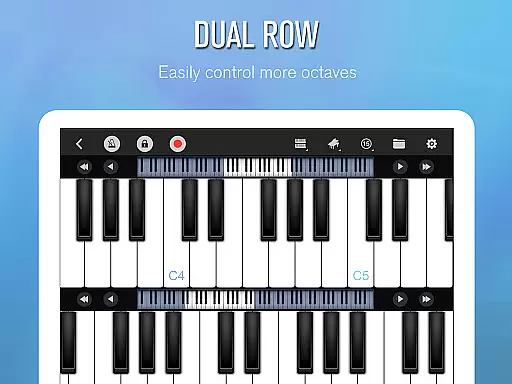
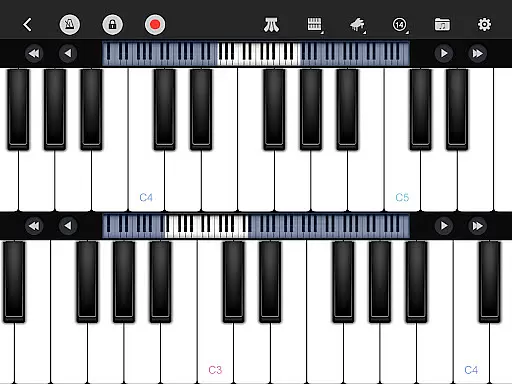
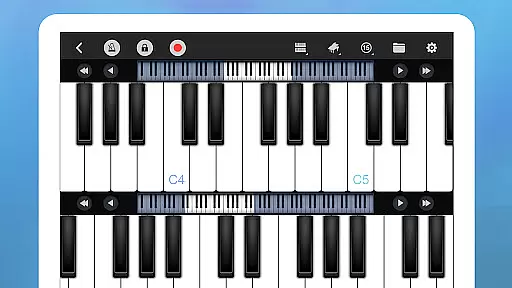
Perfect Piano stands out with its innovative features tailored for music enthusiasts. The app's intelligent keyboard includes single-row, double-row, and chords modes, alongside multitouch screen support and adjustable keyboard width. Users can choose from multiple sound effects, including Grand Piano and Pipe Organ, and utilize the built-in metronome for precise timing.
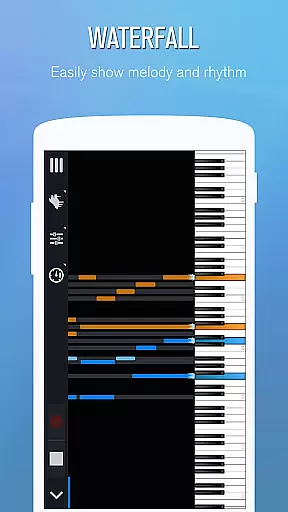
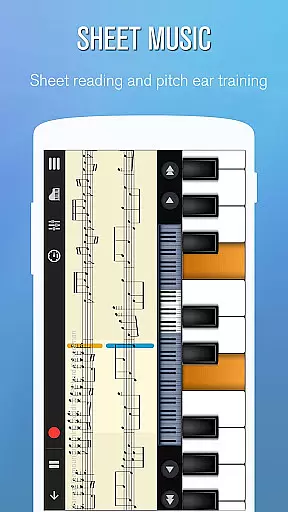
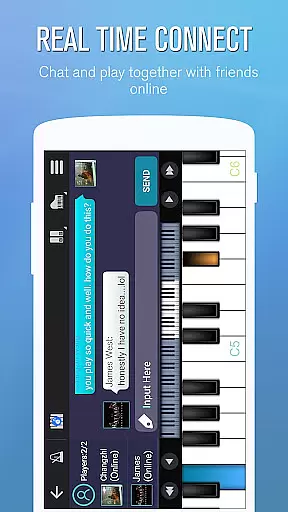
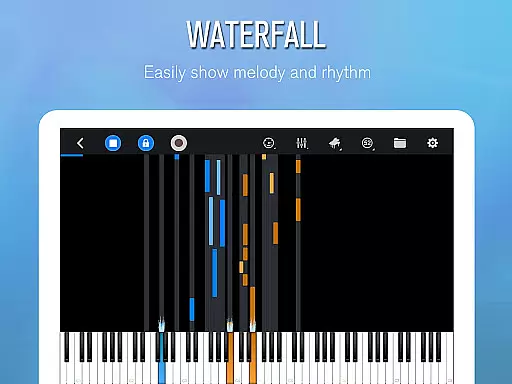
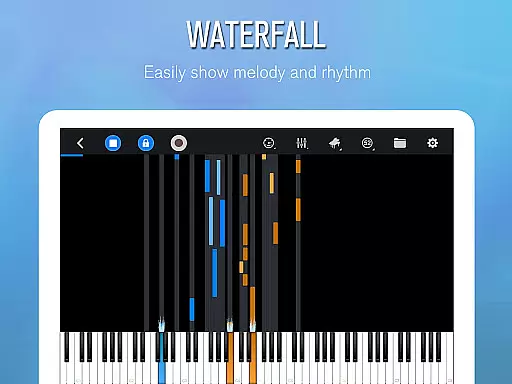
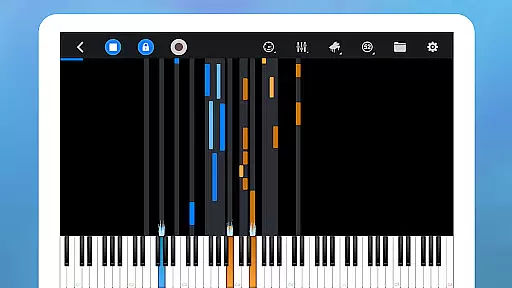
For learners, Perfect Piano offers three guidance patterns—falling note, waterfall, and music sheet—and adjustable play modes like auto-play and note pause. Its multiplayer functionality allows real-time collaboration and competition, complete with chat features and guild creation. Additionally, support for USB MIDI keyboards and free timbre plug-ins ensures a customizable and professional-grade experience.
Perfect Piano offers an extensive music library that caters to a wide range of musical tastes and preferences. With thousands of popular music scores available, users can explore various genres and styles, ensuring there's something for everyone.
The app places a strong emphasis on copyright authenticity, providing users with legally licensed content. This ensures that musicians and composers are properly credited and compensated for their work, giving users peace of mind while they learn and play their favorite tunes.
Additionally, Perfect Piano supports MIDI and MusicXML notation, allowing for the accurate representation of musical compositions. This feature is particularly beneficial for those who wish to study music in a more traditional and precise manner.
Perfect Piano stands out with its multiple high-quality audio options, delivering an authentic and immersive musical experience. The app includes various built-in sound effects such as Grand piano, Bright Piano, Music Box, Pipe Organ, Rhodes, and Synthesiser, each meticulously sampled to provide the most realistic sound possible.
For audiophiles and professionals, the support for MIDI and ACC audio recording is a significant advantage. Users can record their performances with exceptional clarity and fidelity, making it ideal for both practice and professional use.
Moreover, Perfect Piano utilizes OpenSL ES low latency audio support, which is currently in beta. This technology ensures minimal delay between playing a note and hearing it, thus enhancing the overall responsiveness and playability of the virtual instrument.
User-friendly interface
Wide range of sound effects
Supports MIDI keyboards
Multiplayer connectivity
Regular updates
Ads may disrupt focus
Premium features costly
Steep learning curve
Occasional bugs
Limited offline content

Make music anywhere. Turn your device into an instrument.
 4.1
4.1
The Skullcandy App Experience
3.20
Time Trainer: accurate metronome w tools to help you develop your internal time!
4.20
Gorgeous UI, Powerful music Search and Equalizer, the great choice for you!
4.70
Powerful beat maker & DJ mixer to remix tracks, make music, & perform DJ mix
3.70
Walkout Song DJ is the most intuitive app to manage your sports music.
4.70
Record, Mix & Master with all n-Track effects, 64-bit audio and Stem Separation.
4.70
No wifi music app. Mp3 offline. Tuner radio, young radio music. Music downloader
4.20
Get alarms that fit your lifestyle and wake up to the sounds you love.
4.80
Make songs with AI! Any genre, custom lyric, song generator for music creation!
4.80
Brian Eno and Peter Chilvers’ acclaimed music app Bloom, radically reinvented.
4.80
Simple & Intuitive Metronome
4.70
Unleash your creativity! Turn simple prompts into full fledged songs.
4.70
Taal player that lets you sing any Indian & Western song with Tabla & Tanpura
4.60
Save hundreds of dollars for a physical strobe tuner and instead use this app.
4.50
Formerly known as Spotistats! View your top tracks, artists, albums and more!
4.40
10-Band Audio Equalizer, Sound / Bass Booster for Spotify Users & Music Players
4.40
PowerAudio is a powerful offline music player.
4.20
Music Streaming suite for Ampache, Nextcloud Music and compatible backends.
4.3


User Reviews