

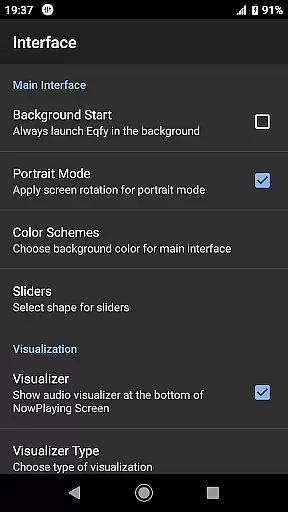
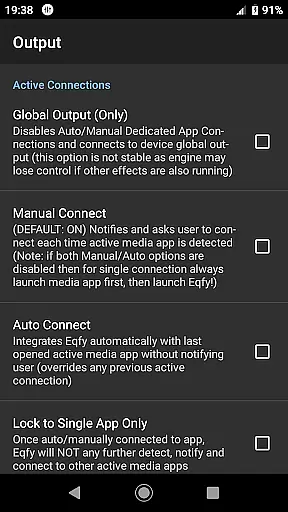
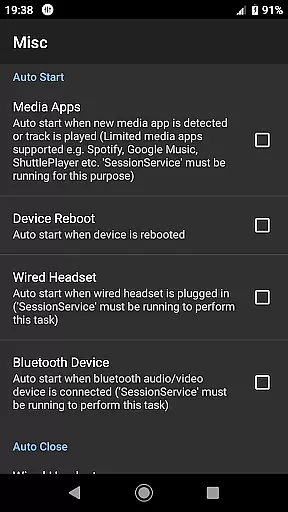
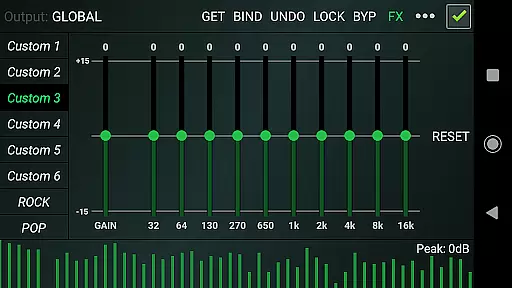
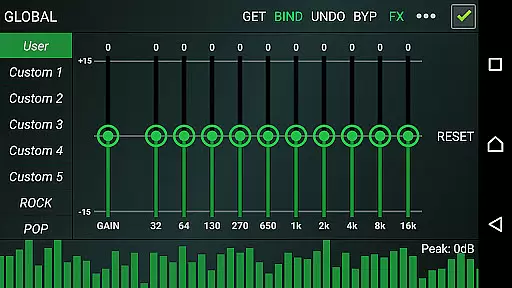
Eqfy Equalizer for Spotify is a powerful audio enhancement tool designed to elevate your music listening experience. This app works seamlessly with Spotify and other Android music applications, providing users with clear bass and treble adjustments that significantly improve sound quality.
The app features an advanced 'RE Equalizer' engine combined with an intuitive user interface, making it easy for anyone to use. Whether you're a casual listener or an audiophile, Eqfy allows you to customize audio output through its global support for various music apps including YouTube Music. With dedicated audio effects like Compressor, Amplifier, and Surround, the app ensures you get the best possible sound from your device.
Perfect for those who demand high-quality audio, Eqfy is ideal for enhancing your daily music sessions or creating an immersive environment during work or relaxation. Its ability to save custom presets makes it a versatile choice for all your audio needs.
Eqfy Equalizer offers a comprehensive suite of features that cater to both basic and advanced audio customization needs. The app includes a dedicated audio engine that supports equalizer and audio effects across multiple music players, ensuring consistent quality regardless of the source.
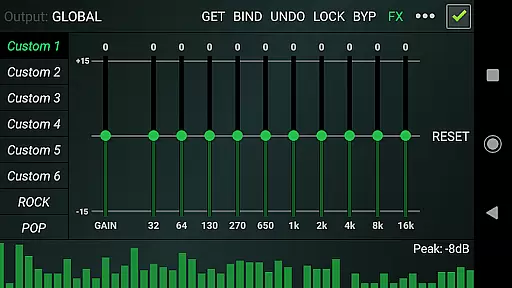
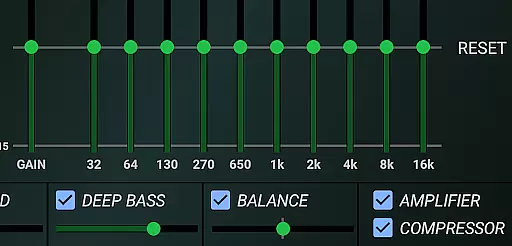
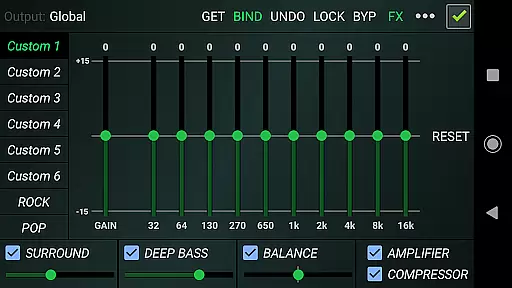
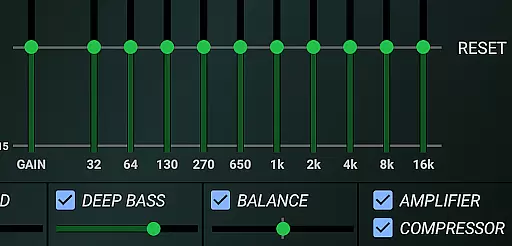
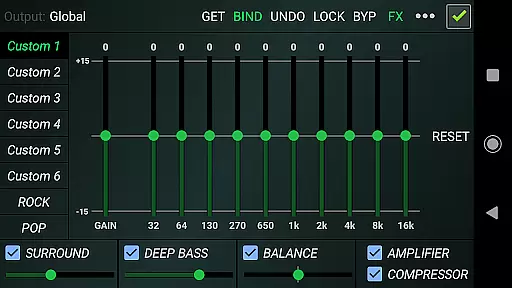
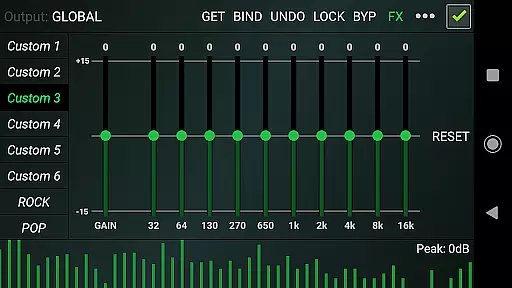
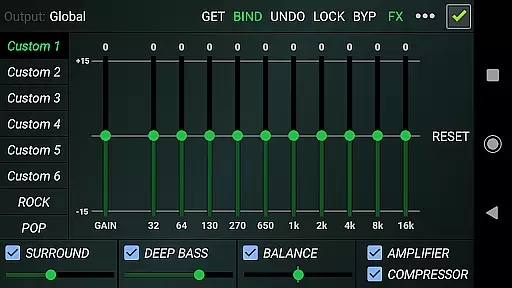
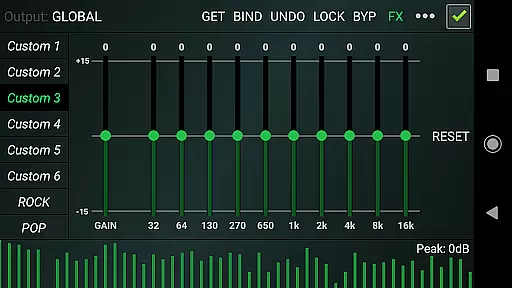
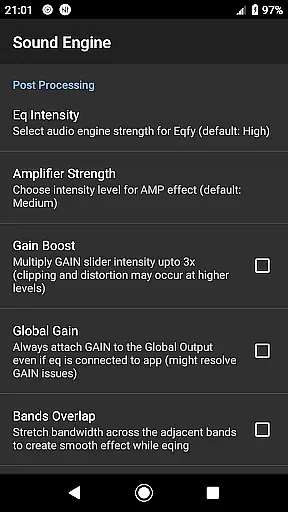
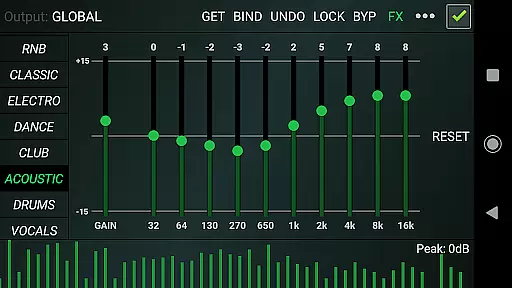
One of the standout features is the 10-Band equalizer with a powerful pre-amp Gain, allowing users to boost volume and enhance loudness. Additionally, the app provides optimized audio effects such as Deep Bass, Sound Balance for stereo channels, and a Music Visualizer with peak values. These tools enable precise control over your audio output.
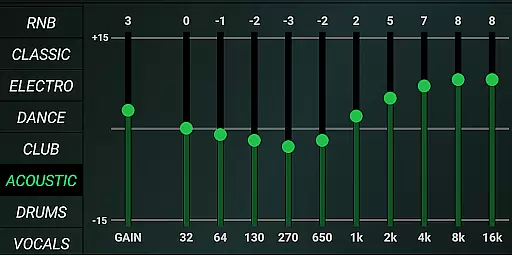
With 21 configurable presets including options like Rock, Pop, and Classic, users can quickly switch between different sound profiles. The app also supports saving and reading presets as files, offering flexibility and convenience. Its quick, responsive interface ensures a seamless user experience while managing these robust features.
Eqfy Equalizer for Spotify offers an extensive range of audio customization options that work seamlessly with a vast music library, including Spotify and other popular audio apps. This compatibility ensures users have access to a wide array of tracks across various genres.
The app's dedication to copyright authenticity is evident in its operation as a standalone third-party tool, respecting the integrity and legal framework of music distribution platforms like Spotify. It enhances the listening experience without infringing on intellectual property rights.
With over 21 configurable presets, including factory settings such as Rock, Pop, Classic, and Dance, users can tailor their audio experience to match the genre of music they are listening to, ensuring an authentic and high-quality sound reproduction.
Furthermore, Eqfy allows for user-created presets, which means listeners can save and share their unique sound profiles while still adhering to copyright laws, thus promoting a community-driven approach to music enhancement.
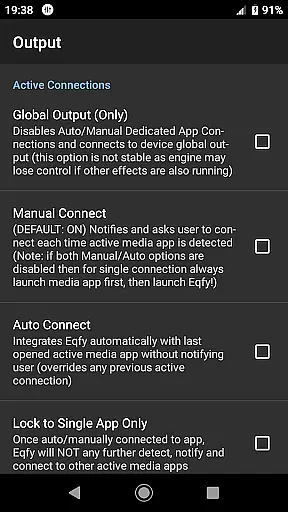
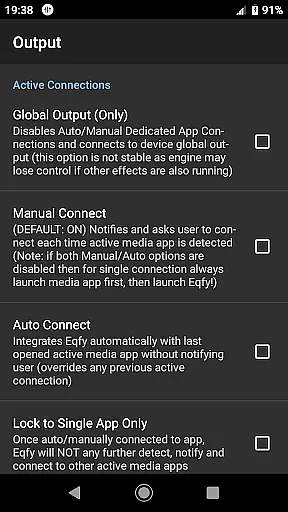
One of the standout features of Eqfy Equalizer for Spotify is its advanced 'RE Equalizer' engine, which provides exceptional audio quality options for discerning audiophiles. The dedicated audio engine supports a global output that works with Android music and audio apps, enhancing sound across different platforms.
Users can take advantage of the updated multi 10-Band equalizer with a powerful pre-amp gain, allowing for precise control over loudness and volume boost. This feature ensures that every note is heard with clarity, from the deepest bass to the clearest treble.
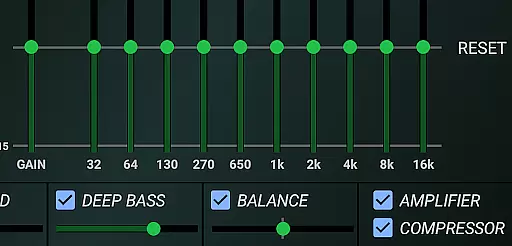
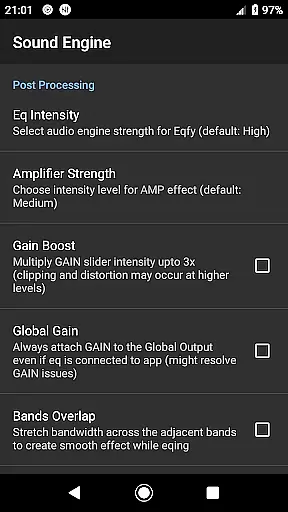
In addition to the equalizer, Eqfy offers optimized audio effects such as Compressor and Amplifier effects, Deep Bass (Bass Boost), Surround (Virtualizer), and Sound Balance for adjusting stereo channels. These tools provide users with the ability to fine-tune their listening experience according to personal preferences or specific audio requirements.
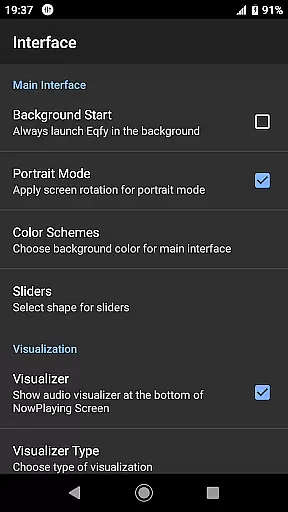
With a music visualizer displaying peak values and quick, responsive user interface, Eqfy delivers not only superior sound quality but also an engaging and intuitive way to interact with your music collection, making it a top choice for those seeking the best in class audio enhancements.
Enhances sound quality effectively
User-friendly interface
Wide compatibility with music apps
Customizable audio presets
Powerful 10-band equalizer
Requires manual adjustments
Limited free features
Occasional performance lags
No iOS version available
Third-party app integration

Turn your phone into a musical instrument from the future!
 3.90
3.90
Over 100 million tracks available for high quality streaming and download
4.60
Tune in to the greatest hits on UK Radio | The home of Capital, Smooth & Heart.
4.90
A synth that really lets you shape your sounds!
4.50
Background pads for your band
3.80
Permanently backup Now Playing. Maps, filters & listening stats.
4.00
Smart piano keyboard, Classical to Pop, Real-time multiplayer connection!
4.20
The original SP-1200 experience on your iPad
4.20
Versatile MP3 recorder with auto-backup to Dropbox and Google Drive
4.10
Walkout Song DJ is the most intuitive app to manage your sports music.
4.70
Recording studio w/ 10k beats, pro vocal FX and a network of 20M rappers & fans!
4.60
AI Music Maker: Generate And Compose AI Tunes & AI Songs & AI Music & AI Melody!
4.60
Visualize the guitar fretboard, master scales & play through changes like a pro!
4.50
Let your Android device with the sound effects you want
4.50
Master Salsa Rhythm quickly and with a lot of fun!
4.30
The only true audiophile music player with Hi-Fi audio rendering and DSP engine
3.90
Control your MIDI USB or Bluetooth devices in app and avoid some trampling
3.30
MilkDrop for Android TV
3.00
Music Streaming suite for Ampache, Nextcloud Music and compatible backends.
4.1


User Reviews