
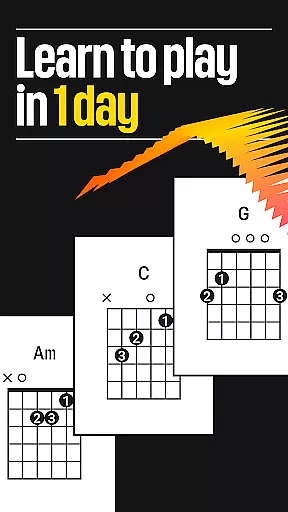
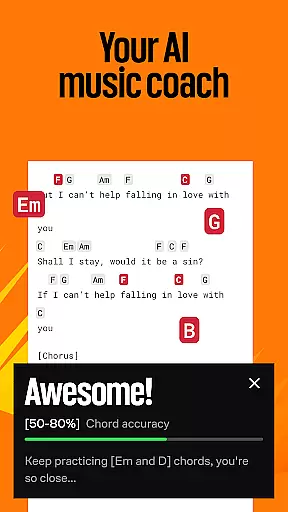


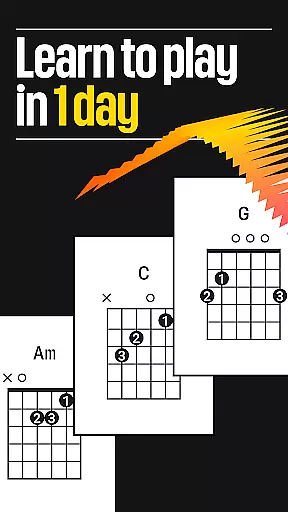
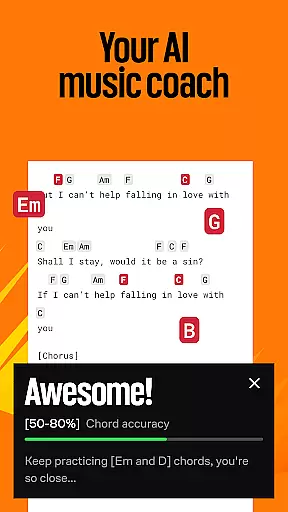


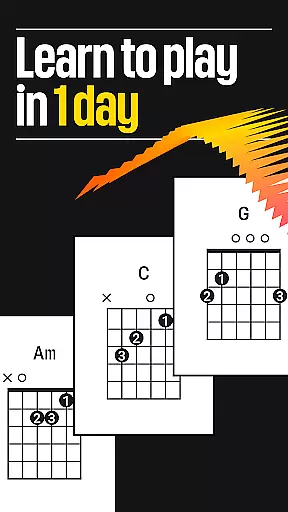
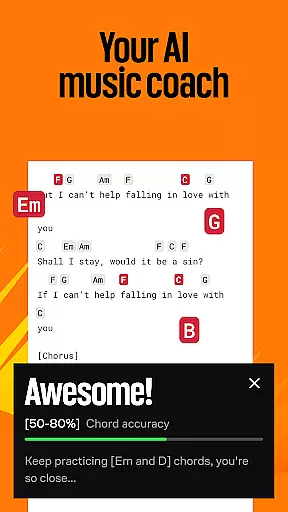


Ultimate Guitar is the ultimate music learning platform for musicians of all skill levels. With a vast library of over 2 million songs, including guitar tabs, bass tabs, ukulele chords, and lyrics, users can learn to play their favorite songs on various instruments such as guitar, bass, piano, ukulele, violin, drums, and vocals. The app offers personalized feedback, progress tracking, and tools like a built-in tuner, metronome, and customizable font settings.
Whether you're a beginner or a seasoned pro, Ultimate Guitar provides an immersive experience with features like offline access, left-handed mode, video playback for learning, and instant connections to Spotify and YouTube. The app also includes Pro features that offer access to official tabs, backing tracks, and Tonebridge presets, allowing users to play along with their favorite songs at their own pace.
Ultimate Guitar stands out with its comprehensive set of features designed to enhance the music learning experience. The app provides a rich library of songs across genres, with options to search by type, difficulty, tuning, and rating. Users can enjoy collections curated by professional guitarists and explore various guitar techniques.
One of the key highlights is the Pro subscription, which unlocks the full potential of the app. It includes access to 29,000+ Official Tabs with original sound and synchronized lyrics, 29,000 Tonebridge presets, and advanced learning tools like Practice Mode, Transposition, and SmartScroll. Additionally, UG Courses and UG Sing offer 230+ video lessons led by professional educators and interactive singing exercises with instant feedback, making it a complete music education tool.
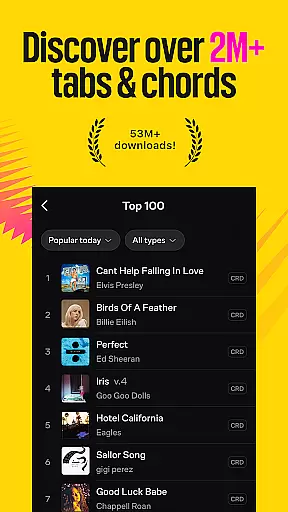
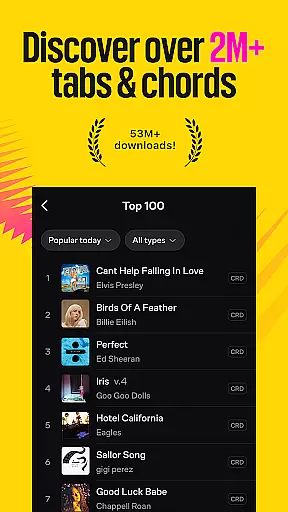
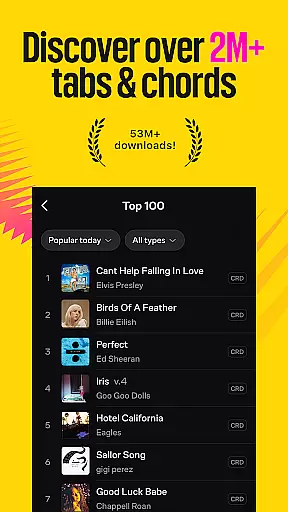
Ultimate Guitar boasts an extensive music library with over 2 million songs, offering a vast selection of guitar tabs, bass tabs, ukulele chords, and lyrics across any genre you can imagine. This immense collection ensures that musicians of all levels, from beginners to professionals, have access to their favorite tracks as well as new pieces to learn and master.
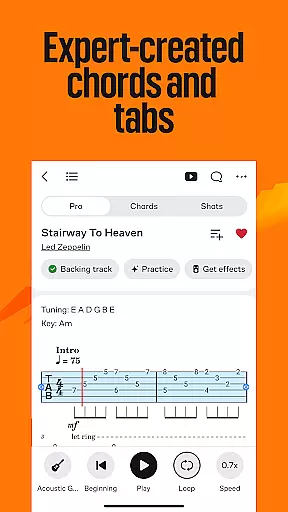
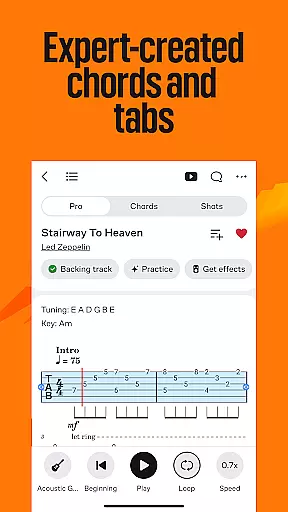
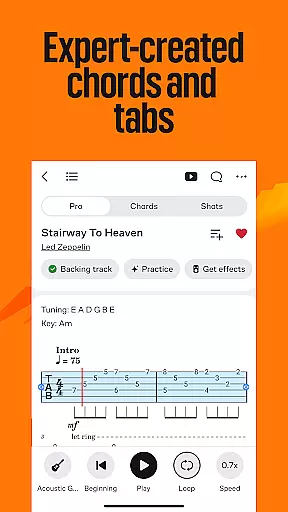
The app places a high priority on copyright authenticity, providing more than 29,000 Official Tabs that guarantee users are playing songs with accurate and legally recognized content. By including official backing tracks and synchronized lyrics, Ultimate Guitar not only respects intellectual property rights but also enhances the learning experience by allowing players to engage with original sound recordings.
For those seeking additional creative control, Ultimate Guitar offers personal tabs where users can edit chords, lyrics, or tabs to fit their unique style while still adhering to proper licensing protocols. This feature empowers musicians to customize their practice sessions without compromising legal integrity.
Moreover, the platform encourages community contributions by enabling users to create and upload their own tabs for others to enjoy. With this collaborative approach, Ultimate Guitar continues to expand its catalog responsibly, ensuring that every piece shared within the community meets both quality standards and copyright compliance.
When it comes to audio quality options, Ultimate Guitar excels in delivering pristine sound experiences through its integration with Tonebridge technology. Users gain access to 29,000 Tonebridge presets designed for popular songs, which allow them to replicate studio-grade tones directly from their mobile devices. These presets ensure that whether you're practicing alone or performing live, your instrument will always sound polished and professional.
In addition to tone presets, the app supports video playback features such as backing tracks and synchronized lyrics, enhancing the overall auditory experience during practice sessions. Musicians can play along with these high-quality audio files, adjusting tempos using the built-in metronome to match their skill level and gradually build confidence in their performance abilities.
Another standout feature is SmartScroll, which scrolls automatically while you play, keeping pace with your performance and eliminating distractions caused by manual scrolling. Combined with Autoscroll functionality, this creates a seamless environment where musicians can focus entirely on honing their craft without interruption.
Furthermore, Ultimate Guitar's compatibility with Spotify and YouTube allows users to find chords and tabs for songs they love quickly. By connecting instantly to these platforms, players can enjoy uninterrupted streaming of their favorite tunes while following along with precise tablature, resulting in an immersive musical journey that caters to both casual listeners and dedicated learners alike.
Extensive song library
Personalized feedback
Offline access
Left-handed mode
Pro learning tools
Pro features require subscription
Some content may be user-generated
Advanced tools only in Pro
Interface can be complex
Limited free resources

Fun & Easy Voice Changer – Record, Edit & Add Hilarious Effects!
 4.50
4.50
10-Band Audio Equalizer, Sound / Bass Booster for Spotify Users & Music Players
4.40
Taal player that lets you sing any Indian & Western song with Tabla & Tanpura
4.60
A synth that really lets you shape your sounds!
4.50
Walkout Song DJ is the most intuitive app to manage your sports music.
4.70
Visualize the guitar fretboard, master scales & play through changes like a pro!
4.50
The official Sonos app
4.10
Offline Music Player & MP3 Player.Powerful equalizer, Lyrics, Themes, Tag Editor
4.80
Play KORG’s revolutionary touch-based instrument on a variety of devices.
4.40
Most Advanced AI Song Generator and Music Creator. Rap, Pop, Rock, Gospel & more
4.70
Guzheng Master supports many playing techniques as an acoustic Guzheng
4.50
Help you quickly get started with Shokz headphones
4.40
Ringtone Maker is free app create ringtone from music files or your recording.
4.40
A High-Precision Audio Spectrum Analysis App
4.20
VB-AUDIO Software / VBAN-Receptor allows listening to any VBAN Streams
4.10
Simple mp3 and mp4 player with advanced features.
3.40
Make music anywhere. Turn your device into an instrument.
4.0
Remove ads permanently from Music Visualizer
4.3
Music Streaming suite for Ampache, Nextcloud Music and compatible backends.
4.3


User Reviews