

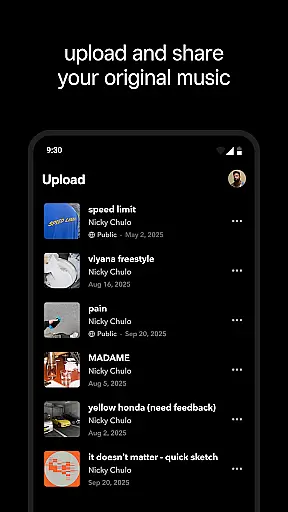

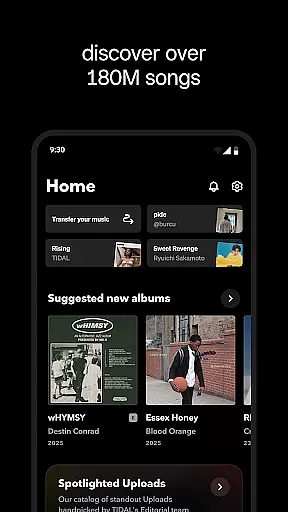
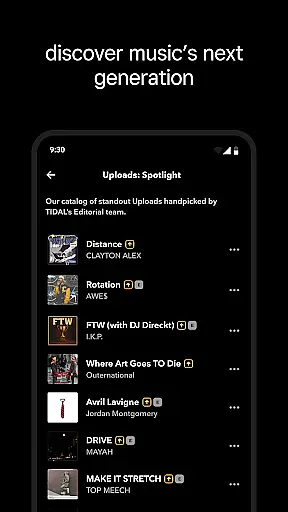
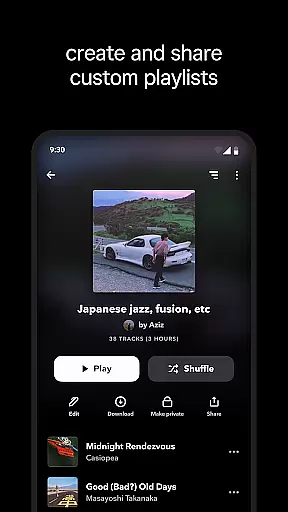

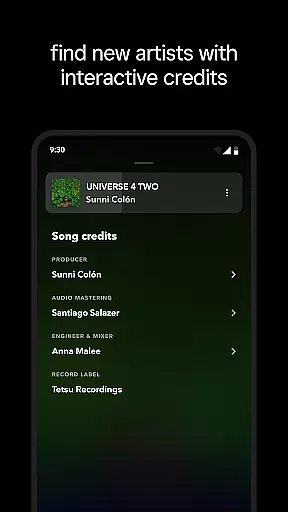
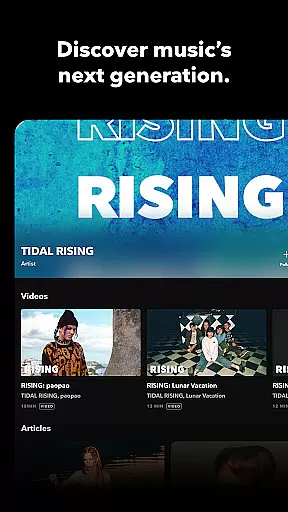
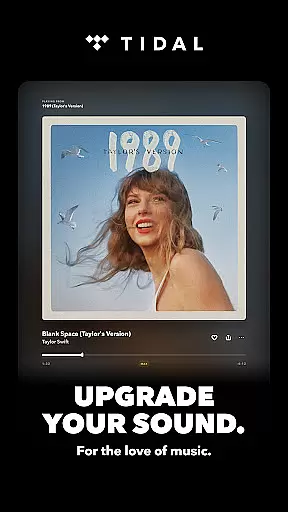
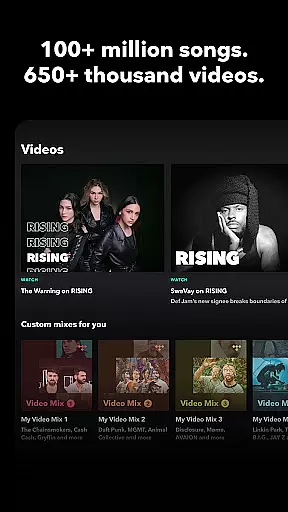
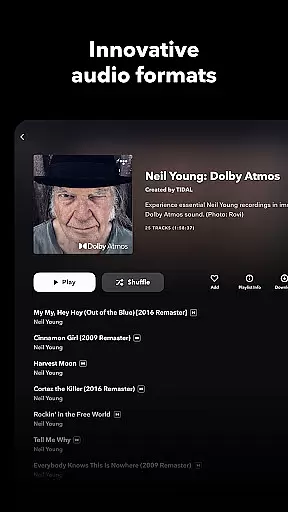
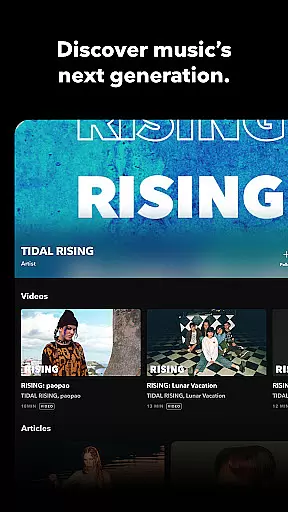
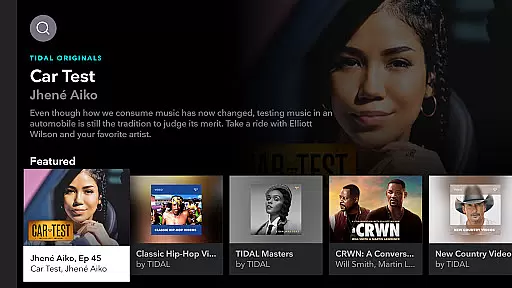

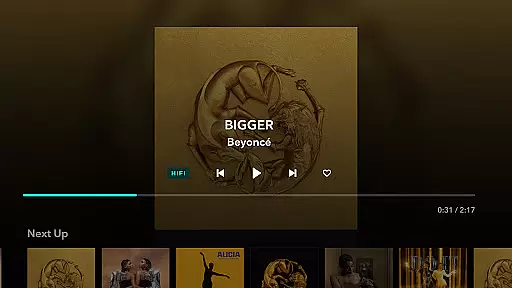
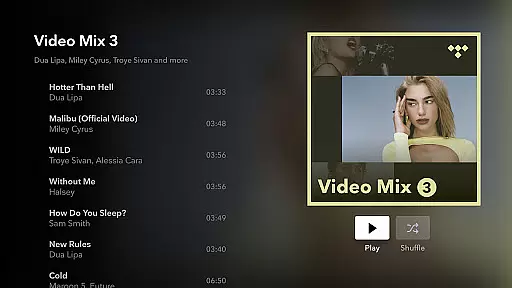
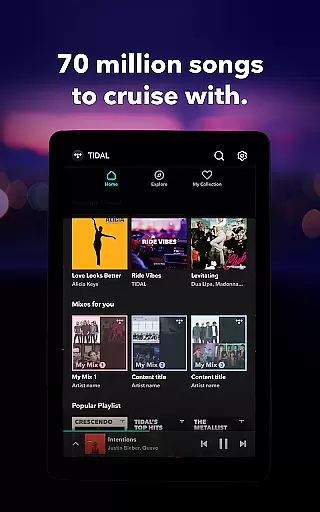

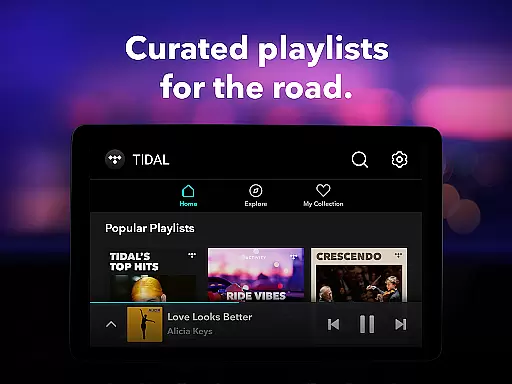
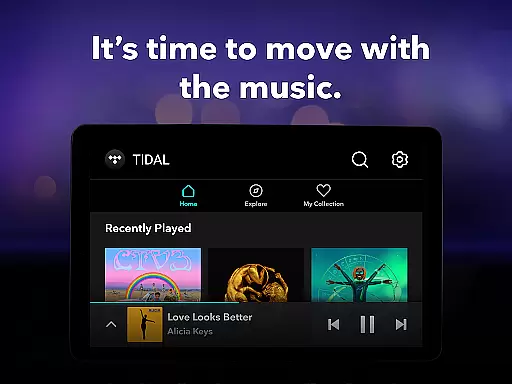
TIDAL Music is a premium music streaming service that offers an extensive library of tracks, albums, and playlists across multiple genres. With its focus on high-fidelity audio quality, TIDAL provides users with an immersive listening experience through HiRes lossless sound up to 24-bit, 192 kHz, and Dolby Atmos. Whether you're commuting, working out, or relaxing at home, TIDAL ensures your favorite songs sound richer and more detailed than ever before.
One standout feature of TIDAL is its offline mode, which allows users to download their favorite content for uninterrupted playback without requiring an internet connection. Additionally, personalized recommendations and curated playlists help listeners discover new music tailored to their preferences. The app also supports features like TIDAL Connect, enabling seamless playback on compatible devices in lossless quality. With subscription plans including Individual, Family, and Student options, TIDAL caters to diverse user needs while offering a 30-day free trial for newcomers.
TIDAL stands out among music streaming platforms due to its commitment to delivering superior audio quality. It streams music in HiRes formats such as FLAC, ensuring every note sounds crisp and true to the artist's original recording. This makes it ideal for audiophiles who demand the best possible sound experience. Beyond just high-quality streaming, TIDAL incorporates advanced discovery tools, including personalized mixes based on individual listening habits and editorially curated playlists that highlight trending tracks and hidden gems.
Another key feature is TIDAL's offline functionality, allowing users to download songs, albums, or playlists directly onto their devices for later access without needing Wi-Fi or cellular data. For those who enjoy sharing their musical tastes, TIDAL includes social integration features, letting users share what they’re listening to via social media platforms. Furthermore, TIDAL Connect enhances convenience by enabling users to stream music wirelessly to supported speakers or devices. These robust features make TIDAL not only a powerful tool for enjoying music but also a platform designed to enhance exploration and connectivity within the global music community.
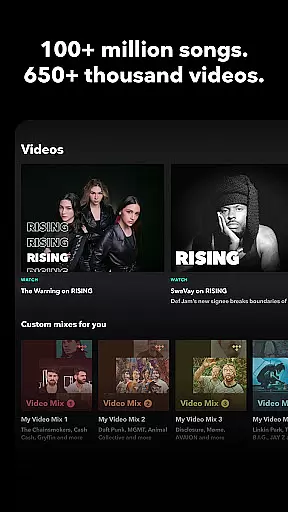
When it comes to digital music platforms, the size and authenticity of the music library are crucial factors for users. TIDAL Music boasts an extensive collection of millions of songs and albums spanning various genres. This vast library ensures that users have access to a diverse range of music, from mainstream hits to niche tracks, catering to all musical tastes.
The platform places a strong emphasis on copyright authenticity, ensuring that all tracks are properly licensed and sourced from legitimate providers. This commitment to legal compliance not only protects artists' rights but also guarantees users a reliable and trustworthy listening experience. By prioritizing copyright integrity, TIDAL maintains high standards of content quality and legitimacy.
For music enthusiasts, having access to such a comprehensive and legally sound music library means endless possibilities for exploration and enjoyment. Whether you're looking to rediscover classic favorites or explore new releases, TIDAL's extensive catalog offers something for everyone. The assurance of copyright authenticity further enhances user confidence in the platform.
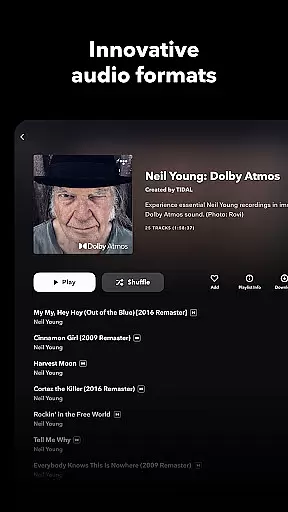
Audio quality is a defining feature of any music streaming service, and TIDAL Music excels in this area by offering exceptional sound fidelity. With support for HiRes lossless audio quality up to 24-bit, 192 kHz, and Dolby Atmos, TIDAL delivers an immersive listening experience that captures every detail of the original recording. This level of audio precision appeals to audiophiles who demand the best possible sound reproduction.
In addition to its high-fidelity streaming capabilities, TIDAL provides users with multiple audio quality settings to suit different preferences and network conditions. Whether you're using high-end headphones or standard earbuds, you can customize your listening experience by adjusting the bitrate and format according to your device's capabilities and your personal taste.
This flexibility in audio quality options ensures that users can enjoy their favorite music at optimal settings regardless of their equipment or internet connection. For those who appreciate superior sound quality, TIDAL's advanced audio features represent a significant advantage over other streaming services, making it a top choice for discerning listeners.
High-fidelity audio
Offline downloads
Personalized playlists
Family plan option
Dolby Atmos support
No free tier
Limited podcast selection
Higher cost
Complex interface
Fewer exclusives

Fun & Easy Voice Changer – Record, Edit & Add Hilarious Effects!
 4.50
4.50
Make music anywhere. Turn your device into an instrument.
4.4
Remove ads permanently from Music Visualizer
4.5
DJ Music Mixer - DJ Remix: remix songs, make beat music & record mix of DJ.
4.40
Powerful beat maker & DJ mixer to remix tracks, make music, & perform DJ mix
3.70
Simple & Intuitive Metronome
4.70
Enjoy singing any song, no matter how high or low it is
4.30
Let your Android device with the sound effects you want
4.50
Responsive piano with great sounds, graphics, and songs
4.80
Tune in to the greatest hits on UK Radio | The home of Capital, Smooth & Heart.
4.90
Play your hearts out on TouchTunes jukeboxes & connect with fellow music lovers.
4.80
Listen to live FM radio stations, sports, music and news on global radios online
4.70
Over 100 million tracks available for high quality streaming and download
4.60
A complete sound package for the sound engineer or enthusiast
4.60
A synth that really lets you shape your sounds!
4.50
Learn and play 2M+ music tabs & chords on guitar, ukulele, bass, and more
4.30
The alternative folder based music player.
4.20
Smart piano keyboard, Classical to Pop, Real-time multiplayer connection!
4.20
Sheet music reader, piano & music note player. Play music score & learn to read.
3.90


User Reviews